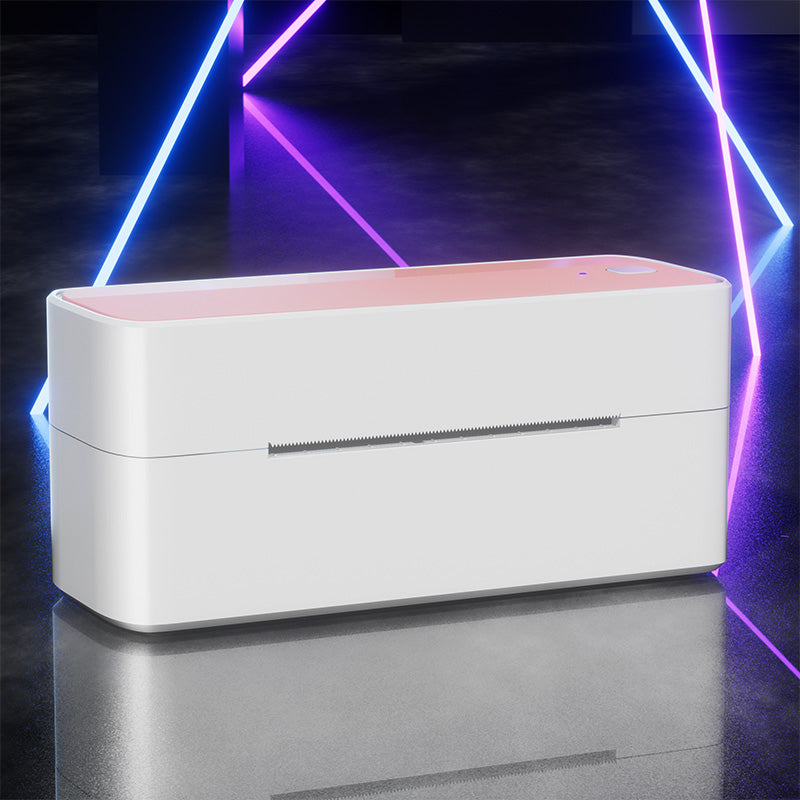
 Phomemo PM241-BT Bluetooth Shipping Label Printer
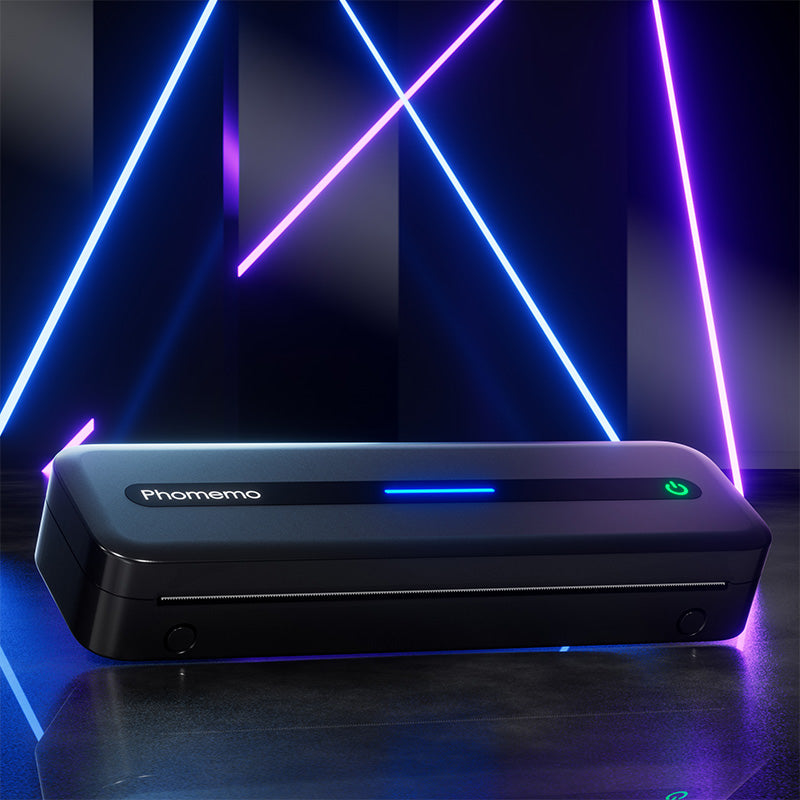 Phomemo M832 Upgrade Thermal Portable Printer
 Phomemo T02 Inkless Mini Printer
 Phomemo M220 Bluetooth Portable Thermal Business Label Maker
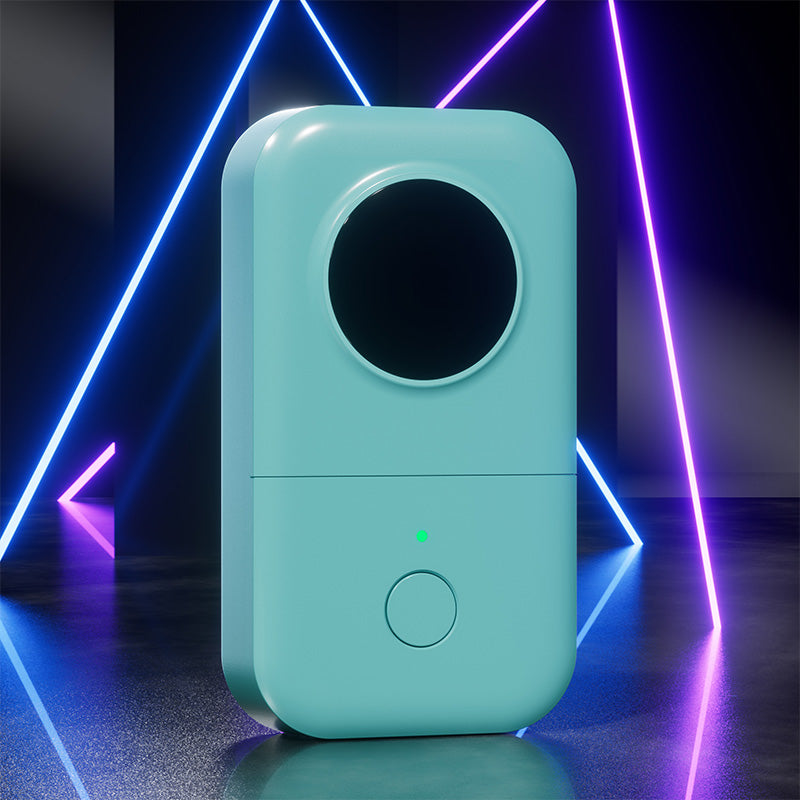 Phomemo D30 Portable Bluetooth Home Label Maker
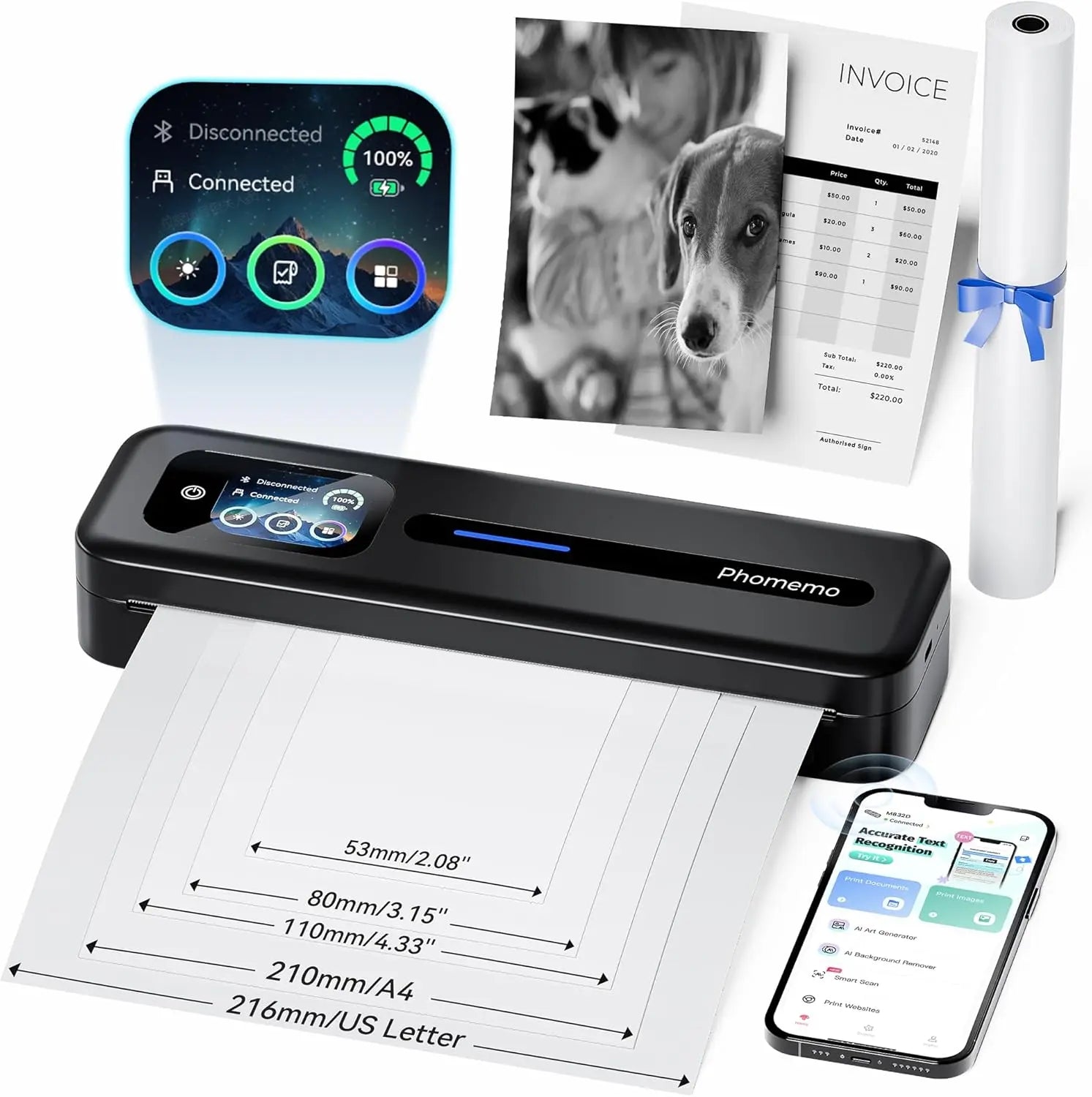 Phomemo Thermal Portable Printer M832D Upgraded Direct Touchscreen
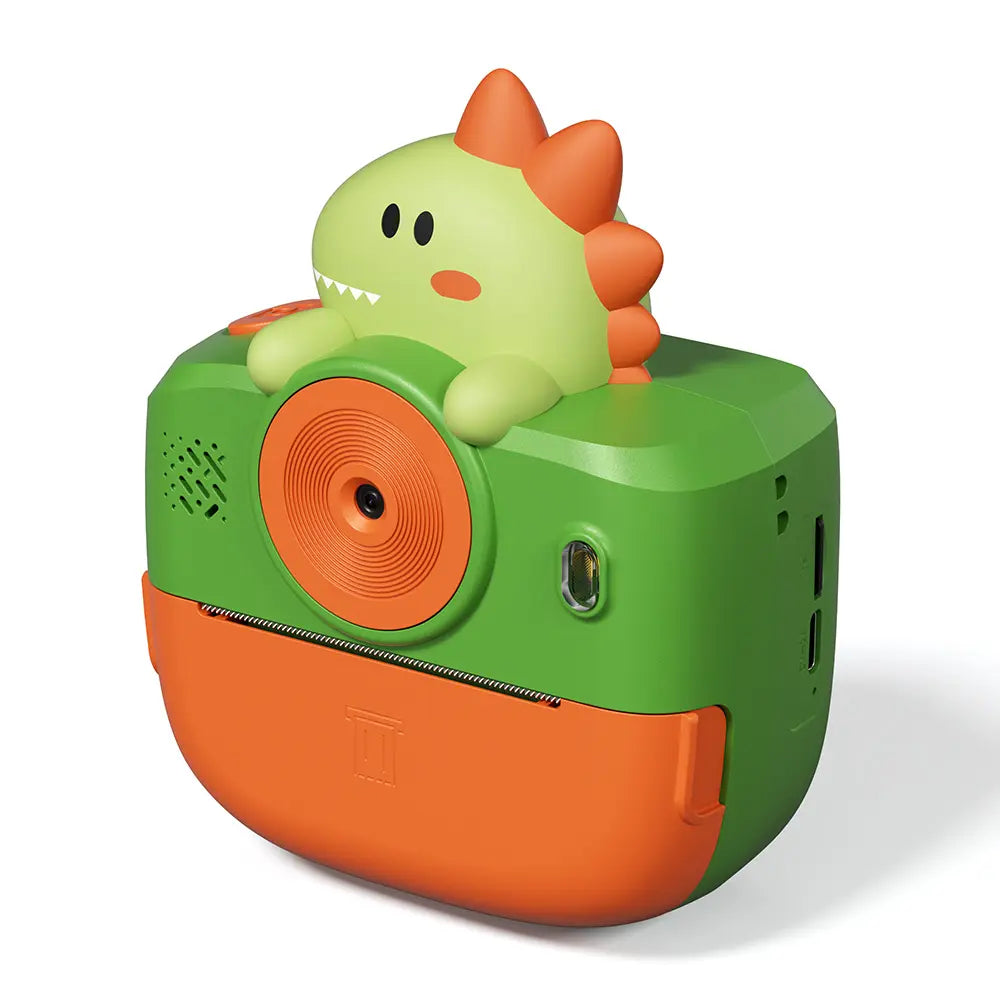 Phomemo Instant Camera K22 Dual-Lens Camera for Kids
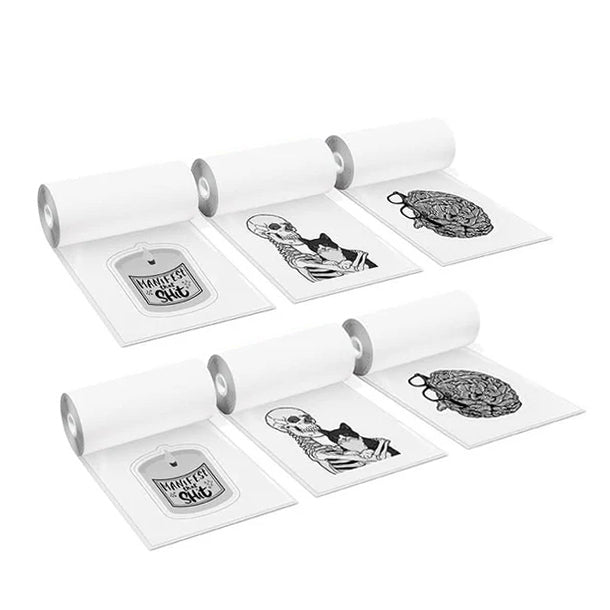 For K22
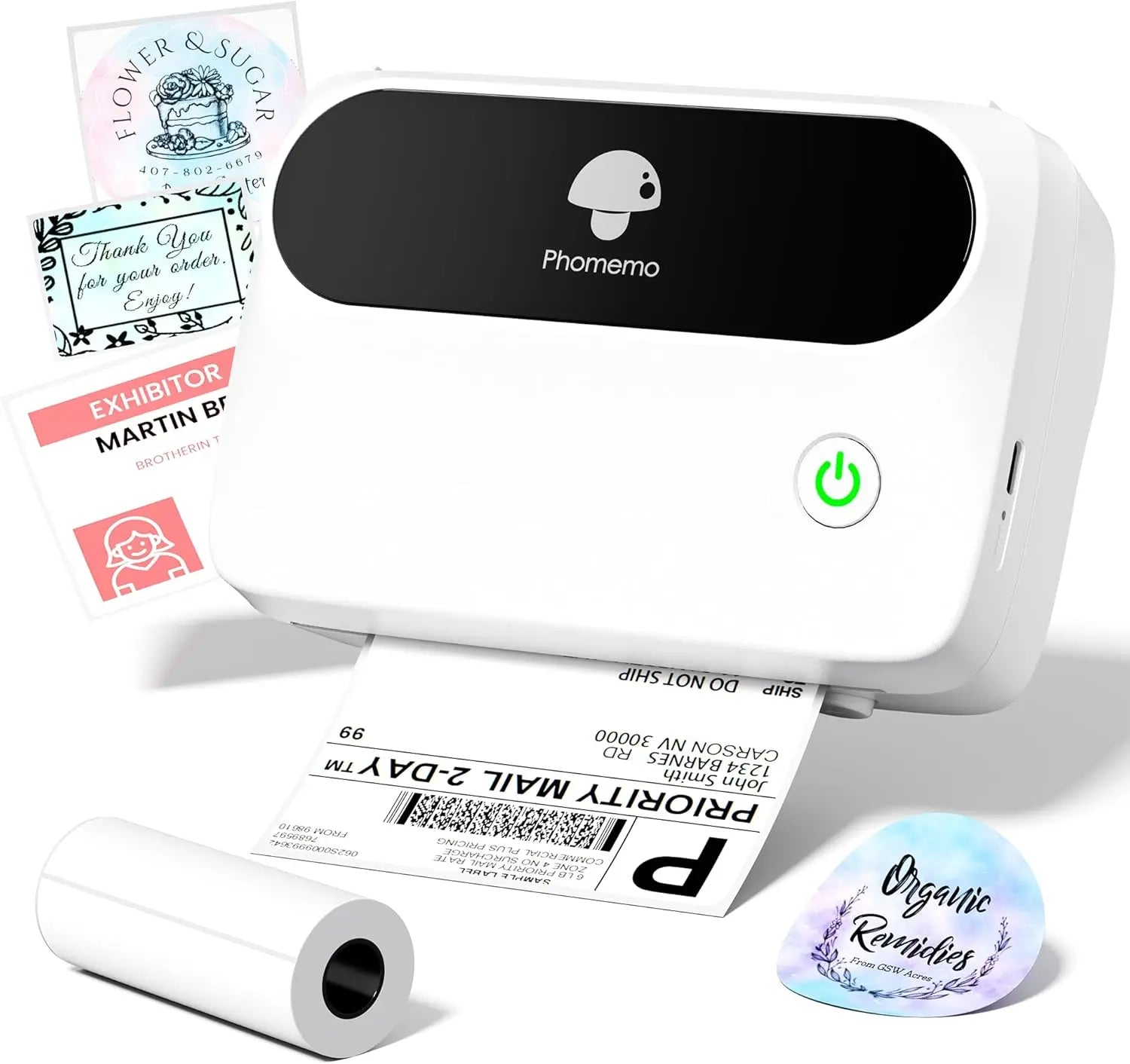 Phomemo Thermal Label Maker M421 Bluetooth Portable Business
 Phomemo M250 Bluetooth Portable Thermal Business Label Maker
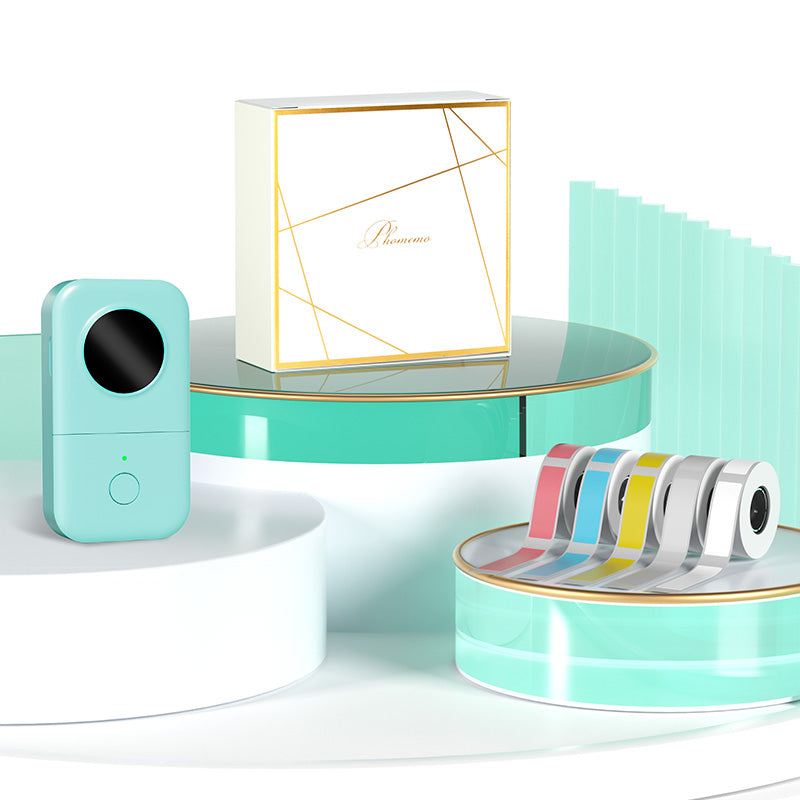 Phomemo D30 Gray Bluetooth Label Maker & 5 rolls of labels (Option: Storage Bag)
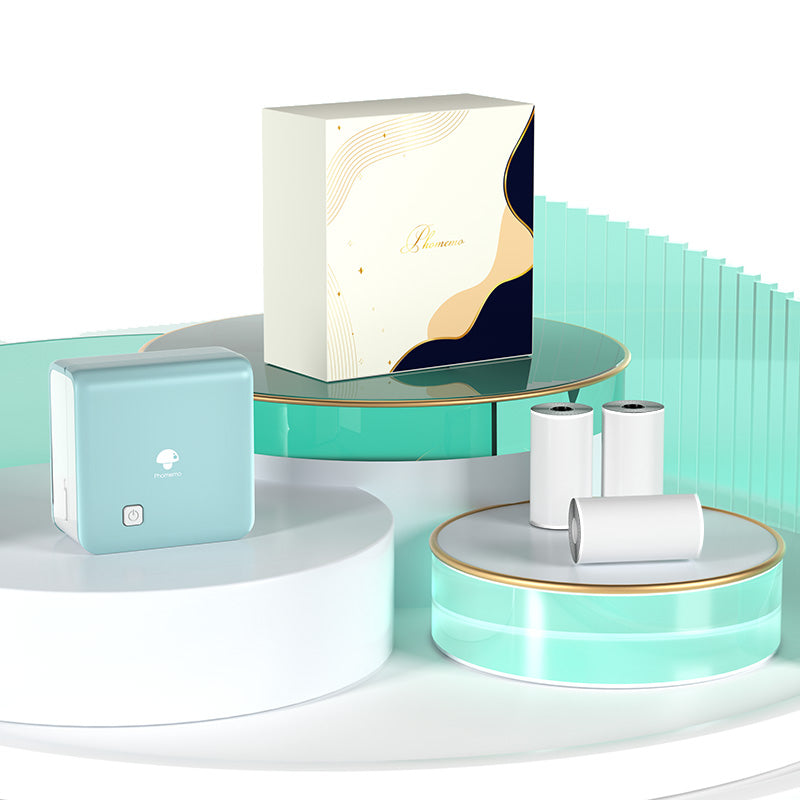 Phomemo M02 PRO Mini Printer Gift Set
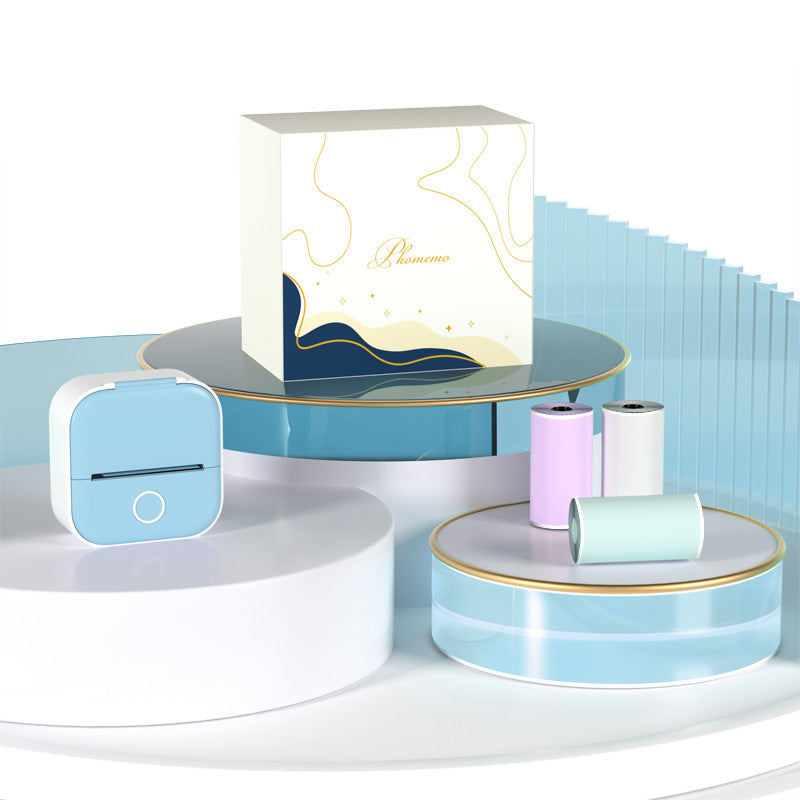 Phomemo T02 Inkless Mini Printer Gift Set
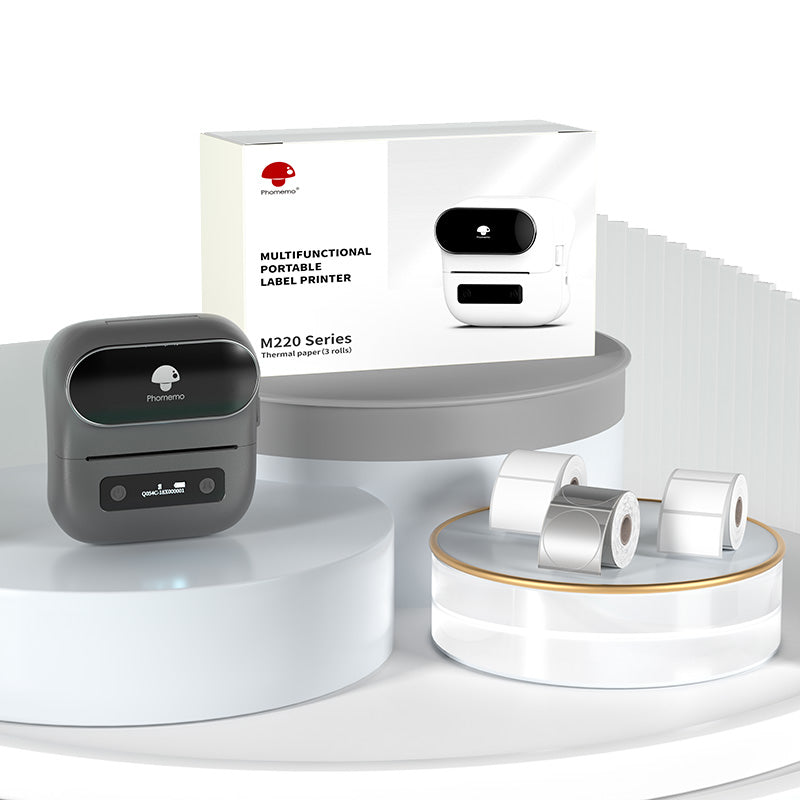 Phomemo M220 Bluetooth Label Printer Gift Set
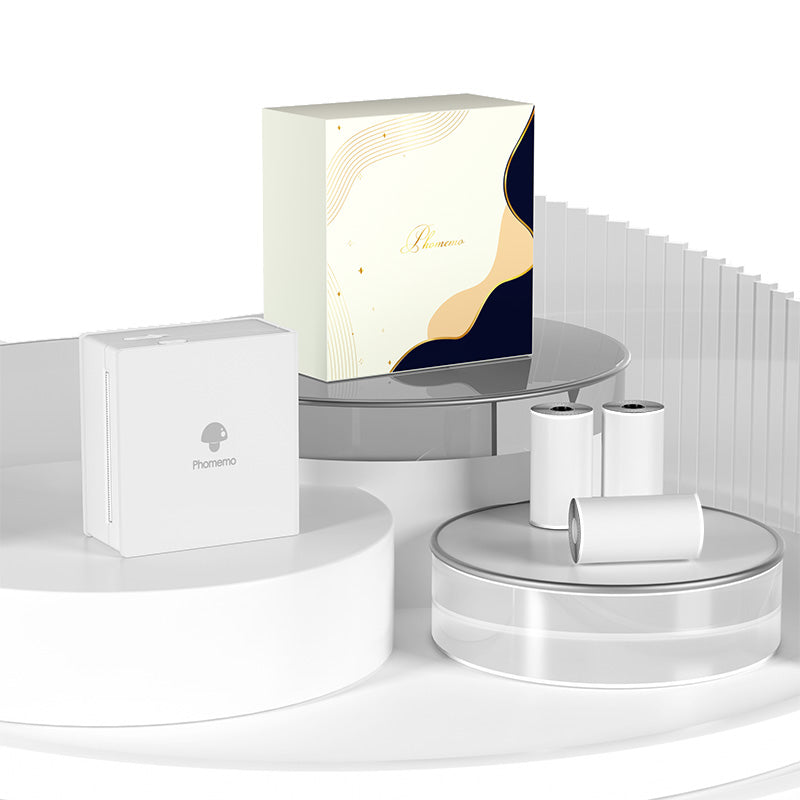 Phomemo M02 Mini Printer Gift Set
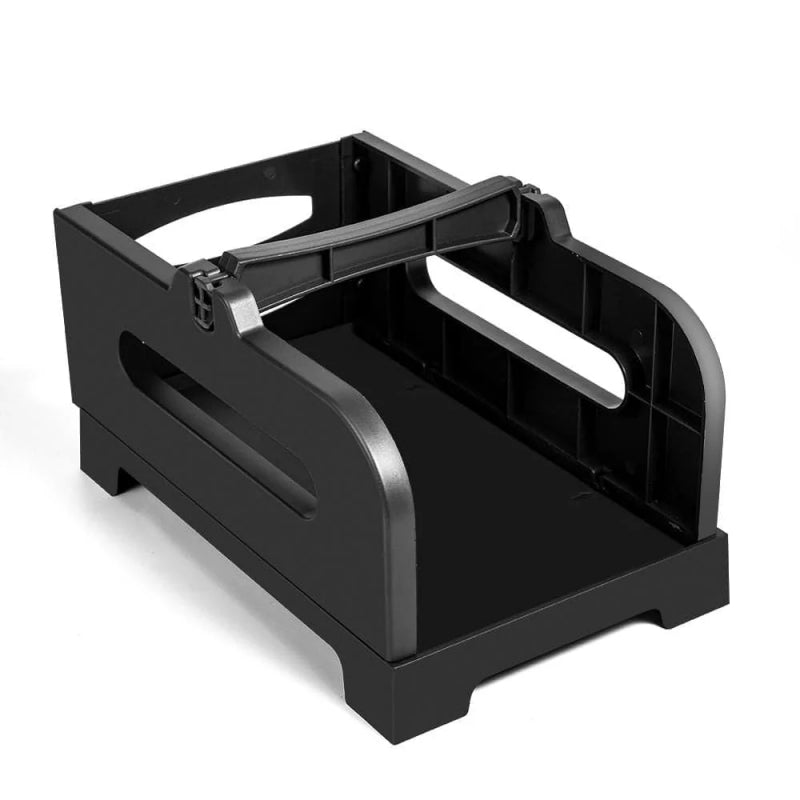 Accessories
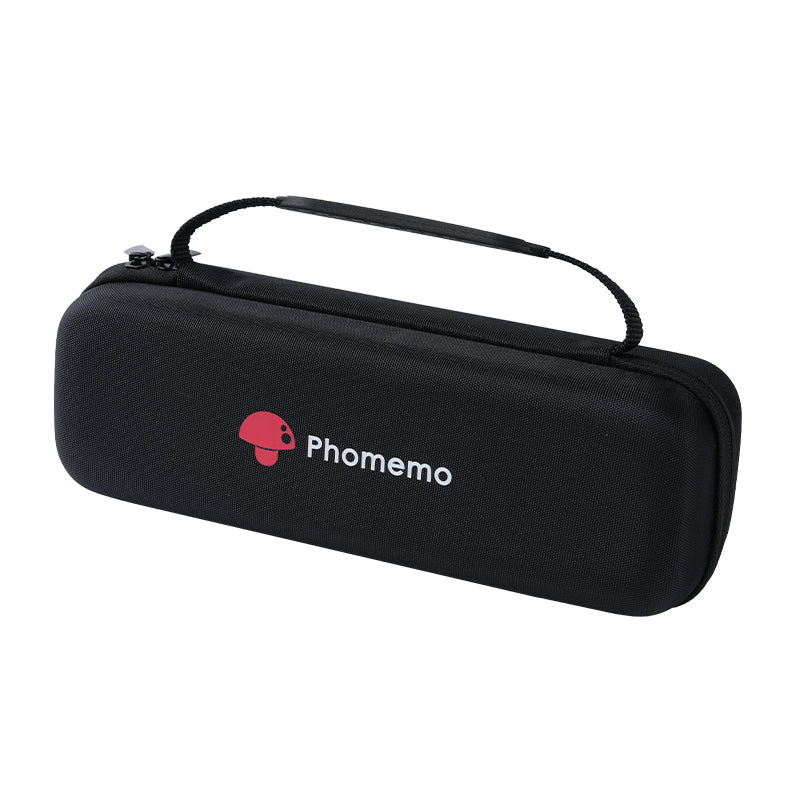 Storage Bag
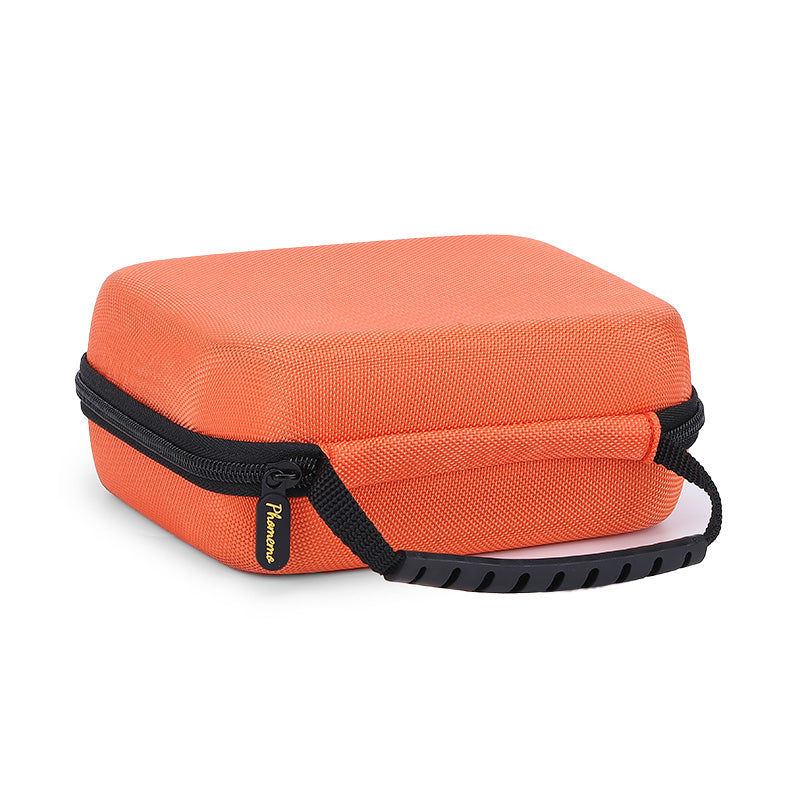 Phomemo Large Hard Shell Machine Storage Bag
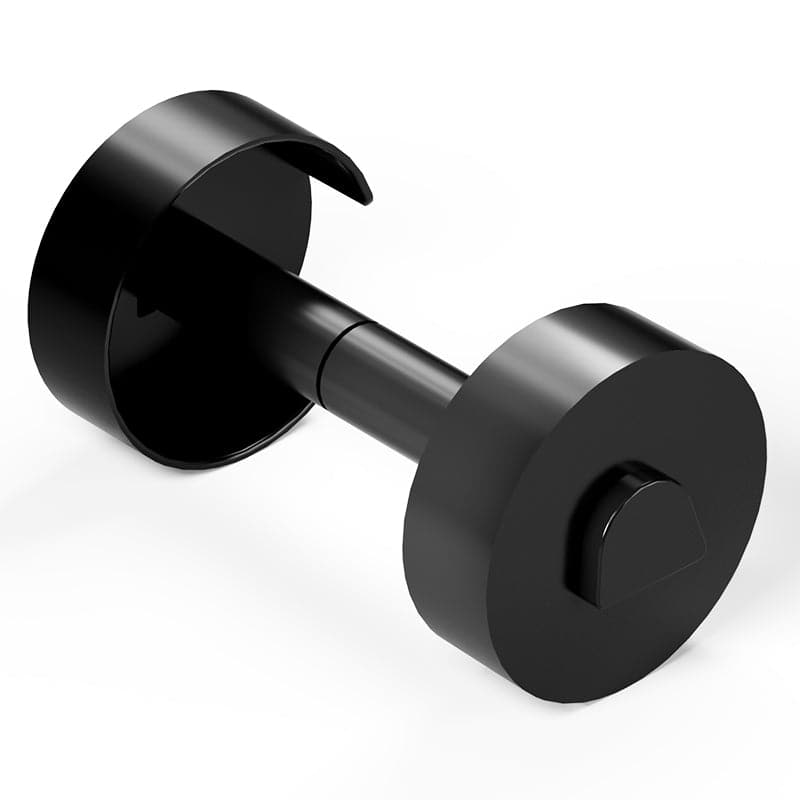 Phomemo Paper Holder for T02/M02/M02S/M02PRO/M03AS/M04AS/M04S
 Paper Holder For Phomemo Business Label Maker
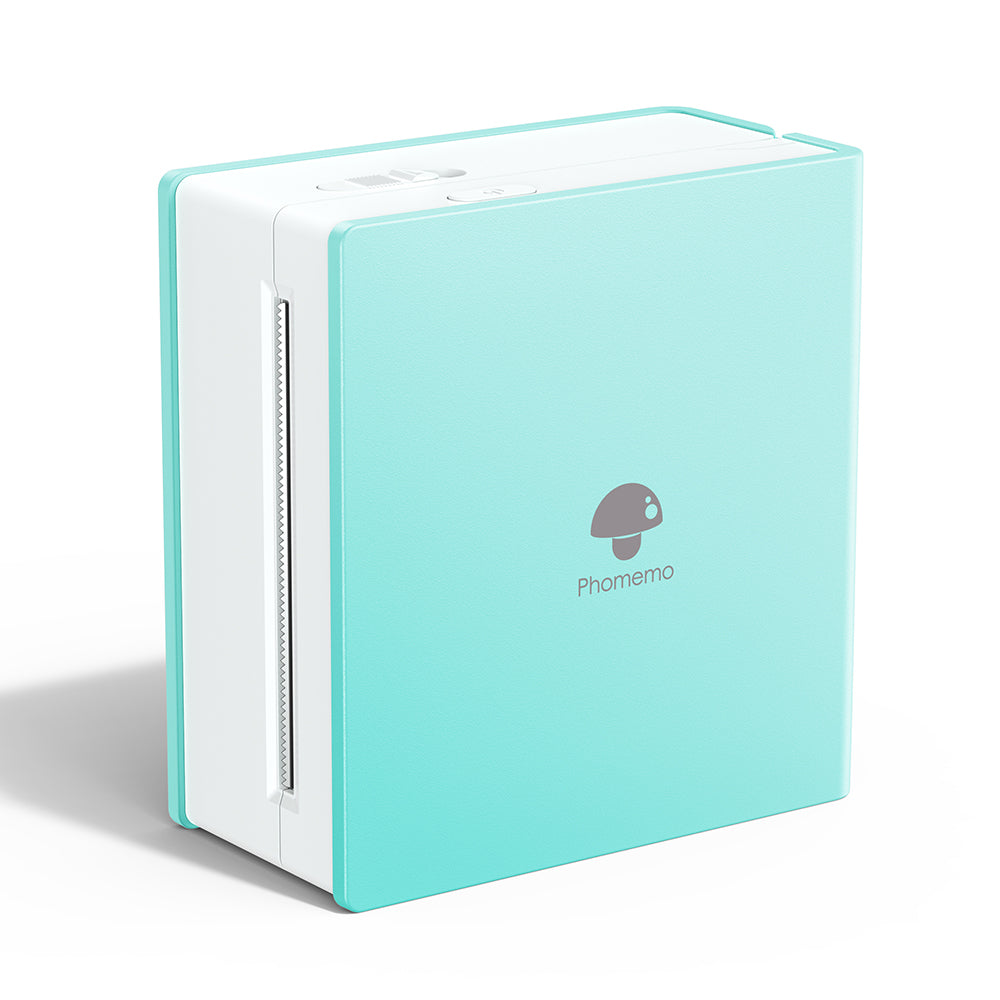 Phomemo M02 Inkless Mini Printer
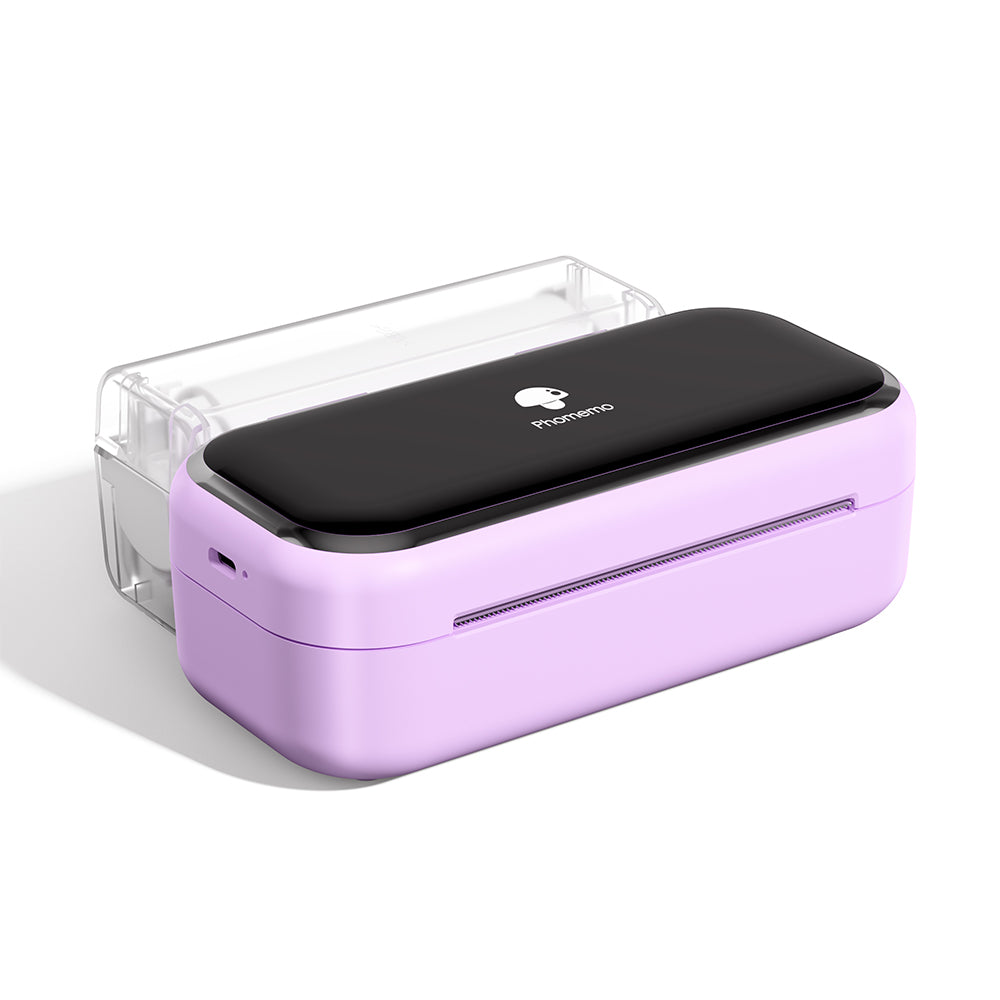 Phomemo M03 Bluetooth Mini Printer
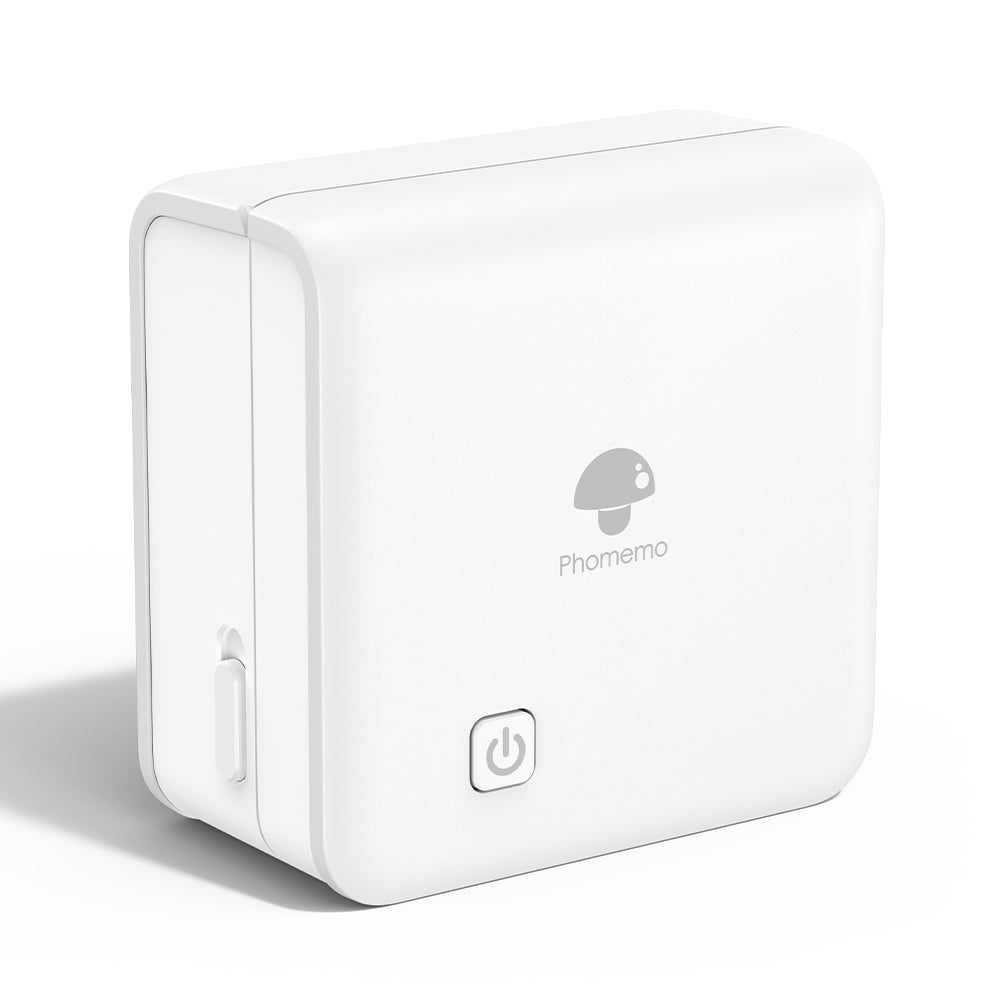 Phomemo M02 PRO Bluetooth Mini Printer
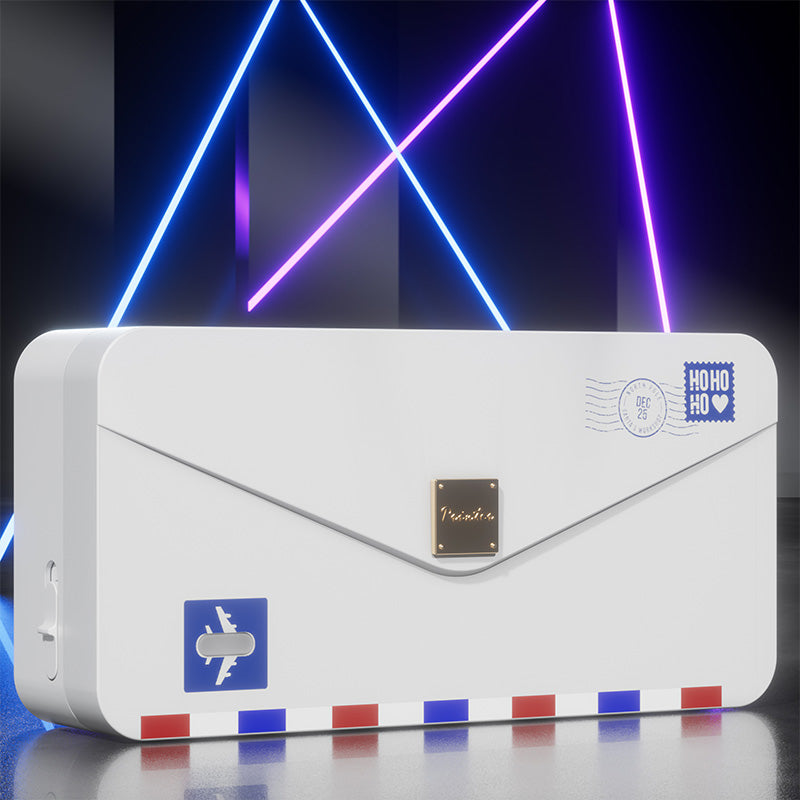 Phomemo M04AS Mini Thermal Printer
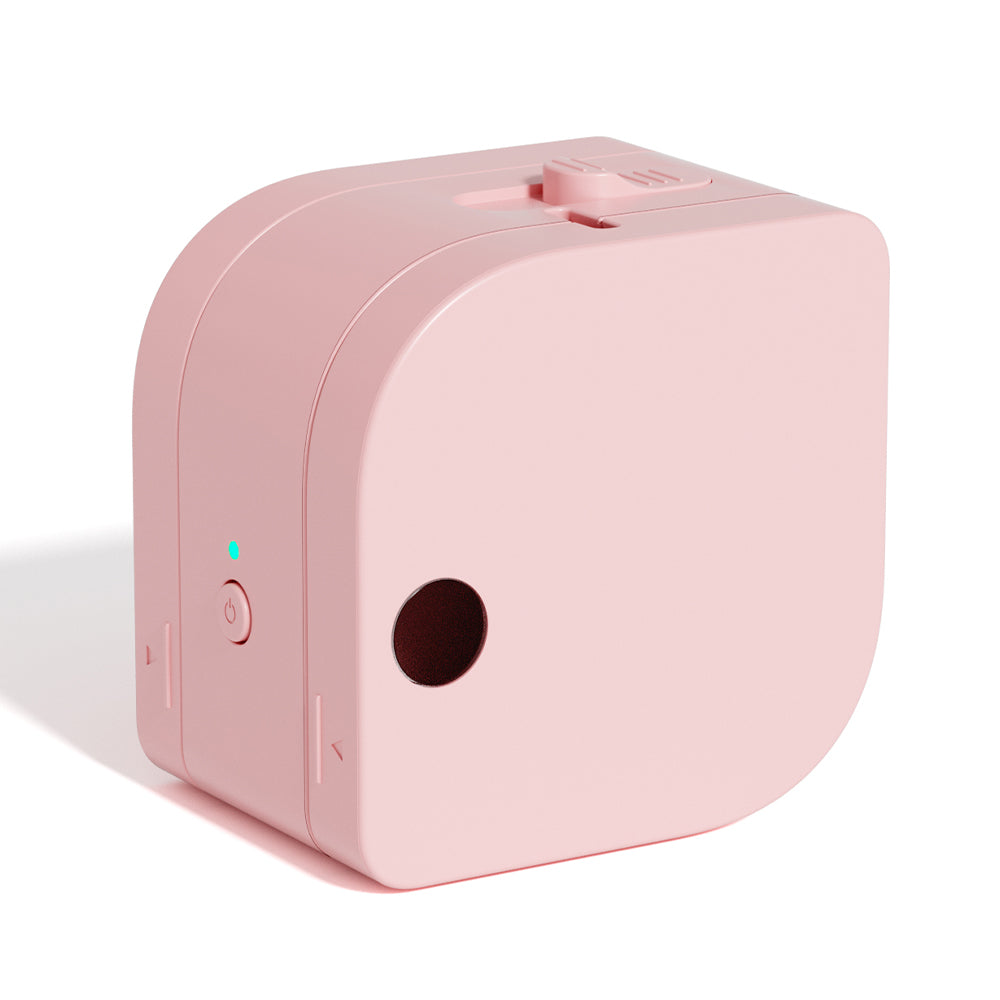 Phomemo P12 Portable Bluetooth Home Label Maker
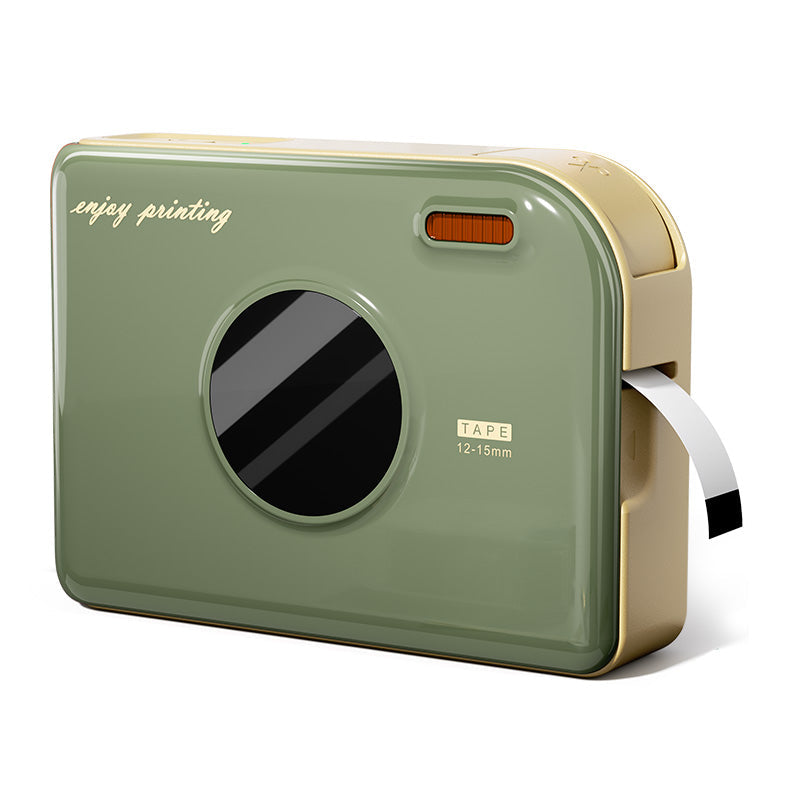 Phomemo A30 Portable Home Label Maker
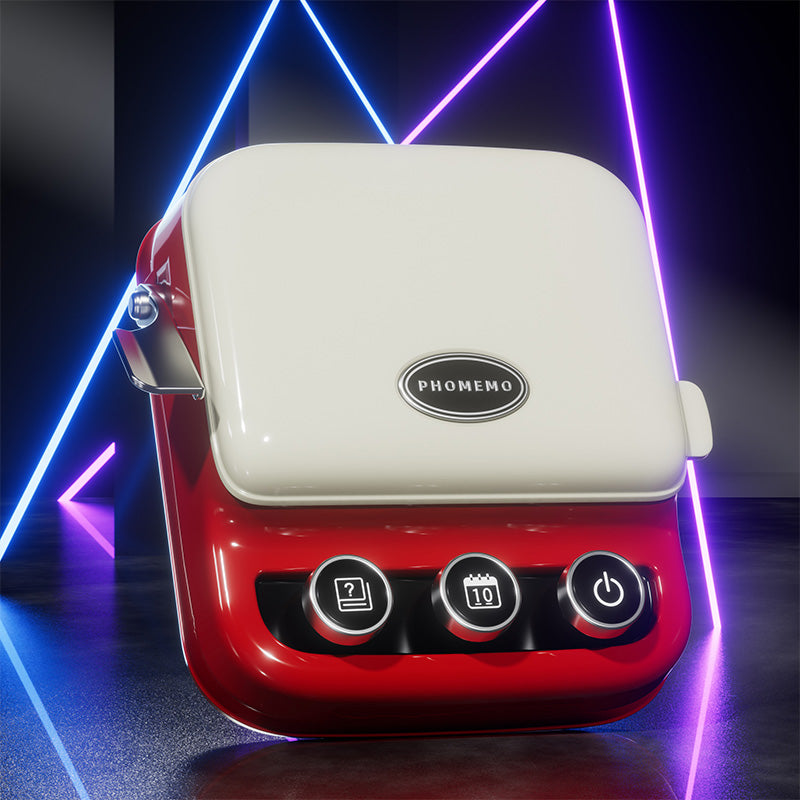 Phomemo P15 Vintage Home Label Maker
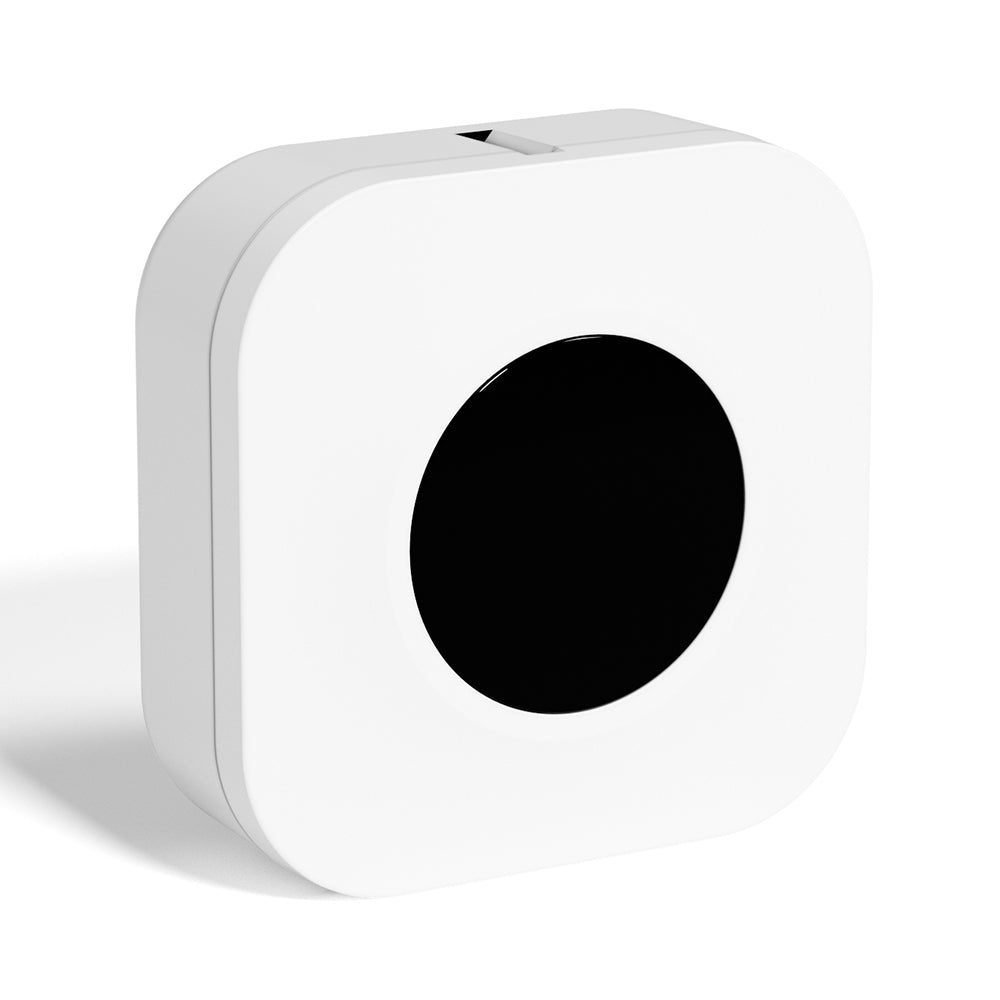 Phomemo Q30S Mini Home Label Maker
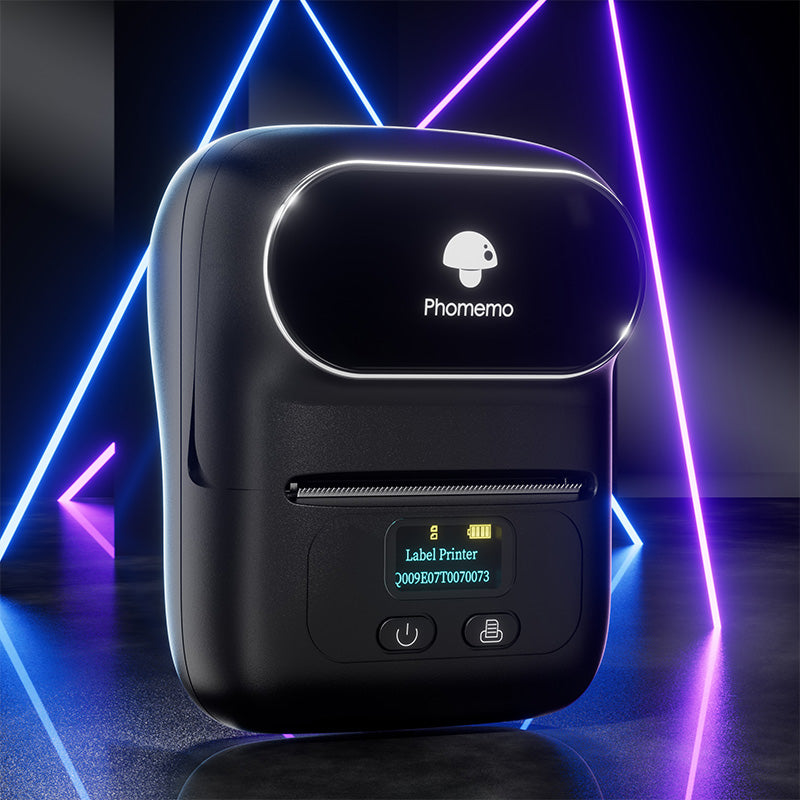 Phomemo M110 Bluetooth Portable Thermal Business Label Maker
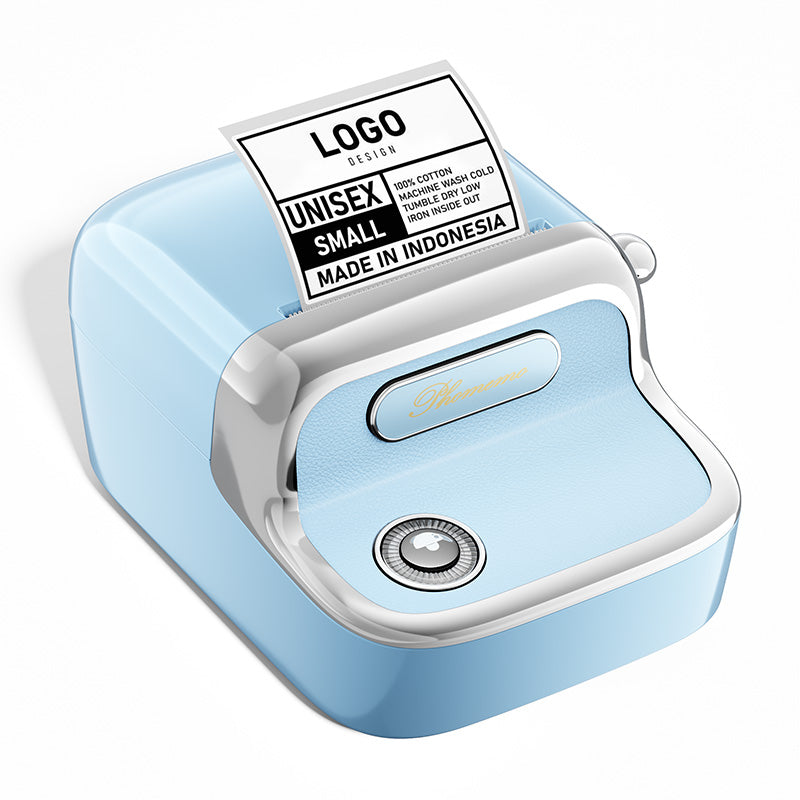 Phomemo M150 Bluetooth Portable Thermal Business Label Maker
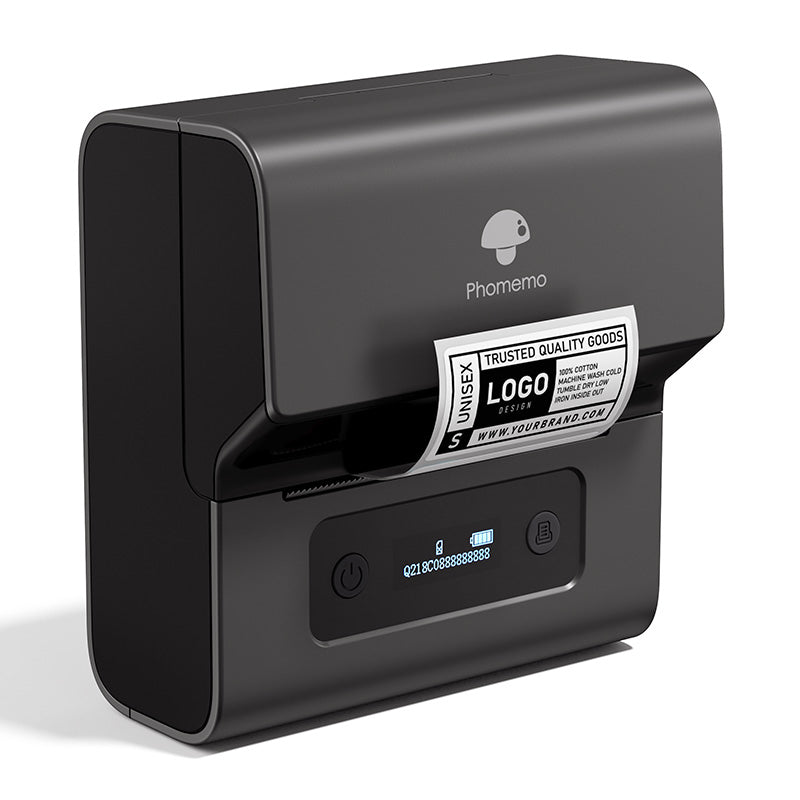 Phomemo M221 Bluetooth Portable Thermal Business Label Maker
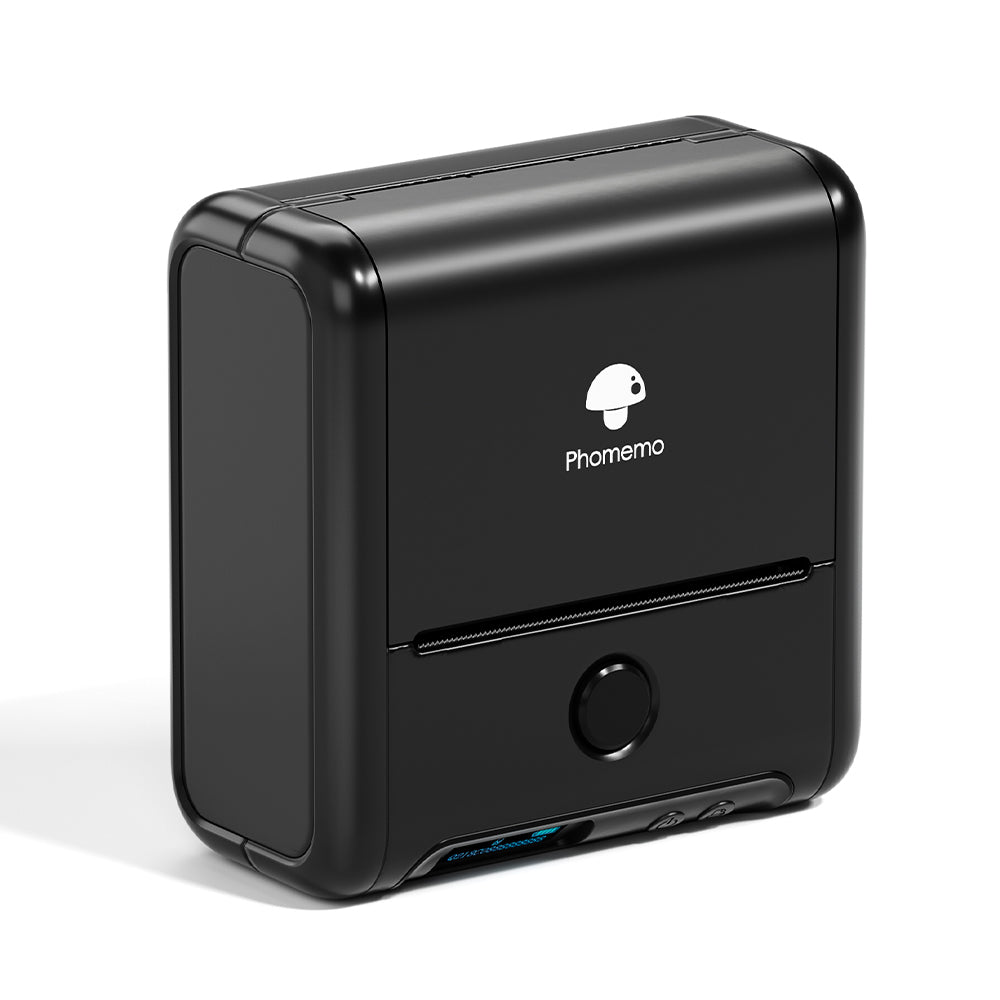 Phomemo M200 Bluetooth Portable Thermal Business Label Maker
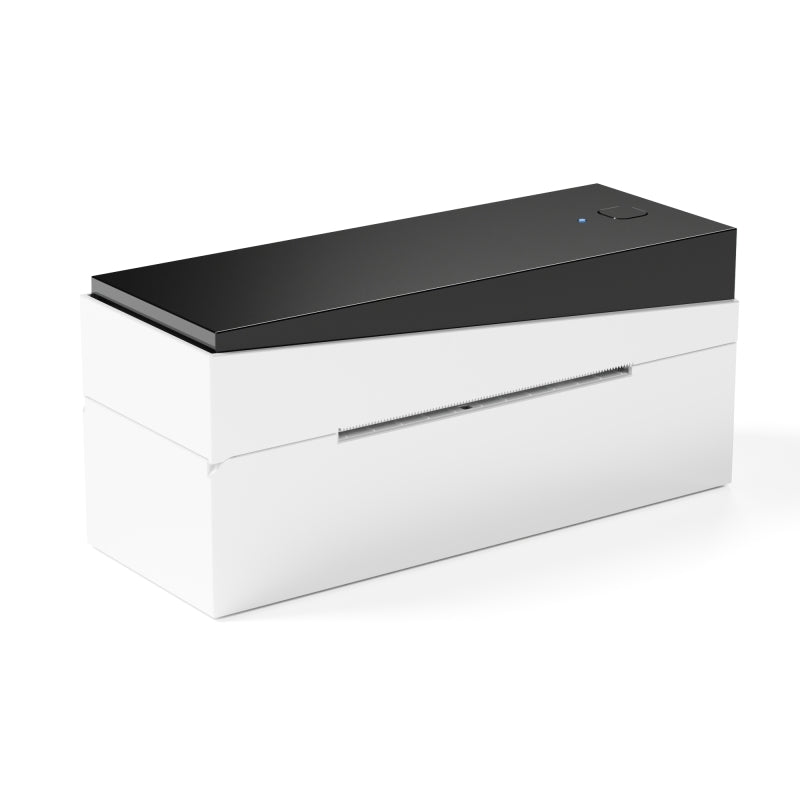 Phomemo PM249-BTZ Bluetooth Direct Connect Shipping Label Printer
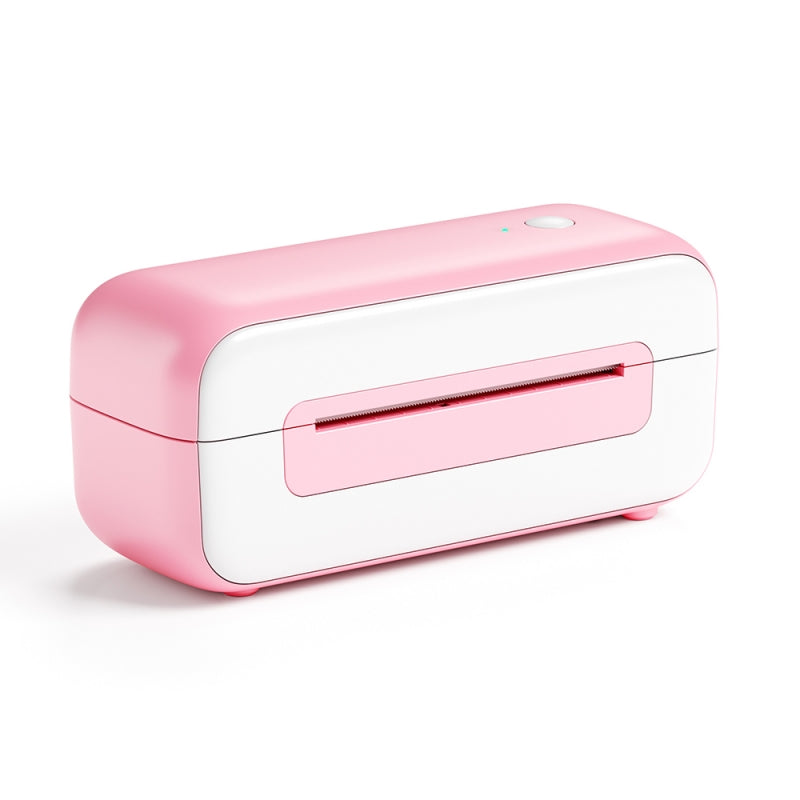 Phomemo PM-246S High-Speed USB Direct Thermal Shipping Label Printer
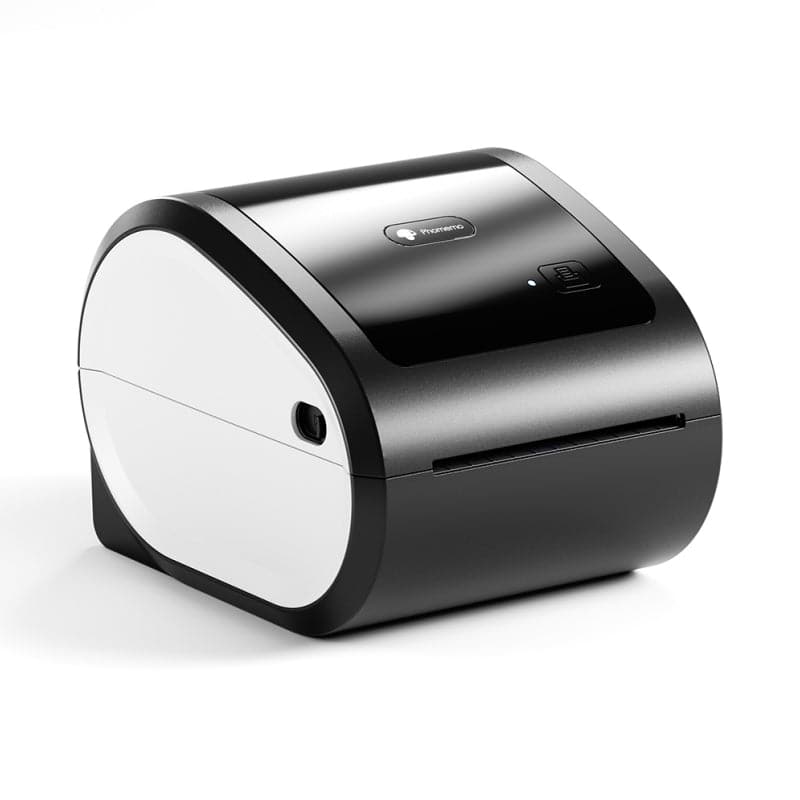 Phomemo D520-BT Bluetooth Shipping Label Printer
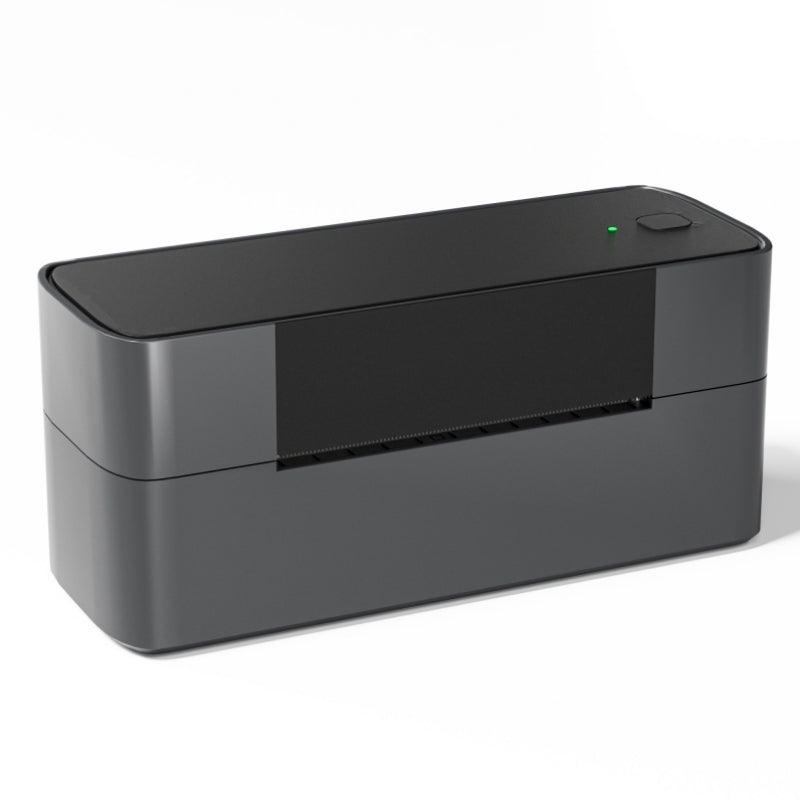 Phomemo PM245-BTZ Bluetooth Direct Connect Shipping Label Printer
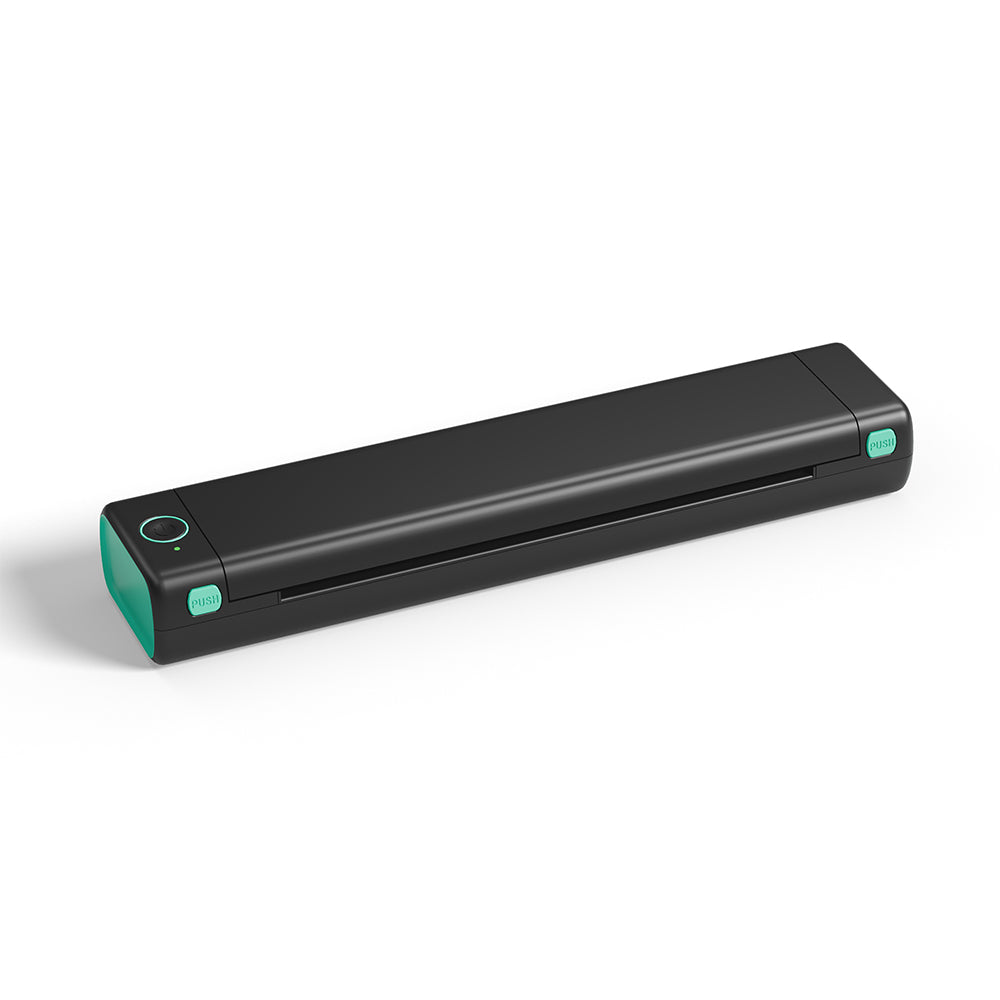 Phomemo M08F Letter & A4 Portable Printer
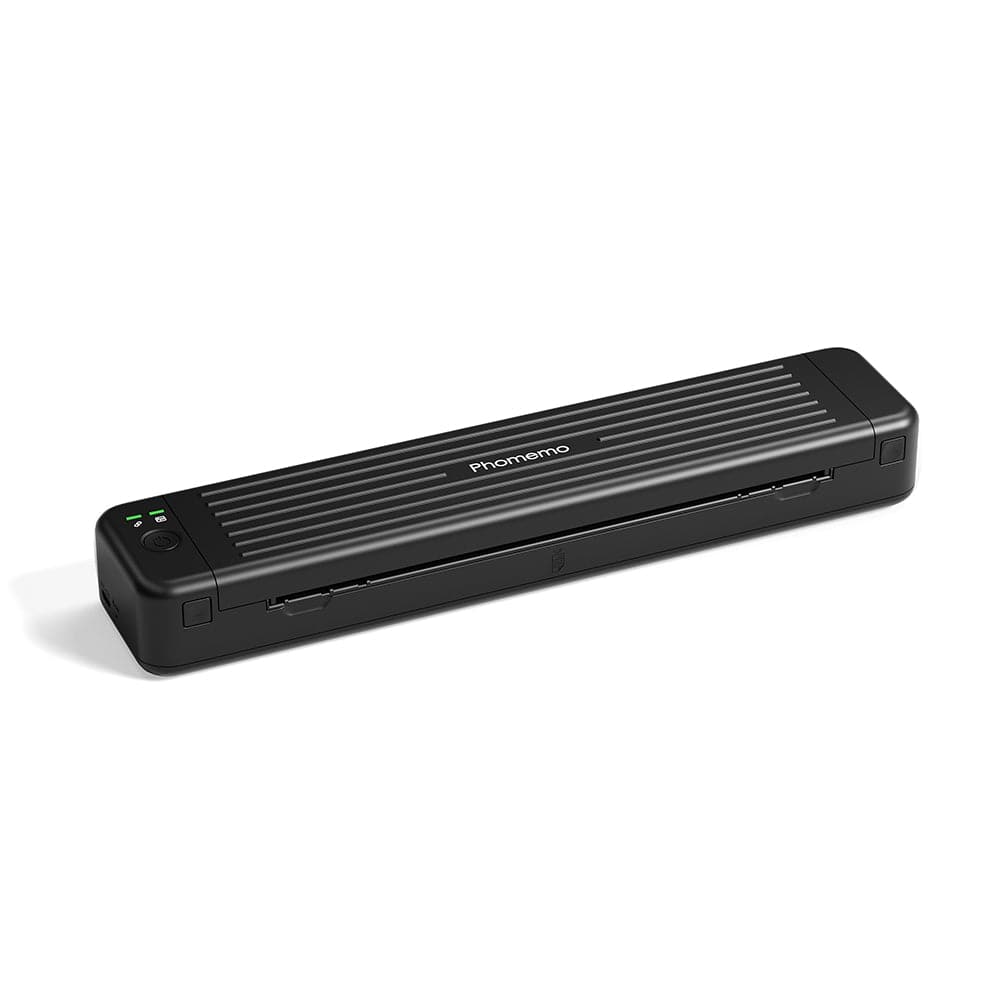 Phomemo P831 Bluetooth Portable Thermal Transfer Printer
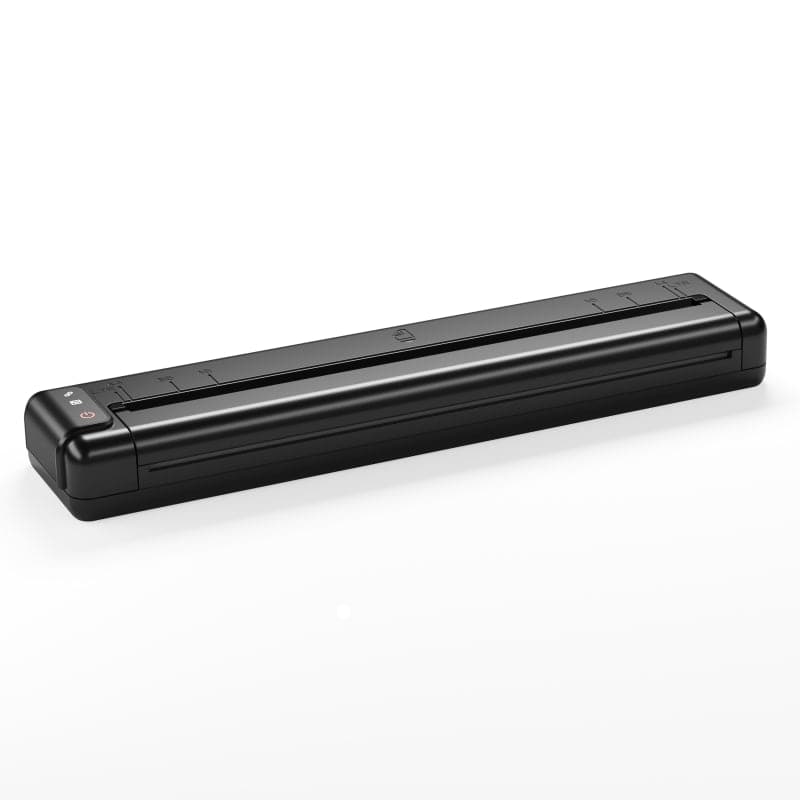 [Ultra-light] Phomemo Q302 Wireless Portable Thermal Printer
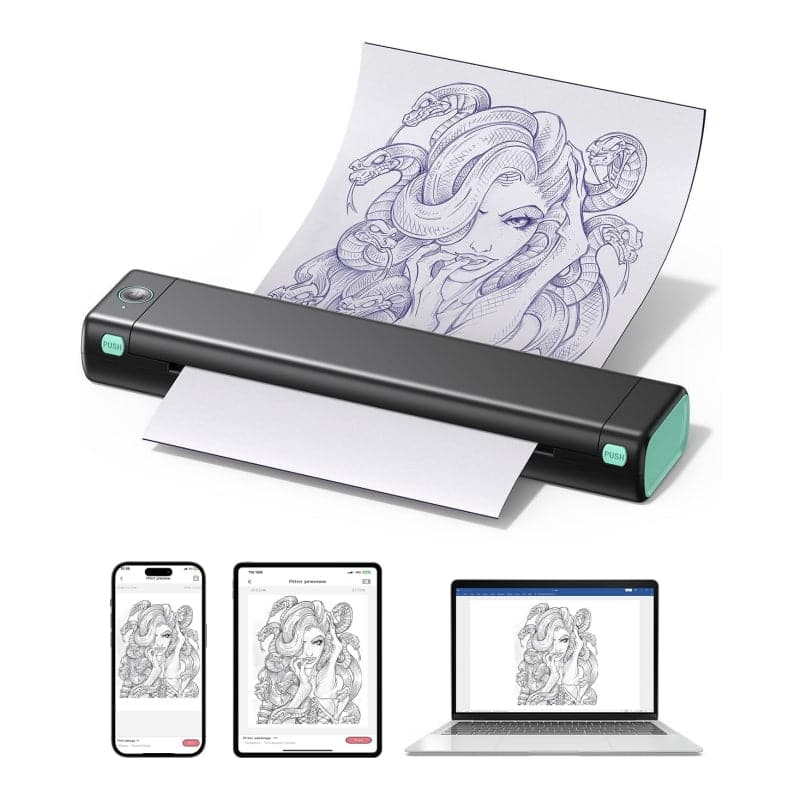 Phomemo M08F Wireless Tattoo Stencil Printer
 Phomemo TP81 Wireless Tattoo Template Printer
 Phomemo TP83 Wireless Tattoo Stencil Printer
 [❗️NEW❗️]Phomemo TP31 Bluetooth Tattoo Stencil Mini Printer
 For T02/M02X
 For M02
 For M02S
 For M02 Pro
 For M03
 For M03AS
 For M04S
 For M04AS
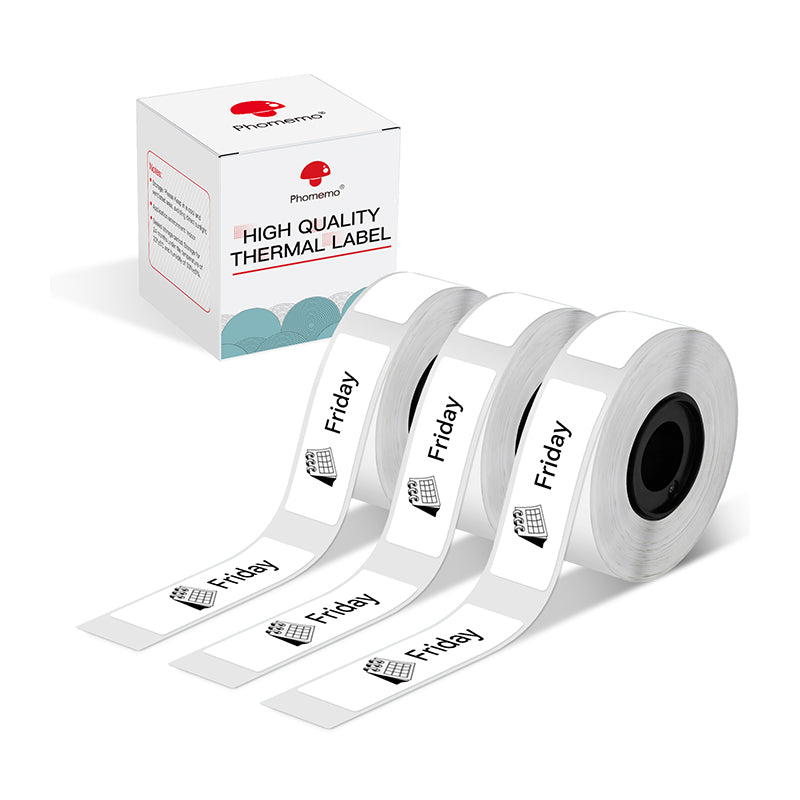 For D30/D35/Q30/Q30S
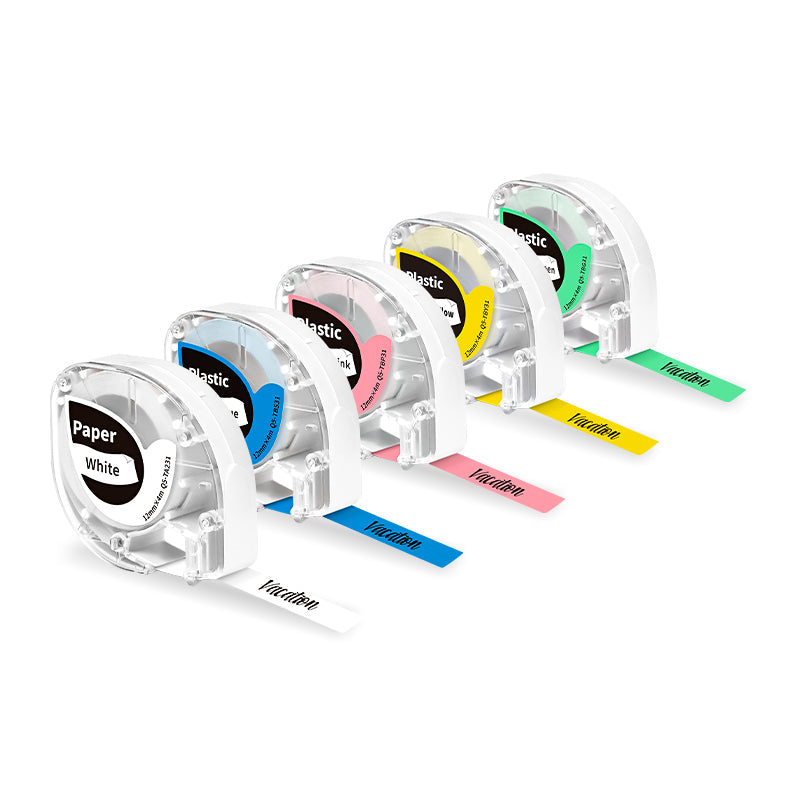 For P12/P12 PRO
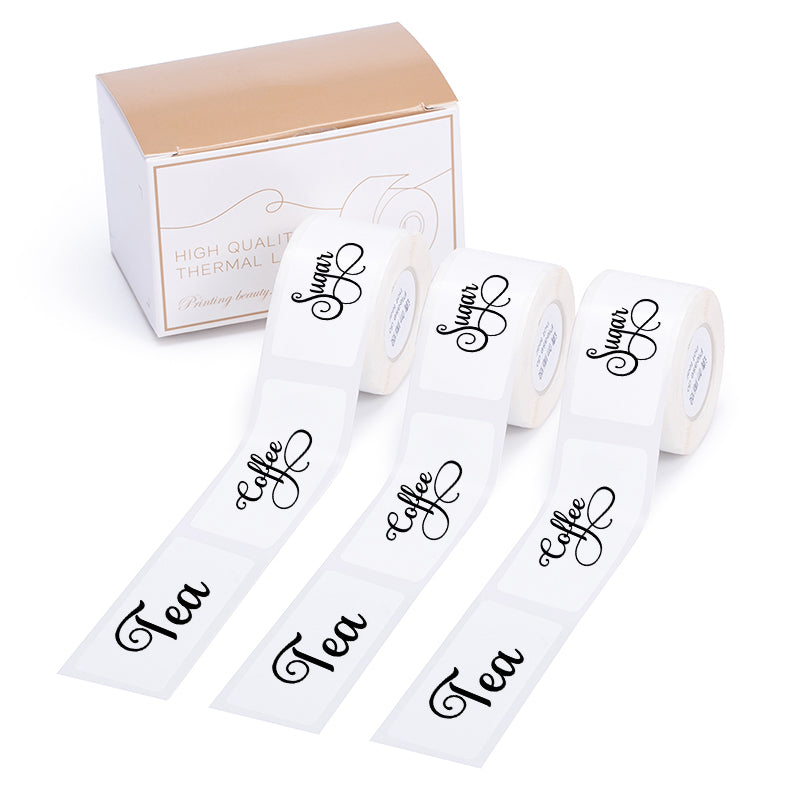 For D50
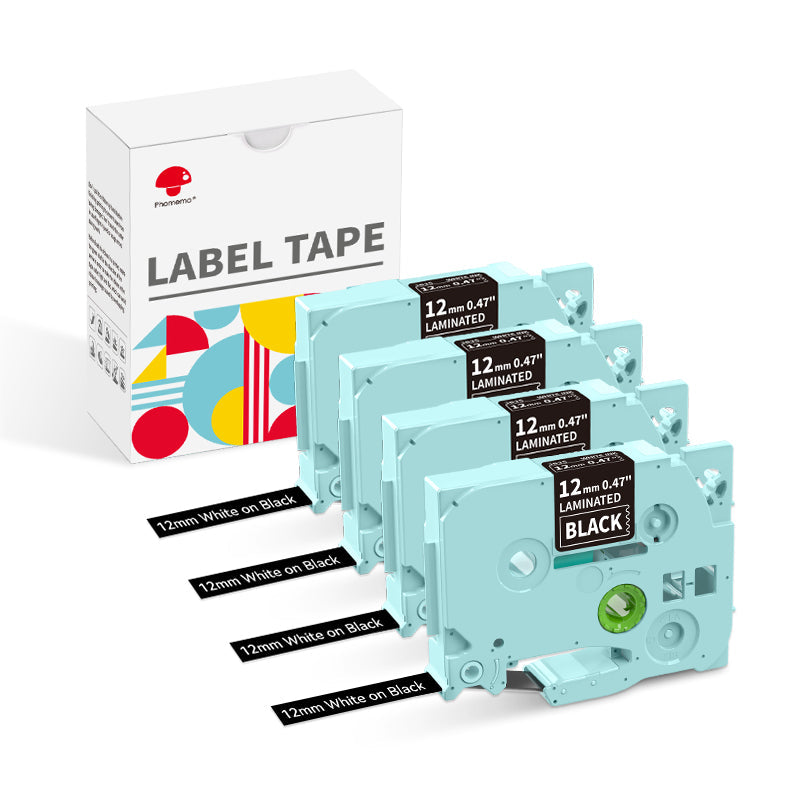 For P3200
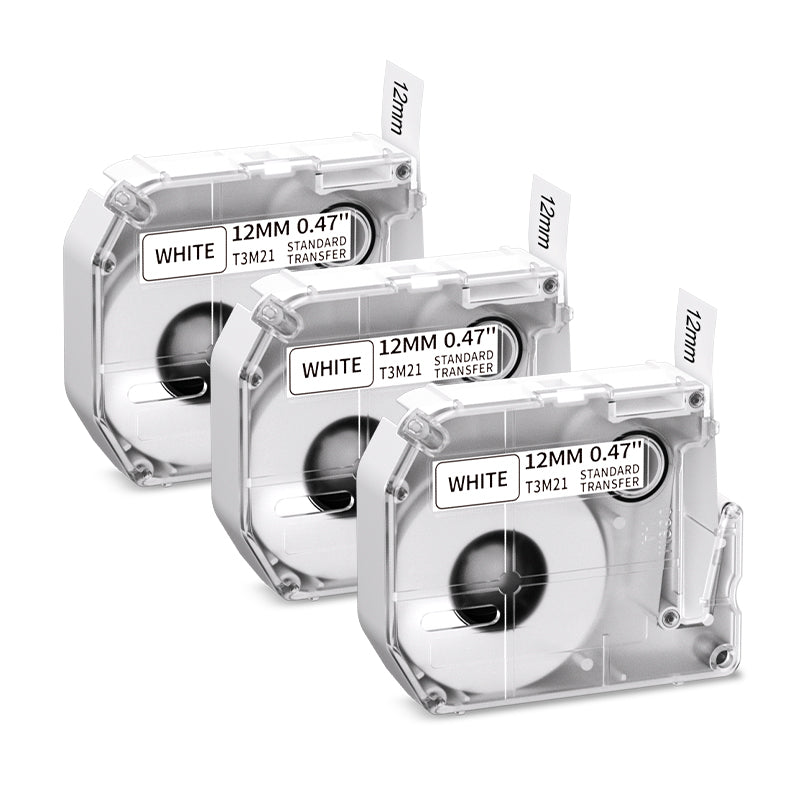 For M960/M950
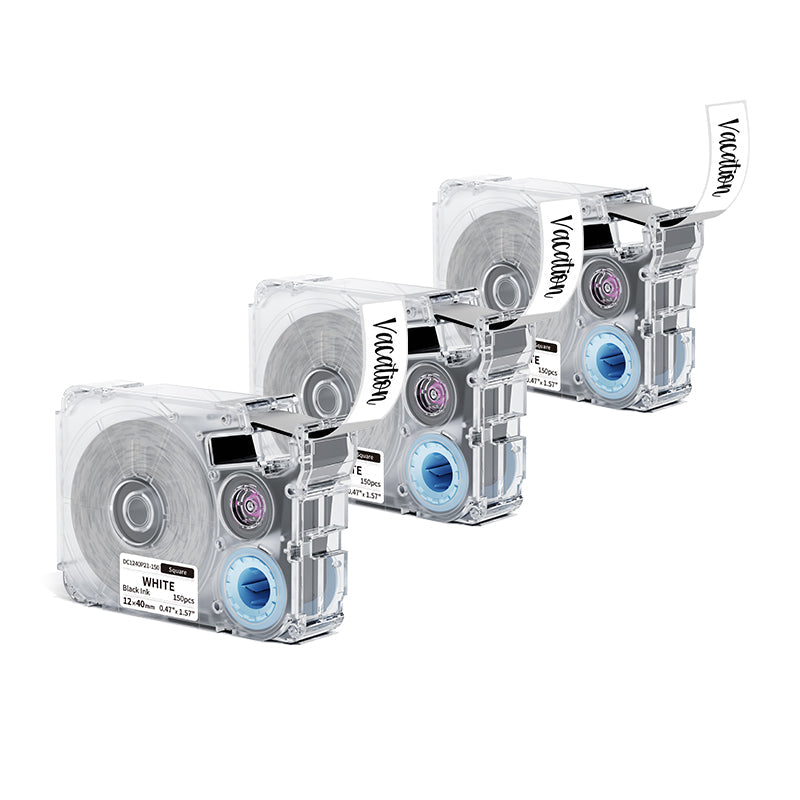 For P15
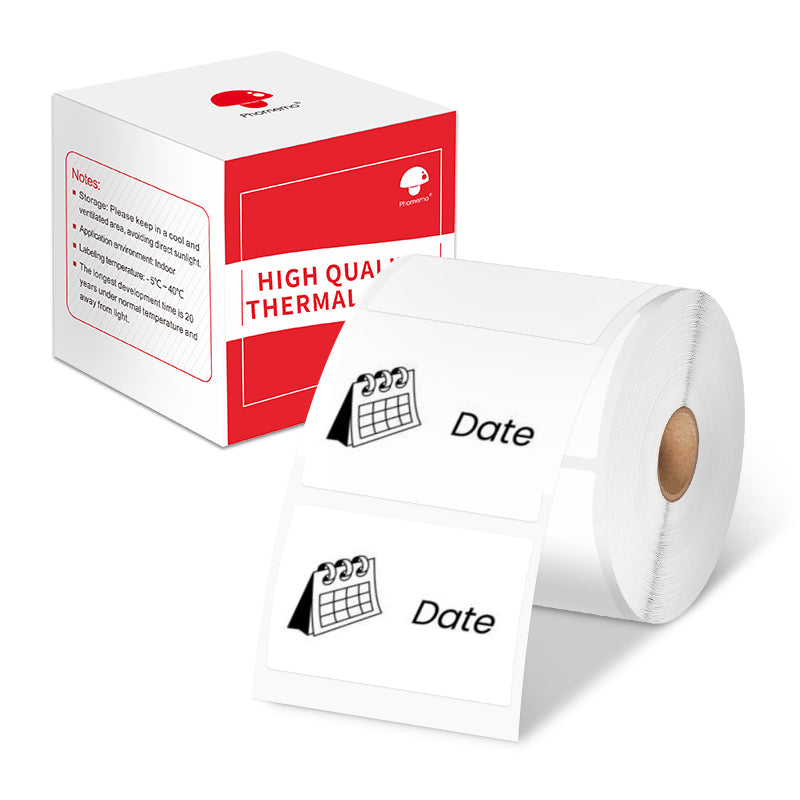 For M110/M120
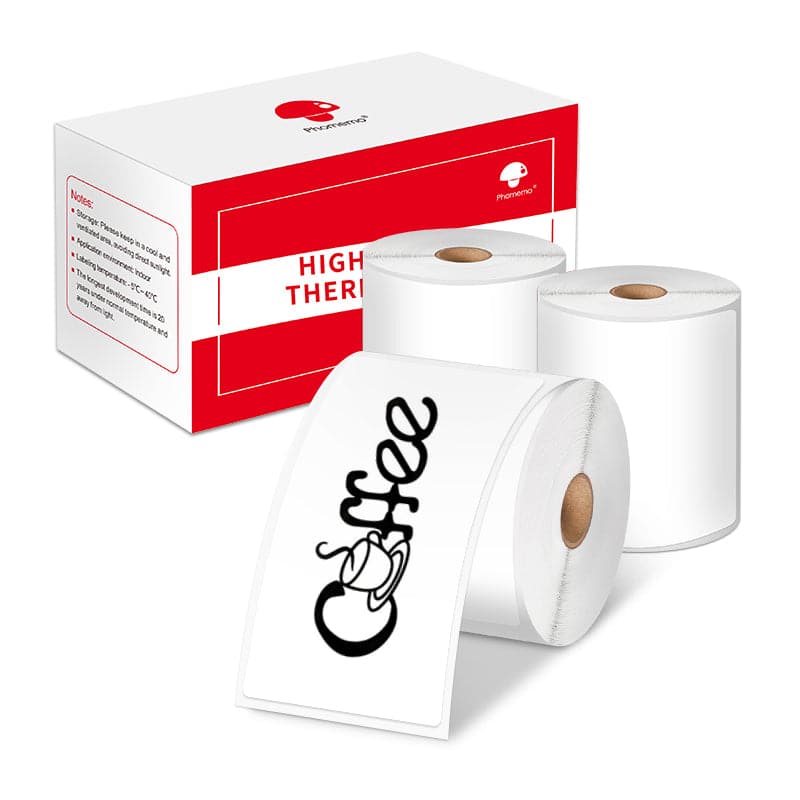 For M200/M220/M221
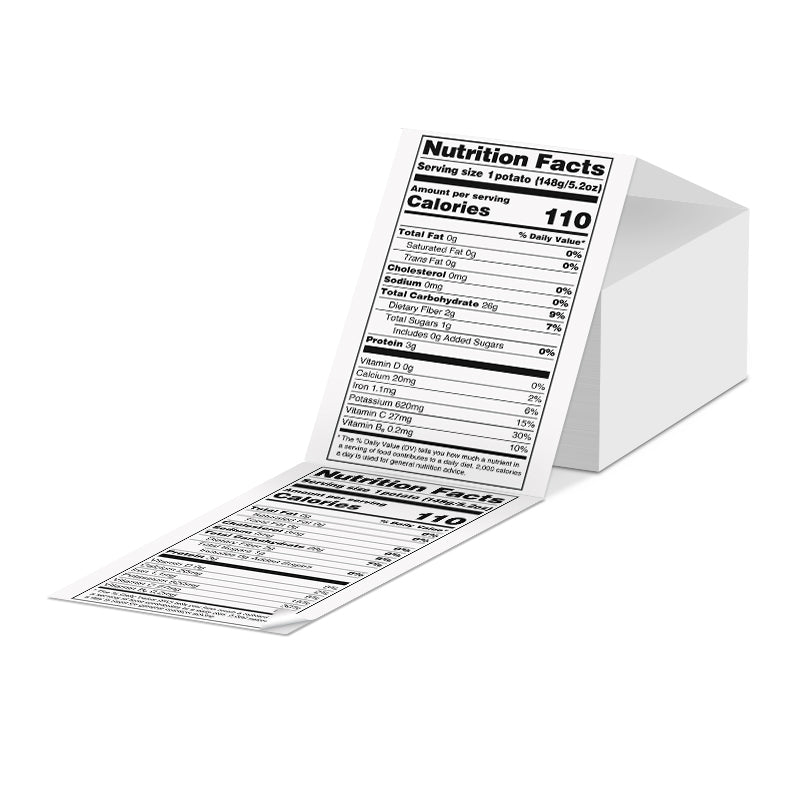 Phomemo 4"x6" Fan-Fold Thermal Direct Labels for Shipping Label Printer
 Phomemo Thermal Shipping Labels – Multiple Sizes & Types for Shipping Label Printer
 Phomemo 2" Multiple Thermal Round Label for Shipping Label Printer
 Phomemo 2" Silver Thermal Holographic Sticker for Shipping Label Printer
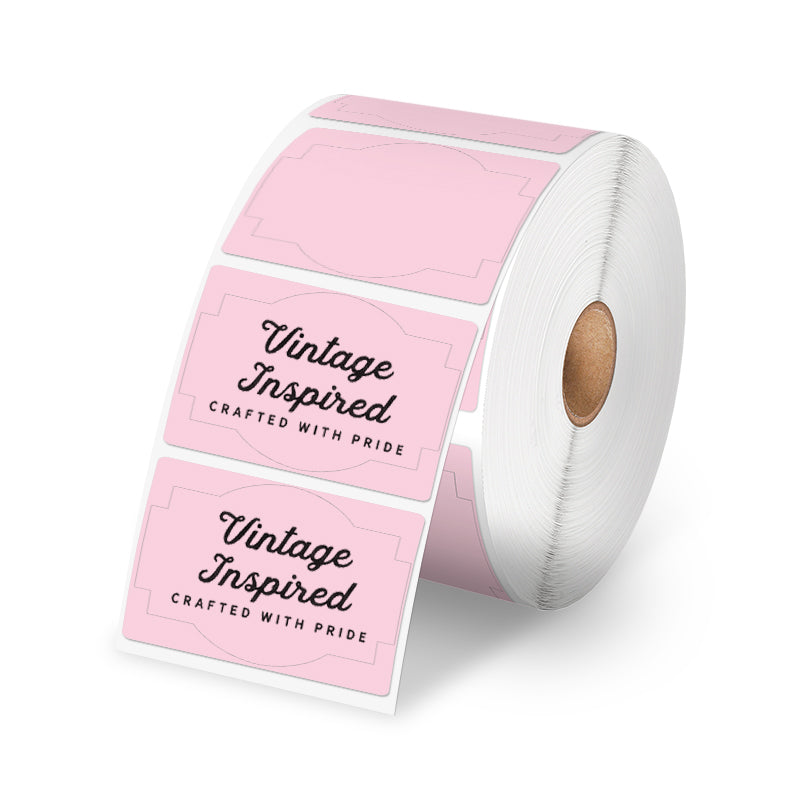 Phomemo 3"x2"Shipping Label Stickers for Shipping Label Printer
 For M08F/Q302
 For M832
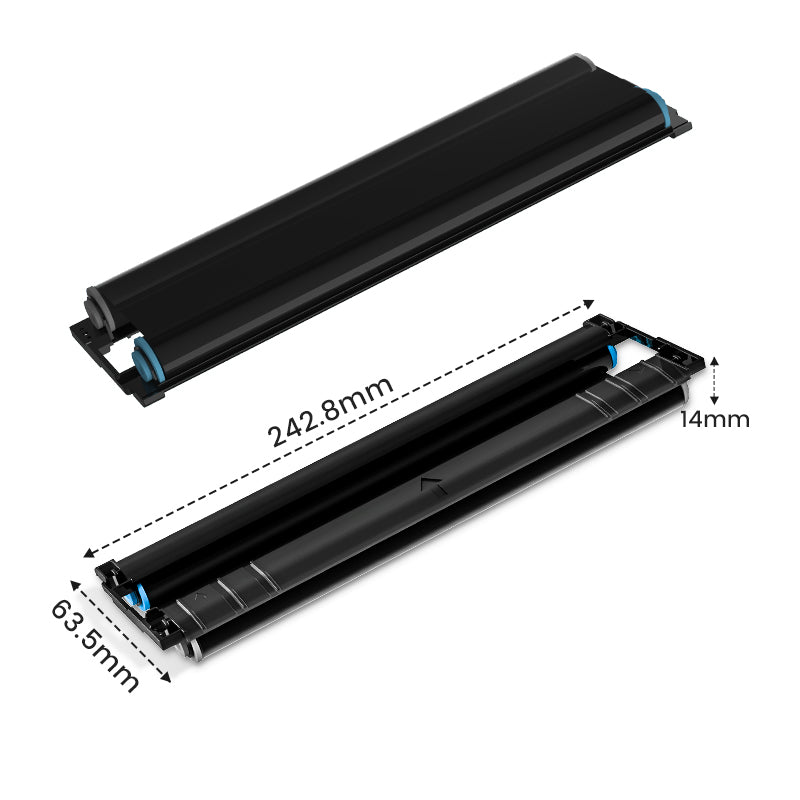 For P831
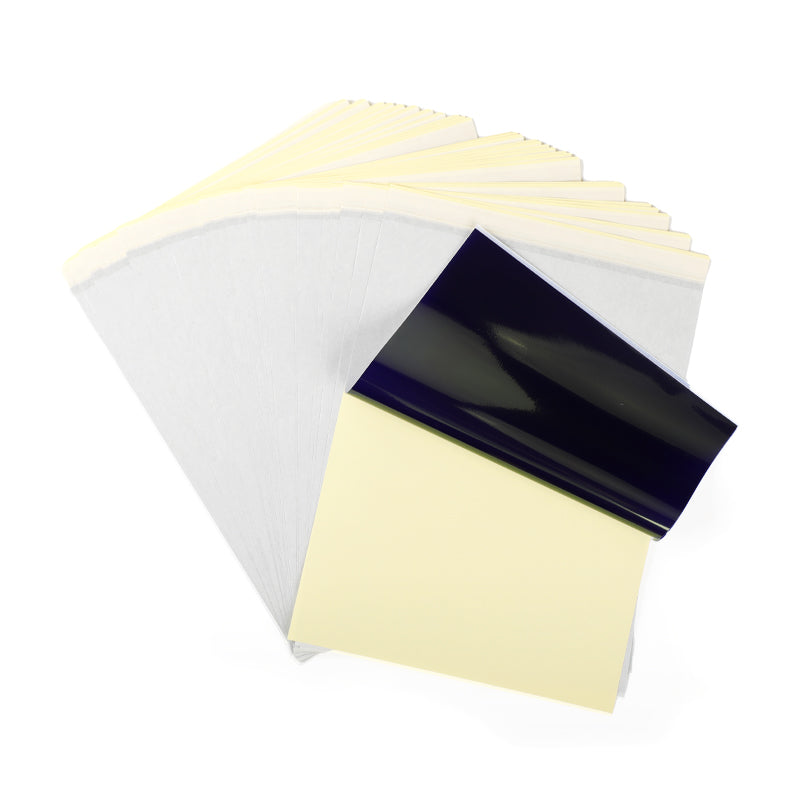 For TP81/TP83/M08F Tattoo
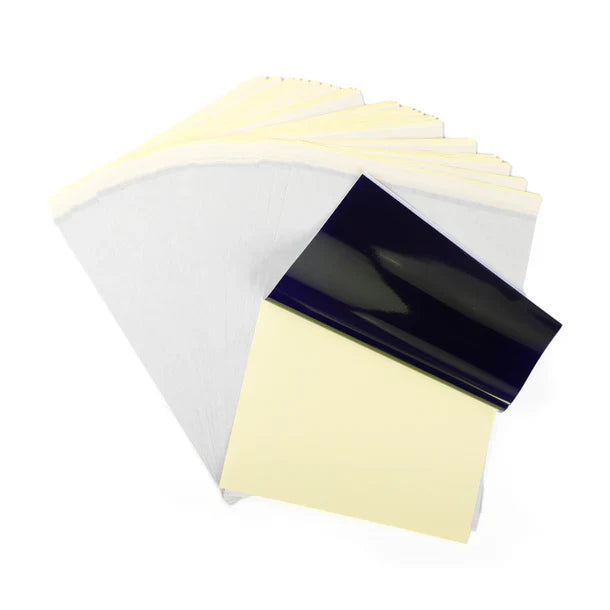 For TP31 Tattoo
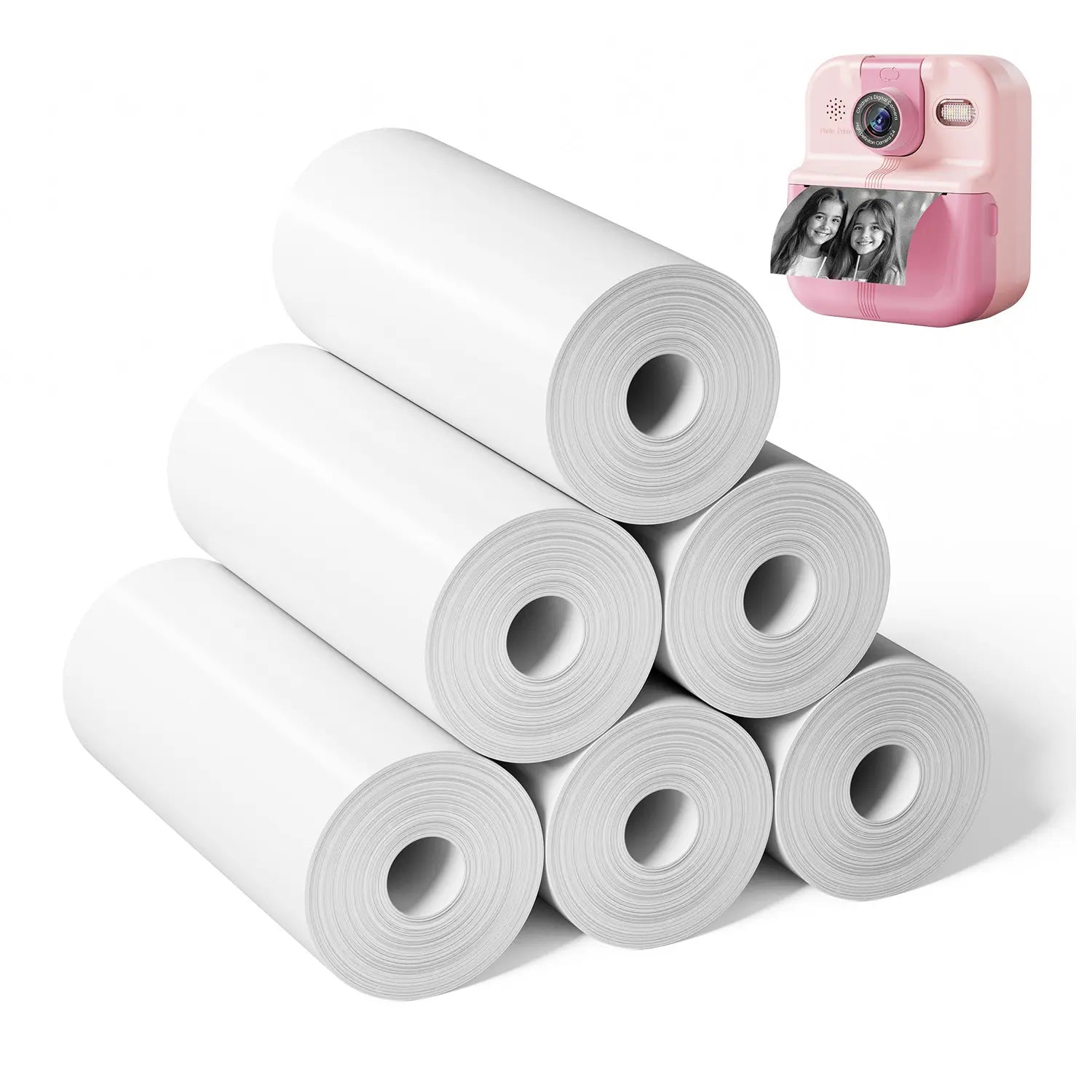 For P02

- Step-by-Step Guide to Making Coloring Stickers
- Step 1: Designing Your Coloring Sticker
- Step 2: Printing Your Coloring Sticker with Bluetooth
- Step 3: Customizing Your Coloring Stickers
- Why Phomemo Mini Printers Are the Perfect Choice for Sticker-Making
- Creative Coloring Sticker Ideas
- Ready to Create?
Every day can be a little more colorful when you create your own DIY coloring stickers with Phomemo Mini Printers. Whether you're looking for a fun, creative activity for kids or a relaxing hobby for adults, making custom coloring stickers with Phomemo is the perfect solution. This easy-to-use, portable printer allows you to turn any design into a printable sticker, and the best part? You can color them in however you like!
In this guide, we'll walk you through how to create your very own coloring stickers using the Phomemo Mini Printer, offering ideas for both adults and children alike. Get ready to bring your imagination to life—right at your fingertips!
Step-by-Step Guide to Making Coloring Stickers
Making your own custom coloring stickers has never been easier. With Phomemo’s thermal printing technology, you can design, print, and color your stickers in just a few steps. Here’s how:
Supplies Needed:
-
Mini Thermal Printer
-
Sticker Paper(Choose your preferred paper size, color, or material)
-
Phomemo Printer App(Available for download on iOS and Android)
-
Coloring Tools(Markers, colored pencils, crayons, etc.)
Step 1: Designing Your Coloring Sticker
First, decide on a design for your coloring sticker. You can use the Phomemo App, or if you're more experienced, tools like Canva or Photoshop to create or edit your favorite images. Simple designs with bold outlines work best for coloring stickers, so try to keep the lines clear and easy to fill in with color.
Once you've created or chosen a design, save it to your smartphone or tablet. If you're stuck for ideas, you can always browse the Phomemo app’s built-in design templates for quick inspiration.

Step 2: Printing Your Coloring Sticker with Bluetooth
With your design saved, it's time to print! Use Bluetooth to connect your smartphone or tablet to the Phomemo Mini Printer. Open the saved image in the Phomemo app and print it directly onto thermal sticker paper. One of the best parts about the Phomemo printer is that it uses inkless thermal printing technology—no need for expensive ink refills! In just moments, you'll have your freshly printed sticker ready to use.

Step 3: Customizing Your Coloring Stickers
Now that your coloring stickers are printed, it's time to get creative! Use markers, colored pencils, or any other coloring tools to add life to your designs. Whether it’s vibrant hues or pastel shades, you can make each sticker uniquely yours.
For kids, this could be a fun project to make their own coloring books or comic strips. Adults might enjoy using intricate patterns like mandalas for stress relief or making personalized, hand-colored gifts for friends and family.
There’s no limit to the DIY possibilities! From decorating notebooks and planners to adding personal touches to your belongings, Phomemo stickers make it easy to customize just about anything.

Why Phomemo Mini Printers Are the Perfect Choice for Sticker-Making
With so many options available, why choose Phomemo? Here’s why Phomemo Mini Printers are the best choice for DIY enthusiasts:-
Compact and Lightweight: At only 3.43 x 3.54 x 1.57 inches and 5.29 ounces, it fits right in the palm of your hand—ideal for crafting on the go or at home.
-
Fast and High-Quality Printing: Prints at a speed of 6-10mm/s with a resolution of 203DPI, perfect for clear sticker designs.
-
Inkless Printing: Phomemo uses thermal technology, which means no more worrying about running out of ink, saving you money in the long run.
-
Easy Bluetooth Connectivity: Simply connect via Bluetooth to your smartphone or tablet for quick and easy printing.
- User-Friendly App: Whether you’re a beginner or a pro, the free Phomemo app makes it easy to design and print custom stickers.
With its affordable price and free printer app, Phomemo is a go-to choice for anyone interested in DIY sticker-making. Whether you're a parent, teacher, or hobbyist, Phomemo offers an effortless way to bring your creativity to life.
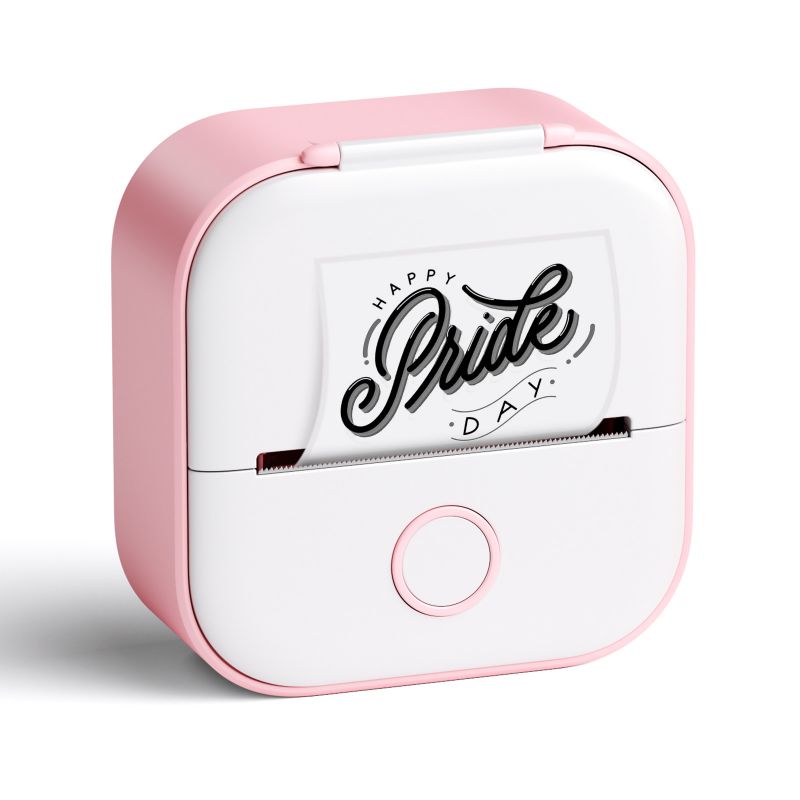
Phomemo Mini Printer
- 💖Inkless Printing Technology
- 💖High Definition: 203dpi
- 💖Bluetooth Connection with mobile devices
Creative Coloring Sticker Ideas
Now that you know how easy it is to create stickers with a Phomemo mini printer, let’s explore some fun, creative ideas that appeal to all ages.
For Kids:
- Animal Stickers: Print out animal outlines for kids to color in, or create a whole set for a fun zoo-themed activity.
- Cartoon Characters: Let kids bring their favorite cartoon characters to life by coloring them in.
- Educational Stickers: Parents and teachers can use Phomemo for interactive learning, printing alphabet letters, numbers, or shapes that kids can color and stick on notebooks or posters.


For Adults:
-
Bullet Journal Stickers: Create and print custom stickers for your bullet journal, from daily headers to decorative elements. Personalize and color them to match your planner’s theme and style.
-
Motivational Quotes: Customize quotes with stylish designs, then color them in for your workspace, journal, or planner.
-
Handmade Gifts: Add a personal touch to gift wrapping or cards by creating and coloring custom stickers.
With Phomemo, there’s no limit to how creative you can get. Whether it’s for fun, relaxation, or learning, everyone can find joy in DIY coloring stickers.
Ready to Create?
Phomemo inkless mini printers make DIY sticker-making easy, fun, and accessible to everyone. Whether you’re creating custom coloring stickers for yourself or as a fun project for your kids, Phomemo has everything you need to bring your ideas to life. Ready to start your own DIY sticker journey?
Now’s the perfect time to order! Use my discount code TIPS8 to enjoy 10% your purchase today.
Start your DIY adventure with Phomemo, and let your creativity shine!