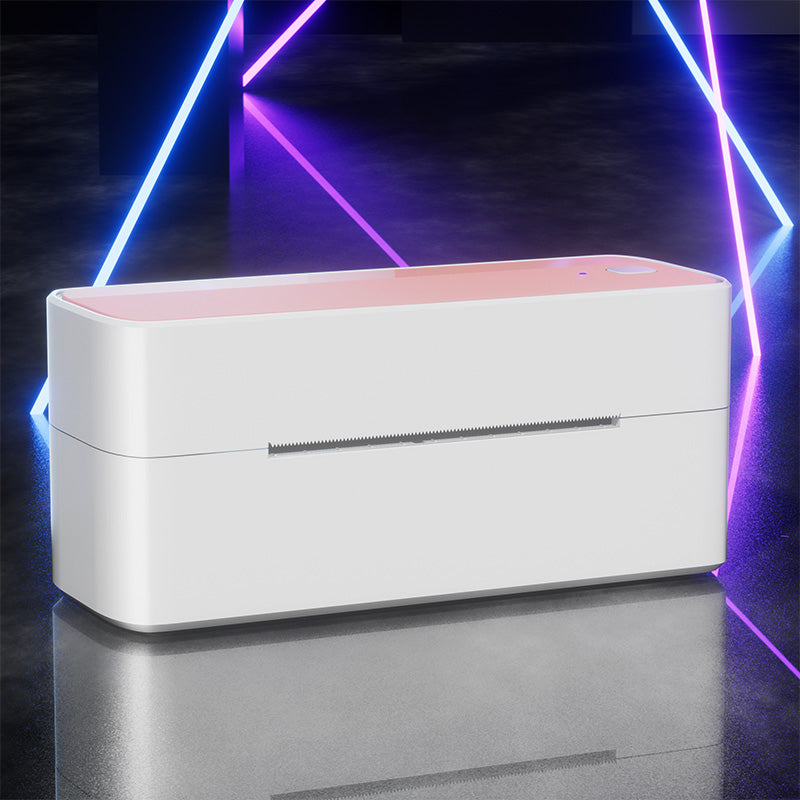
 Phomemo PM241-BT Bluetooth Shipping Label Printer
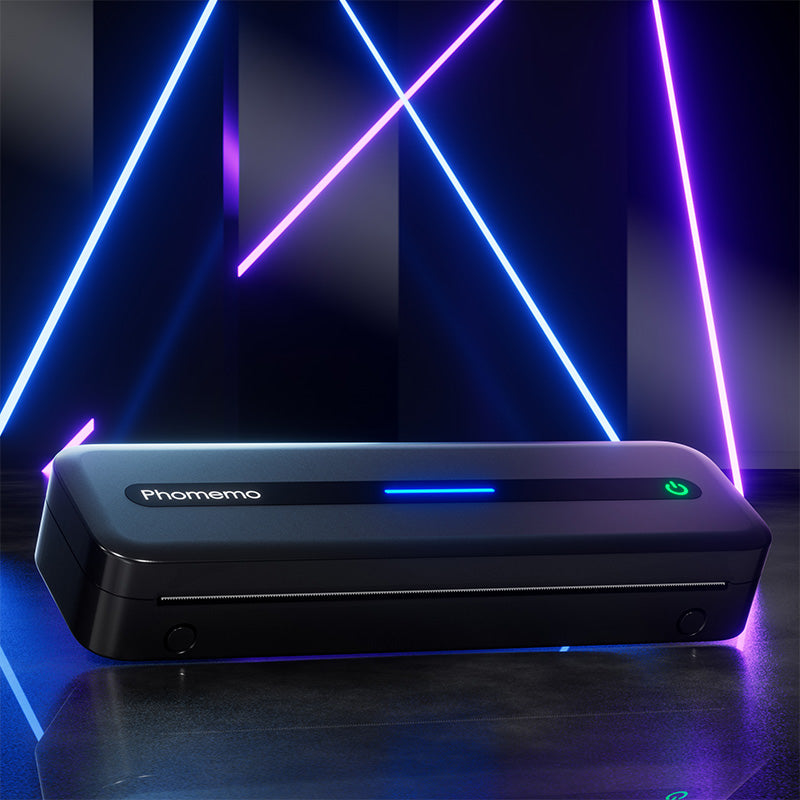 Phomemo M832 Upgrade Thermal Portable Printer
 Phomemo T02 Inkless Mini Printer
 Phomemo M220 Bluetooth Portable Thermal Business Label Maker
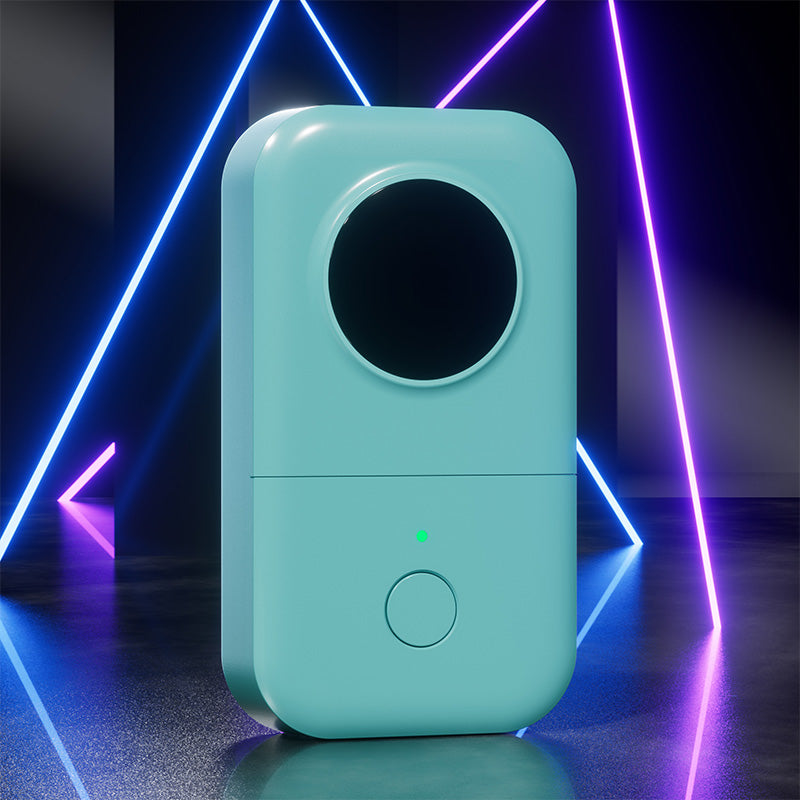 Phomemo D30 Portable Bluetooth Home Label Maker
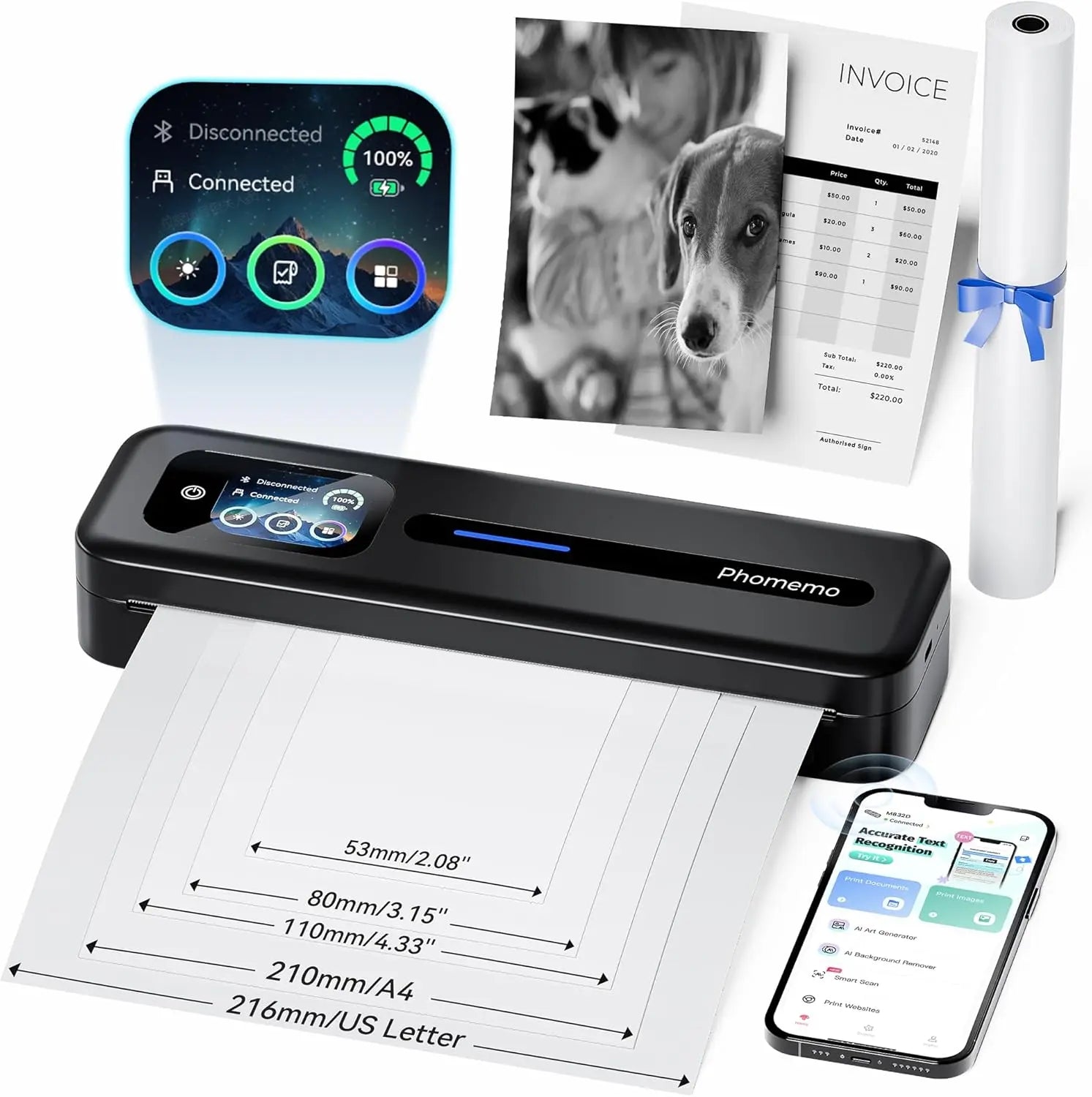 Phomemo Thermal Portable Printer M832D Upgraded Direct Touchscreen
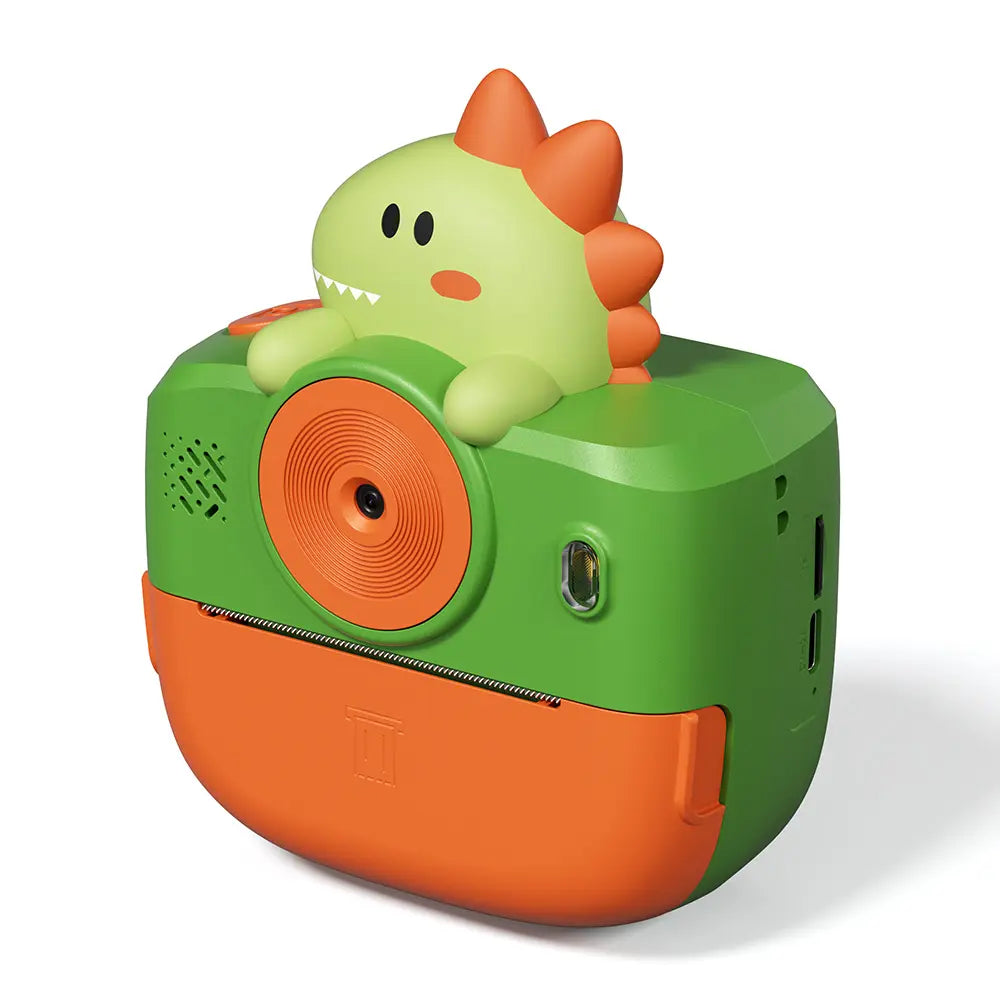 Phomemo Instant Camera K22 Dual-Lens Camera for Kids
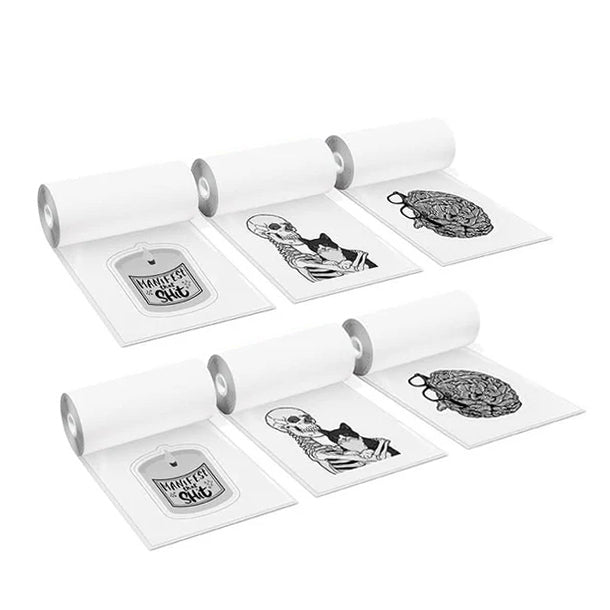 For K22
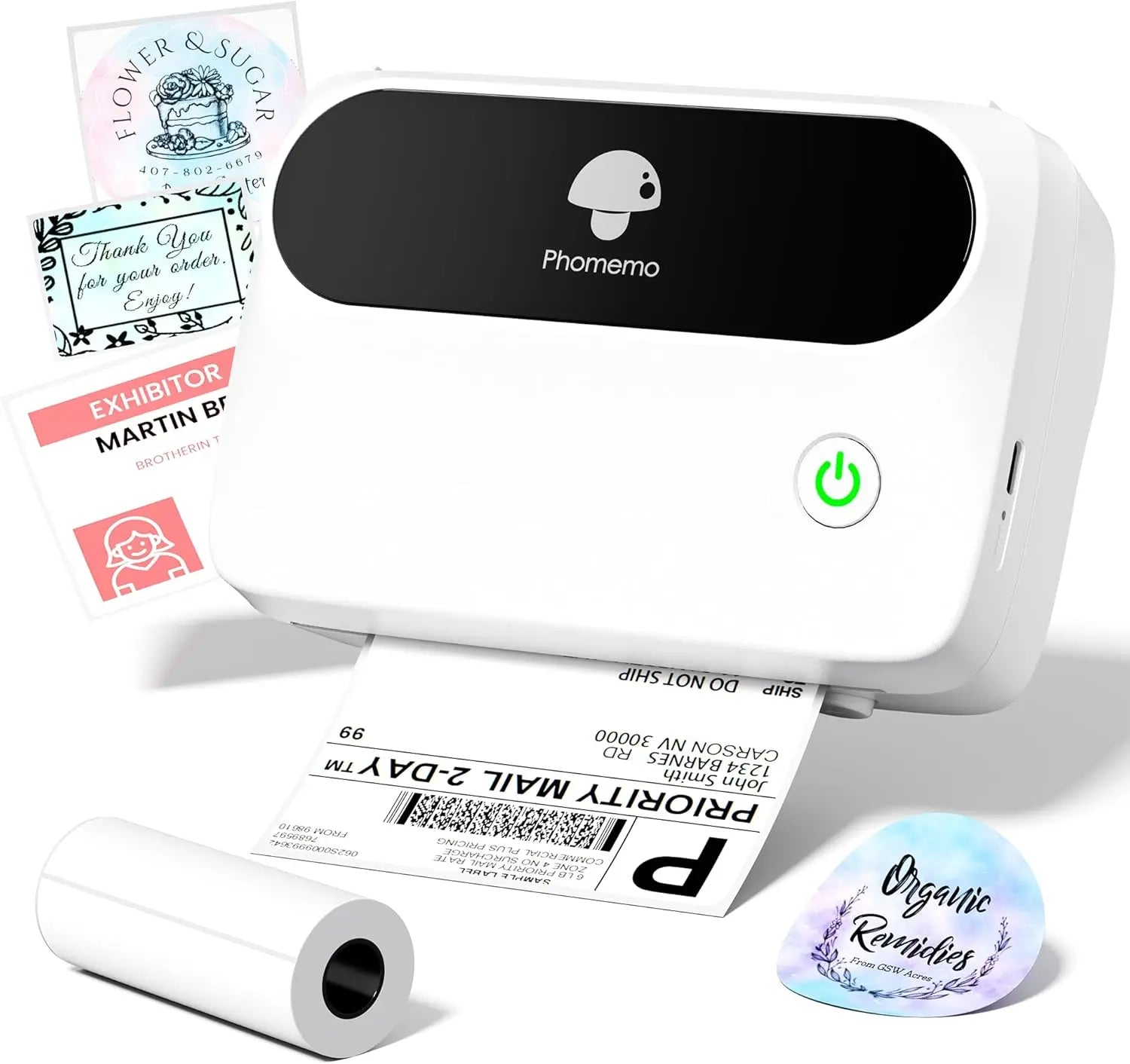 Phomemo Thermal Label Maker M421 Bluetooth Portable Business
 Phomemo M250 Bluetooth Portable Thermal Business Label Maker
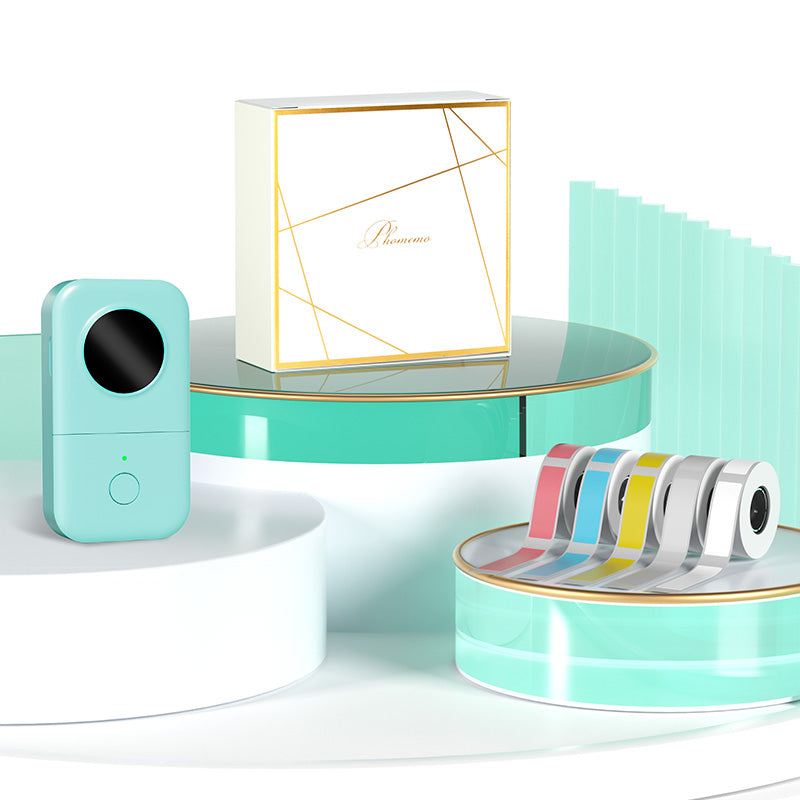 Phomemo D30 Gray Bluetooth Label Maker & 5 rolls of labels (Option: Storage Bag)
 Phomemo M02 PRO Mini Printer Gift Set
 Phomemo T02 Inkless Mini Printer Gift Set
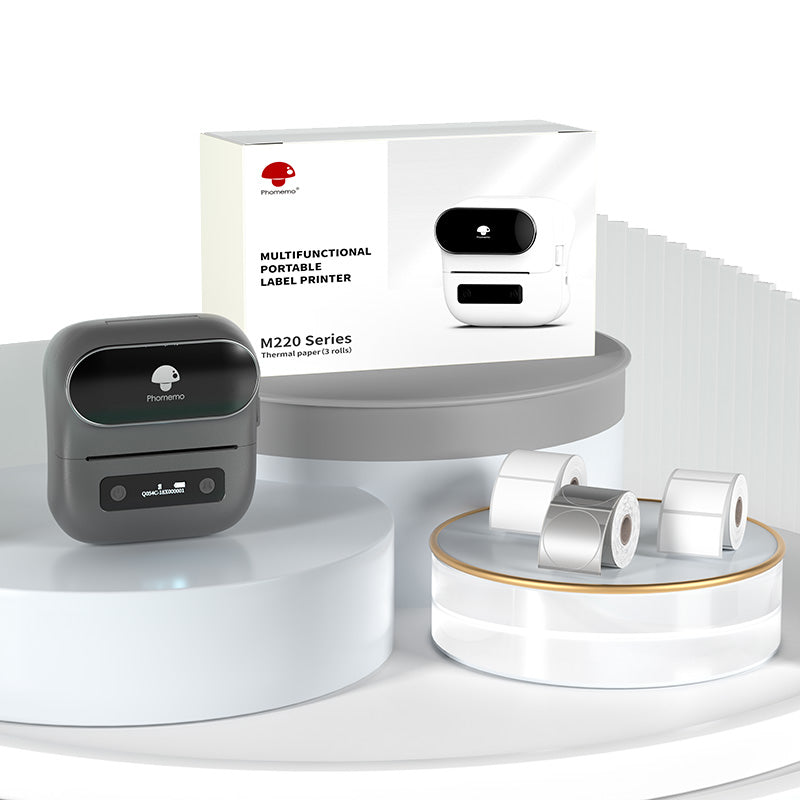 Phomemo M220 Bluetooth Label Printer Gift Set
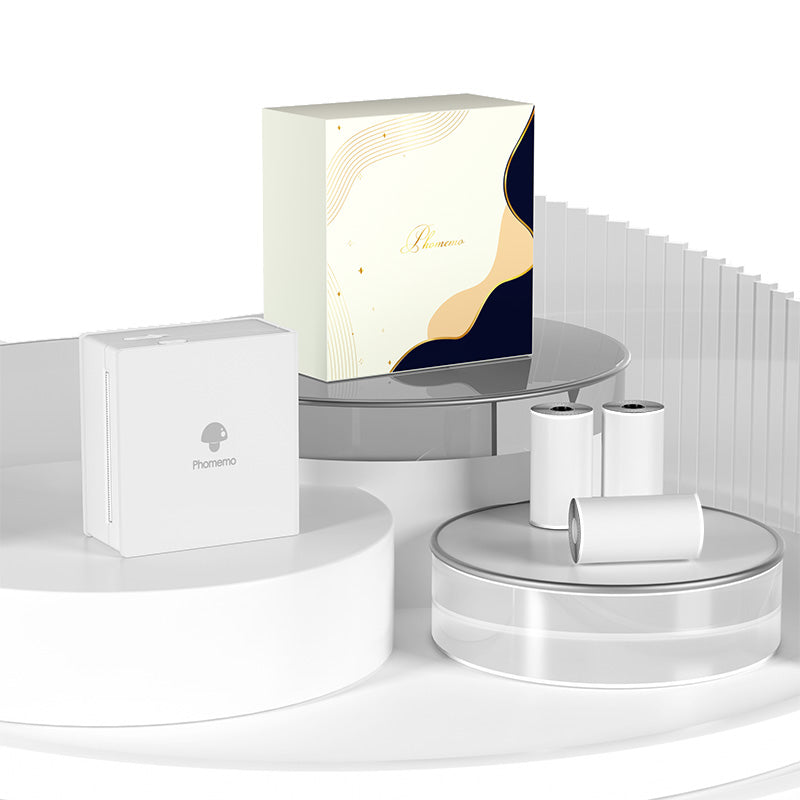 Phomemo M02 Mini Printer Gift Set
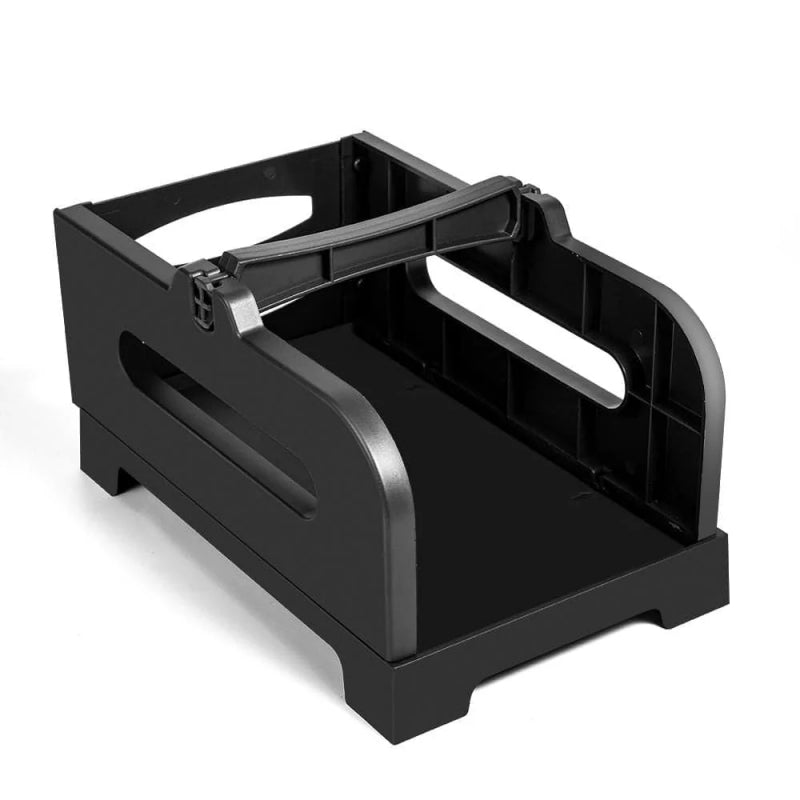 Accessories
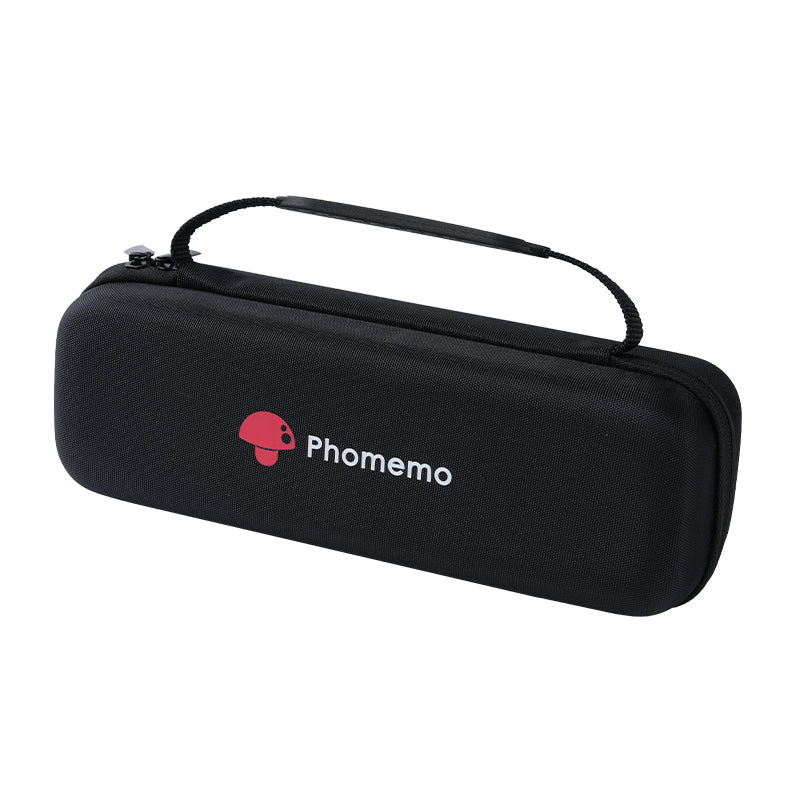 Storage Bag
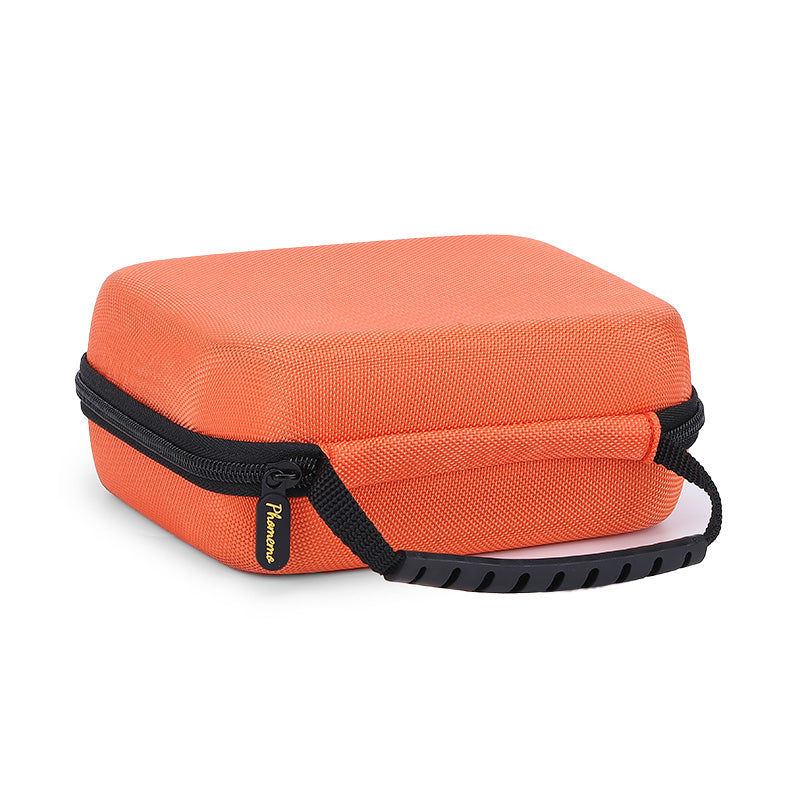 Phomemo Large Hard Shell Machine Storage Bag
 Phomemo Paper Holder for T02/M02/M02S/M02PRO/M03AS/M04AS/M04S
 Paper Holder For Phomemo Business Label Maker
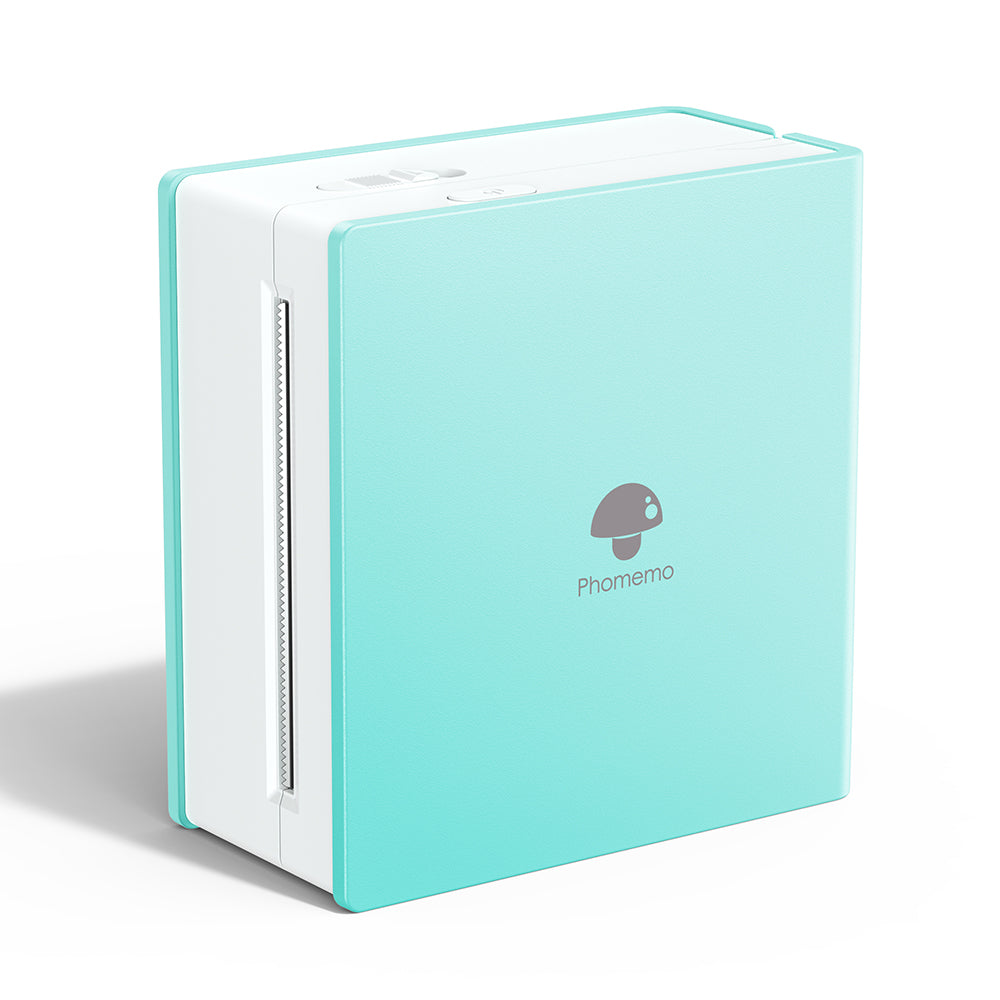 Phomemo M02 Inkless Mini Printer
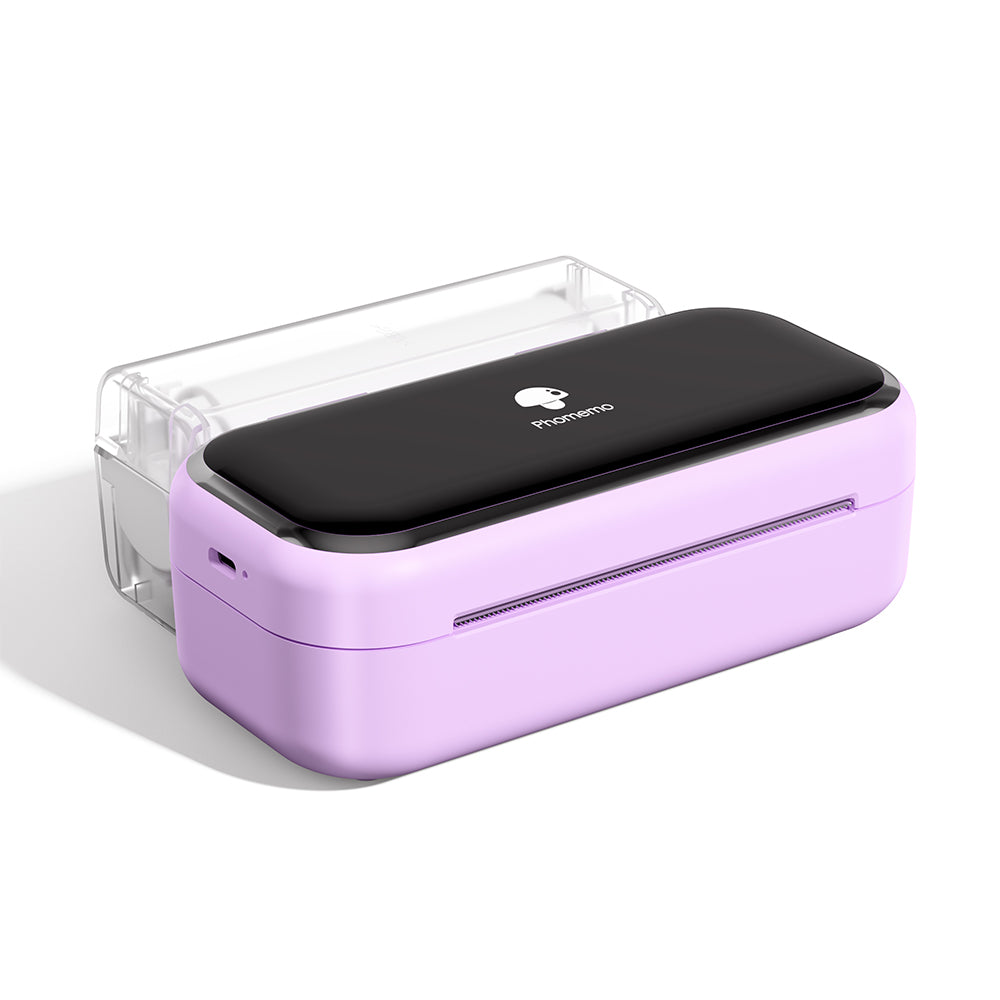 Phomemo M03 Bluetooth Mini Printer
 Phomemo M02 PRO Bluetooth Mini Printer
 Phomemo M04AS Mini Thermal Printer
 Phomemo P12 Portable Bluetooth Home Label Maker
 Phomemo A30 Portable Home Label Maker
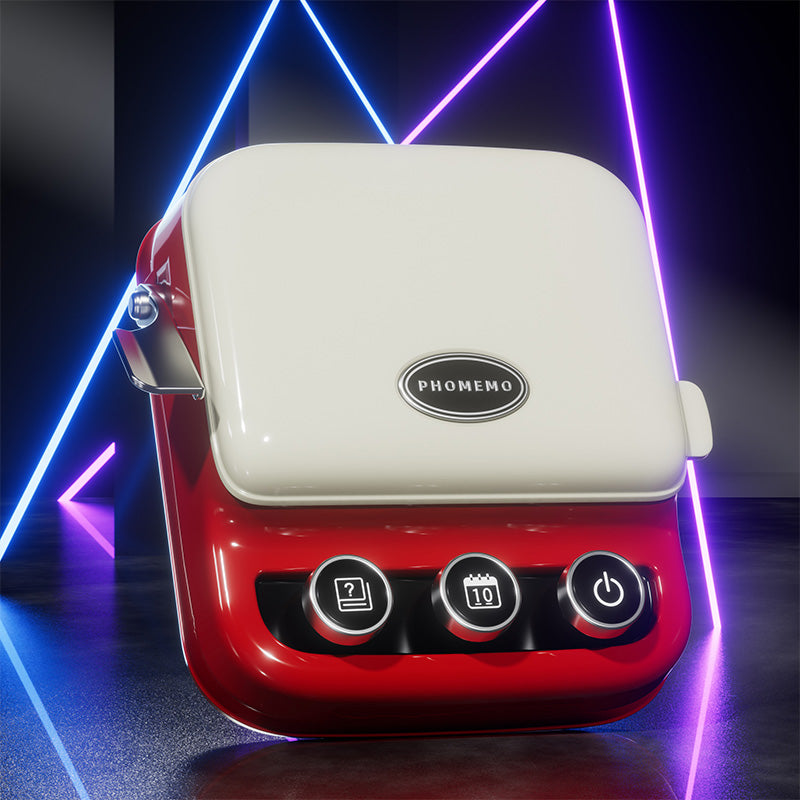 Phomemo P15 Vintage Home Label Maker
 Phomemo Q30S Mini Home Label Maker
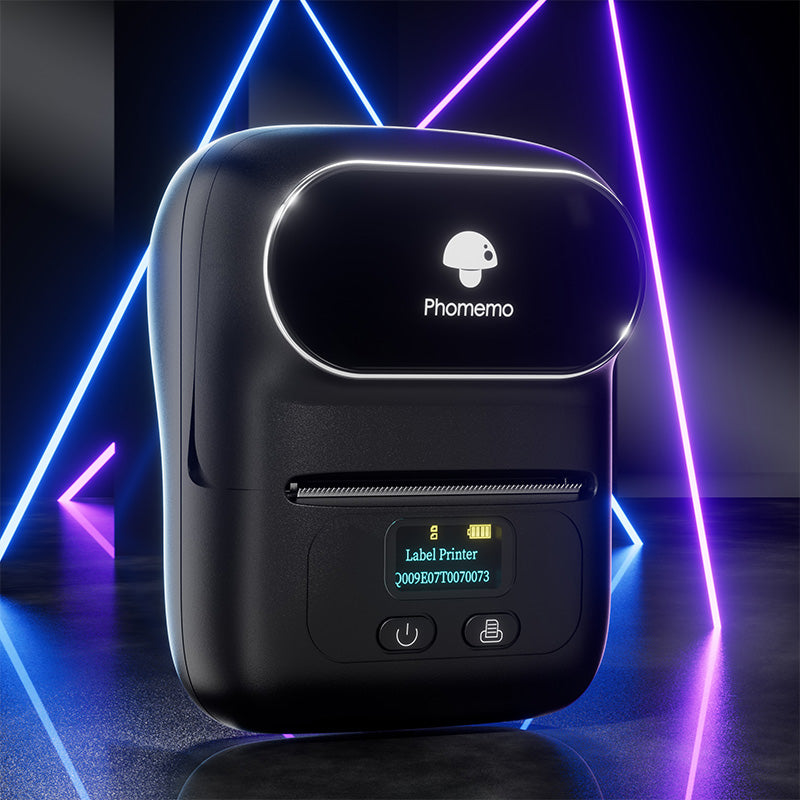 Phomemo M110 Bluetooth Portable Thermal Business Label Maker
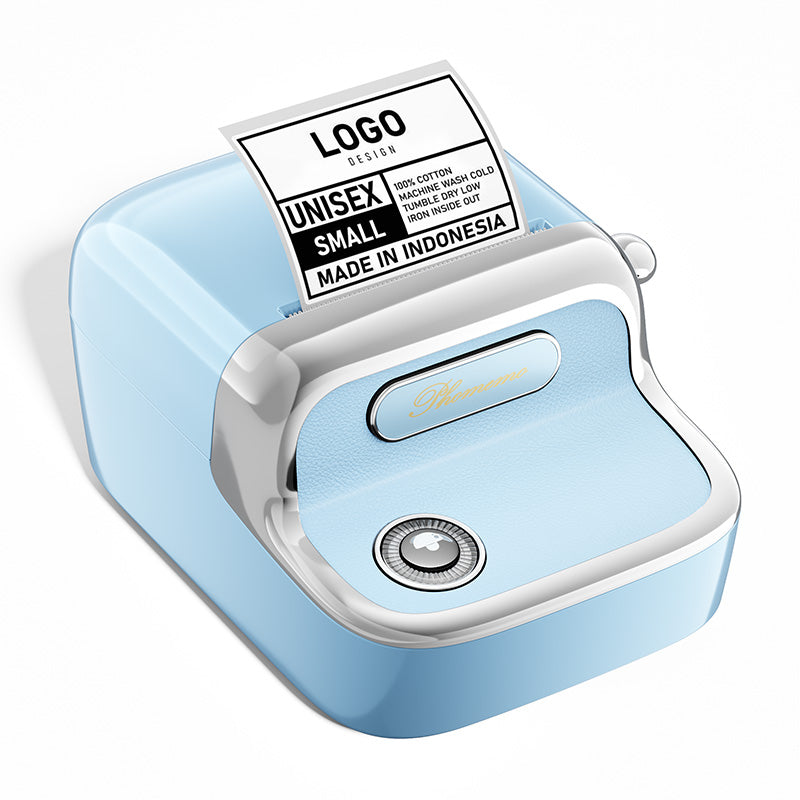 Phomemo M150 Bluetooth Portable Thermal Business Label Maker
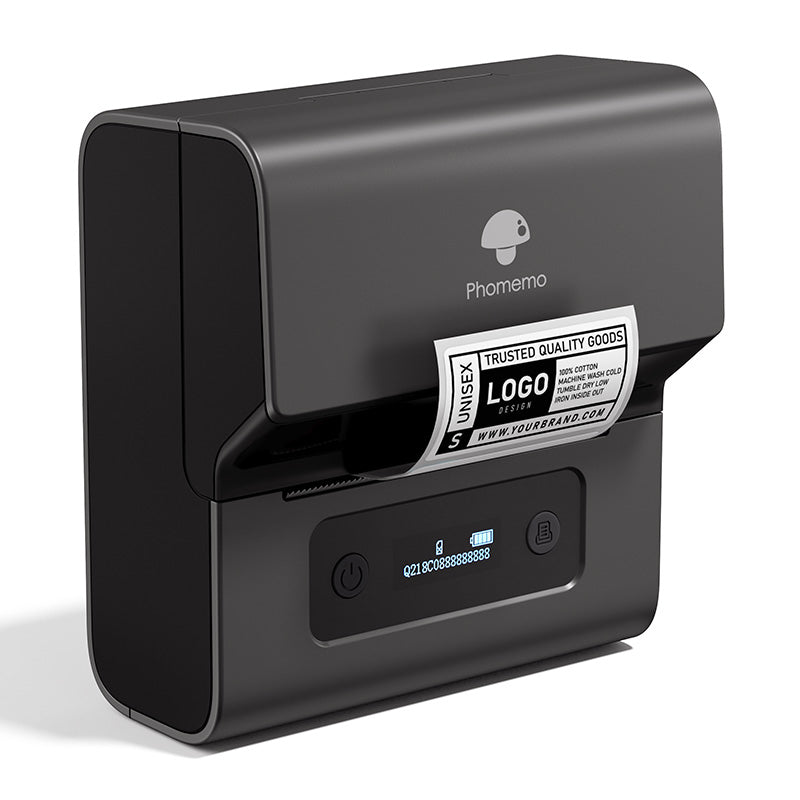 Phomemo M221 Bluetooth Portable Thermal Business Label Maker
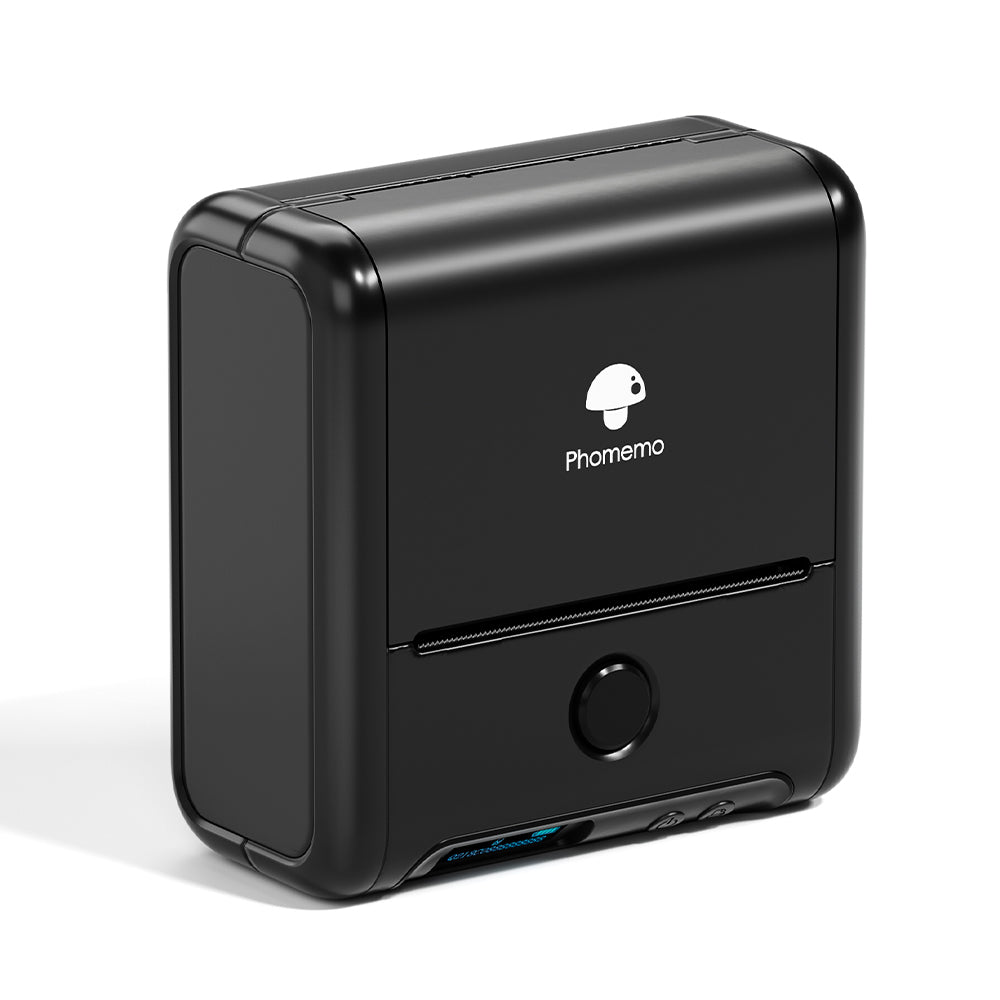 Phomemo M200 Bluetooth Portable Thermal Business Label Maker
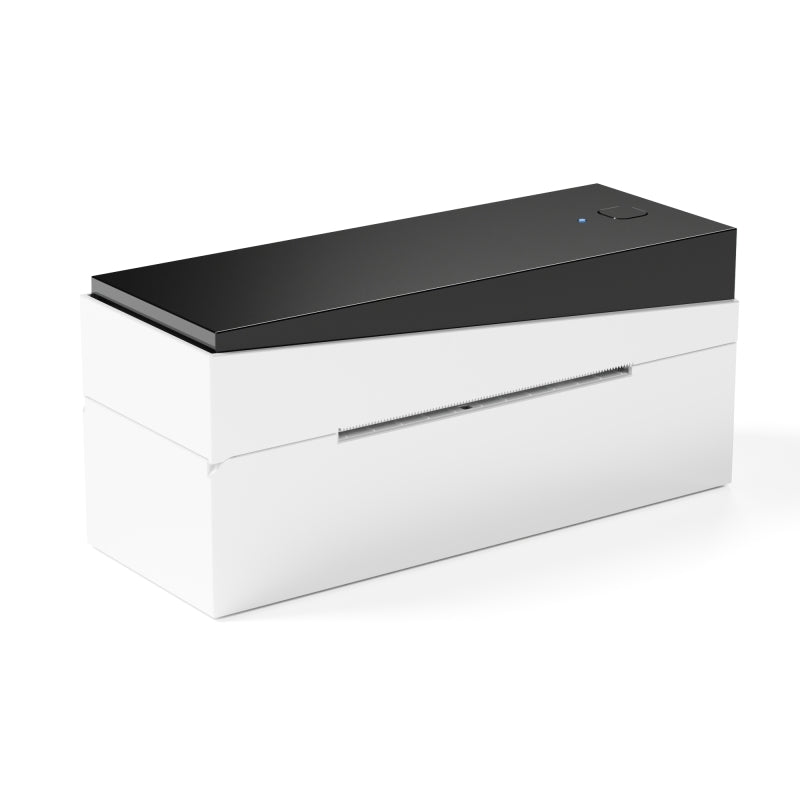 Phomemo PM249-BTZ Bluetooth Direct Connect Shipping Label Printer
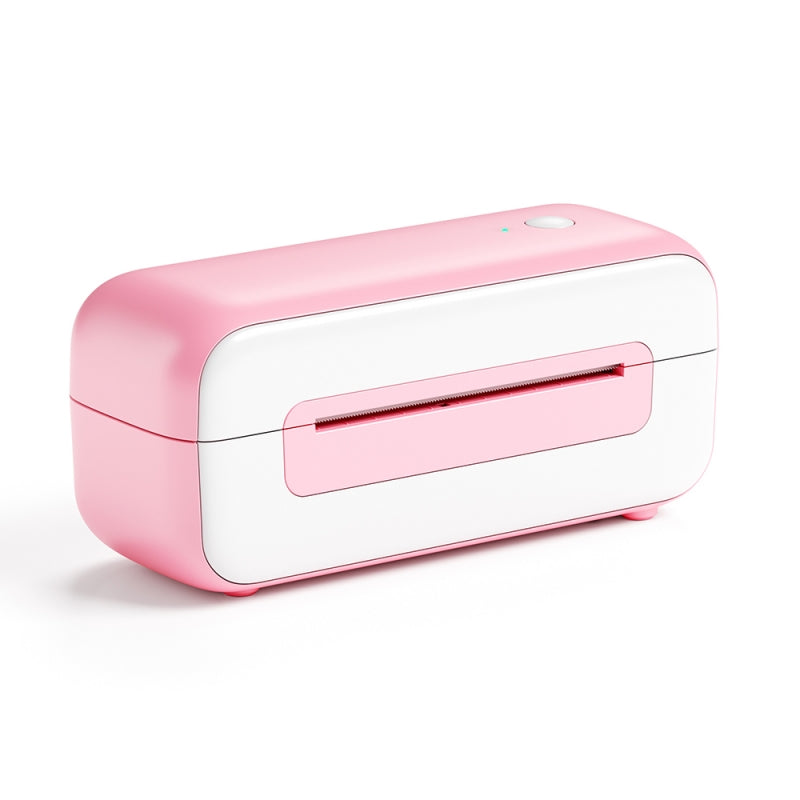 Phomemo PM-246S High-Speed USB Direct Thermal Shipping Label Printer
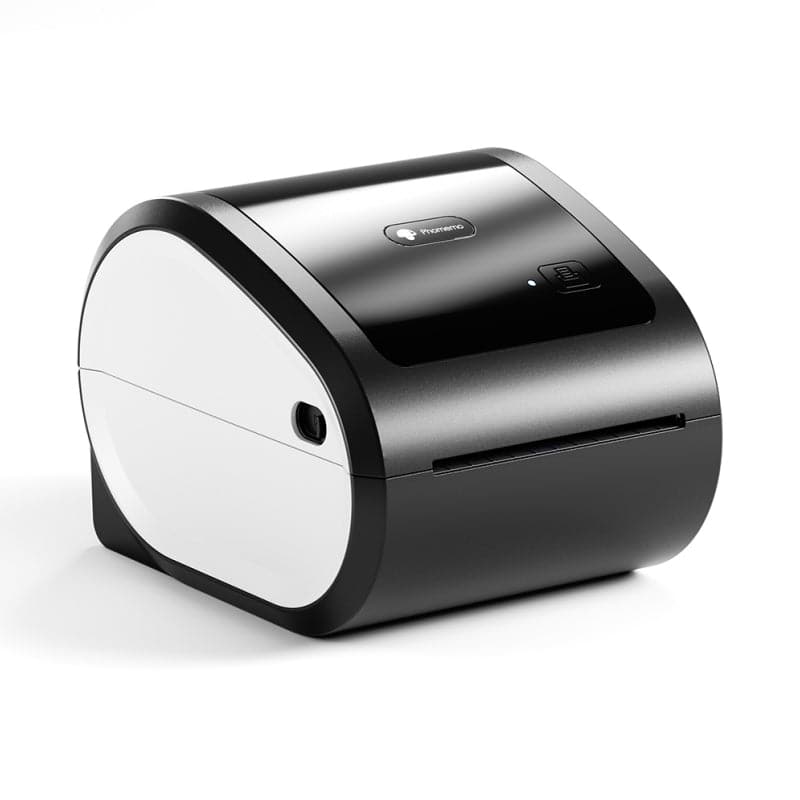 Phomemo D520-BT Bluetooth Shipping Label Printer
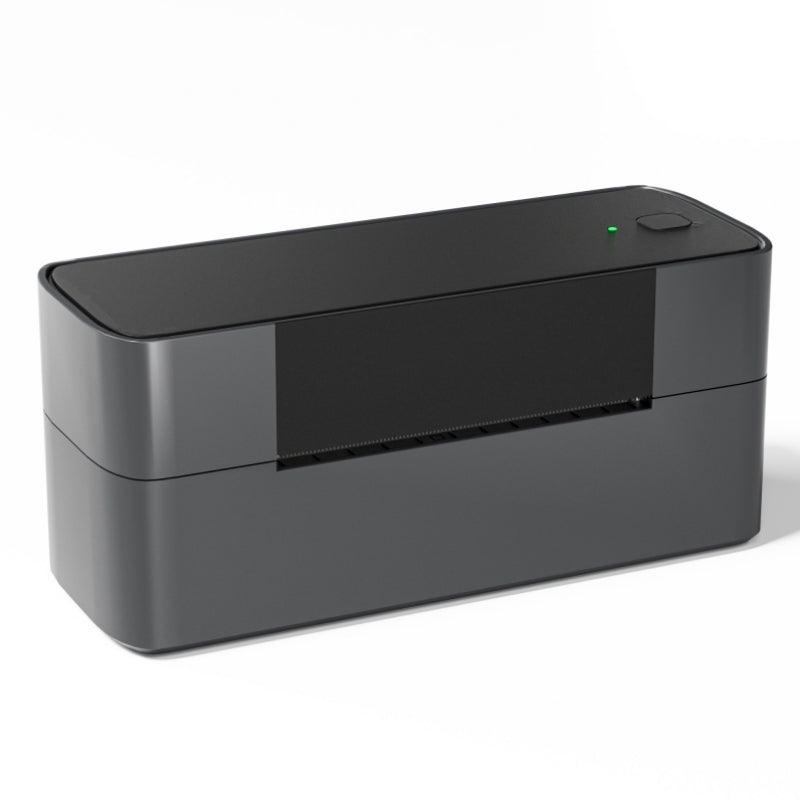 Phomemo PM245-BTZ Bluetooth Direct Connect Shipping Label Printer
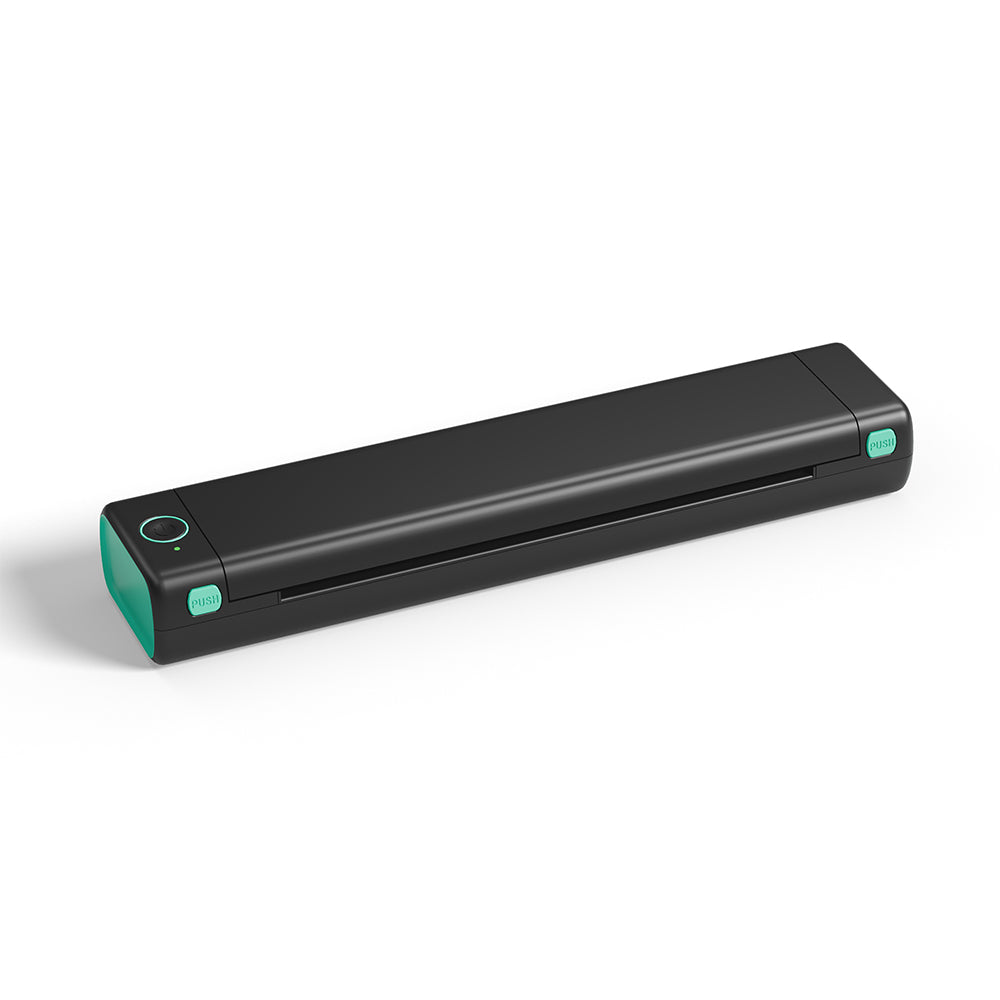 Phomemo M08F Letter & A4 Portable Printer
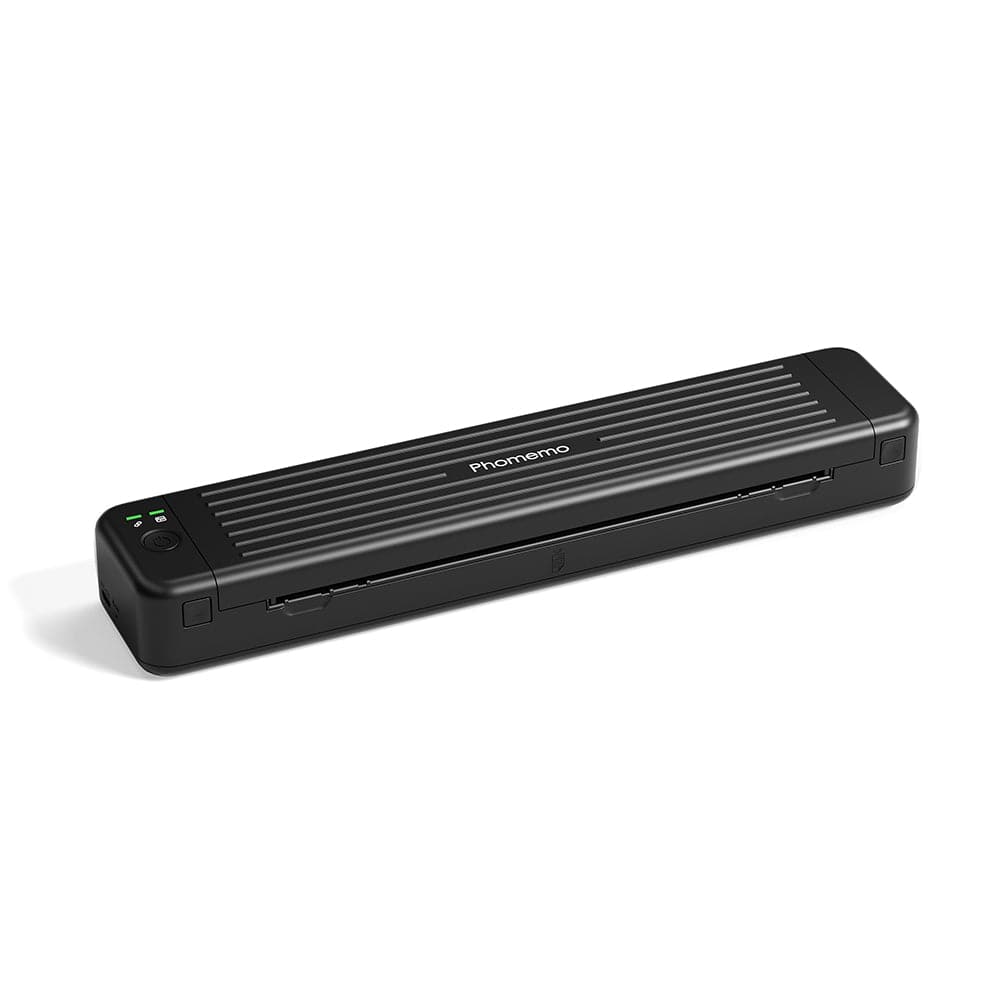 Phomemo P831 Bluetooth Portable Thermal Transfer Printer
 [Ultra-light] Phomemo Q302 Wireless Portable Thermal Printer
 Phomemo M08F Wireless Tattoo Stencil Printer
 Phomemo TP81 Wireless Tattoo Template Printer
 Phomemo TP83 Wireless Tattoo Stencil Printer
 [❗️NEW❗️]Phomemo TP31 Bluetooth Tattoo Stencil Mini Printer
 For T02/M02X
 For M02
 For M02S
 For M02 Pro
 For M03
 For M03AS
 For M04S
 For M04AS
 For D30/D35/Q30/Q30S
 For P12/P12 PRO
 For D50
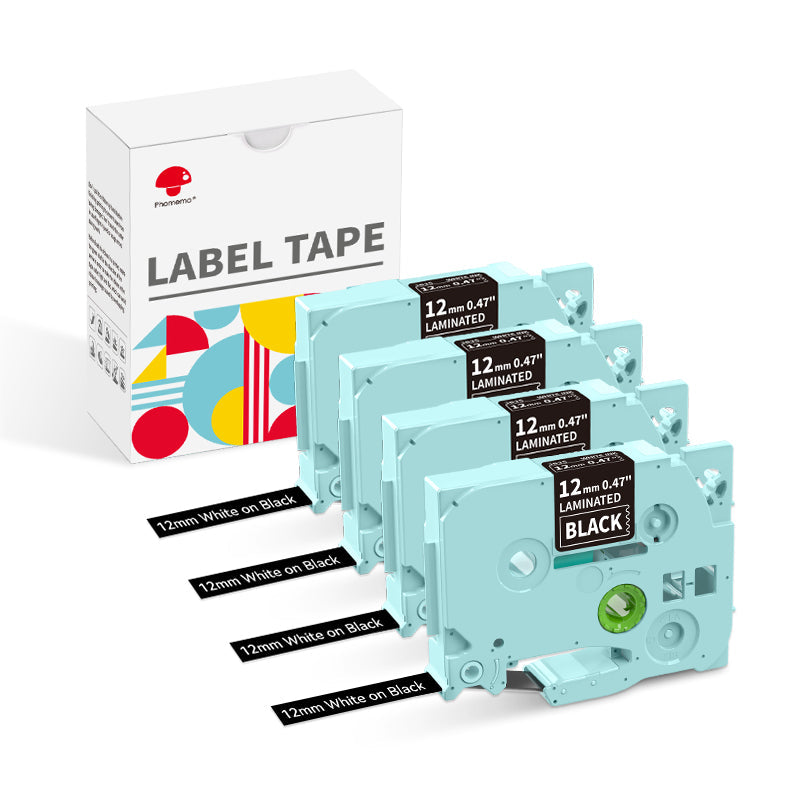 For P3200
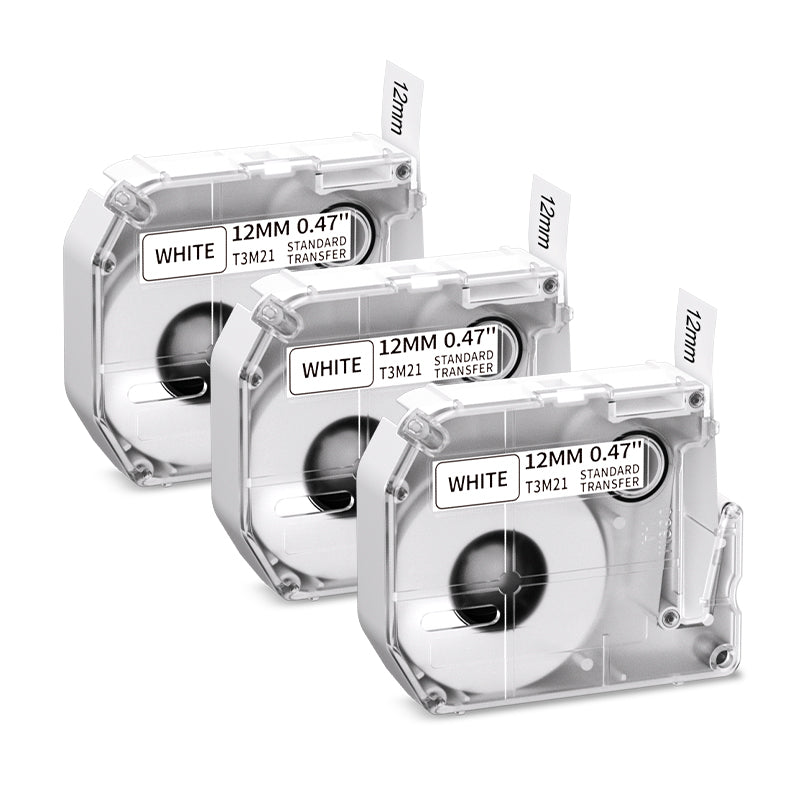 For M960/M950
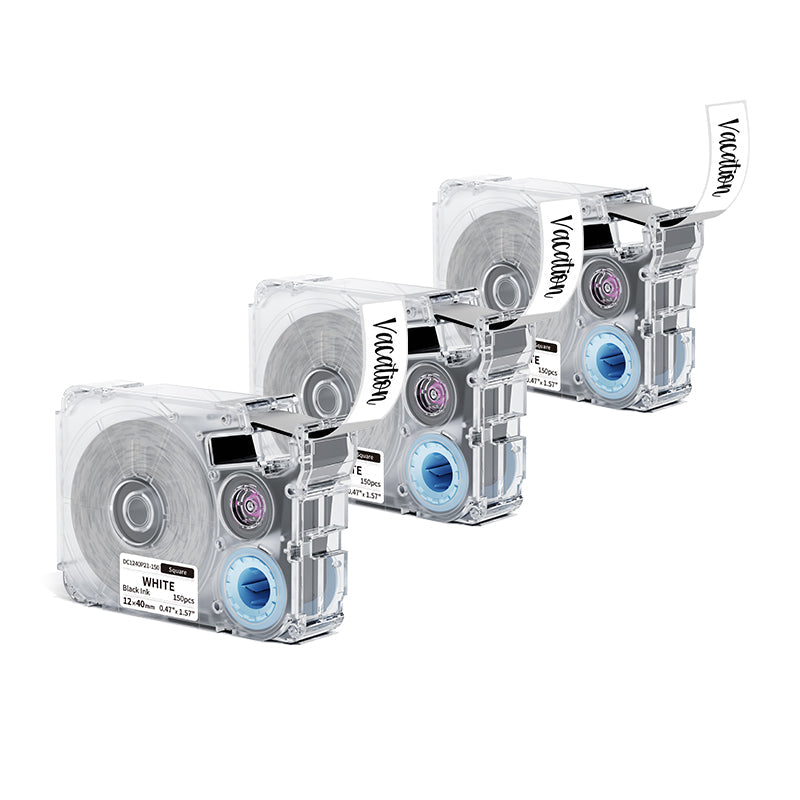 For P15
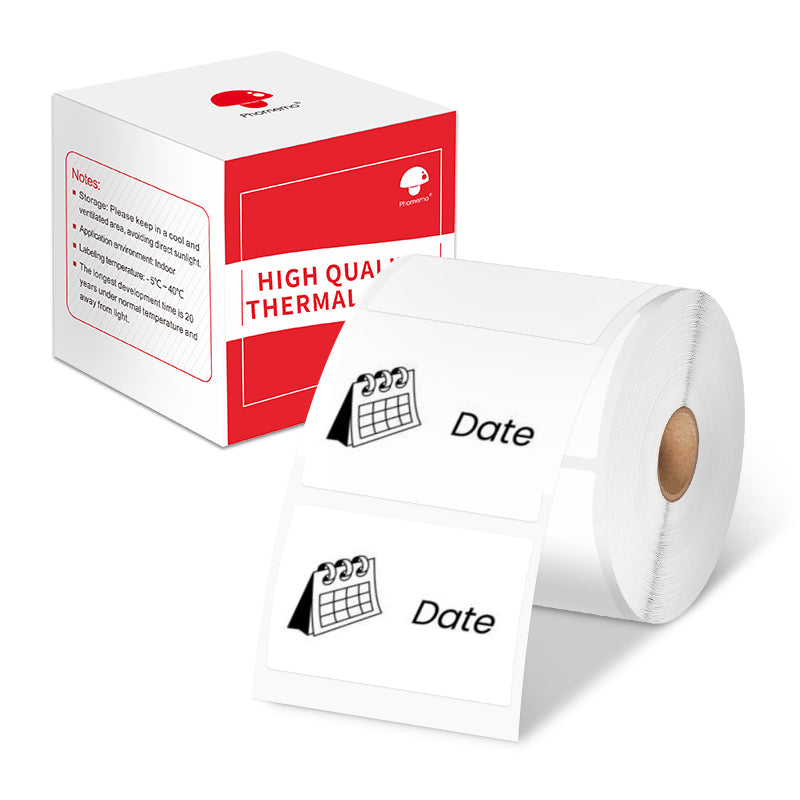 For M110/M120
 For M200/M220/M221
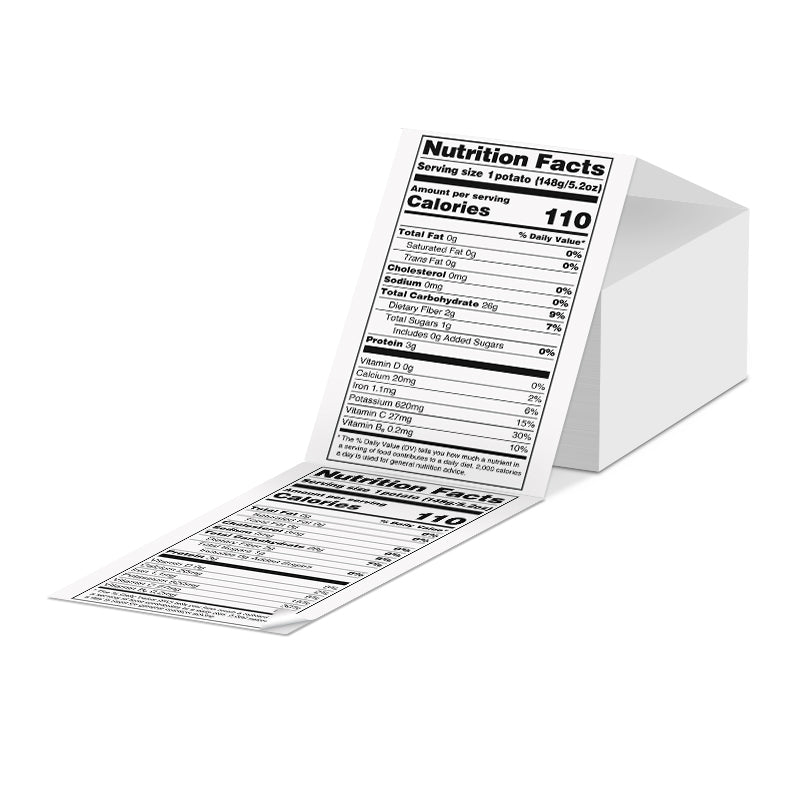 Phomemo 4"x6" Fan-Fold Thermal Direct Labels for Shipping Label Printer
 Phomemo Thermal Shipping Labels – Multiple Sizes & Types for Shipping Label Printer
 Phomemo 2" Multiple Thermal Round Label for Shipping Label Printer
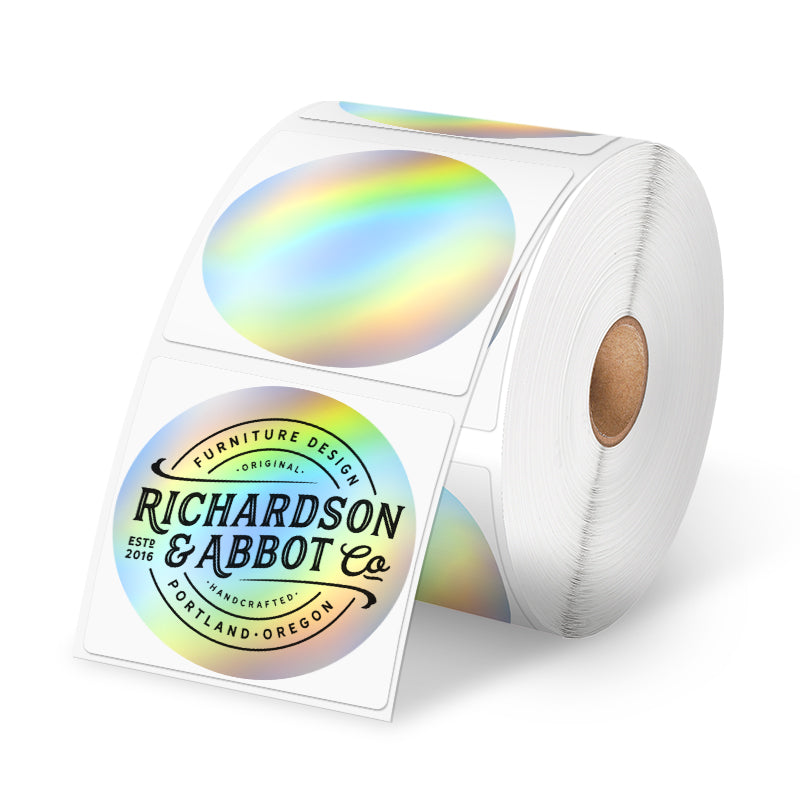 Phomemo 2" Silver Thermal Holographic Sticker for Shipping Label Printer
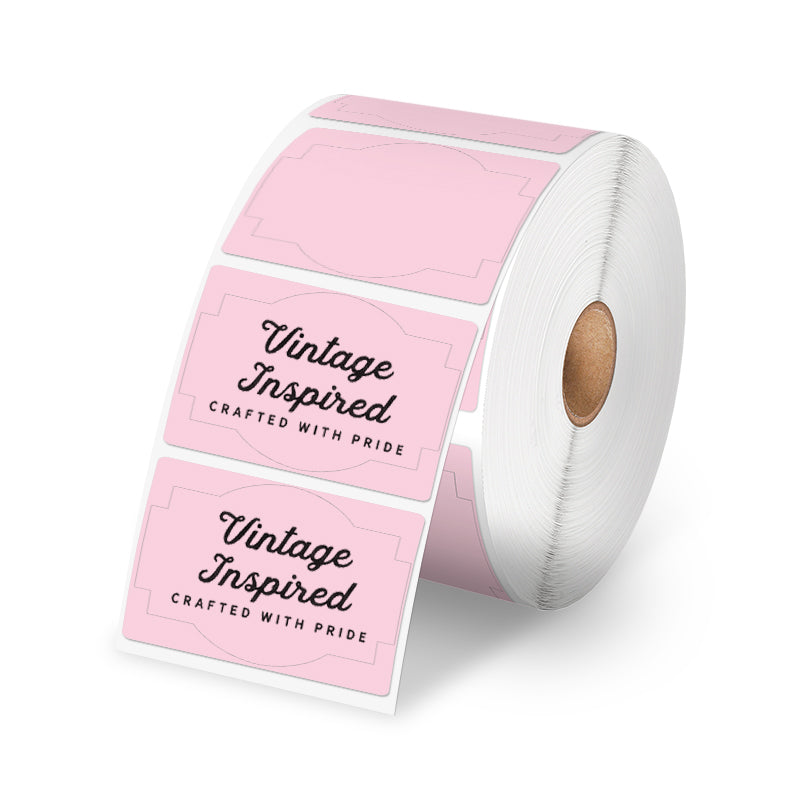 Phomemo 3"x2"Shipping Label Stickers for Shipping Label Printer
 For M08F/Q302
 For M832
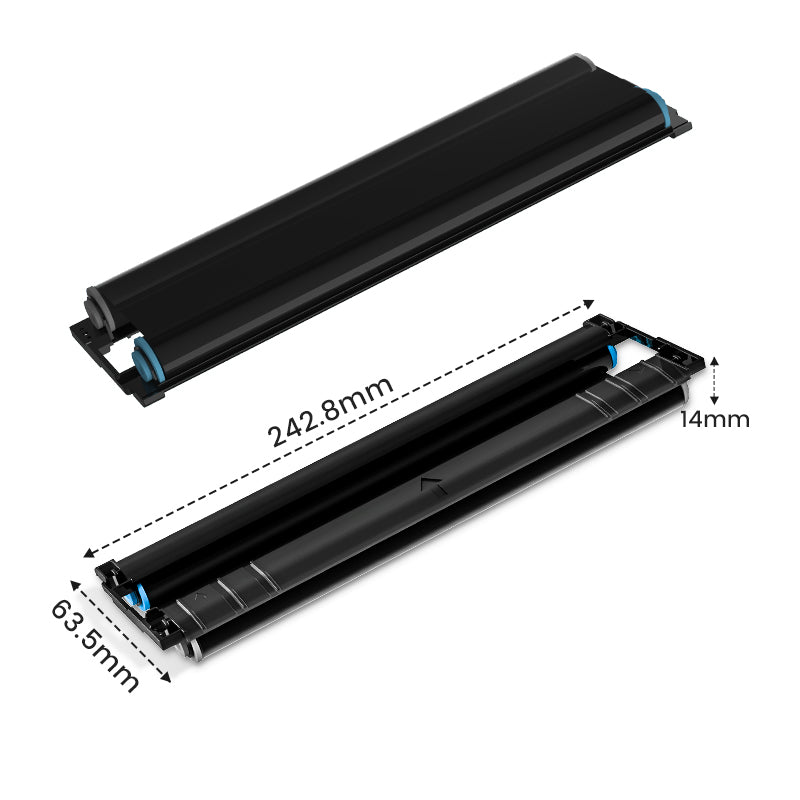 For P831
 For TP81/TP83/M08F Tattoo
 For TP31 Tattoo
 For P02

Halloween is a time for creativity, fun, and bringing a spooky atmosphere into every corner of your life. Whether you’re hosting a Halloween party, preparing treat bags for trick-or-treaters, or decorating your home, the little details matter. Among these, personalized labels can significantly elevate your Halloween experience, adding a unique touch to every item. Custom Halloween labels not only enhance the festive atmosphere but also offer a fantastic way to express your creativity and impress your guests.
DIY Creative Halloween Label Ideas
Creating your own Halloween labels is a fun and rewarding project that allows you to tailor your decorations to fit your style and theme. Here are some creative ideas to get you started:
Candy Jar Labels
Halloween wouldn’t be complete without candy, and custom labels for your candy bags or jars can make your treats even more enticing. Design labels with spooky graphics like ghosts, witches, or bats, and add fun phrases like “Witch’s Brew” or “Goblin Goodies.” Your custom candy labels will be a hit with trick-or-treaters and party guests alike.

Halloween Gift Labels
If you’re planning on giving Halloween-themed gifts, such as homemade treats, candles, or small trinkets, personalized labels are a must. You can create labels that match the recipient’s personality or the theme of your gift. For example, use a classic orange and black color scheme for a traditional Halloween vibe, or opt for something more playful with bright purples and greens.

Pumpkin Decoration Tags
Halloween labels aren’t just for treats and gifts—they can also be used to elevate your Halloween decorations. Create custom tags to hang from your pumpkin decorations, adding a unique and spooky touch to your display. For example, you can design tags with phrases like “Pumpkin Potion,” “Cursed Gourd,” or “Haunted Harvest” to give your pumpkins a playful personality. These tags not only enhance the visual appeal of your Halloween setup but also serve as intriguing conversation starters, making your décor stand out at any Halloween gathering.

Steps to Create Halloween Labels with a Thermal Printer
Creating your custom Halloween labels is easier than you might think, especially with a Phomemo thermal printer. Here’s a simple guide to get you started:
Step 1: Gather Your Halloween Goodies
Before diving into label-making, collect the items you want to decorate. Some spine-tingling ideas include:
-
Candy jars for your trick-or-treat stash
-
Gift boxes for Halloween party favors
-
Potion bottles for your witch's brew display
-
Treat bags for school parties or neighborhood giveaways
-
Decoration tags for your haunted house props
Step 2: Choose the Right Thermal Printer and Label Stickers
Select the ideal thermal printer and label stickers for your project. We recommend Phomemo thermal label printers for their versatility and superior quality. When choosing, consider the following:-
Printer Features: Look for features that suit your needs, such as portability for on-the-go printing, high print quality for sharp and clear designs, and long battery life for extended use.
-
Label Sizes Available: Choose the label size that best fits your project. Whether you need small stickers for intricate designs or larger labels for bold statements, Phomemo offers a variety of options to match your creative vision.
-
Price Point: Find a printer that fits your budget without compromising on quality. Phomemo thermal printers provide excellent value, ensuring your Halloween crafts are both spooky and economical.
Step 3: Design Personalized Labels
Design your labels using Canva or, even better, the Phomemo Printer app. The app provides a vast library of free Halloween-themed templates and design elements, making it easy to create unique and personalized labels. Once your design is ready, you can print it directly from the app.

Step 4: Print Your Labels
Connect your smart device to the Phomemo printer via Bluetooth. The wireless connection allows you to print labels effortlessly, anytime and anywhere. Simply select your design in the app, and your custom labels will be ready in seconds.

Step 5: Apply the Labels
Peel and stick your labels onto your chosen items. Phomemo’s labels are designed for easy application—they peel off smoothly without leaving residue, and if you need to reposition them, they’re easy to remove and reapply without losing their stickiness.

Personalized Design Tips
To make your Halloween labels truly unique, consider incorporating the following elements:
Halloween-Themed Graphics: Use classic Halloween icons like pumpkins, spider webs, skeletons, and bats. These instantly recognizable symbols will give your labels an authentic Halloween feel.
Fun Halloween Phrases: Incorporate clever or spooky sayings into your labels. Phrases like “Boo-tiful Treats,” “Trick or Treat Yourself,” or “Eat, Drink, and Be Scary” add a playful touch to your designs.
Personal or Family Elements: Add a personal touch by including your family’s name or a fun inside joke. For example, if your family loves a specific Halloween movie, you could incorporate quotes or characters from that film into your label designs.
Advantages of Phomemo Mini Thermal Printers
Phomemo mini thermal printers are the perfect tool for your DIY Halloween projects. Here’s why:
Compact and Portable: The Phomemo printer’s small size makes it easy to carry around and store, allowing you to print labels wherever and whenever inspiration strikes.
Compatibility with Multiple Devices: The printer works seamlessly with various devices, ensuring you can design and print labels from your smartphone, tablet, or computer.
Free Printing App: Phomemo offers a user-friendly app with a wide range of templates and design tools, making it easy to create professional-quality labels without needing any design experience.
High-Resolution Printing: The printer delivers sharp, clear images, ensuring that your labels look polished and professional.
Long Battery Life: With its long-lasting built-in lithium battery, the Phomemo printer is ready to go whenever you are, without the need for constant recharging.
Ink-Free and Cost-Effective: Thermal printing technology means you don’t need to buy ink, making the Phomemo printer an economical choice for all your labeling needs.
Fast Printing Speeds: The printer produces labels at a speed of 10-15mm per second, allowing you to create and apply your designs in no time. Whether you're printing a few labels or a whole batch, the rapid output ensures that your projects are completed quickly and efficiently.

Bluetooth Thermal Printer
- 💖Small enough to fit in the palm of your hand
- 💖High Definition: 203dpi
- 💖Bluetooth Connection with mobile devices
Halloween Special Offer
To make your Halloween even more special, Phomemo is offering an exclusive discount. Purchase your Phomemo thermal printer now and use the discount code TIPS8 at checkout to receive 10% off your order. Don’t miss this opportunity to get your hands on this versatile tool and elevate your Halloween decorations with custom labels.

Make Your Halloween More Creative and Personalized
This Halloween, let your creativity shine with custom labels made using the Phomemo thermal printer. From candy bags to decorations, personalized labels add a unique touch that will delight your guests and make your celebrations even more memorable. Take advantage of Phomemo’s special offer and start creating your DIY Halloween labels today—your spooky, customized decorations await!