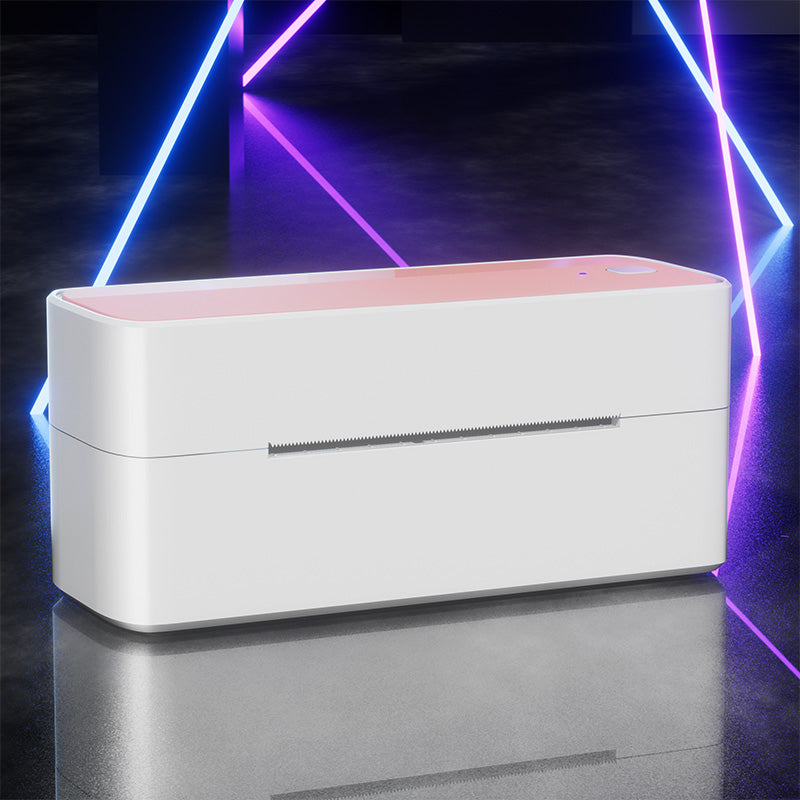
 Phomemo PM241-BT Bluetooth Shipping Label Printer
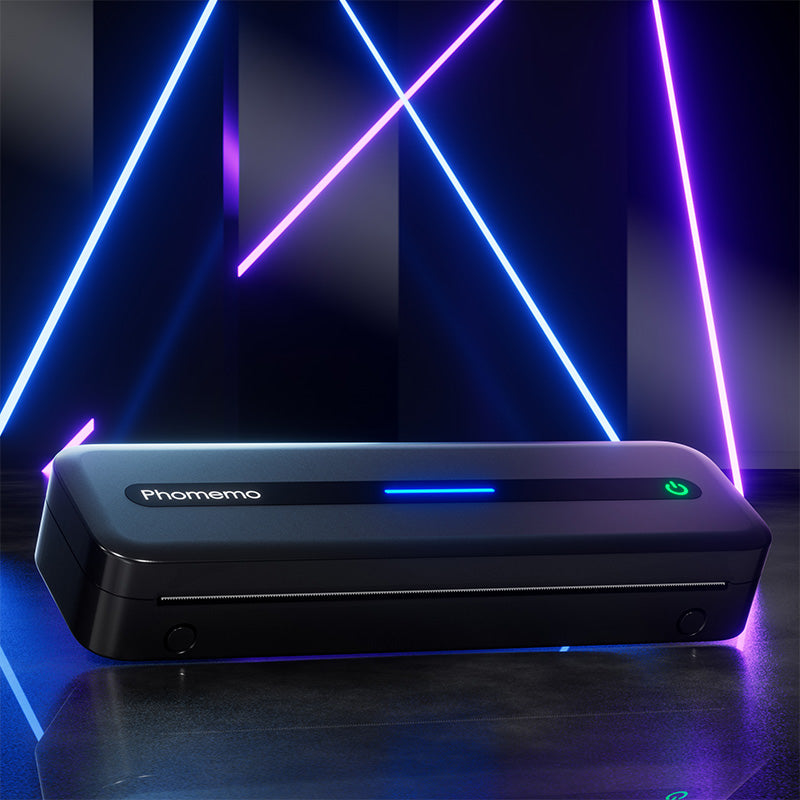 Phomemo M832 Upgrade Thermal Portable Printer
 Phomemo T02 Inkless Mini Printer
 Phomemo M220 Bluetooth Portable Thermal Business Label Maker
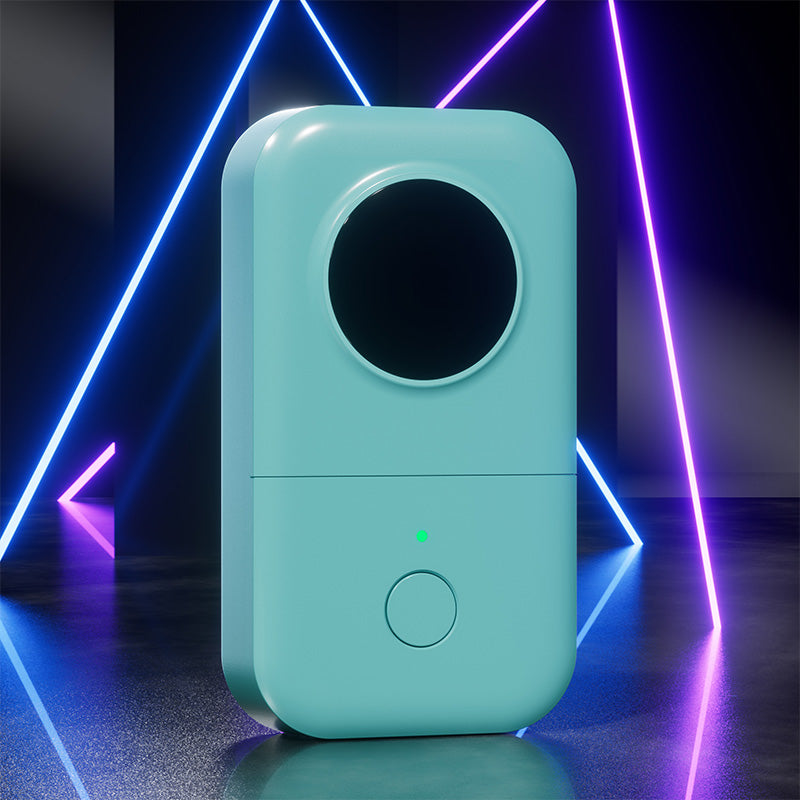 Phomemo D30 Portable Bluetooth Home Label Maker
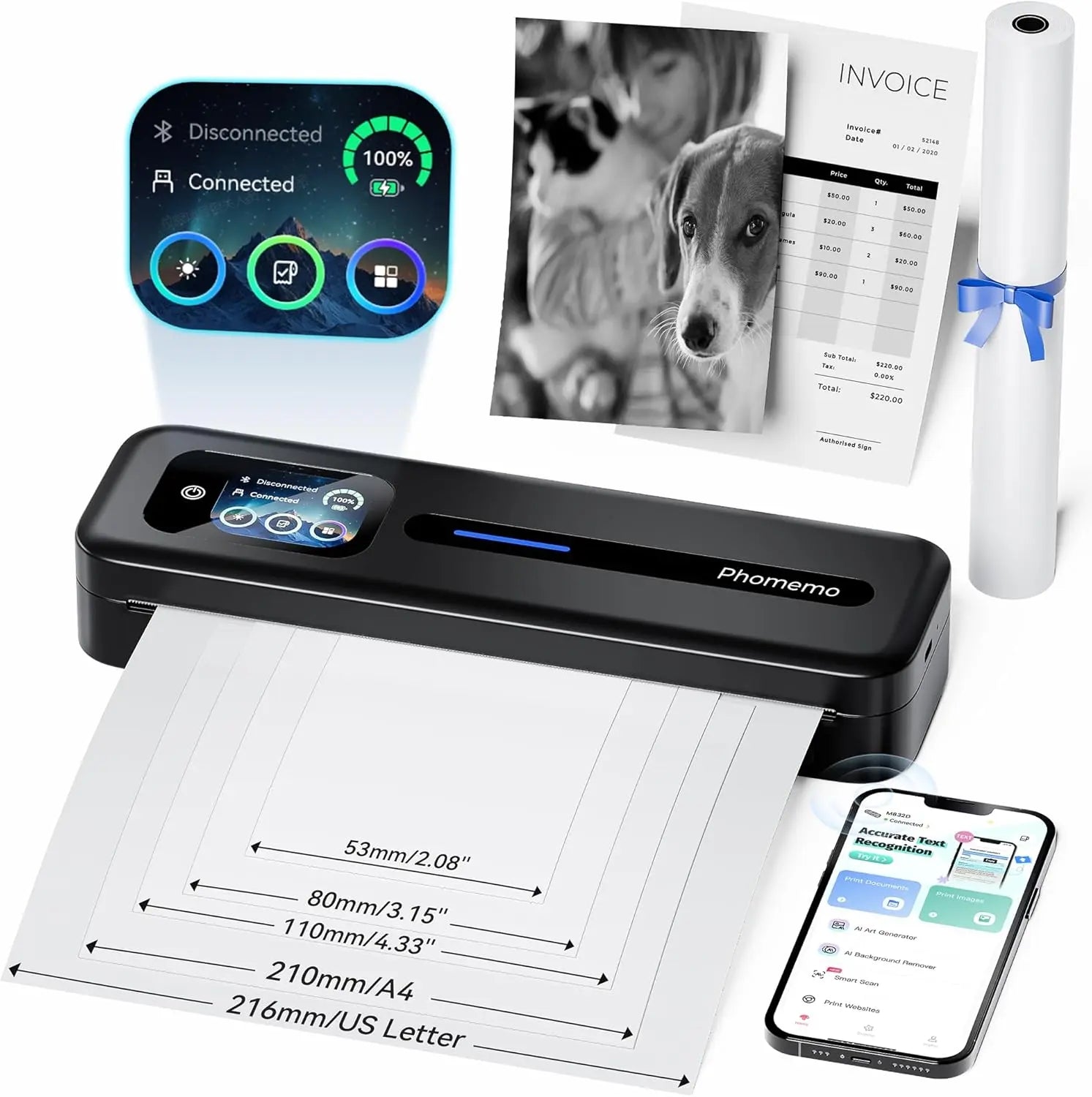 Phomemo Thermal Portable Printer M832D Upgraded Direct Touchscreen
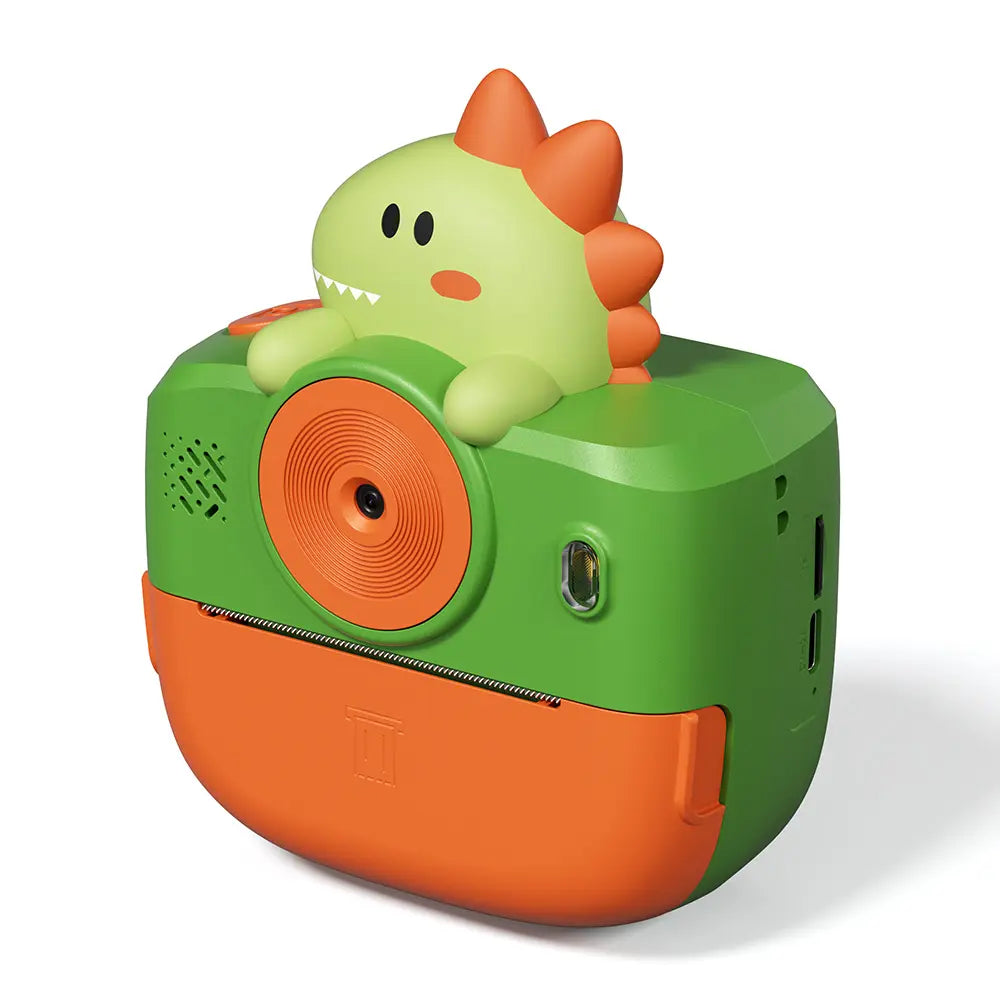 Phomemo Instant Camera K22 Dual-Lens Camera for Kids
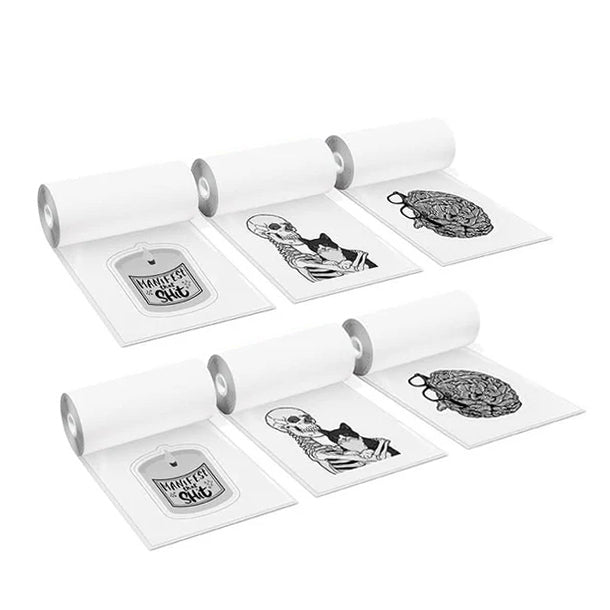 For K22
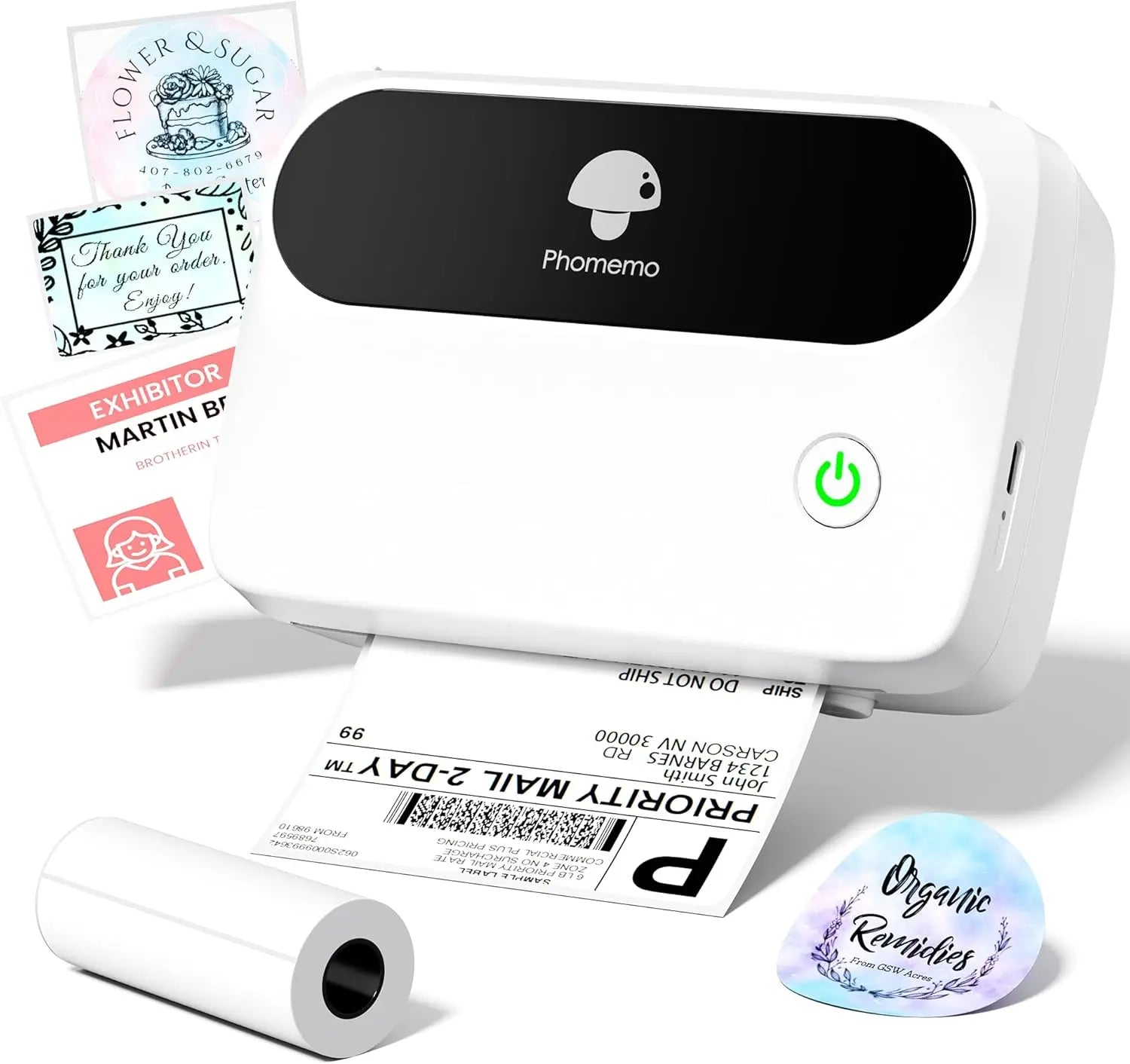 Phomemo Thermal Label Maker M421 Bluetooth Portable Business
 Phomemo M250 Bluetooth Portable Thermal Business Label Maker
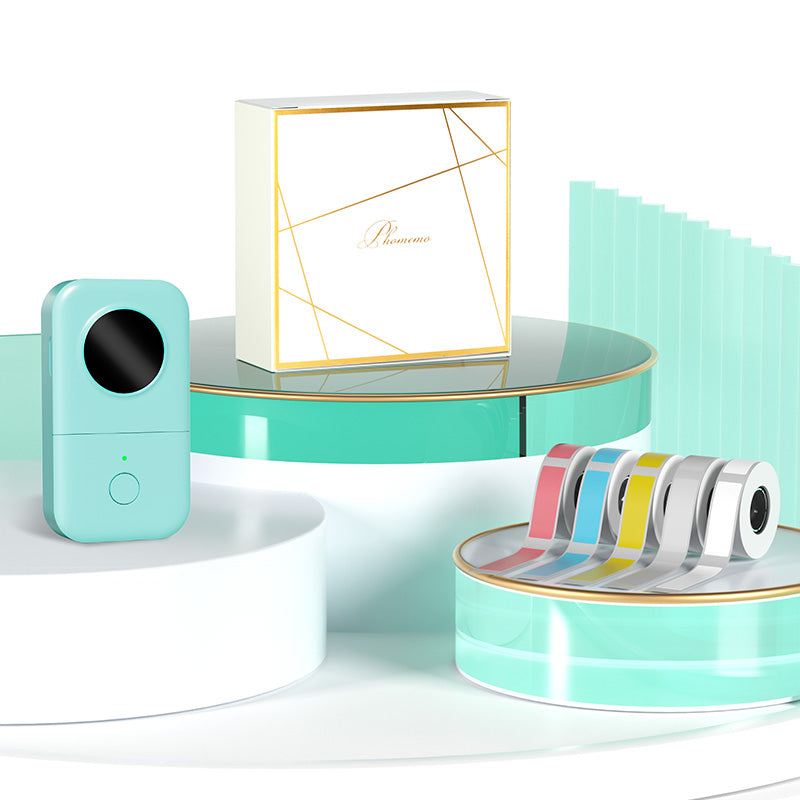 Phomemo D30 Gray Bluetooth Label Maker & 5 rolls of labels (Option: Storage Bag)
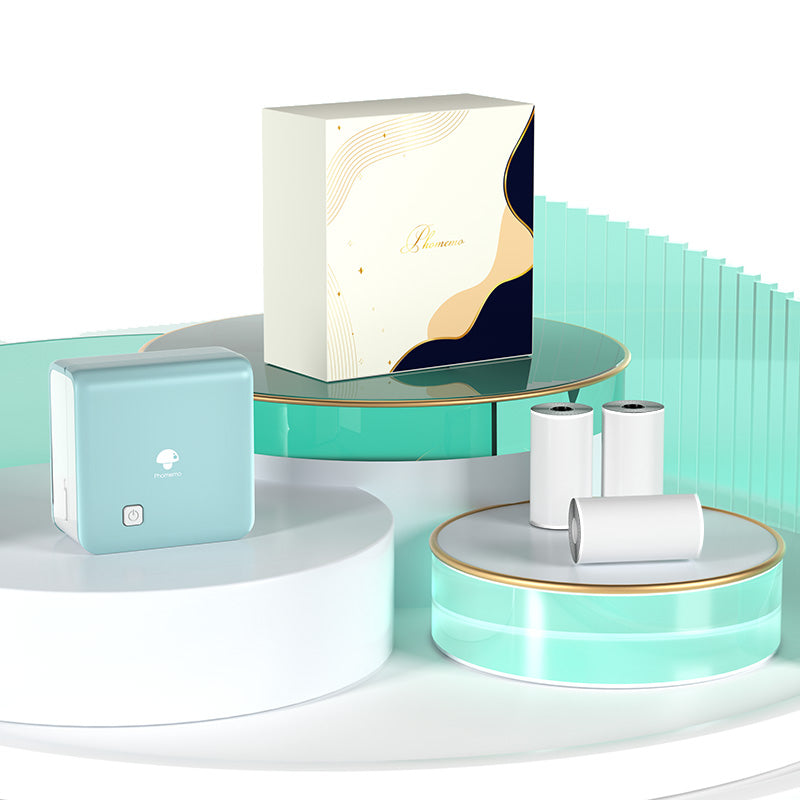 Phomemo M02 PRO Mini Printer Gift Set
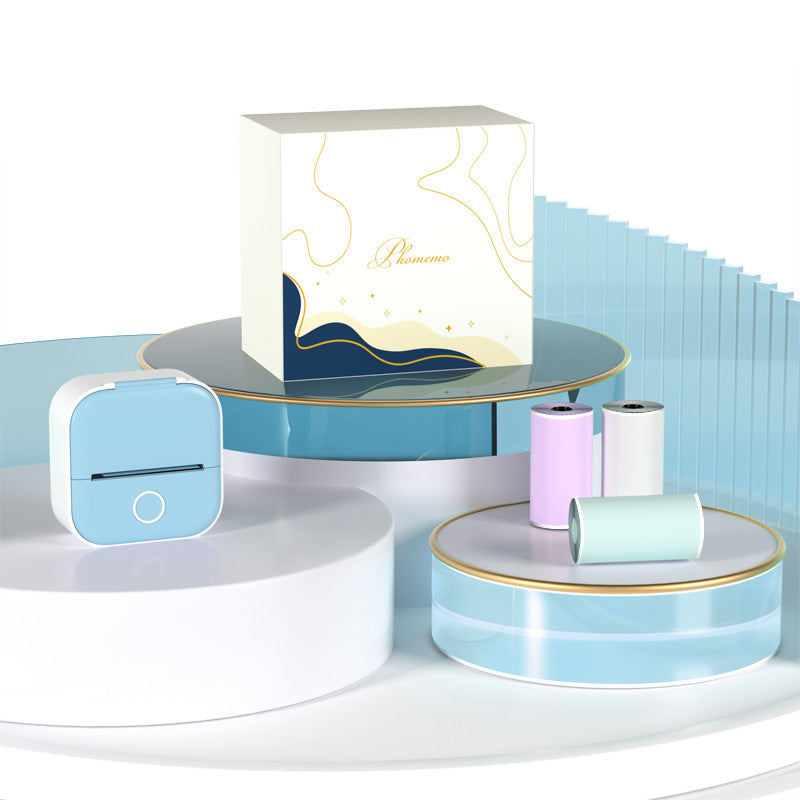 Phomemo T02 Inkless Mini Printer Gift Set
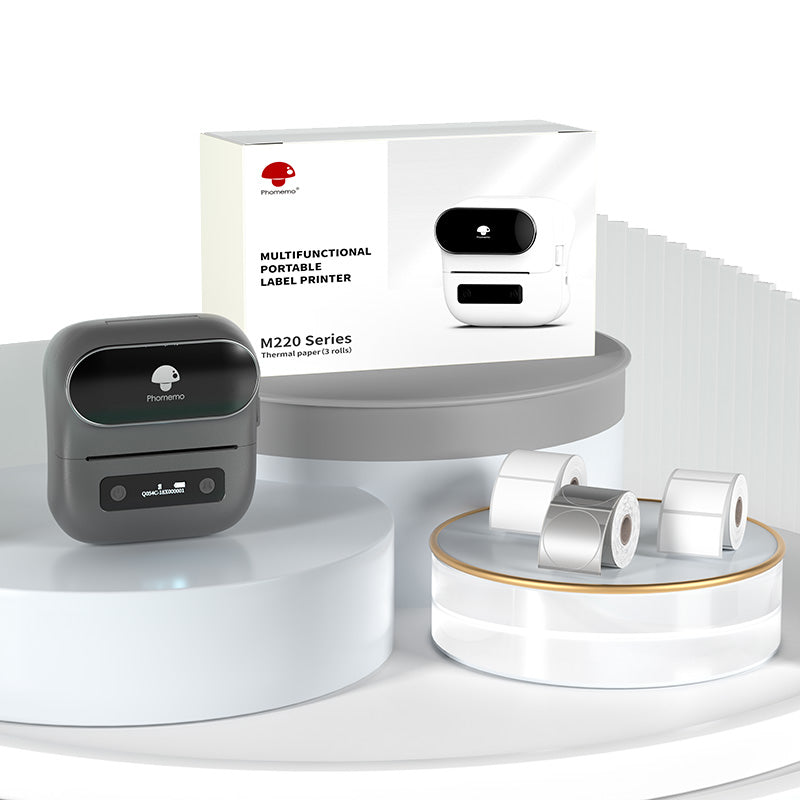 Phomemo M220 Bluetooth Label Printer Gift Set
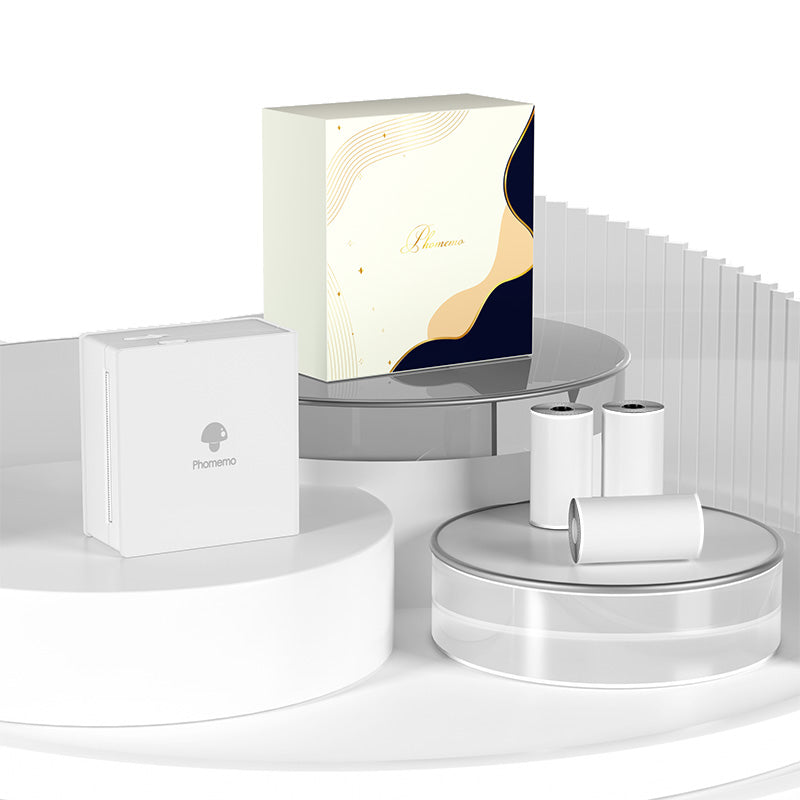 Phomemo M02 Mini Printer Gift Set
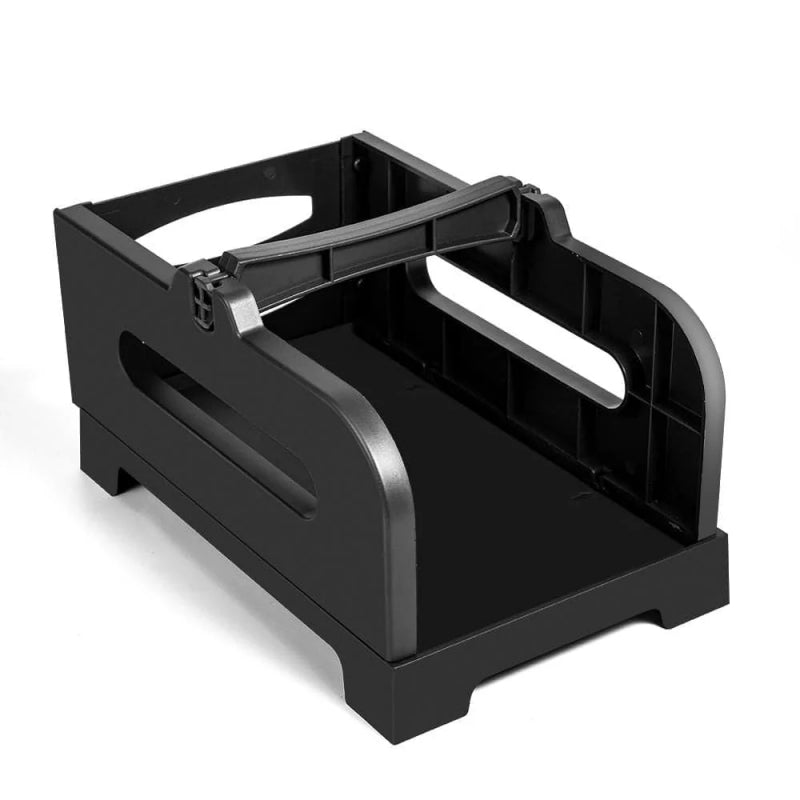 Accessories
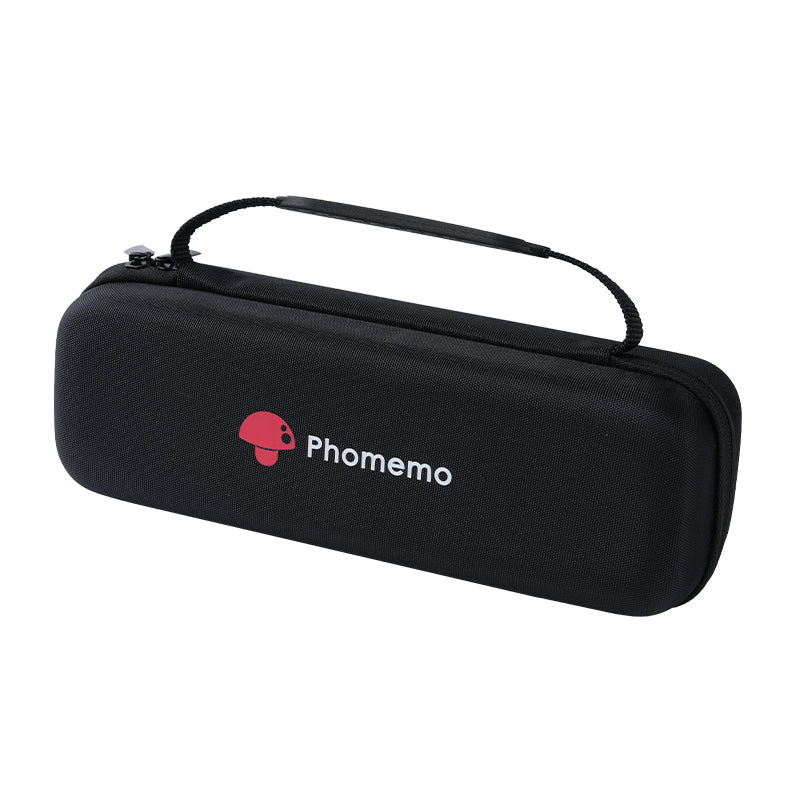 Storage Bag
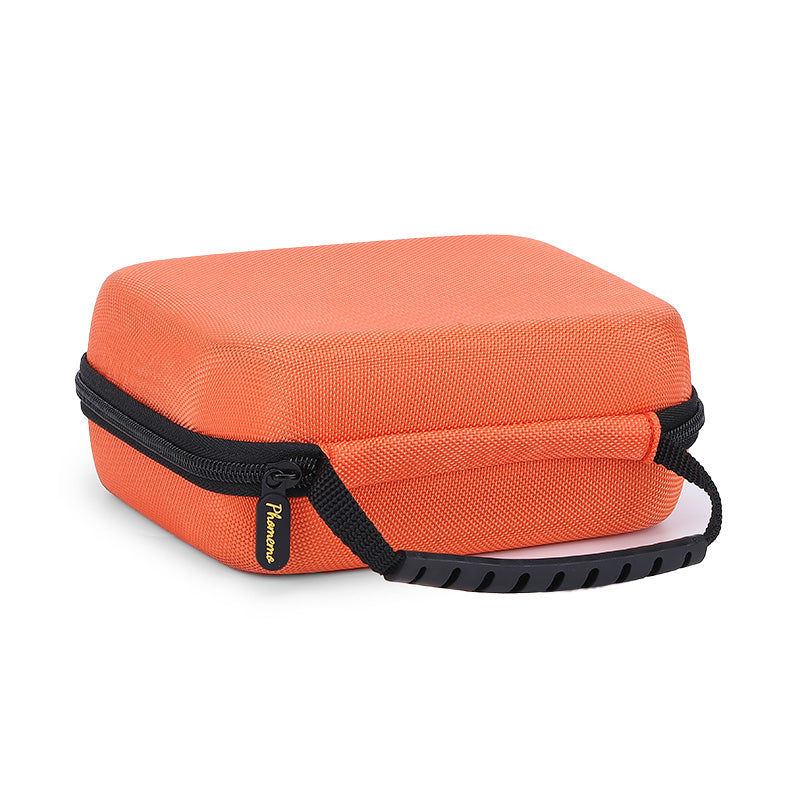 Phomemo Large Hard Shell Machine Storage Bag
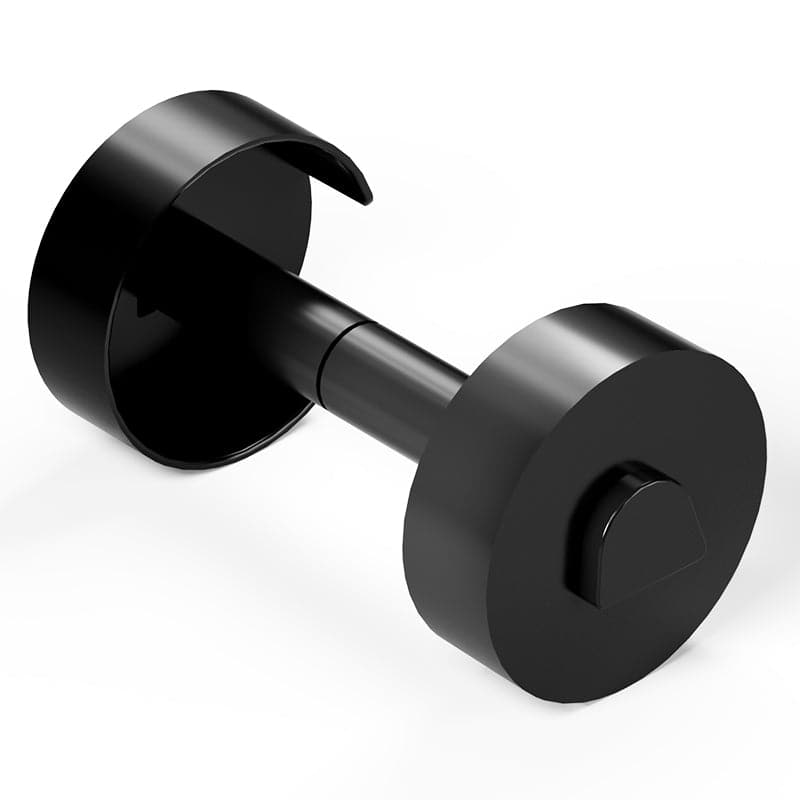 Phomemo Paper Holder for T02/M02/M02S/M02PRO/M03AS/M04AS/M04S
 Paper Holder For Phomemo Business Label Maker
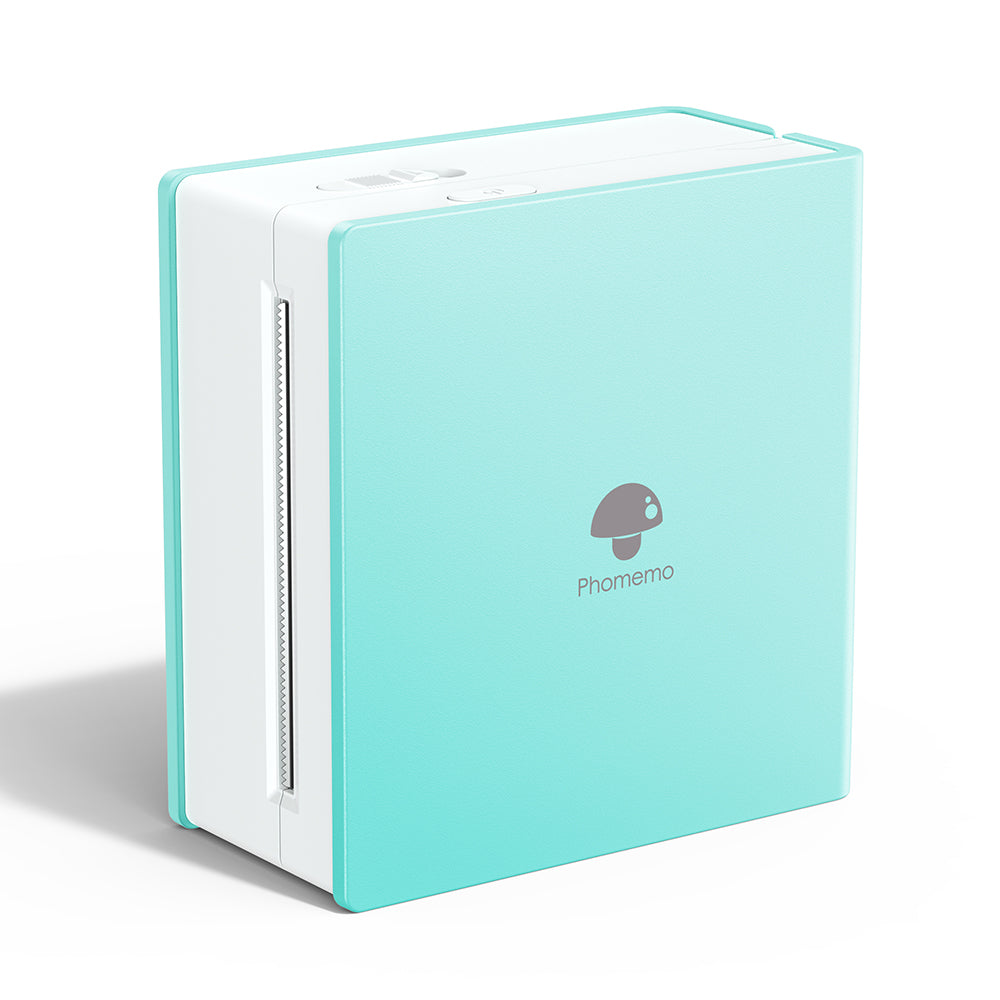 Phomemo M02 Inkless Mini Printer
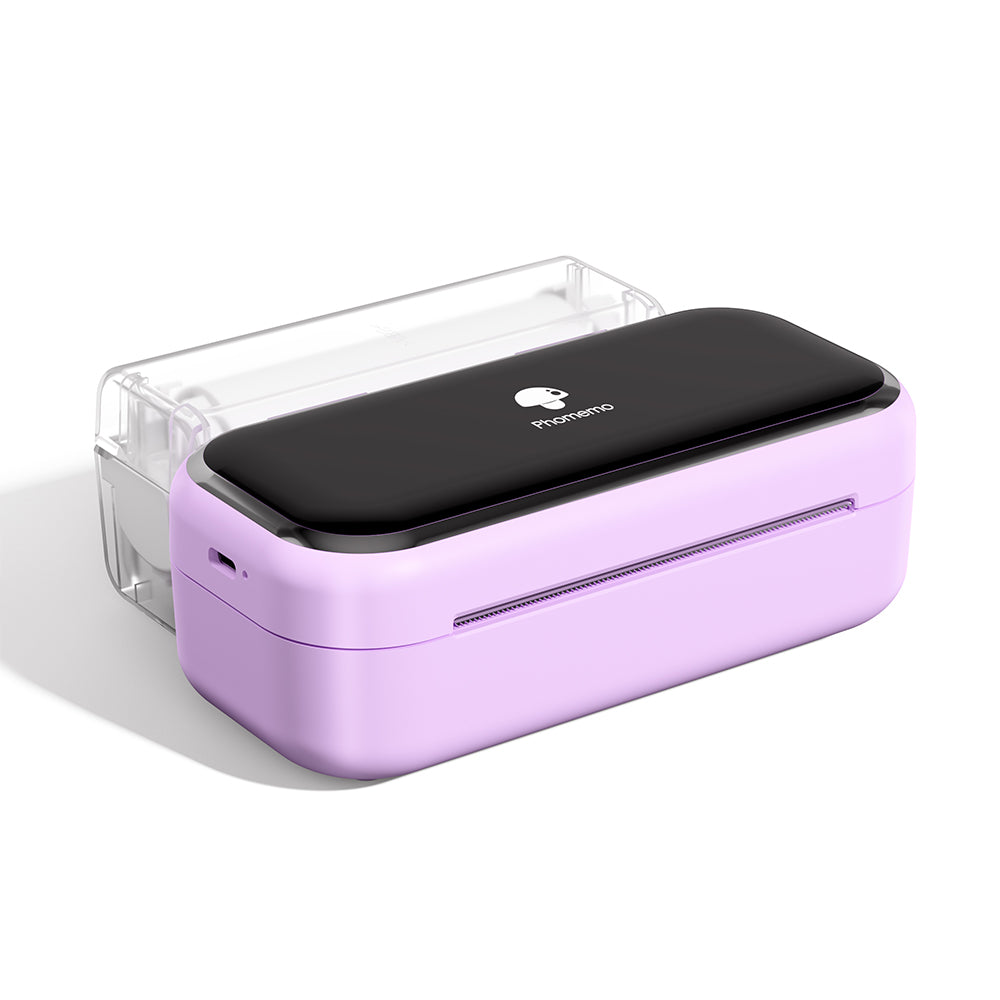 Phomemo M03 Bluetooth Mini Printer
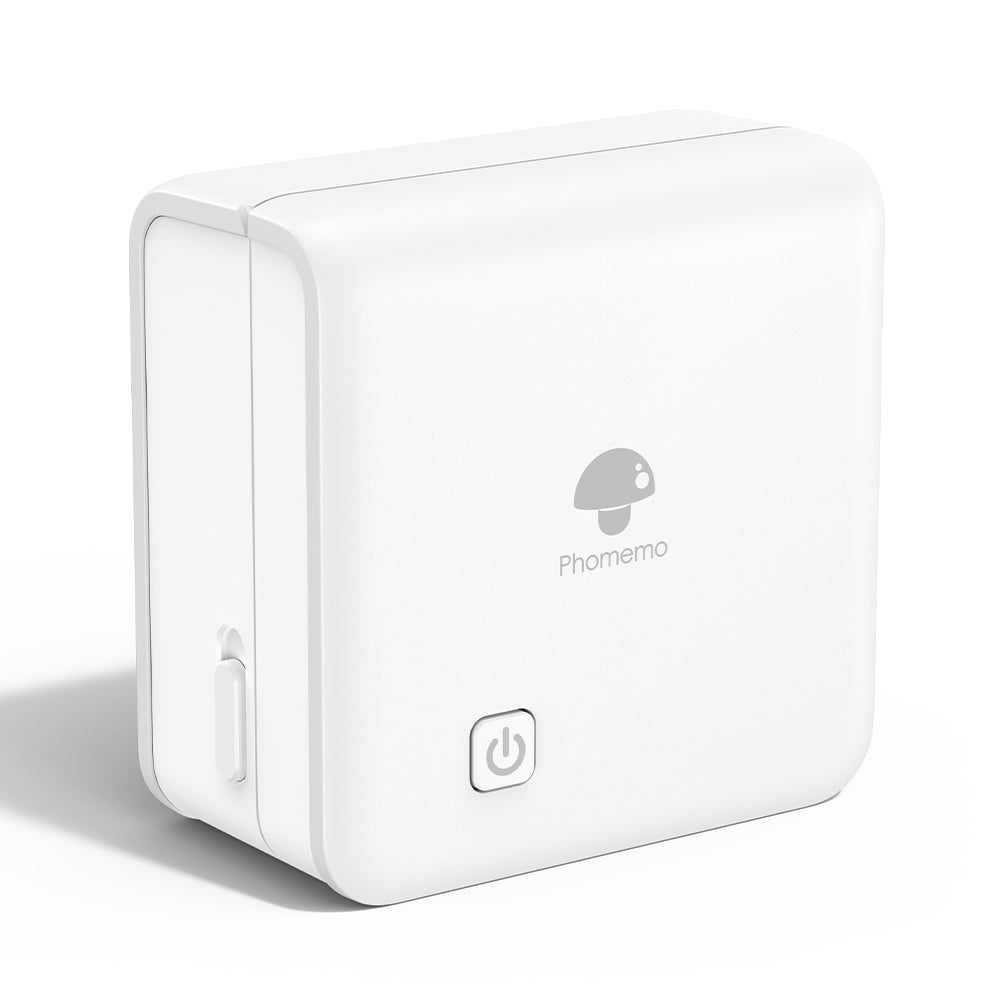 Phomemo M02 PRO Bluetooth Mini Printer
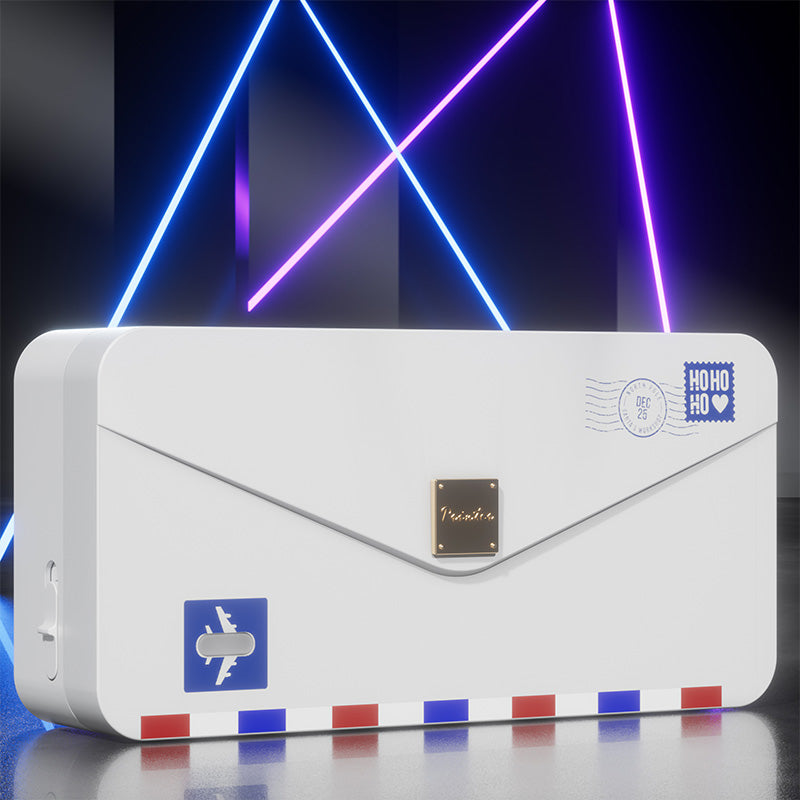 Phomemo M04AS Mini Thermal Printer
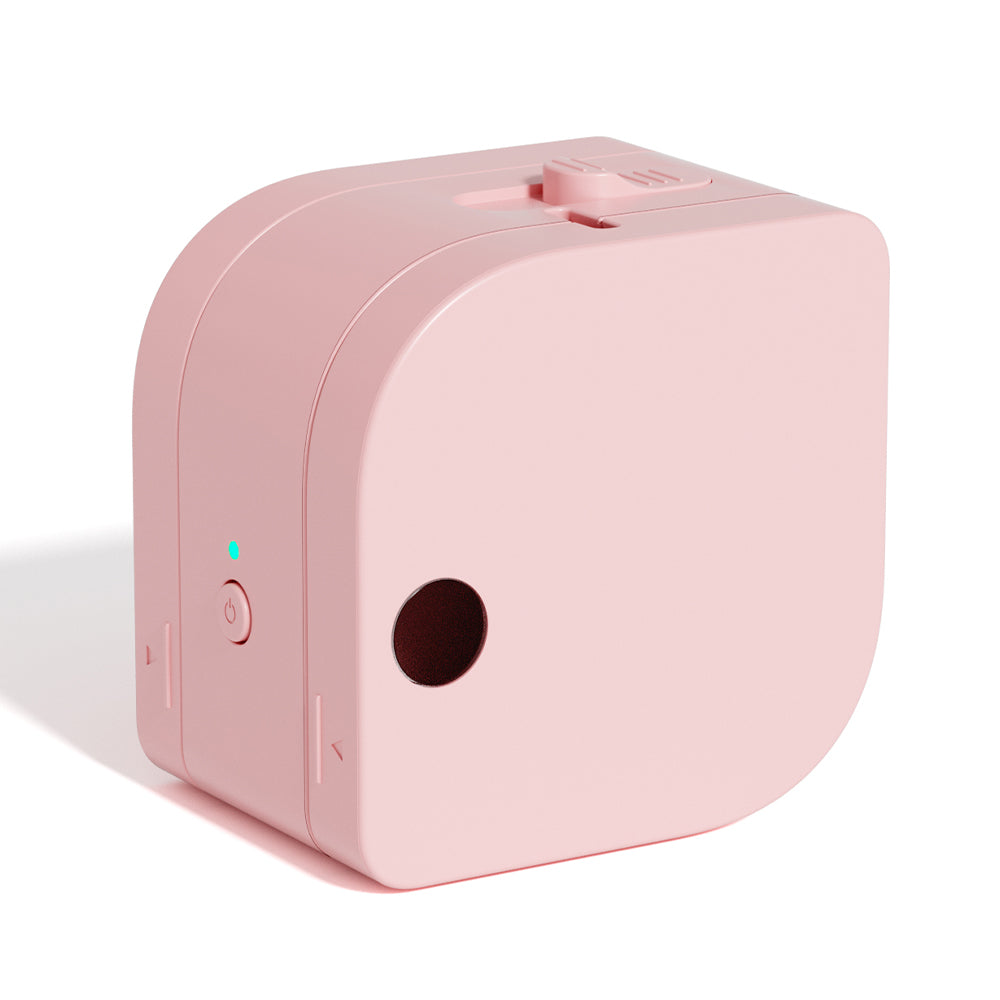 Phomemo P12 Portable Bluetooth Home Label Maker
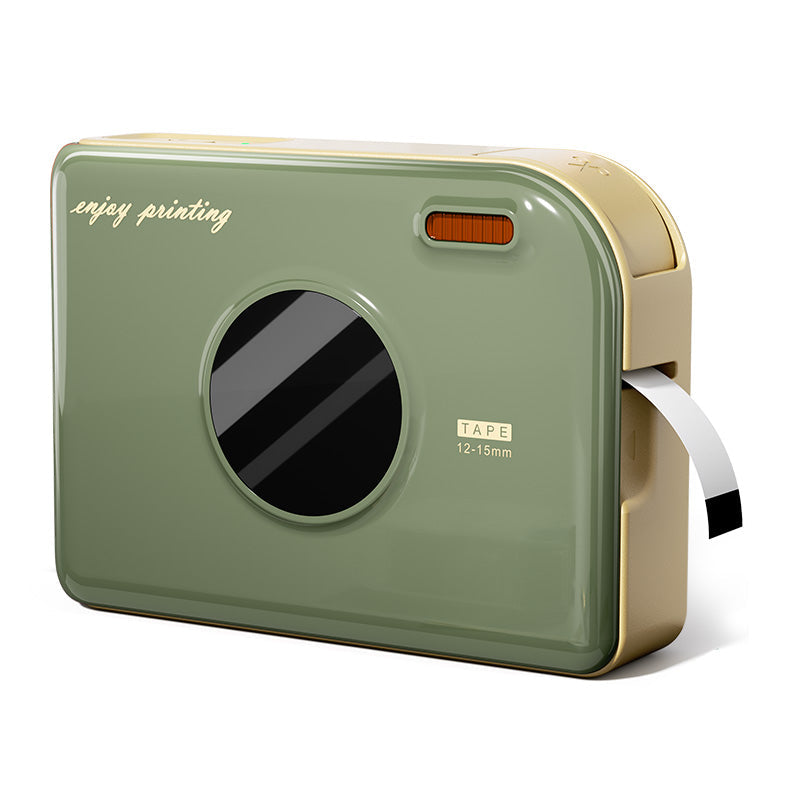 Phomemo A30 Portable Home Label Maker
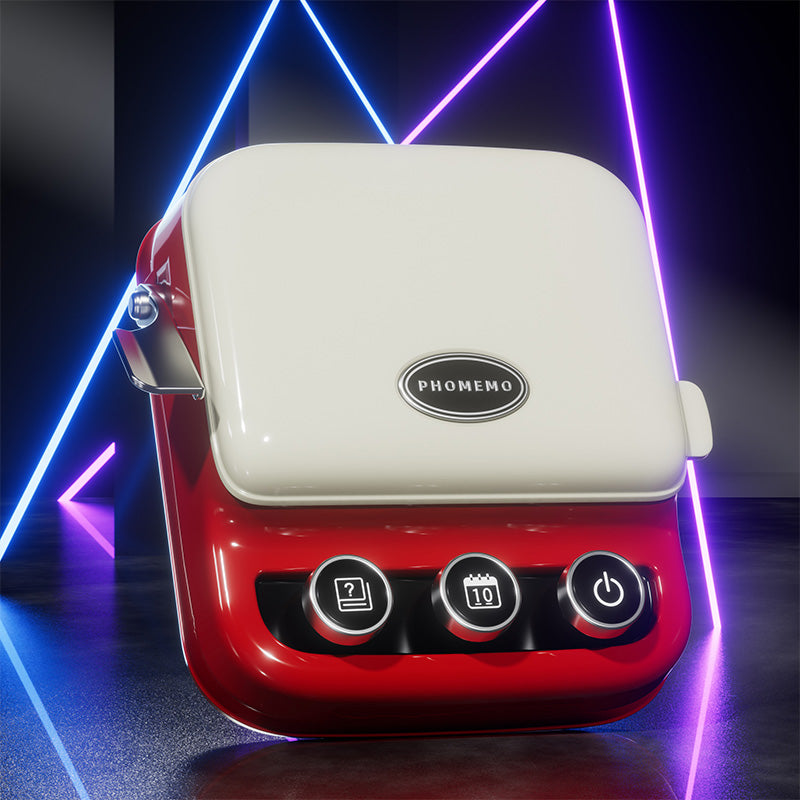 Phomemo P15 Vintage Home Label Maker
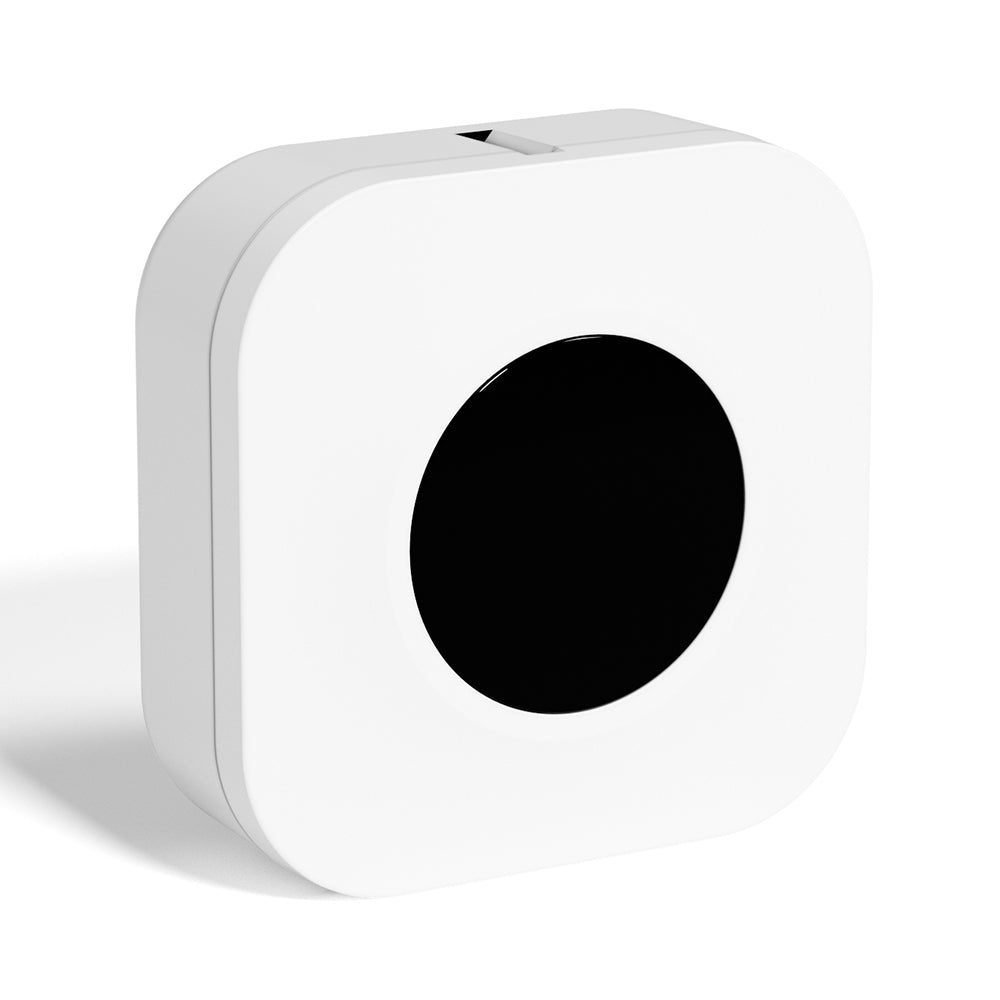 Phomemo Q30S Mini Home Label Maker
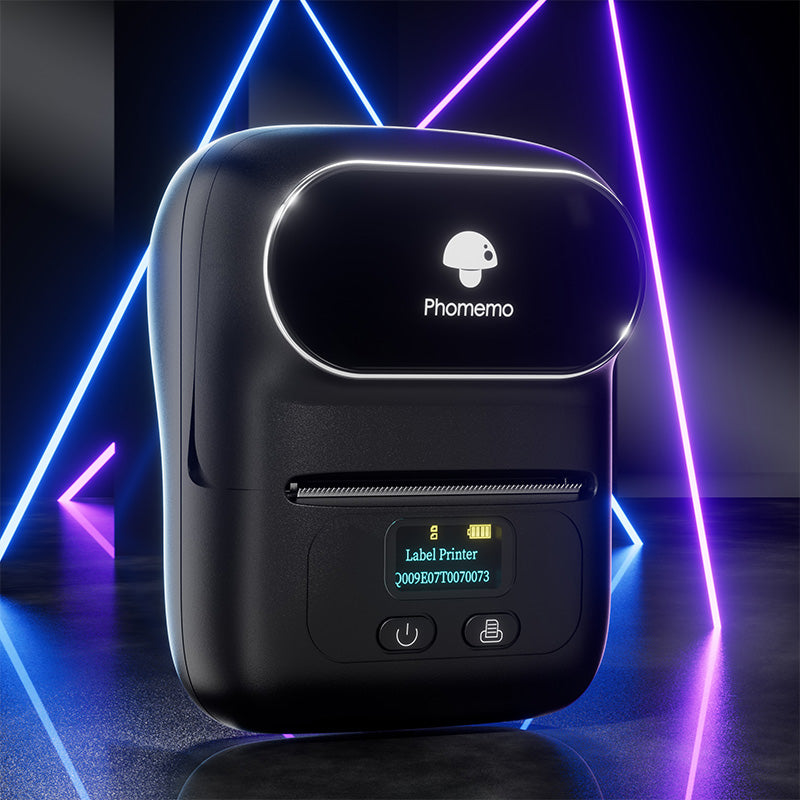 Phomemo M110 Bluetooth Portable Thermal Business Label Maker
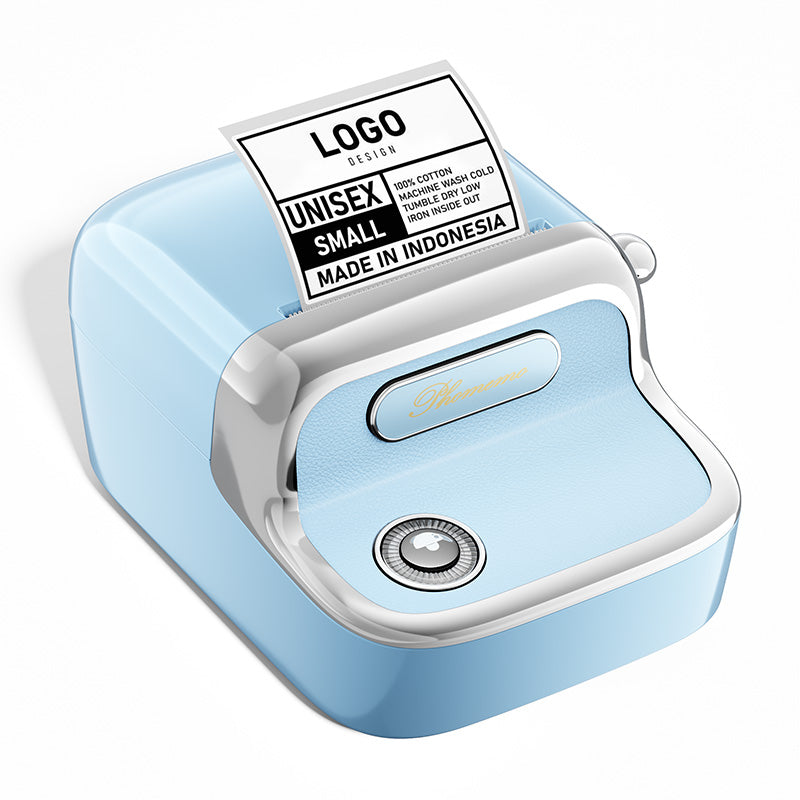 Phomemo M150 Bluetooth Portable Thermal Business Label Maker
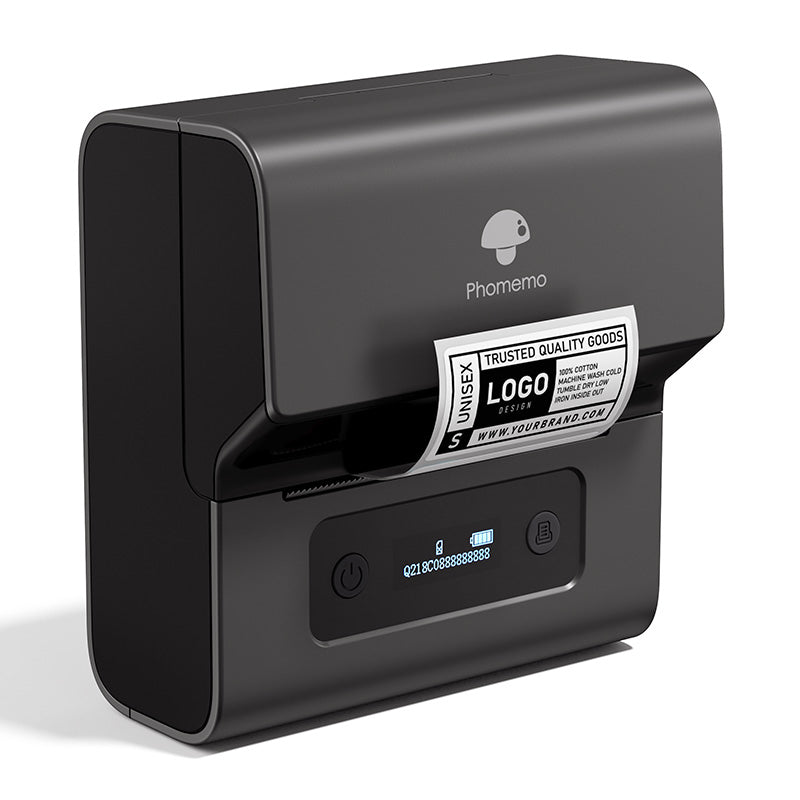 Phomemo M221 Bluetooth Portable Thermal Business Label Maker
 Phomemo M200 Bluetooth Portable Thermal Business Label Maker
 Phomemo PM249-BTZ Bluetooth Direct Connect Shipping Label Printer
 Phomemo PM-246S High-Speed USB Direct Thermal Shipping Label Printer
 Phomemo D520-BT Bluetooth Shipping Label Printer
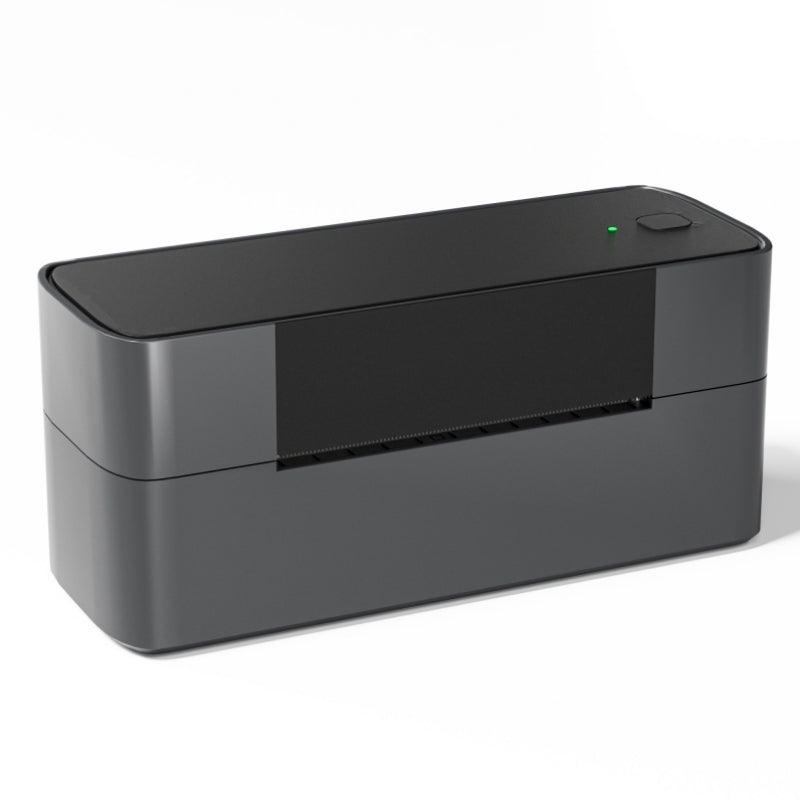 Phomemo PM245-BTZ Bluetooth Direct Connect Shipping Label Printer
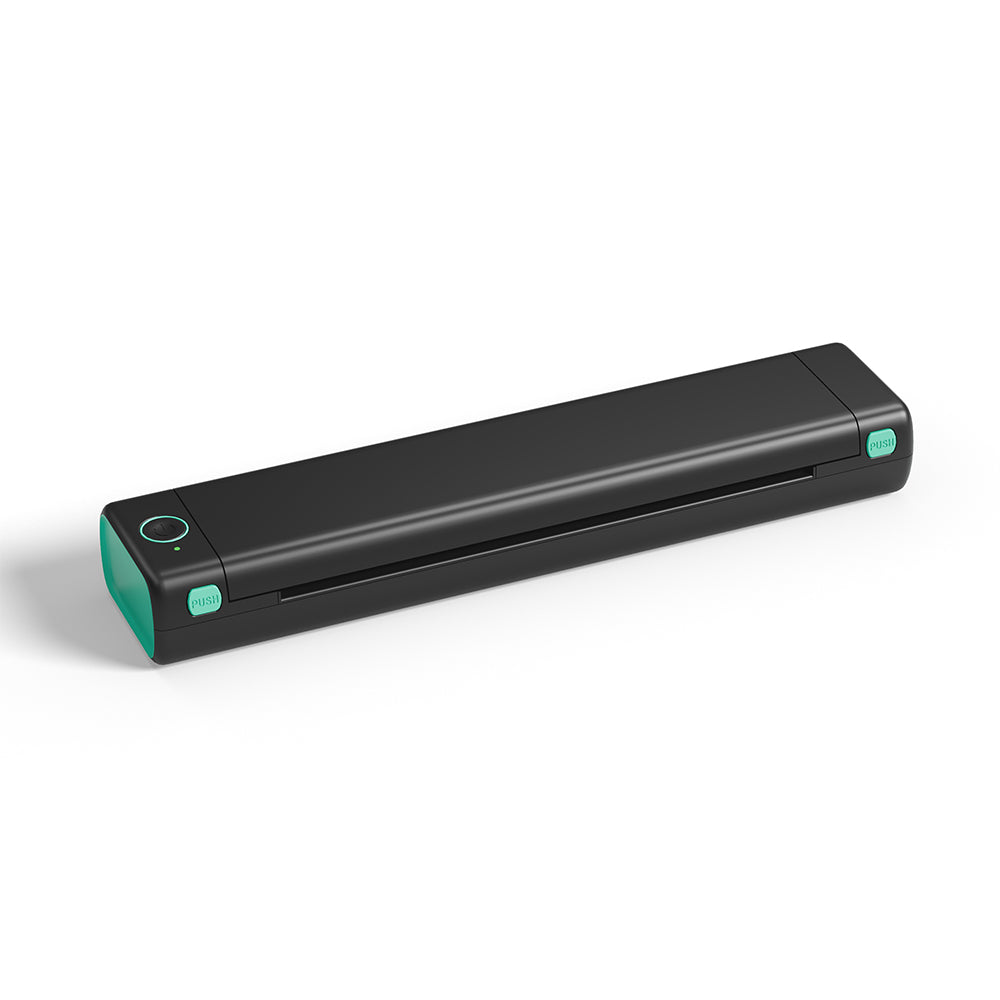 Phomemo M08F Letter & A4 Portable Printer
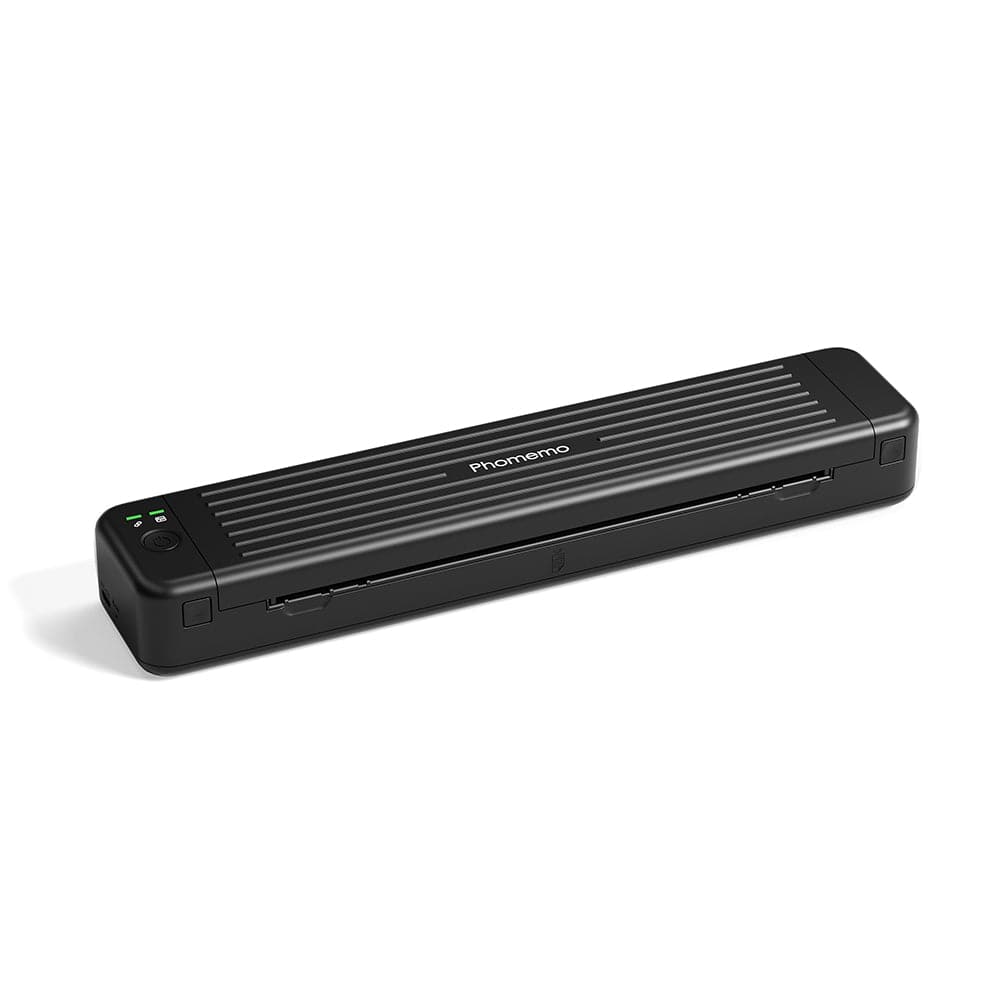 Phomemo P831 Bluetooth Portable Thermal Transfer Printer
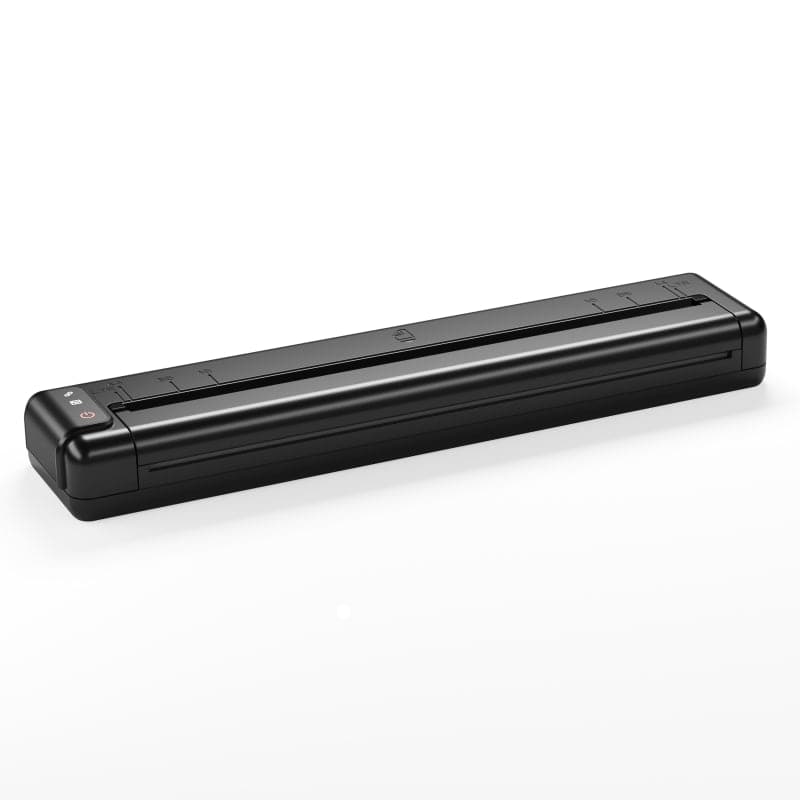 [Ultra-light] Phomemo Q302 Wireless Portable Thermal Printer
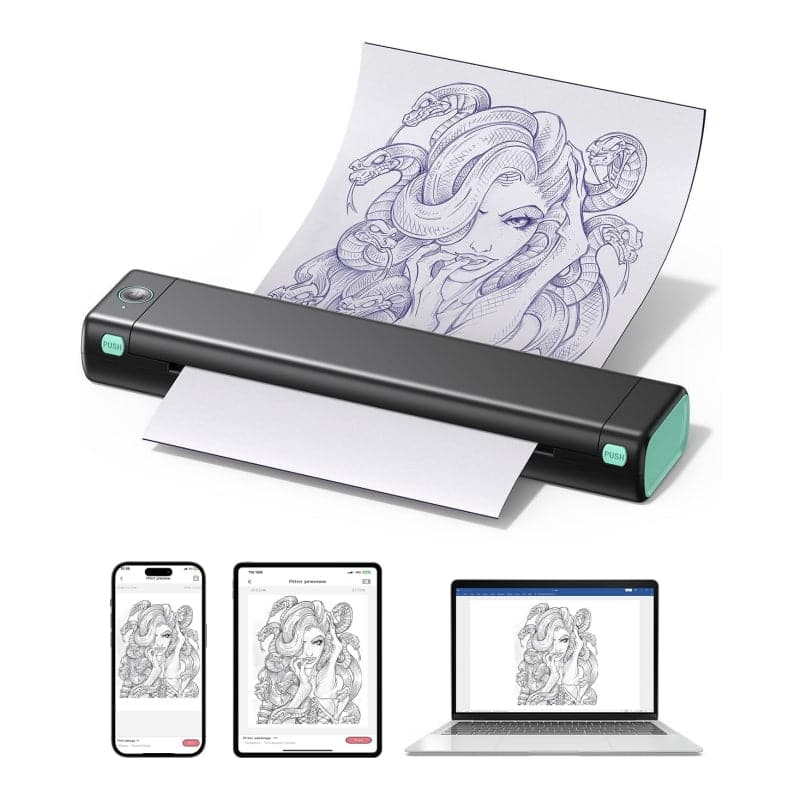 Phomemo M08F Wireless Tattoo Stencil Printer
 Phomemo TP81 Wireless Tattoo Template Printer
 Phomemo TP83 Wireless Tattoo Stencil Printer
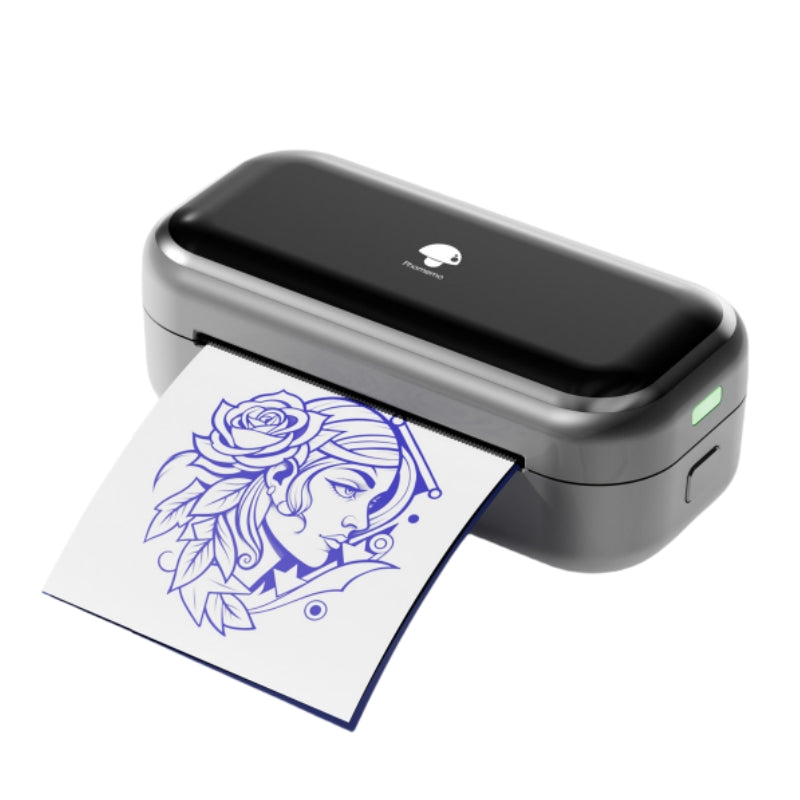 [❗️NEW❗️]Phomemo TP31 Bluetooth Tattoo Stencil Mini Printer
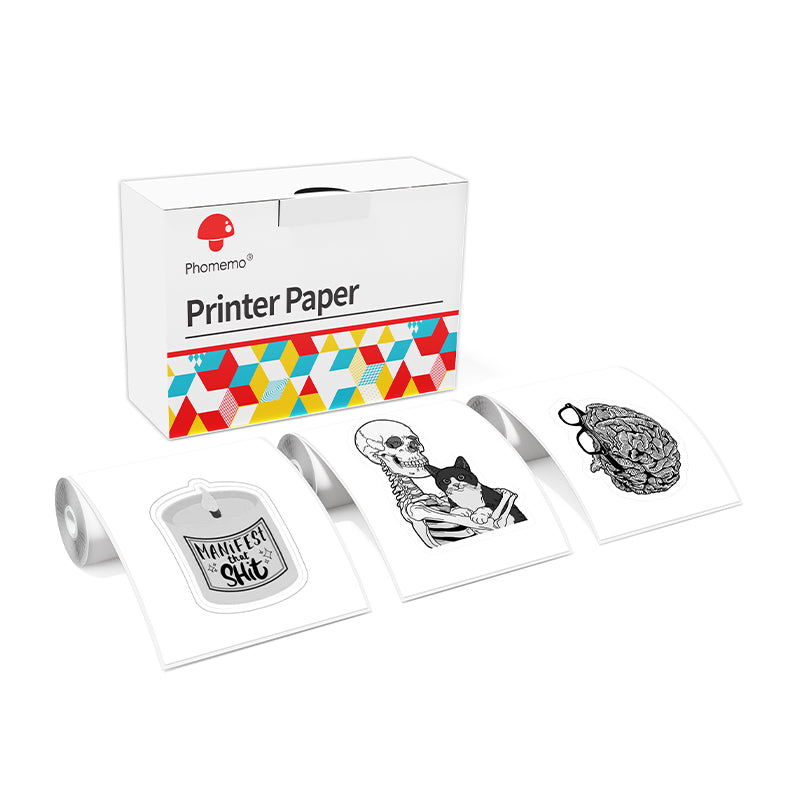 For T02/M02X
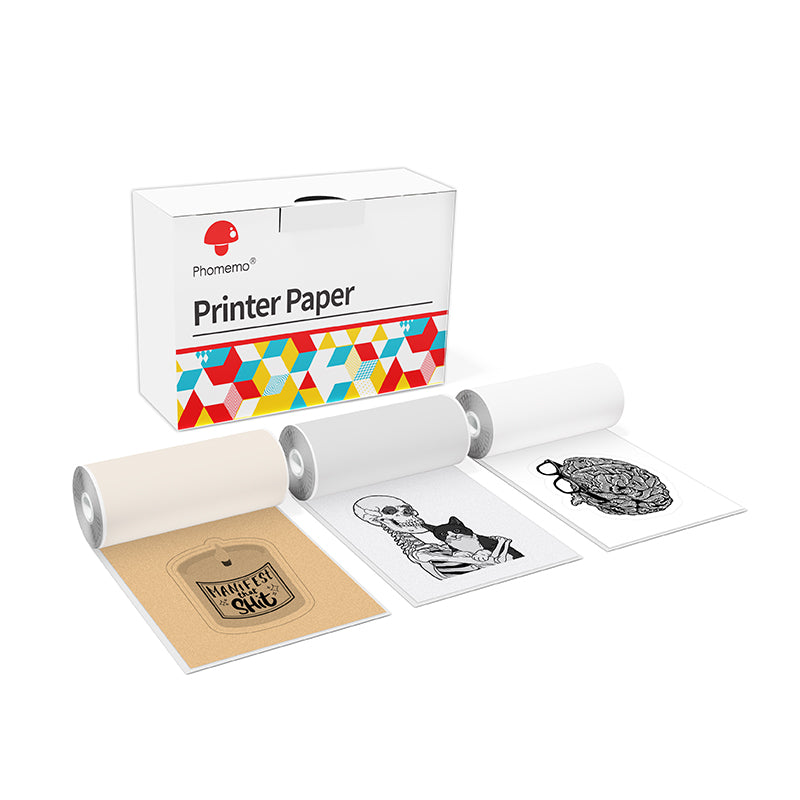 For M02
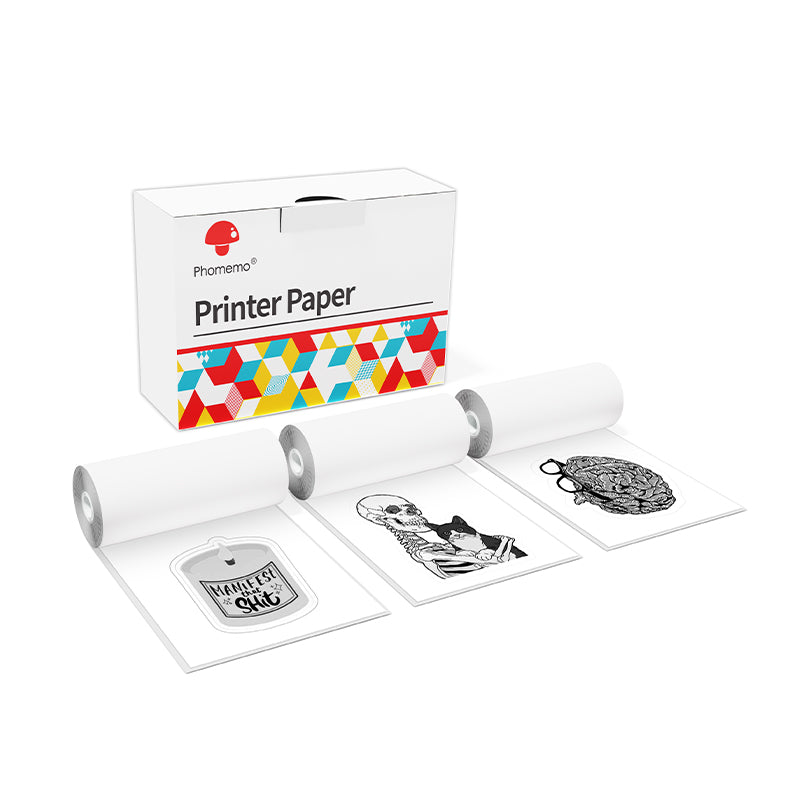 For M02S
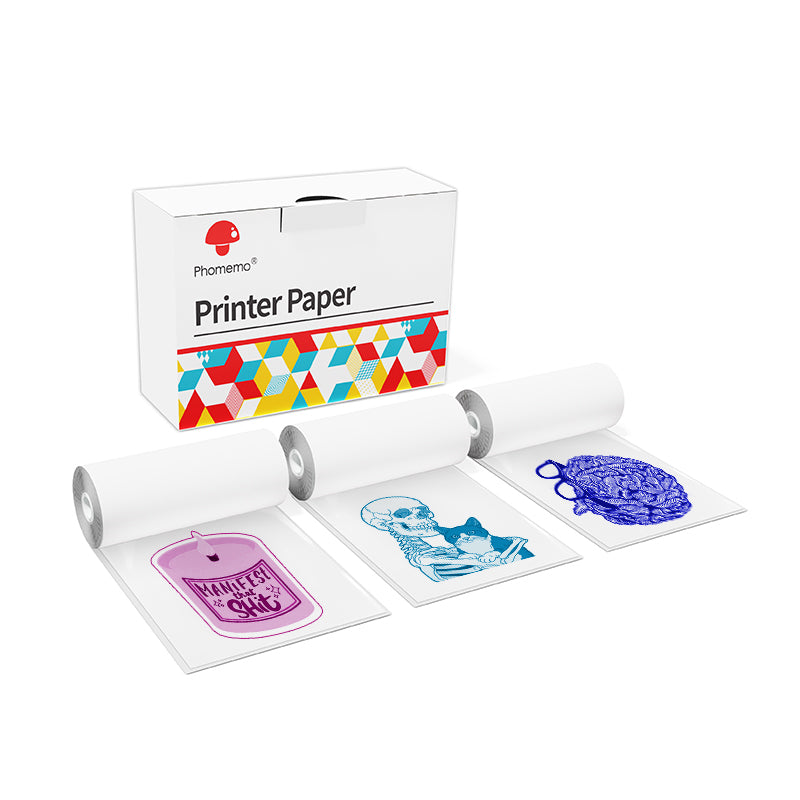 For M02 Pro
 For M03
 For M03AS
 For M04S
 For M04AS
 For D30/D35/Q30/Q30S
 For P12/P12 PRO
 For D50
 For P3200
 For M960/M950
 For P15
 For M110/M120
 For M200/M220/M221
 Phomemo 4"x6" Fan-Fold Thermal Direct Labels for Shipping Label Printer
 Phomemo Thermal Shipping Labels – Multiple Sizes & Types for Shipping Label Printer
 Phomemo 2" Multiple Thermal Round Label for Shipping Label Printer
 Phomemo 2" Silver Thermal Holographic Sticker for Shipping Label Printer
 Phomemo 3"x2"Shipping Label Stickers for Shipping Label Printer
 For M08F/Q302
 For M832
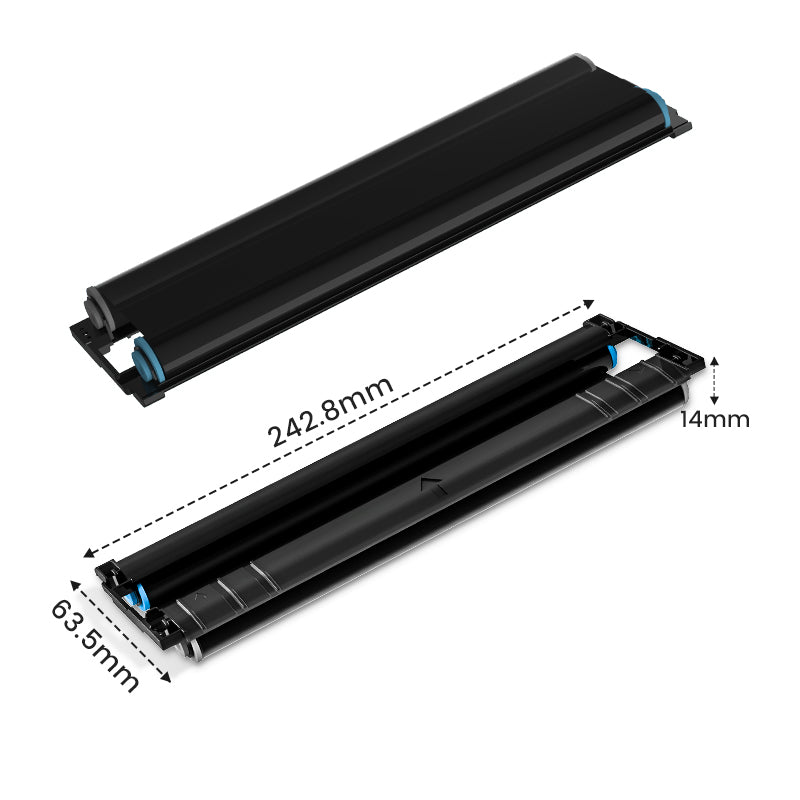 For P831
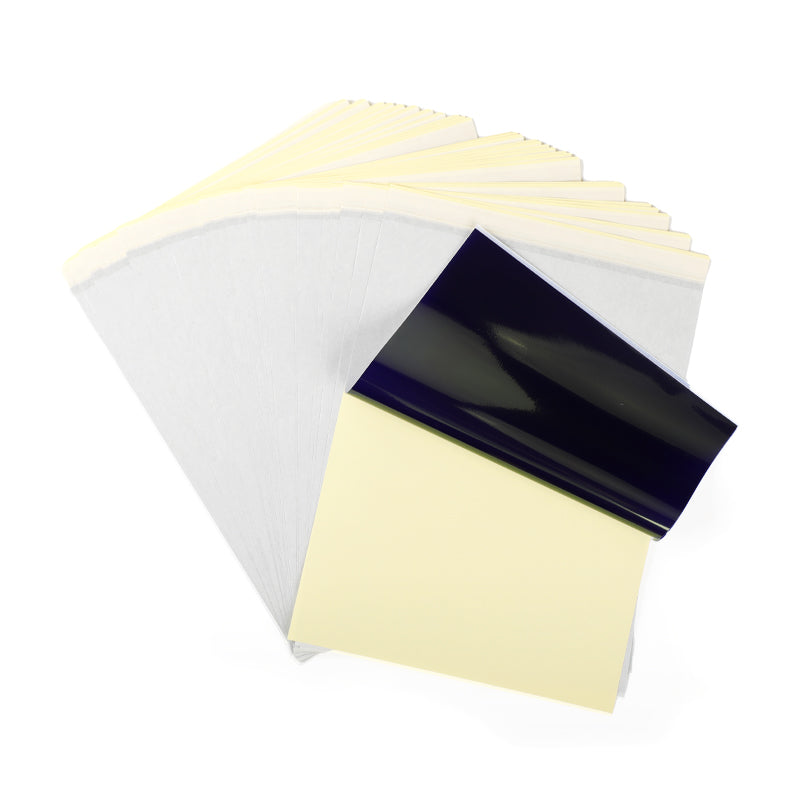 For TP81/TP83/M08F Tattoo
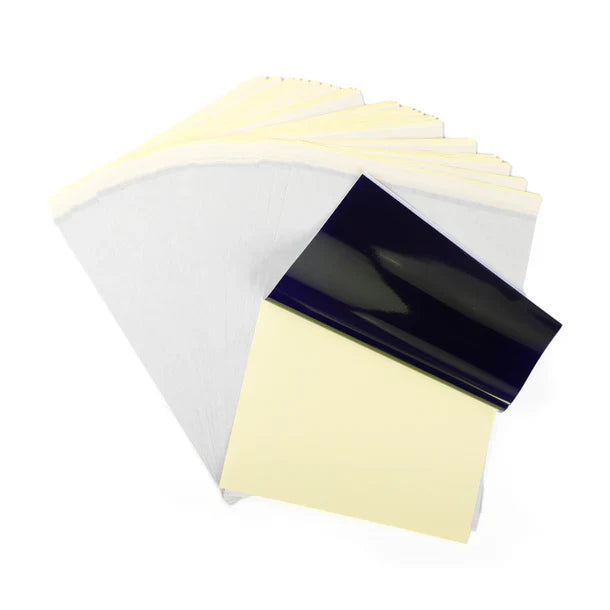 For TP31 Tattoo
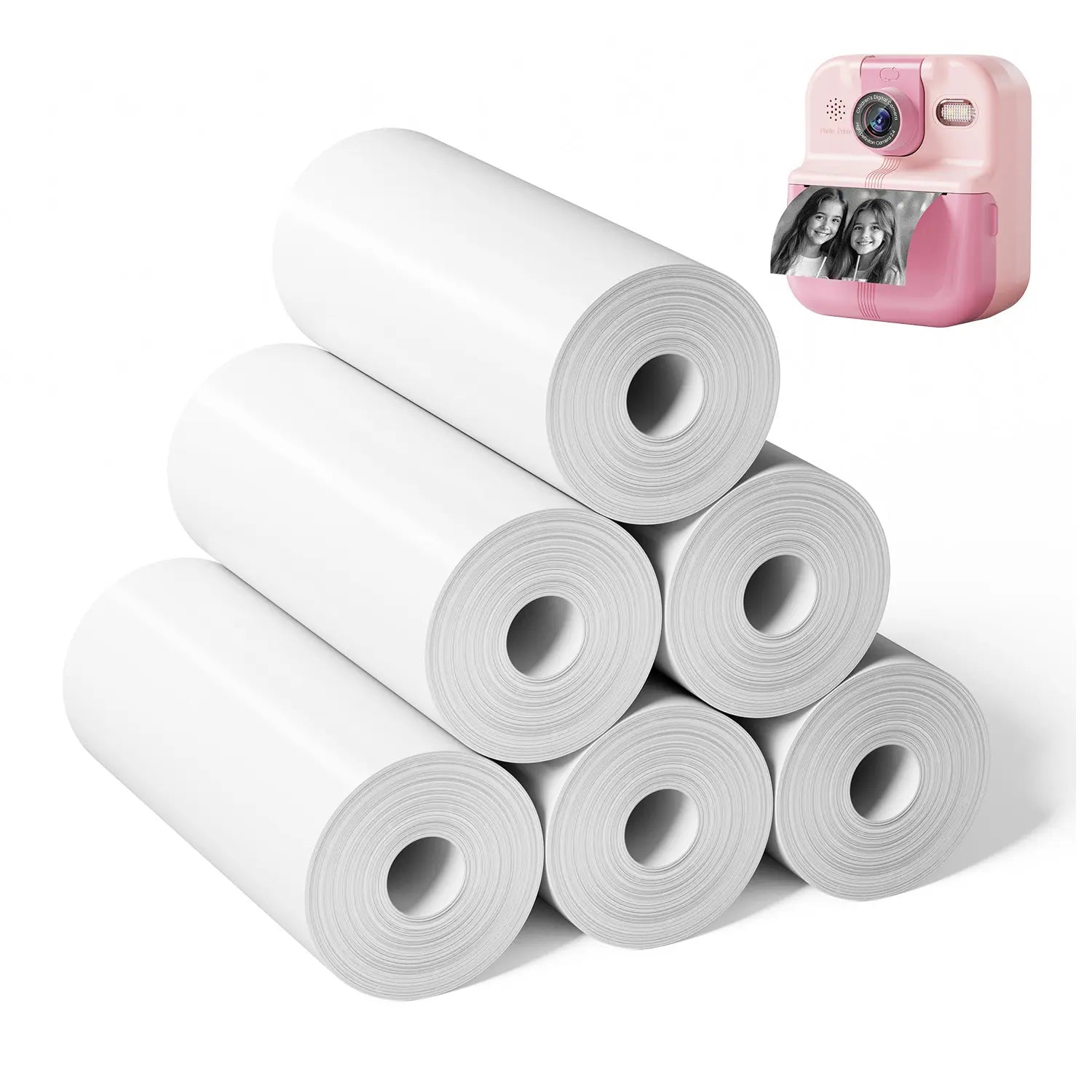 For P02

- What You’ll Need
- Step-by-Step Guide to Decorating Your Tumbler
- Step 1: Designing Your Stickers
- Step 2: Printing Your Stickers
- Step 3: Cutting Out the Stickers
- Step 4: Applying the Stickers to Your Tumbler
- Creative Design Ideas for Your Custom Tumblers
- 4 Tips for Your Decoration of Tumblers
- Get Discount Code to Shop!
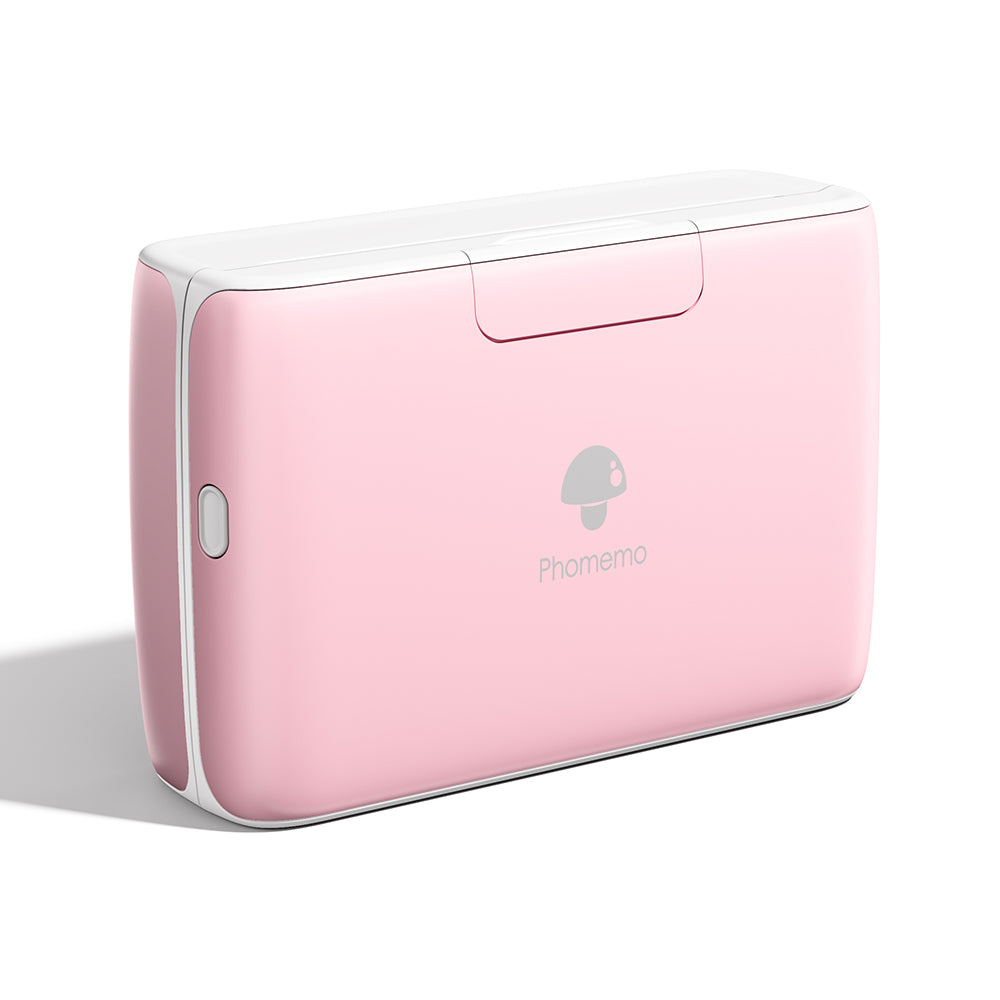
M04S Mini Thermal Printer
⭐ 138 Reviews
Have you ever wanted to have a custom tumbler, or to give your tumbler a unique, personalized look? Or maybe it's time to refresh a tumbler that's seen better days with a fun new design? Whether you're looking to add a creative touch or cover up stains and scratches, decorating with custom stickers is an easy and stylish solution. Using a thermal sticker printer, you can quickly print and apply your own designs, making your tumbler truly one-of-a-kind. In this blog, we'll show you how to transform any plain tumbler into a personalized accessory with minimal effort.
What You’ll Need
Before you start decorating your tumbler, here’s a list of essentials you’ll need to bring your ideas to life. Each item plays a key role in creating durable, stylish custom stickers, so let’s take a closer look at what you’ll be working with:
Thermal Sticker Printer: This compact, easy-to-use device allows you to print high-quality stickers from your own designs. It's perfect for creating personalized decorations for your tumbler in no time.
Blank Tumblers: Choose a clean, blank tumbler—whether stainless steel, plastic, or glass, you can customize any type. Make sure it's smooth and ready for sticker application.
Sticker Paper: Use sticker paper compatible with your thermal printer. There are various finishes like matte or glossy, depending on the style you prefer.
Scissors: You'll need scissors to carefully trim your stickers once they’re printed, ensuring they fit perfectly on your tumbler.
Step-by-Step Guide to Decorating Your Tumbler
Ready to transform your tumbler? Follow these simple steps to create custom stickers that showcase your personal style!

Step 1: Designing Your Stickers
Begin by brainstorming your sticker designs. You can use graphic design apps like Canva or Adobe Illustrator to create unique images, quotes, or patterns. If you prefer something simpler, try the APP of your printer which may offer pre-made templates that you can customize. Make sure your designs fit the dimensions of your tumbler for the best results.

Step 2: Printing Your Stickers
Once your designs are ready, it’s time to print! Download the APP of your thermal sticker printer, load your thermal printer with the appropriate sticker paper that you want and follow the APP’s instructions to produce your stickers. Thermal printers typically offer high-quality prints, so ensure your settings match the type of sticker paper you’re using.

Step 3: Cutting Out the Stickers
After printing your stickers, carefully cut them out using sharp scissors or a precision cutter. Trim around each design, leaving a small border if you prefer a finished look. Take your time for intricate designs to ensure clean edges, and remove any excess sticker paper around the designs. Inspect the cut stickers for any rough edges and trim as needed. With your stickers neatly cut, you’re ready to apply them to your tumbler!

Step 4: Applying the Stickers to Your Tumbler
Before applying, ensure the surface of your tumbler is clean and dry. Peel off the backing of each sticker and position it on your tumbler. Press firmly to remove any air bubbles and ensure a smooth application. You can layer stickers for a more dynamic look!
Tips💡: For a pop of color, you can customize your stickers by coloring them with markers, colored pencils, or crayons before applying them to your cup. This adds a personal and vibrant touch to your designs!
Creative Design Ideas for Your Custom Tumblers
When it comes to decorating your tumbler, the possibilities are endless! Here are some creative design ideas to inspire you:

Personalized Name or Initials: Add a personal touch by printing your name or initials on your tumbler. Experiment with different fonts and sizes, and consider using various colored sticker paper—holographic stickers can create a stunning effect that catches the light beautifully.
Inspirational Quotes: Uplift your day with motivational or inspirational quotes that resonate with you. Choose fonts and designs that reflect your style, and pair them with a colorful background for a striking visual.

Favorite Characters: Showcase your personality by featuring characters from your favorite Japanese anime or cartoons. Whether it's a beloved hero or a whimsical sidekick, these designs can add a fun and vibrant touch to your tumbler.
Seasonal Themes: Change up your tumbler’s look with seasonal designs. For instance, you could create floral patterns for spring, beach themes for summer, autumn leaves for fall, and festive decorations for winter holidays.

Doodles and Art: Unleash your inner artist by decorating your tumbler with doodles. From simple shapes and patterns to more detailed artwork, doodling is a great way to add a personal and artistic flair. These designs can be spontaneous, fun, and perfect for expressing creativity. Print your doodles on clear thermal sticker paper would be a good choice.
Geometric Patterns: Get creative with abstract or geometric patterns that add a modern flair to your tumbler. These designs can be simple or complex, depending on your preference, and can be made using a combination of colors and shapes.

Festival Themes: Celebrate holidays with your custom tumbler. For example, get into the spooky spirit by creating a Halloween-themed design featuring pumpkins, ghosts, and bats. Or, celebrate other festive occasions like Christmas, Thanksgiving, or Valentine's Day with stickers that match the season’s vibe.
4 Tips for Your Decoration of Tumblers
1.Choose a High-Quality Thermal Printer:
Invest in a reliable thermal printer that produces clear, high-quality prints. This ensures that your designs are sharp and vibrant, enhancing the overall appearance of your tumbler.
2.Use Waterproof Sticker Paper:
Opt for waterproof sticker paper to prevent your designs from fading or smudging when washing your tumbler. This added protection will keep your stickers looking fresh, even with regular use.
3.Select Strong Adhesive:
Look for sticker paper with a strong adhesive that ensures your stickers stay in place. However, it’s essential that they’re also easy to peel off without leaving any sticky residue behind, allowing for quick updates or changes to your designs.
4.Hand Wash When Possible:
To prolong the life of your decorated tumbler, hand wash it instead of placing it in the dishwasher. Use a soft sponge and mild soap to gently clean the surface without damaging the stickers.
Get Discount Code to Shop!

Customizing your tumbler with unique designs is a fun and creative way to express your personality. With the right tools, like a high-quality thermal sticker printer, you can easily bring your ideas to life and enjoy a stylish, personalized accessory. If you're ready to start your decorating journey, now is the perfect time! Purchase our thermal printer today and use the promotion code LATEST8 to receive 10% off your order. Unleash your creativity and make your tumbler truly one-of-a-kind!