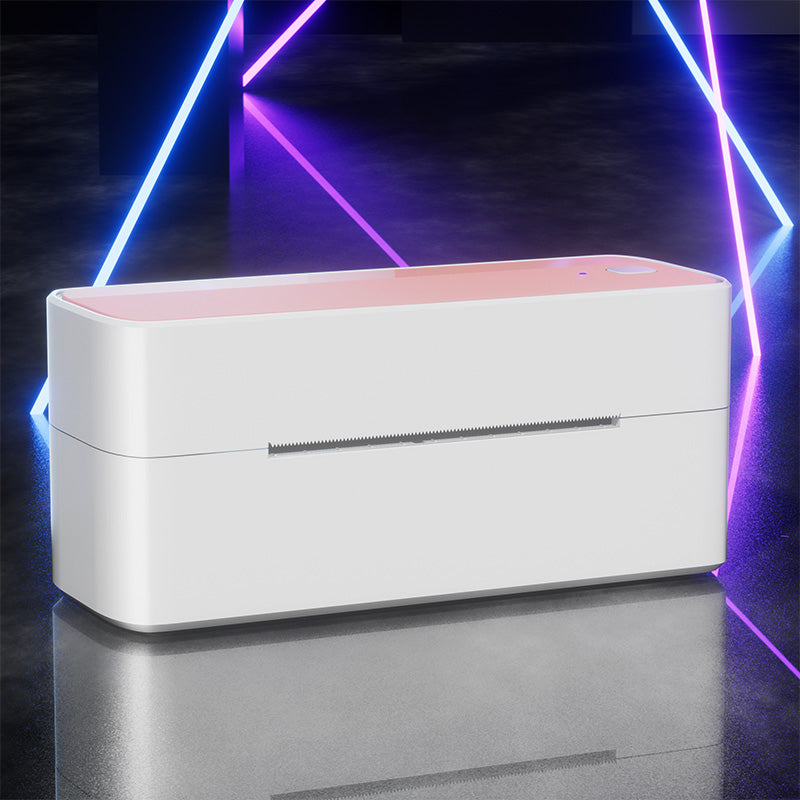
 Phomemo PM241-BT Bluetooth Shipping Label Printer
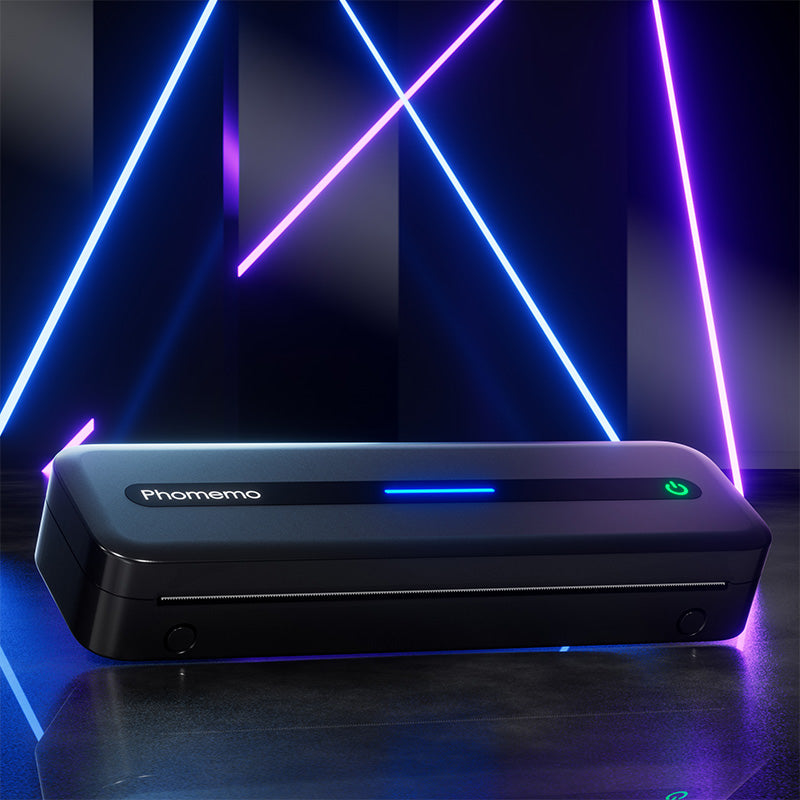 Phomemo M832 Upgrade Thermal Portable Printer
 Phomemo T02 Inkless Mini Printer
 Phomemo M220 Bluetooth Portable Thermal Business Label Maker
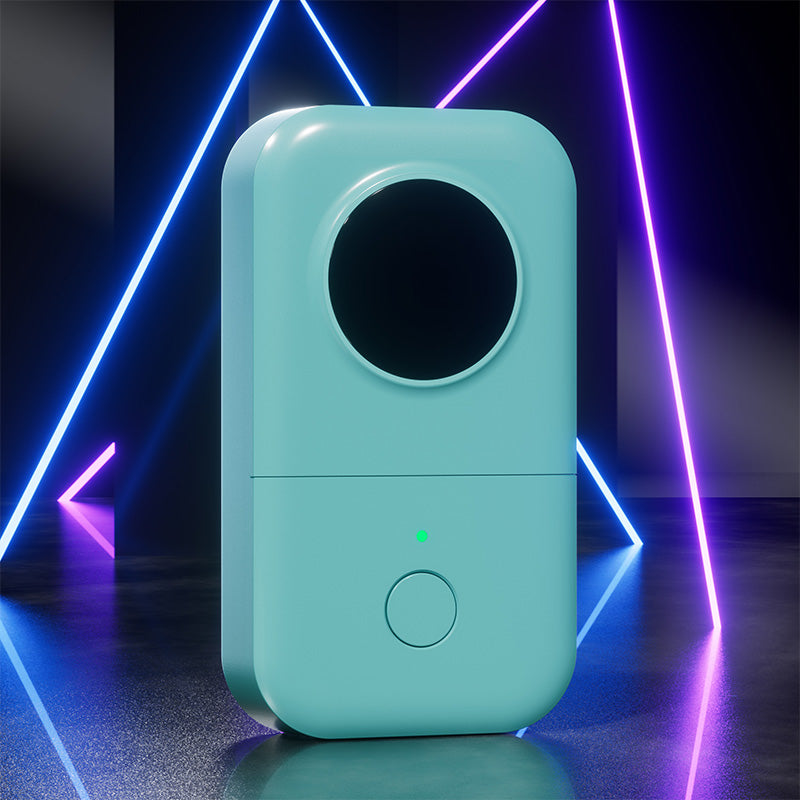 Phomemo D30 Portable Bluetooth Home Label Maker
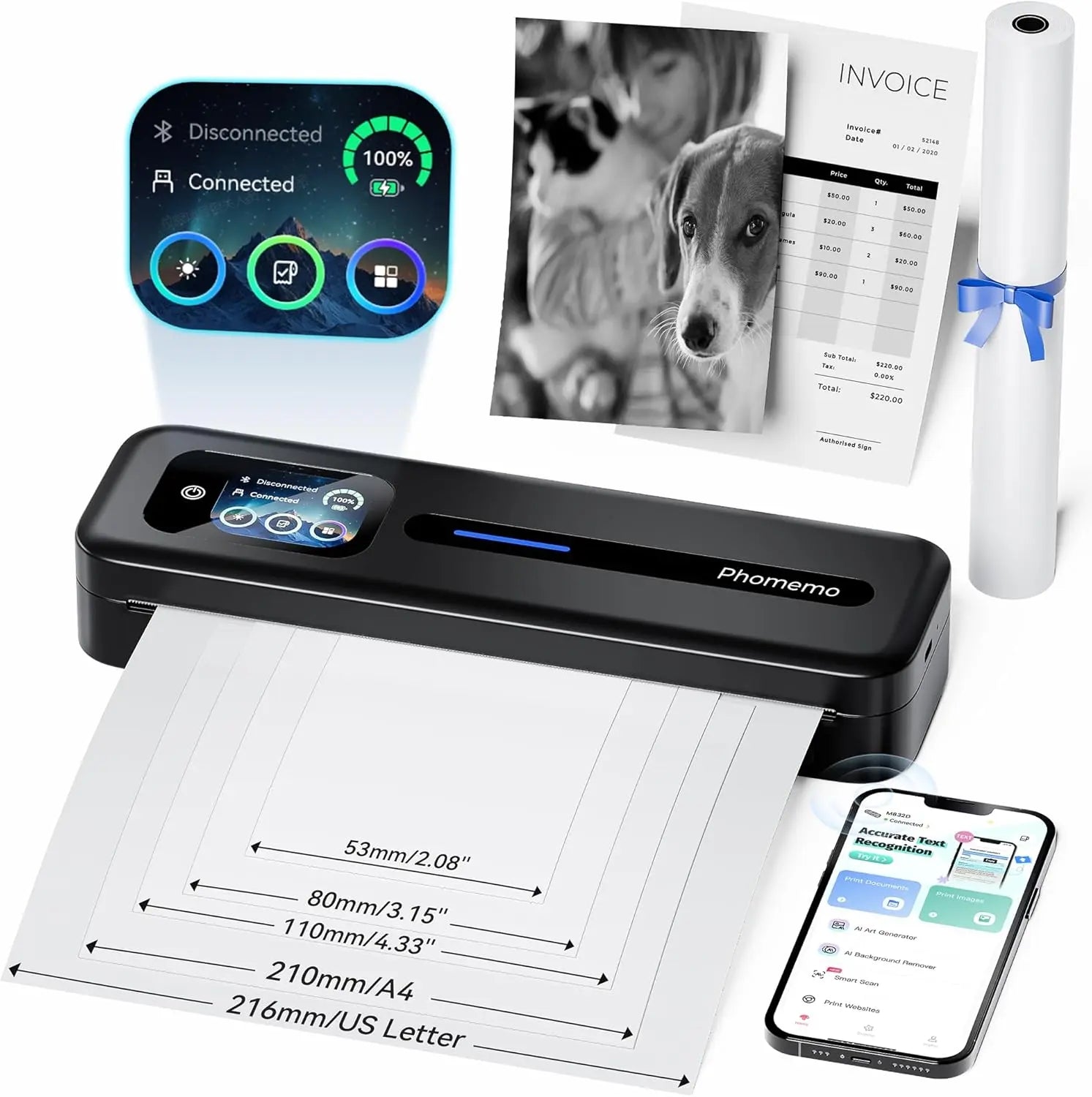 Phomemo Thermal Portable Printer M832D Upgraded Direct Touchscreen
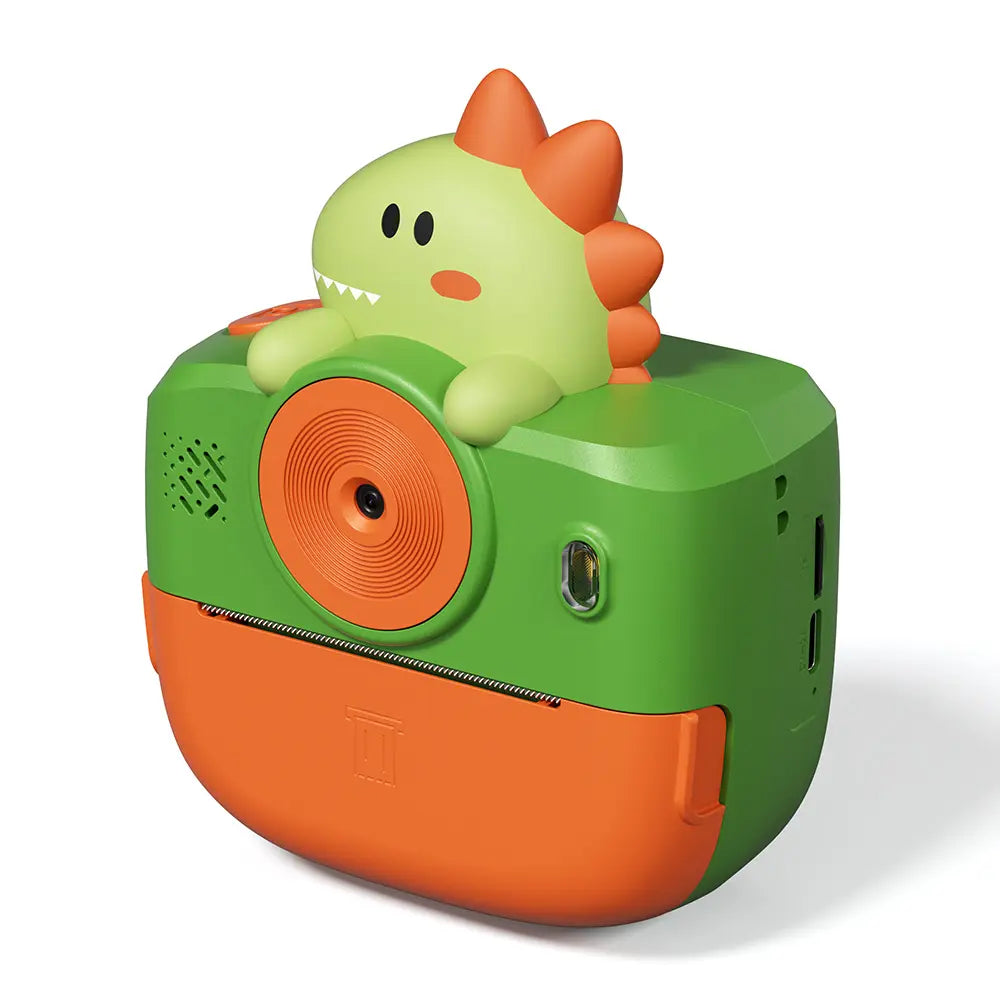 Phomemo Instant Camera K22 Dual-Lens Camera for Kids
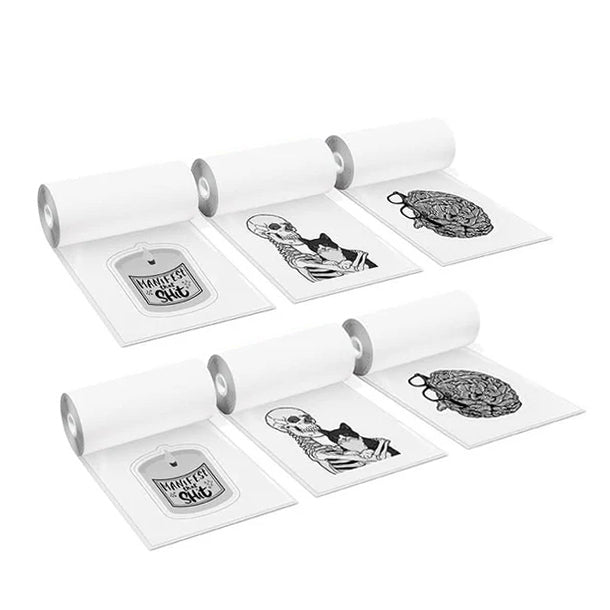 For K22
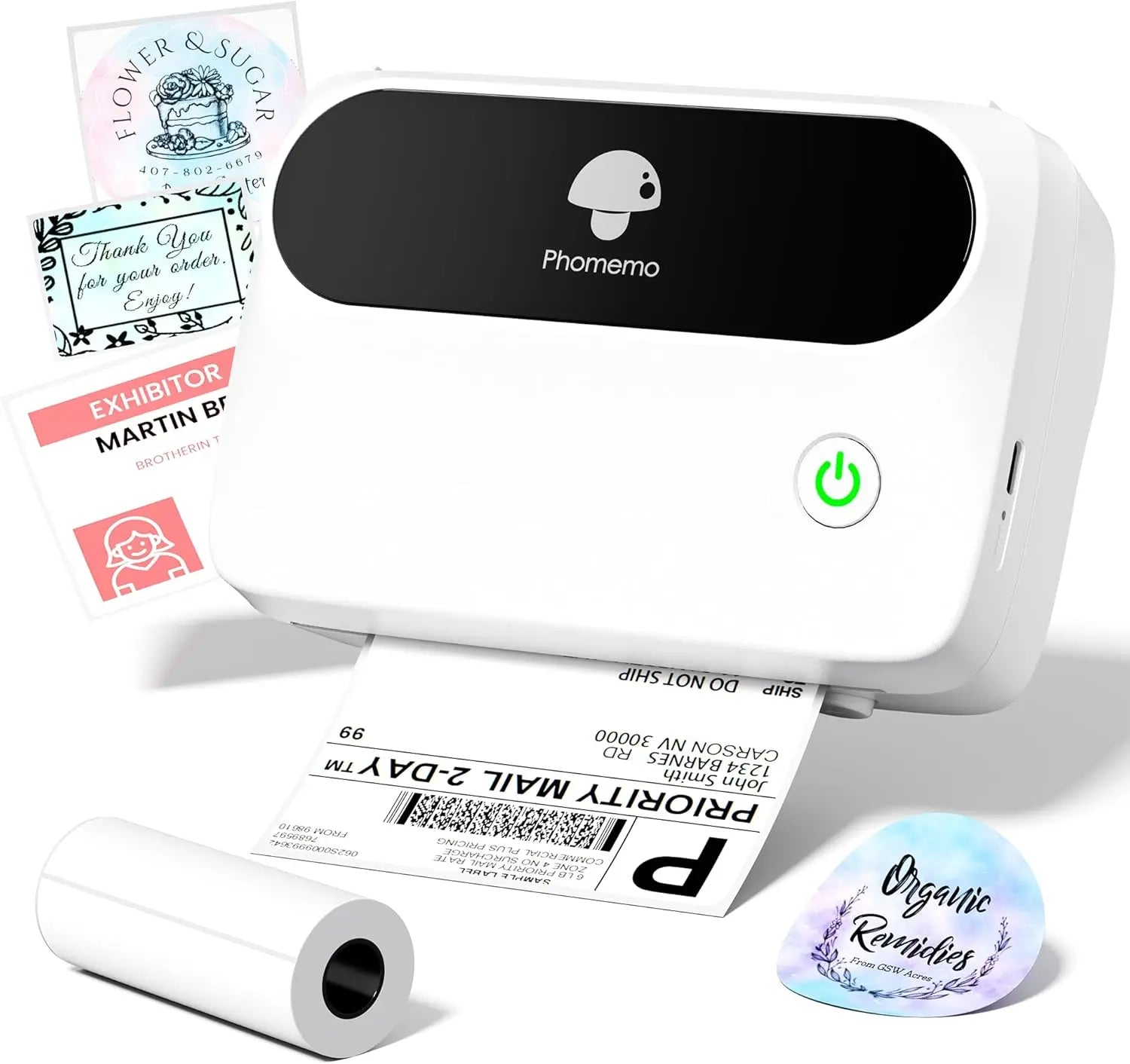 Phomemo Thermal Label Maker M421 Bluetooth Portable Business
 Phomemo M250 Bluetooth Portable Thermal Business Label Maker
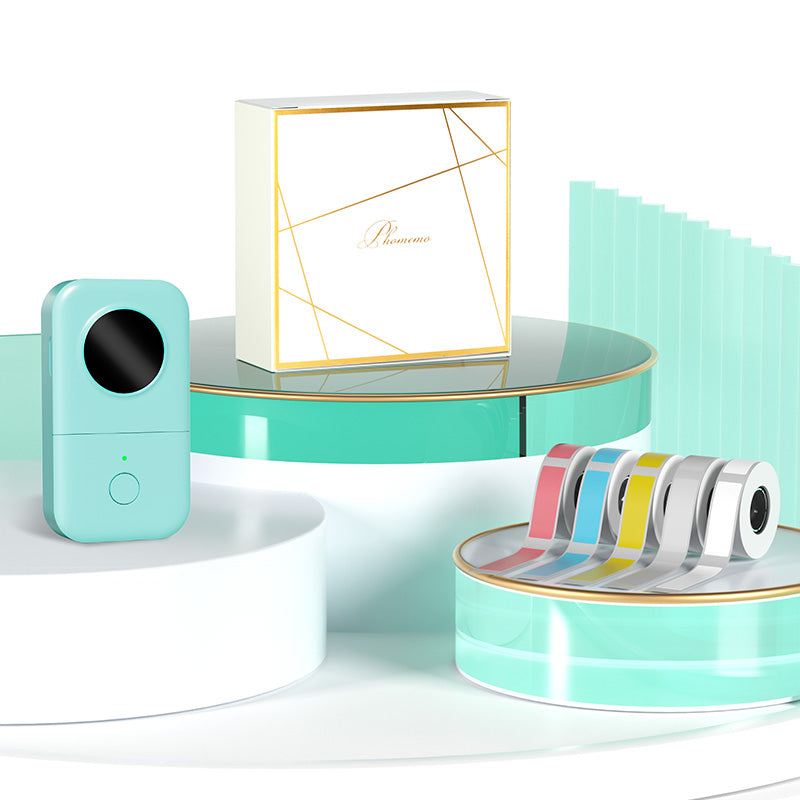 Phomemo D30 Gray Bluetooth Label Maker & 5 rolls of labels (Option: Storage Bag)
 Phomemo M02 PRO Mini Printer Gift Set
 Phomemo T02 Inkless Mini Printer Gift Set
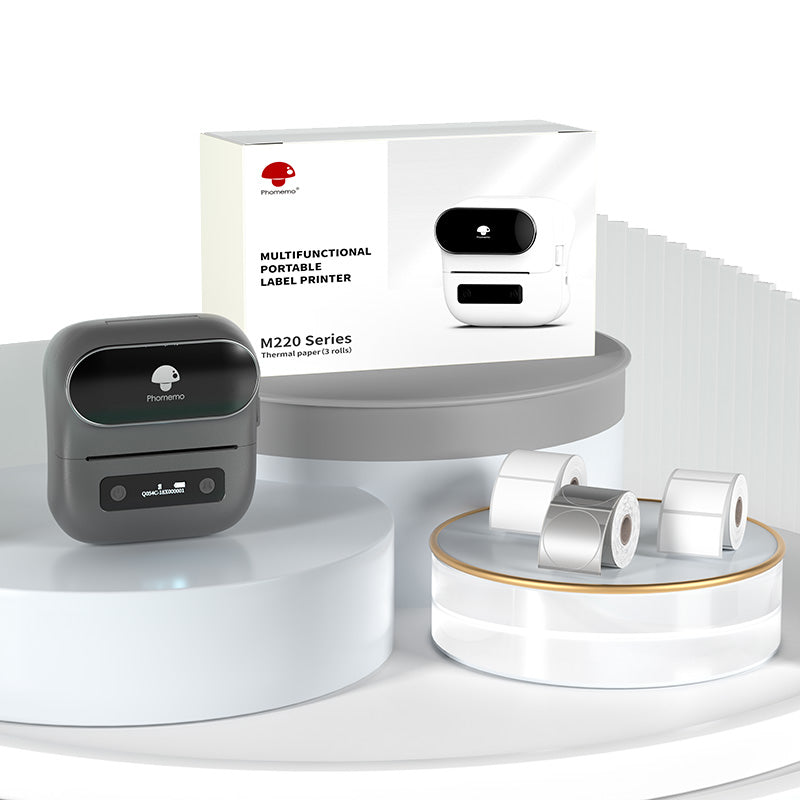 Phomemo M220 Bluetooth Label Printer Gift Set
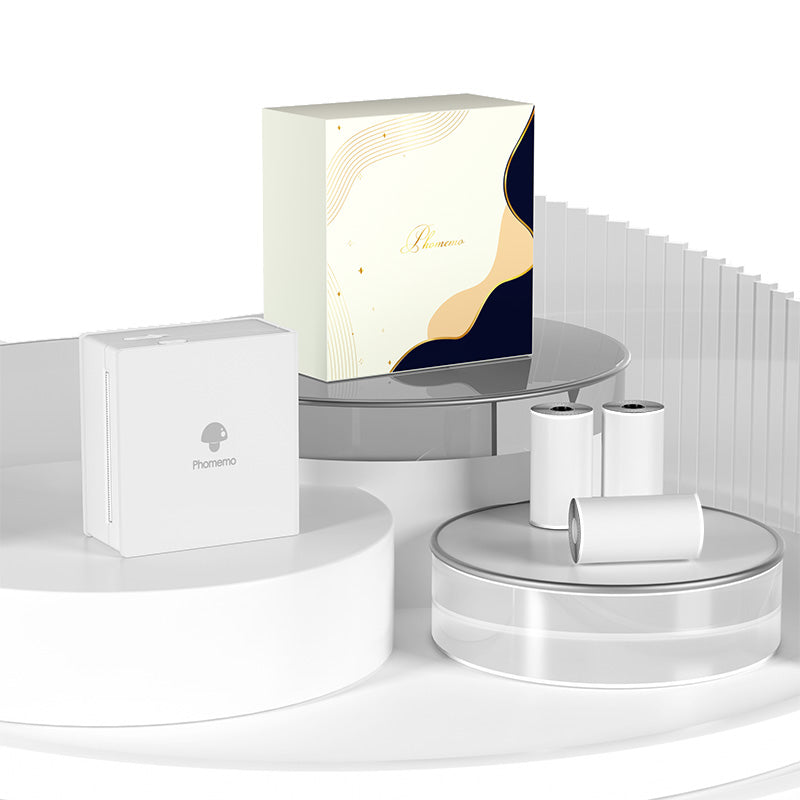 Phomemo M02 Mini Printer Gift Set
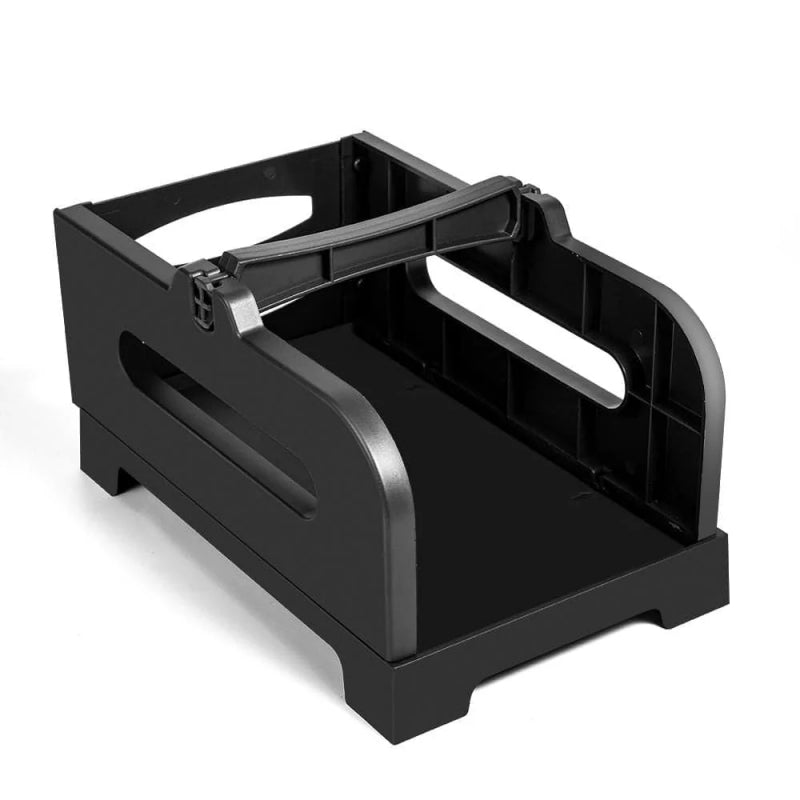 Accessories
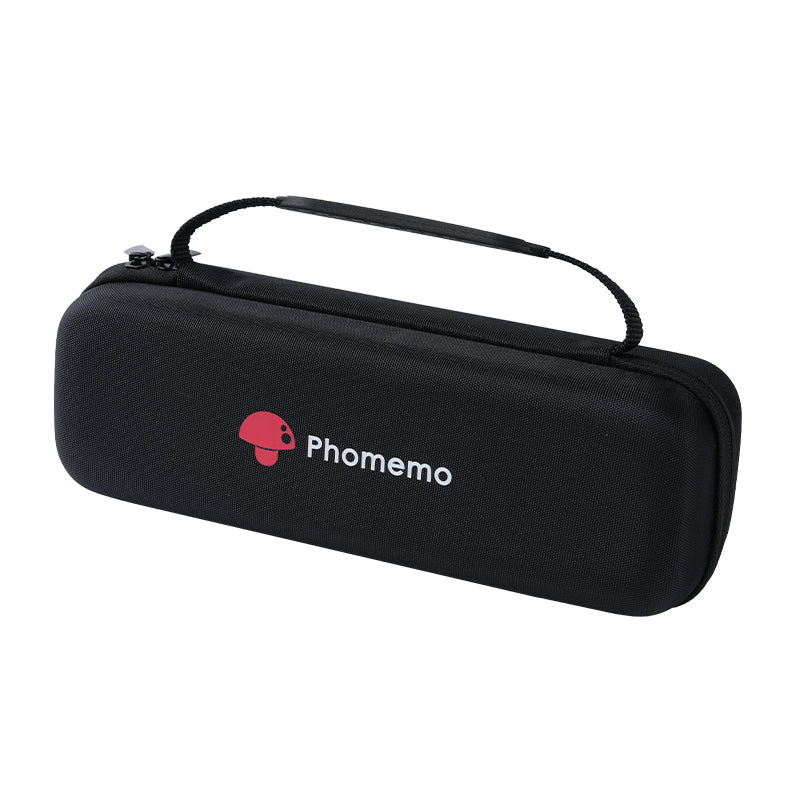 Storage Bag
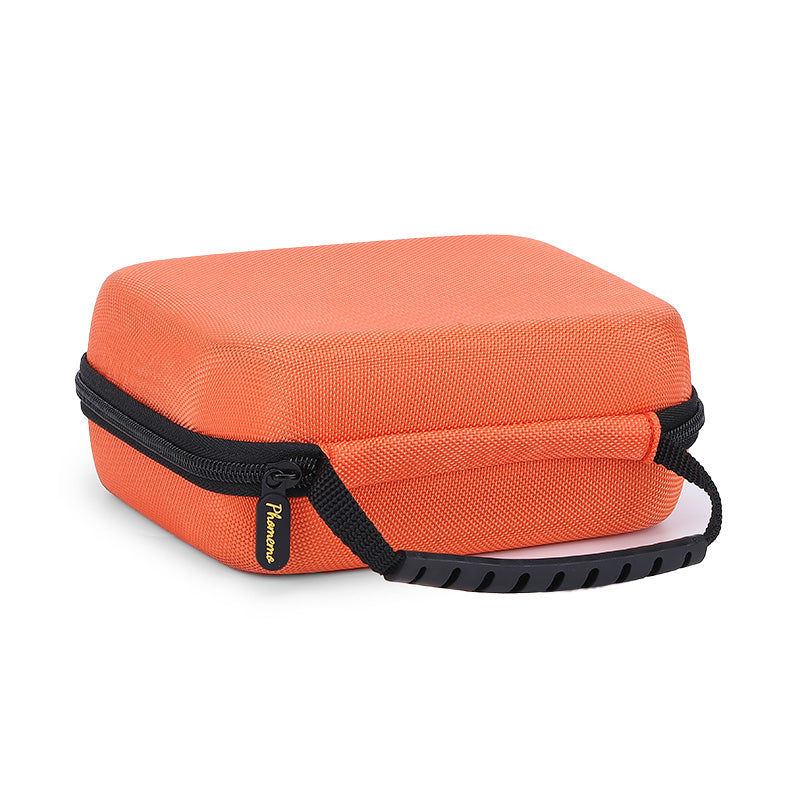 Phomemo Large Hard Shell Machine Storage Bag
 Phomemo Paper Holder for T02/M02/M02S/M02PRO/M03AS/M04AS/M04S
 Paper Holder For Phomemo Business Label Maker
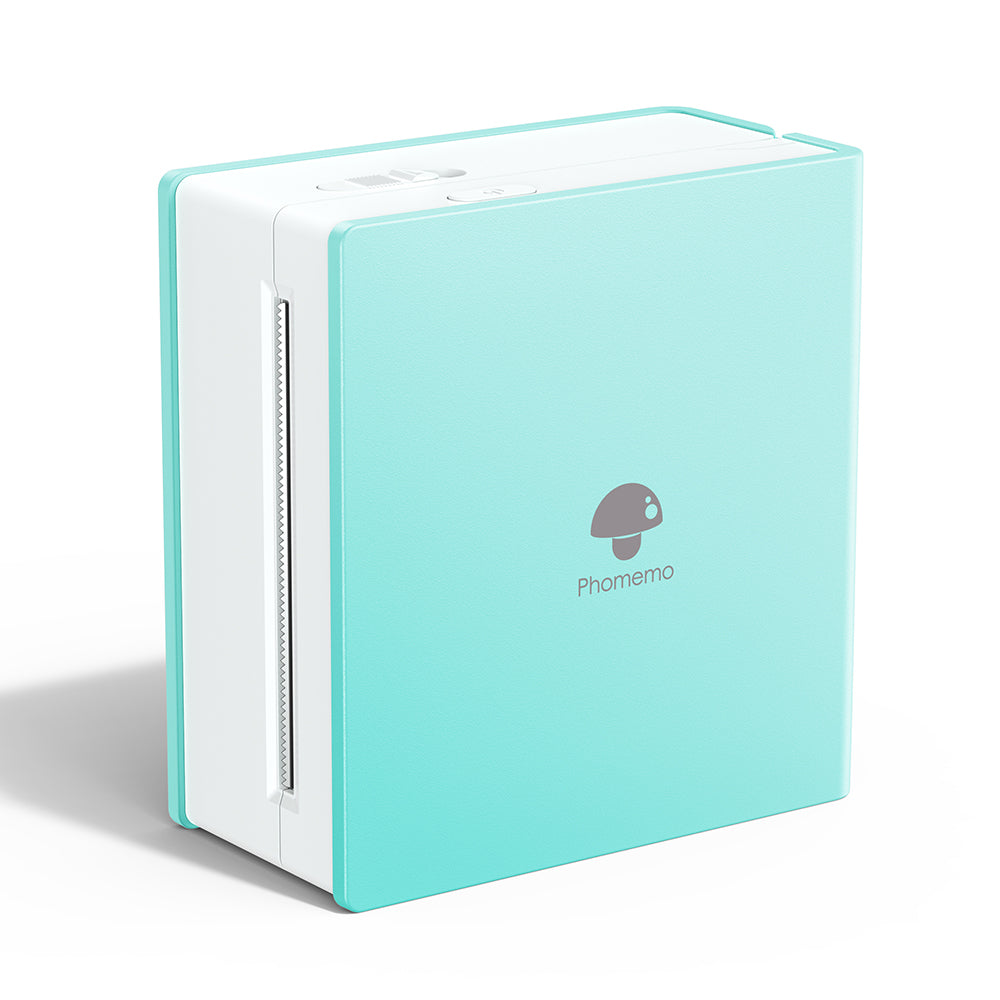 Phomemo M02 Inkless Mini Printer
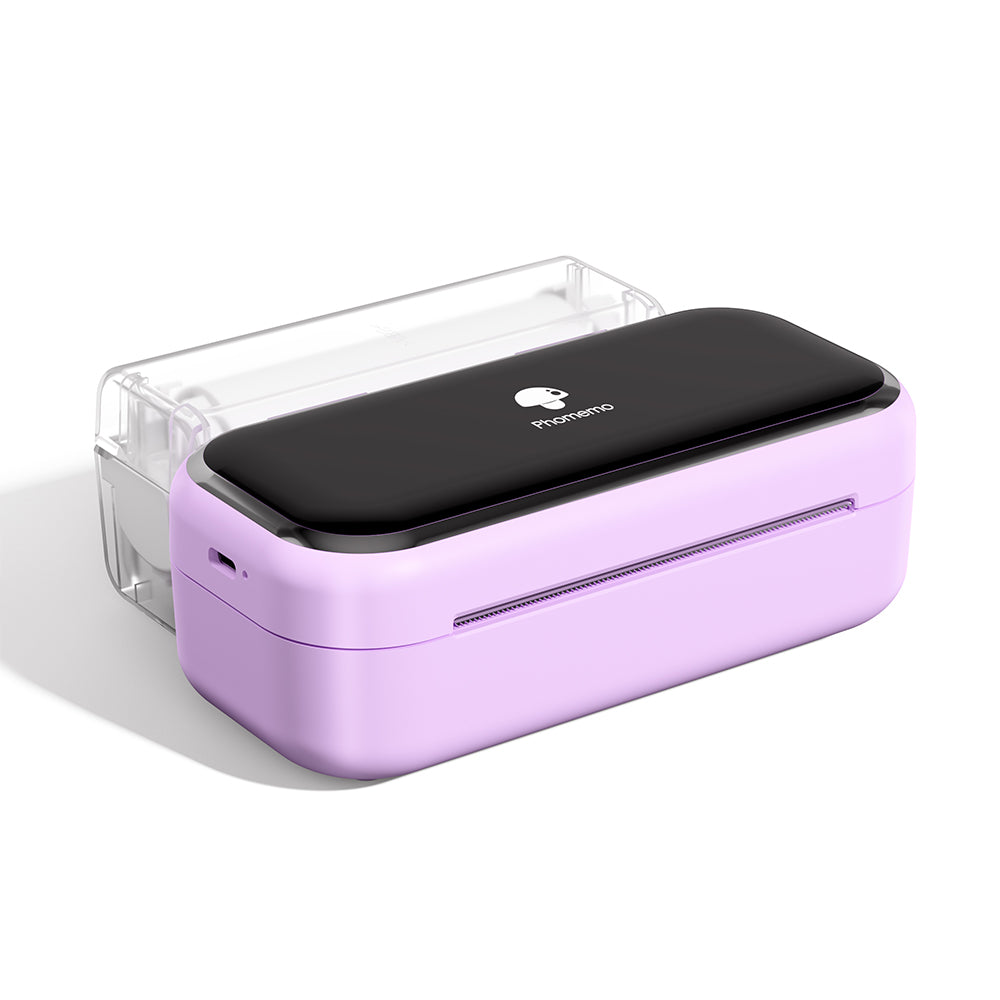 Phomemo M03 Bluetooth Mini Printer
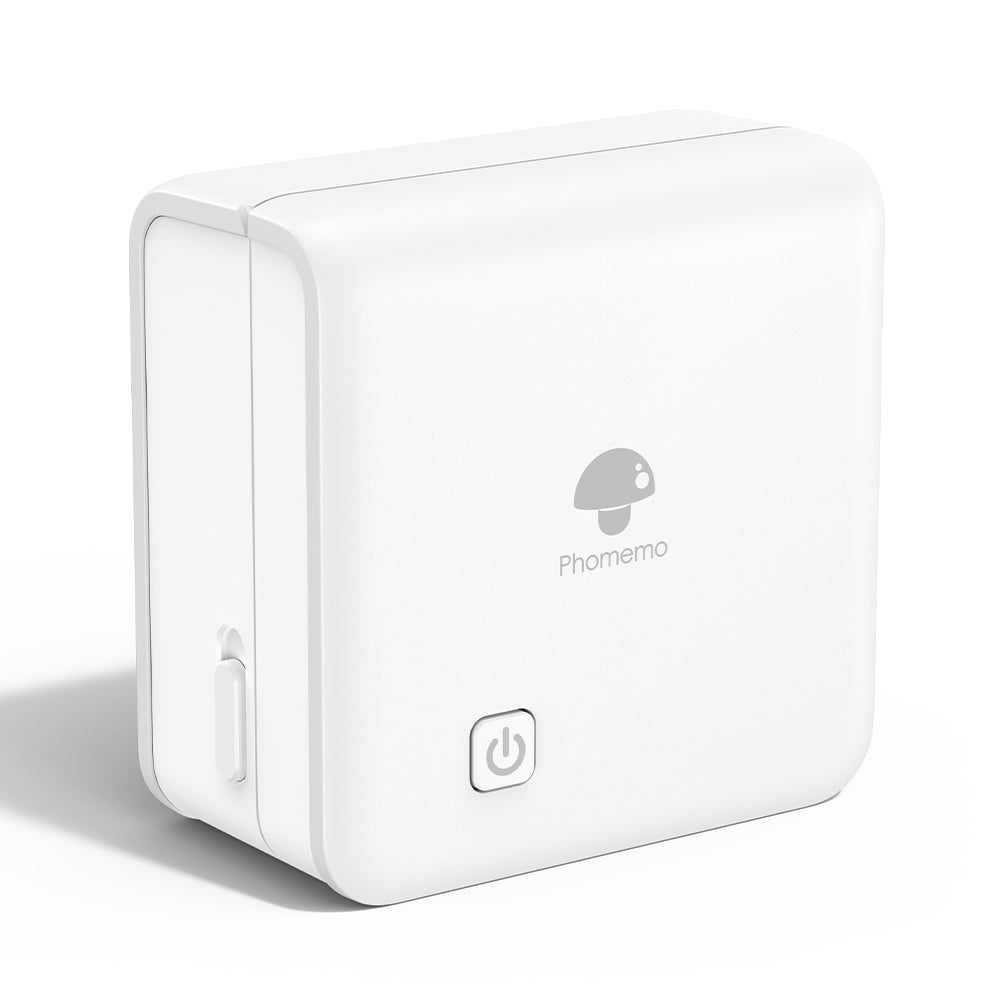 Phomemo M02 PRO Bluetooth Mini Printer
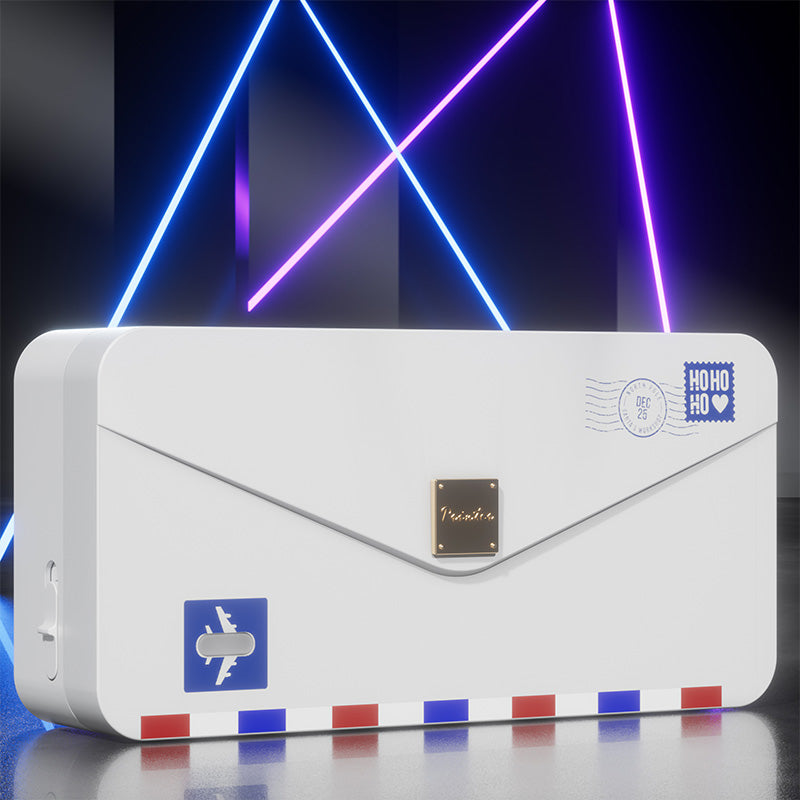 Phomemo M04AS Mini Thermal Printer
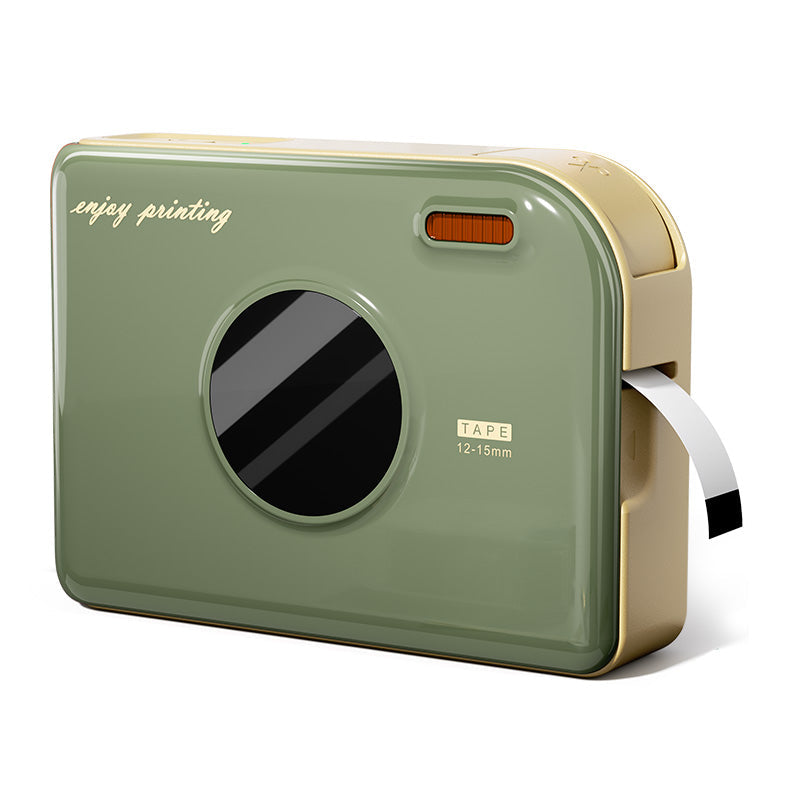 Phomemo A30 Portable Home Label Maker
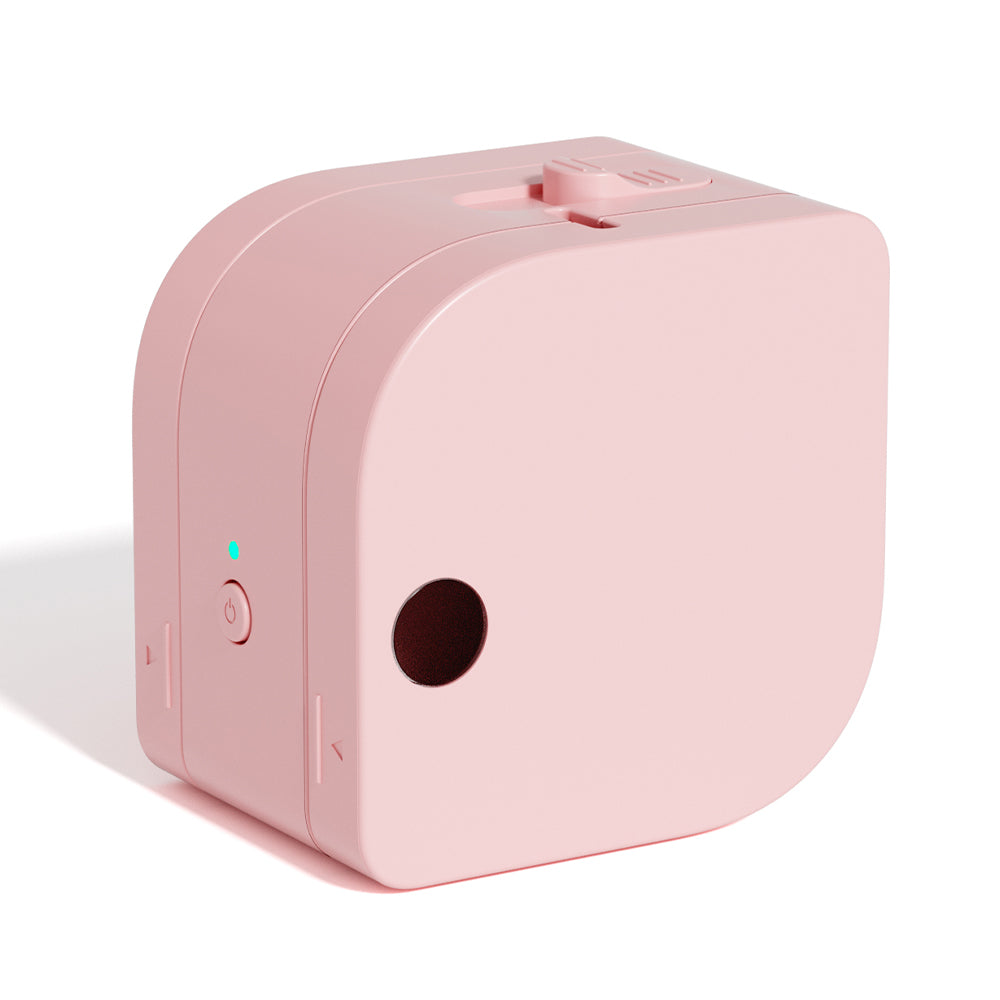 Phomemo P12 Portable Bluetooth Home Label Maker
 Phomemo P15 Vintage Home Label Maker
 Phomemo D50 Large Home Label Maker
 Phomemo M221 Bluetooth Portable Thermal Business Label Maker
 Phomemo M110 Bluetooth Portable Thermal Business Label Maker
 Phomemo M200 Bluetooth Portable Thermal Business Label Maker
 Phomemo M120 Bluetooth Portable Thermal Business Label Maker
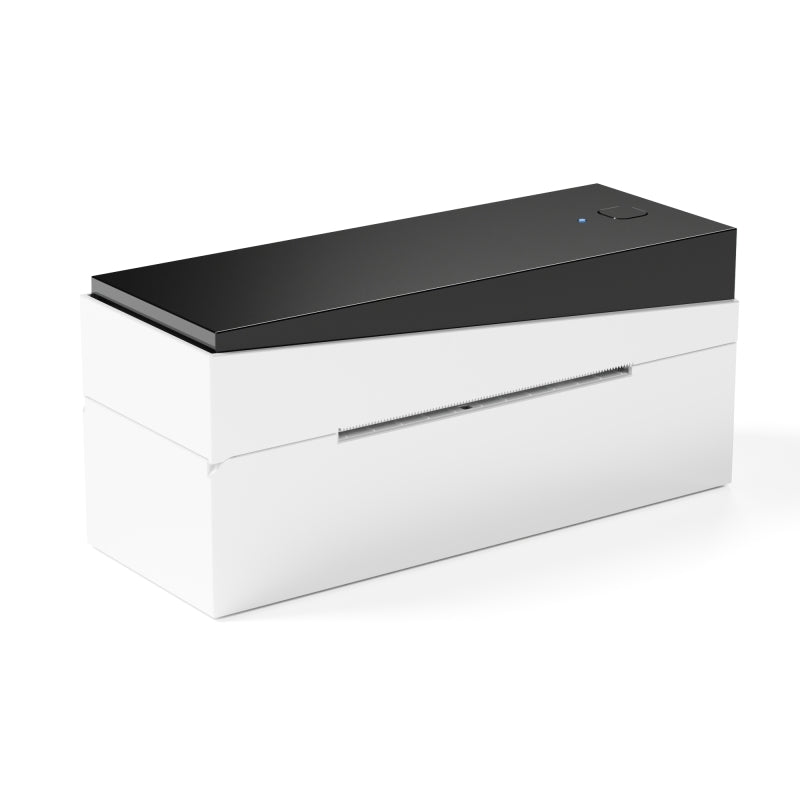 Phomemo PM249-BTZ Bluetooth Direct Connect Shipping Label Printer
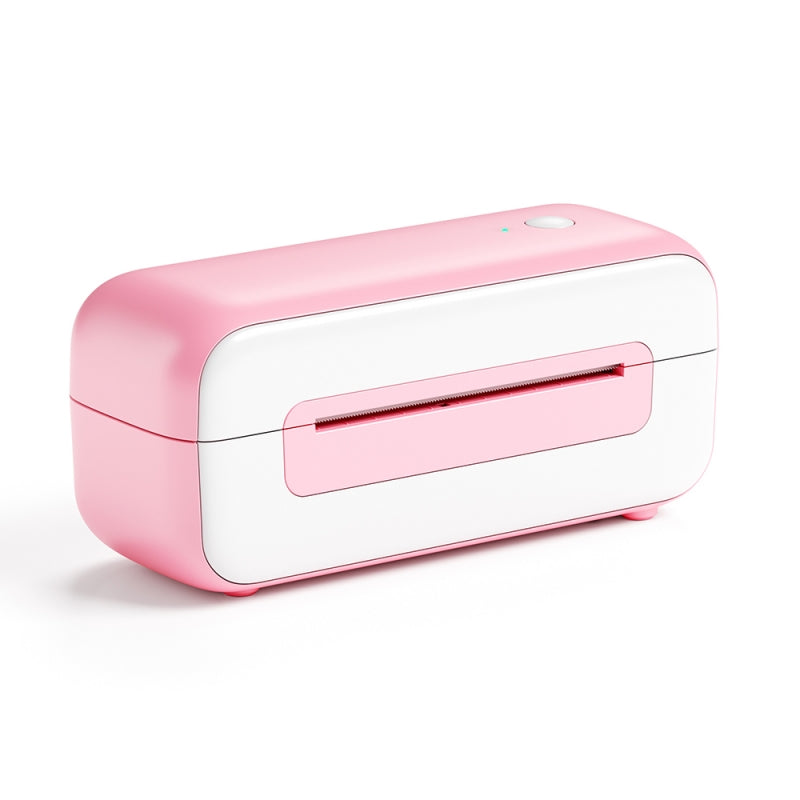 Phomemo PM-246S High-Speed USB Direct Thermal Shipping Label Printer
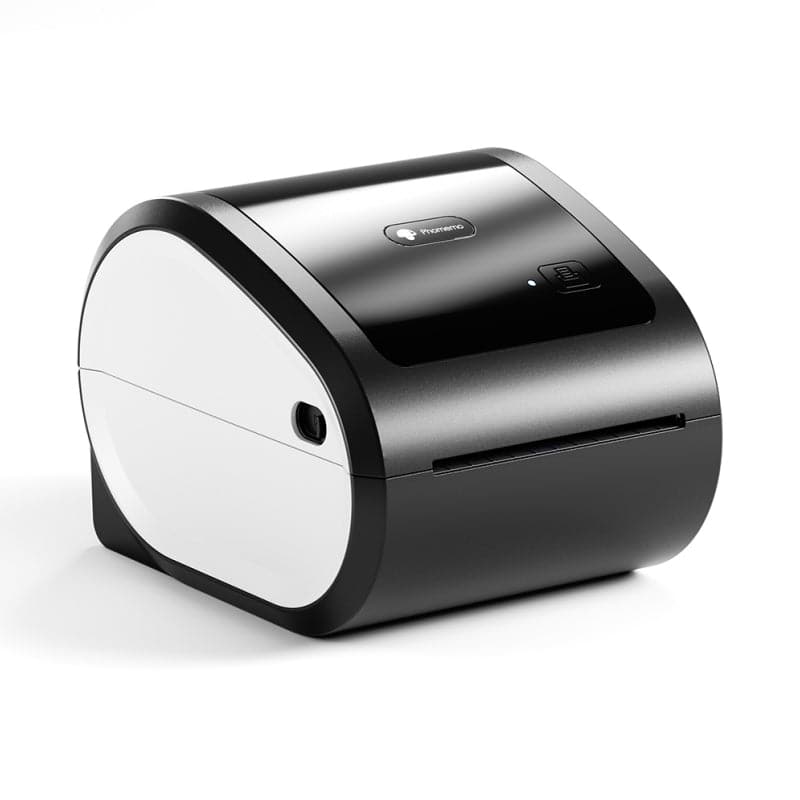 Phomemo D520-BT Bluetooth Shipping Label Printer
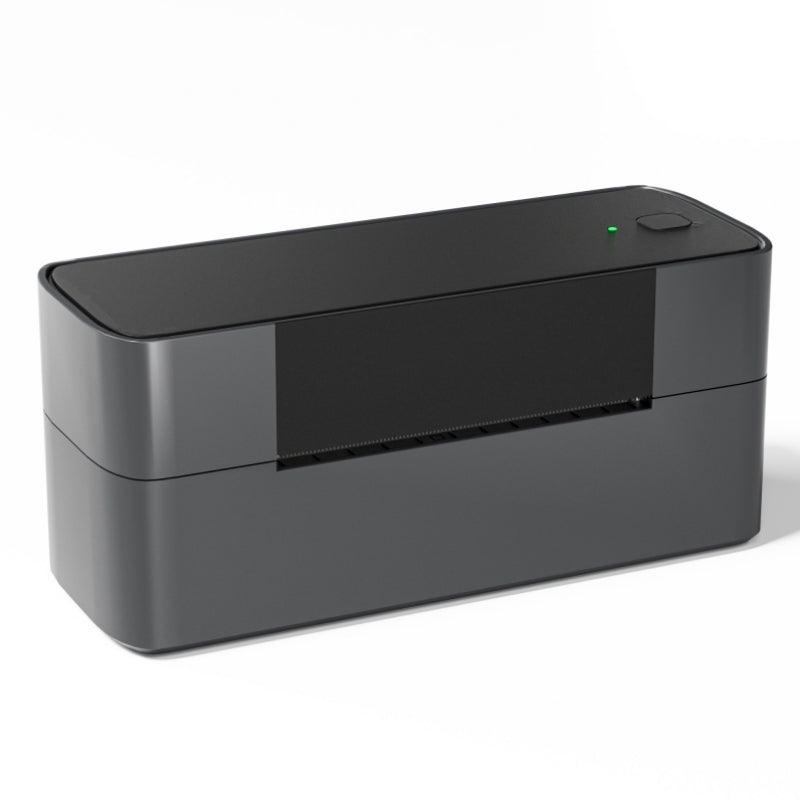 Phomemo PM245-BTZ Bluetooth Direct Connect Shipping Label Printer
 Phomemo M08F Letter & A4 Portable Printer
 [Ultra-light] Phomemo Q302 Wireless Portable Thermal Printer
 Phomemo P831 Bluetooth Portable Thermal Transfer Printer
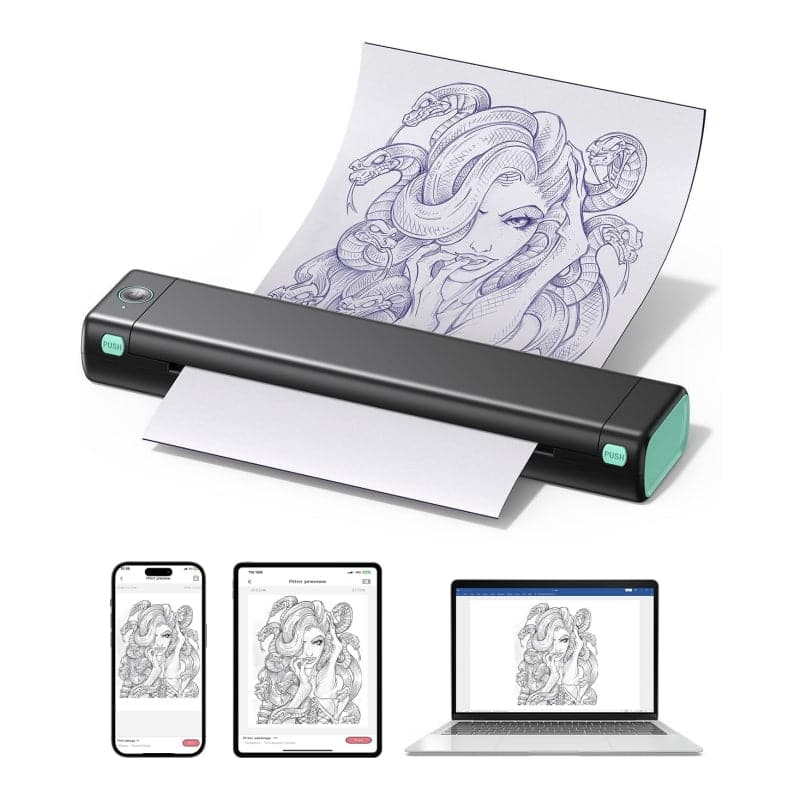 Phomemo M08F Wireless Tattoo Stencil Printer
 Phomemo TP81 Wireless Tattoo Template Printer
 Phomemo TP83 Wireless Tattoo Stencil Printer
 [❗️NEW❗️]Phomemo TP31 Bluetooth Tattoo Stencil Mini Printer
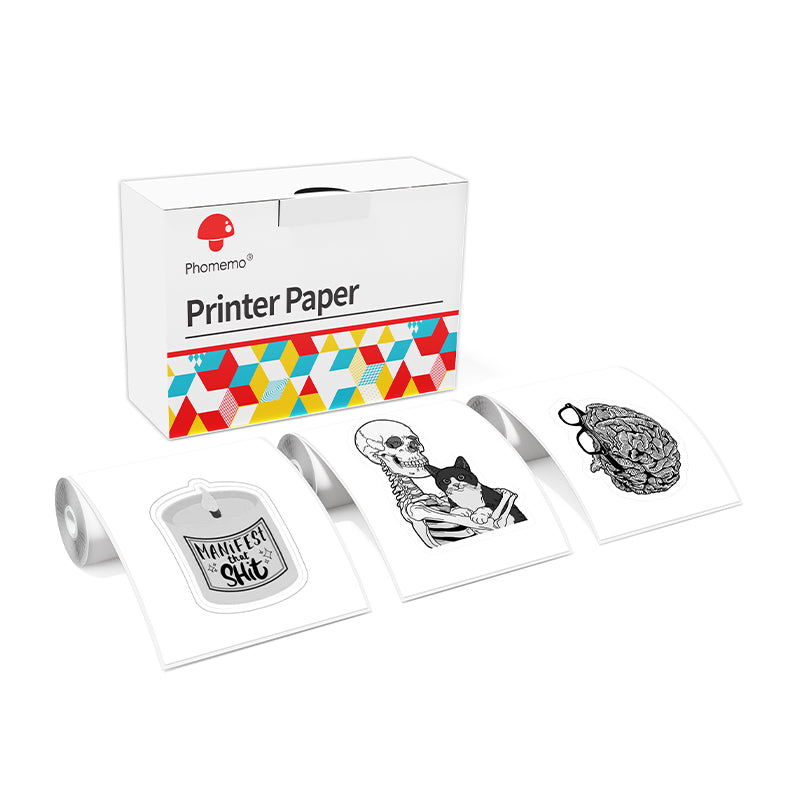 For T02/M02X
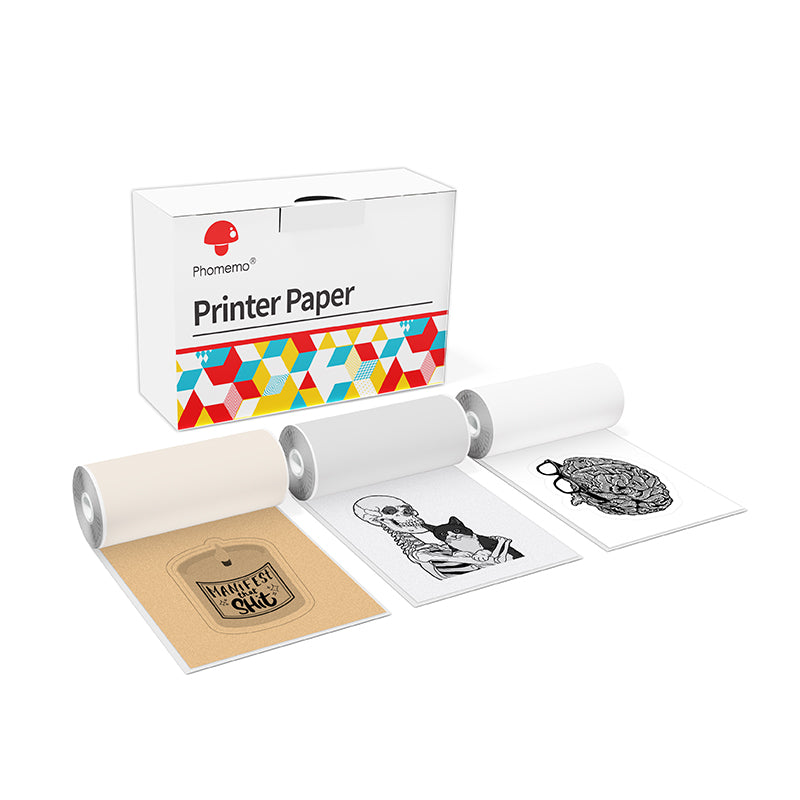 For M02
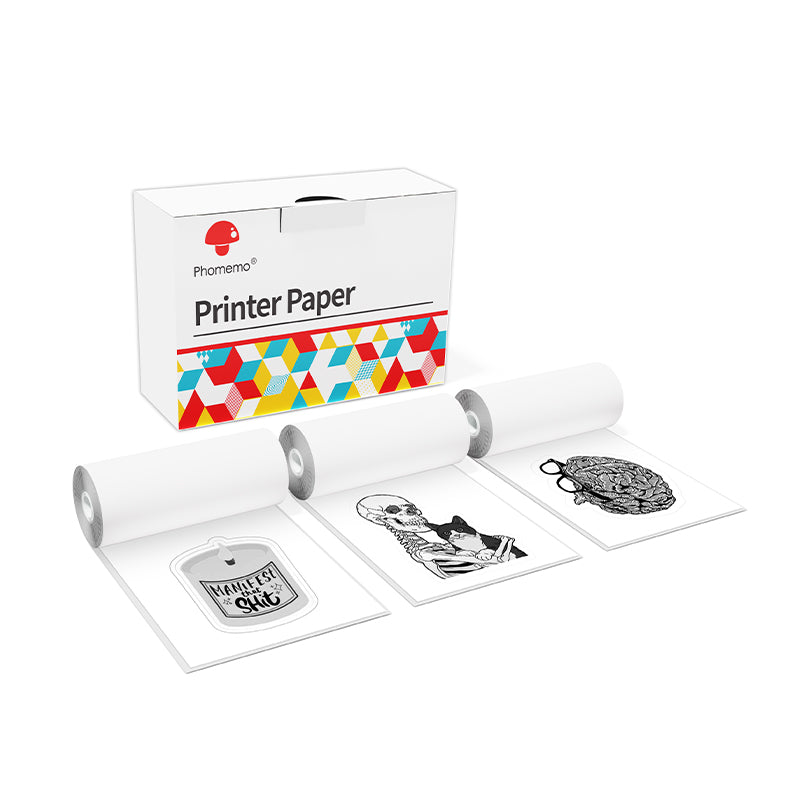 For M02S
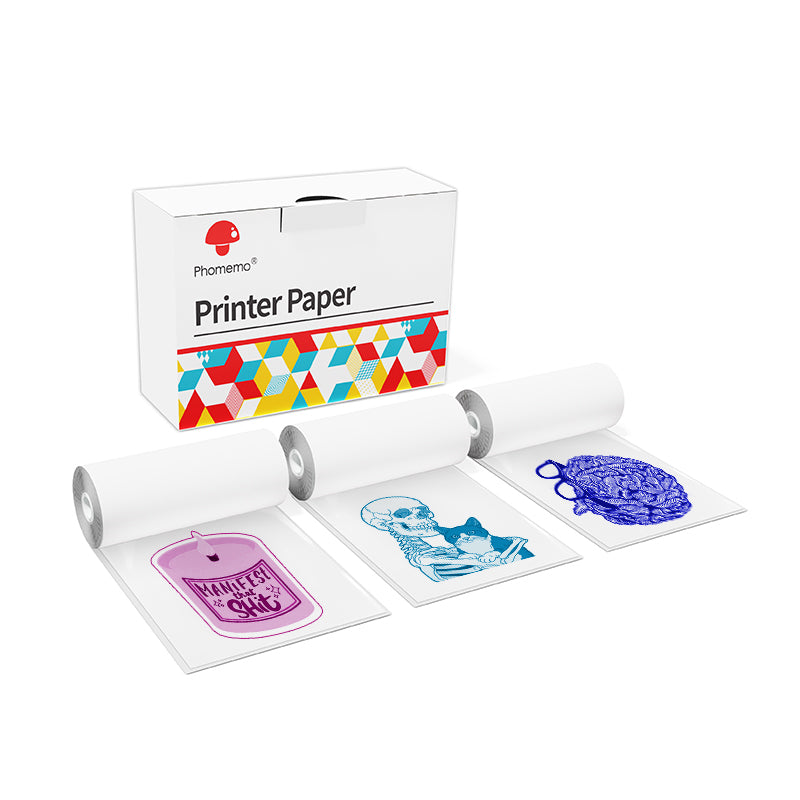 For M02 Pro
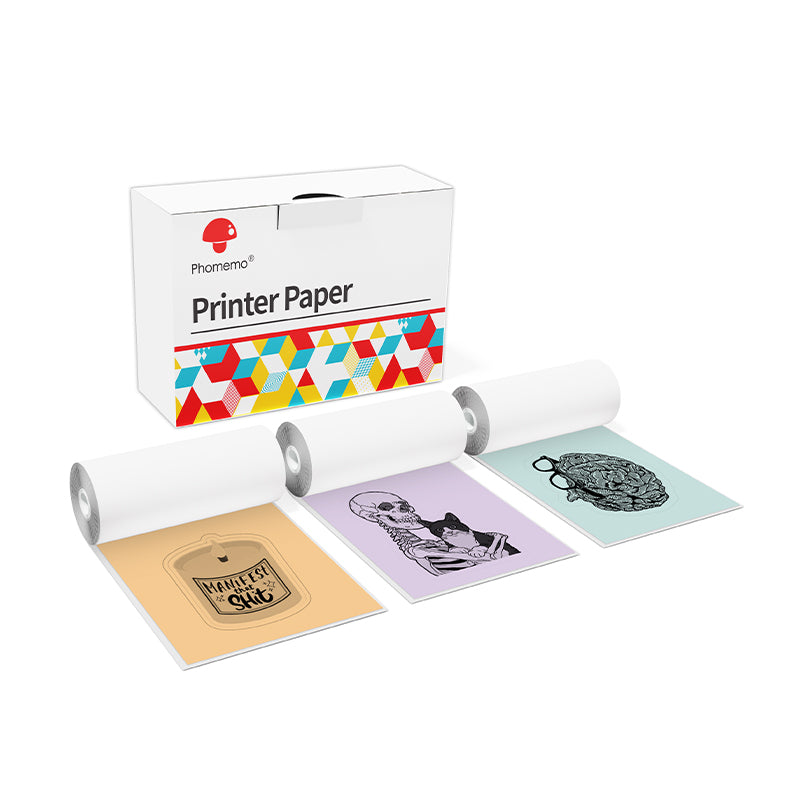 For M03
 For M03AS
 For M04S
 For M04AS
 For D30/D35/Q30/Q30S
 For P12/P12 PRO
 For D50
 For P3200
 For M960/M950
 For P15
 For M110/M120
 For M200/M220/M221
 Phomemo 4"x6" Fan-Fold Thermal Direct Labels for Shipping Label Printer
 Phomemo Thermal Shipping Labels – Multiple Sizes & Types for Shipping Label Printer
 Phomemo 2" Multiple Thermal Round Label for Shipping Label Printer
 Phomemo 2" Silver Thermal Holographic Sticker for Shipping Label Printer
 Phomemo 3"x2"Shipping Label Stickers for Shipping Label Printer
 For M08F/Q302
 For M832
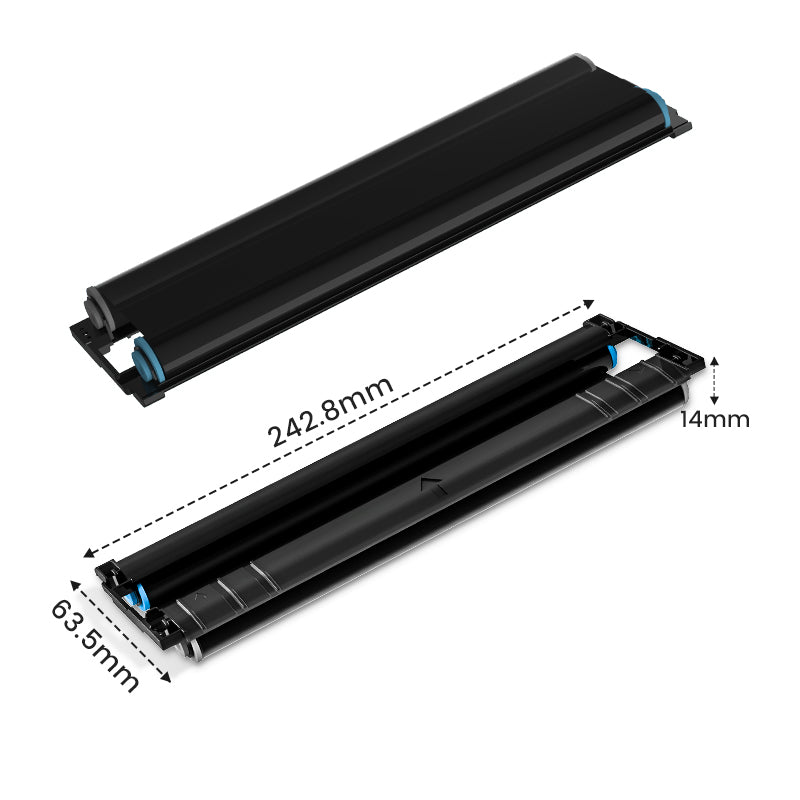 For P831
 For TP81/TP83/M08F Tattoo
 For TP31 Tattoo
 For P02

With Halloween around the corner, small businesses have a unique opportunity to create a spooky, memorable experience for their customers. Creative and festive packaging not only enhances the unboxing experience but also leaves a lasting impression that can boost customer loyalty. One simple and effective way to do this is by incorporating custom Halloween stickers into your packaging.
Why Custom Halloween Stickers Matter for Small Businesses
Custom Halloween stickers are an affordable and creative way to celebrate the season while adding a unique flair to your packaging. By using a mini thermal printer, you can print custom Halloween stickers that align with your brand’s theme and appeal directly to your customers.
Stand Out in a Competitive Market
Small businesses often compete with larger brands, especially during holiday seasons. Custom stickers on your packaging can differentiate your brand and create a more engaging experience.
Tailored Designs
Unlike mass-produced stickers, you can design stickers specific to your audience or products, making them feel like a thoughtful addition to their purchase.
Strengthen Brand Identity
You can incorporate your logo, colors, and brand message into the Halloween theme, ensuring that customers remember your business long after the holiday is over.
Drive Social Media Engagement
Festive and eye-catching packaging often prompts customers to share their purchases on social media, giving your brand more exposure.
How to Create Custom Halloween Stickers with a Mini Thermal Printer
One of the biggest advantages of using a mini thermal printer is the ease and flexibility it offers. Creating custom stickers that align with your Halloween packaging ideas is straightforward and quick. Here’s a step-by-step guide to help you get started:
- Design your Halloween stickers
- Prepare your mini thermal printer and paper
- Print stickers via Bluetooth connection
- Apply the stickers
Step 1. Design Your Halloween Stickers
You can create unique Halloween-themed designs using tools like Canva or Photoshop. If you don’t have time to design from scratch, the Phomemo app offers a wide range of free Halloween templates that can be easily customized. Consider incorporating elements that resonate with your brand, such as your logo or signature colors, to make the stickers truly personalized.

Step 2. Prepare Your Mini Thermal Printer and Paper
Get your mini thermal printer ready along with sticker paper of the appropriate size. The Phomemo mini thermal printer supports four sticker sizes: 15mm, 53mm, 80mm, and 110mm, so you can choose the one that best fits your packaging. Using the right size helps you make a bigger impact, whether it’s a small logo sticker or a large sticker that covers more of the package.
3. Connect and Print
Simply connect your mini thermal printer to your smartphone or tablet via Bluetooth. No need for ink or complicated setups, which makes it easy to use, even in a busy environment. Once connected, you can instantly print your custom Halloween stickers. Adjust the print settings to ensure clarity and precision in every design.

4. Apply the Custom Halloween Stickers
Stick the Halloween labels on your packages, boxes, or bags. If you make a mistake, no worries! The stickers are easy to peel off and reposition without leaving a sticky residue. They retain their adhesive properties even after multiple adjustments.

Best Halloween Packaging Ideas Using Custom Stickers
Now that you know how to create custom stickers, here are a few Halloween packaging ideas that can elevate your small business orders:
-
Spooky Gift Bags: Add custom Halloween stickers to brown or black paper bags filled with your products. Create designs with pumpkins, ghosts, or bats to match the Halloween vibe.
-
Themed Shipping Boxes: Use large custom stickers to cover the top of your shipping boxes. Customers will love receiving packages that are just as fun on the outside as they are on the inside.
-
Seasonal Product Labels: If you sell handmade items, like candles or treats, print Halloween-themed labels to give your products a festive touch. Personalized labels can include your brand’s Halloween message or seasonal promotions.
-
Thank-You Notes: Print custom stickers with a Halloween-themed thank-you message to stick on the inside of packages. It’s a small gesture that leaves a big impression.

Halloween Special Offer
Halloween is the perfect time to get creative with your packaging. With a mini thermal printer, small business owners can easily design and print custom Halloween stickers that align with their brand’s identity. From adding a spooky touch to your shipping boxes to making personalized thank-you notes, these stickers are an easy, affordable way to stand out this season. Whether you’re using pre-designed templates from the Phomemo app or crafting your own designs, your Halloween packaging is sure to impress.
Planning to get one Great! Use my code: TIPS8 for a 10% off discount.

Mini Thermal Printer
- 🎃Can print 4 paper sizes including 15mm, 53mm, 80mm, and 110mm
- 🎃High Definition: 300dpi
- 🎃Bluetooth Connection with mobile devices