 Stampante per etichette di spedizione Bluetooth Phomemo PM241-BT
 Etichettatrice Portatile Phomemo D30 Bluetooth per Casa
 Stampante Termica Portatile Phomemo M832 Aggiornata
 Etichettatrice Termica Portatile Bluetooth Phomemo M220 per Business
 [WIFI] Stampante per etichette Phomemo PM344-WF 300DPI
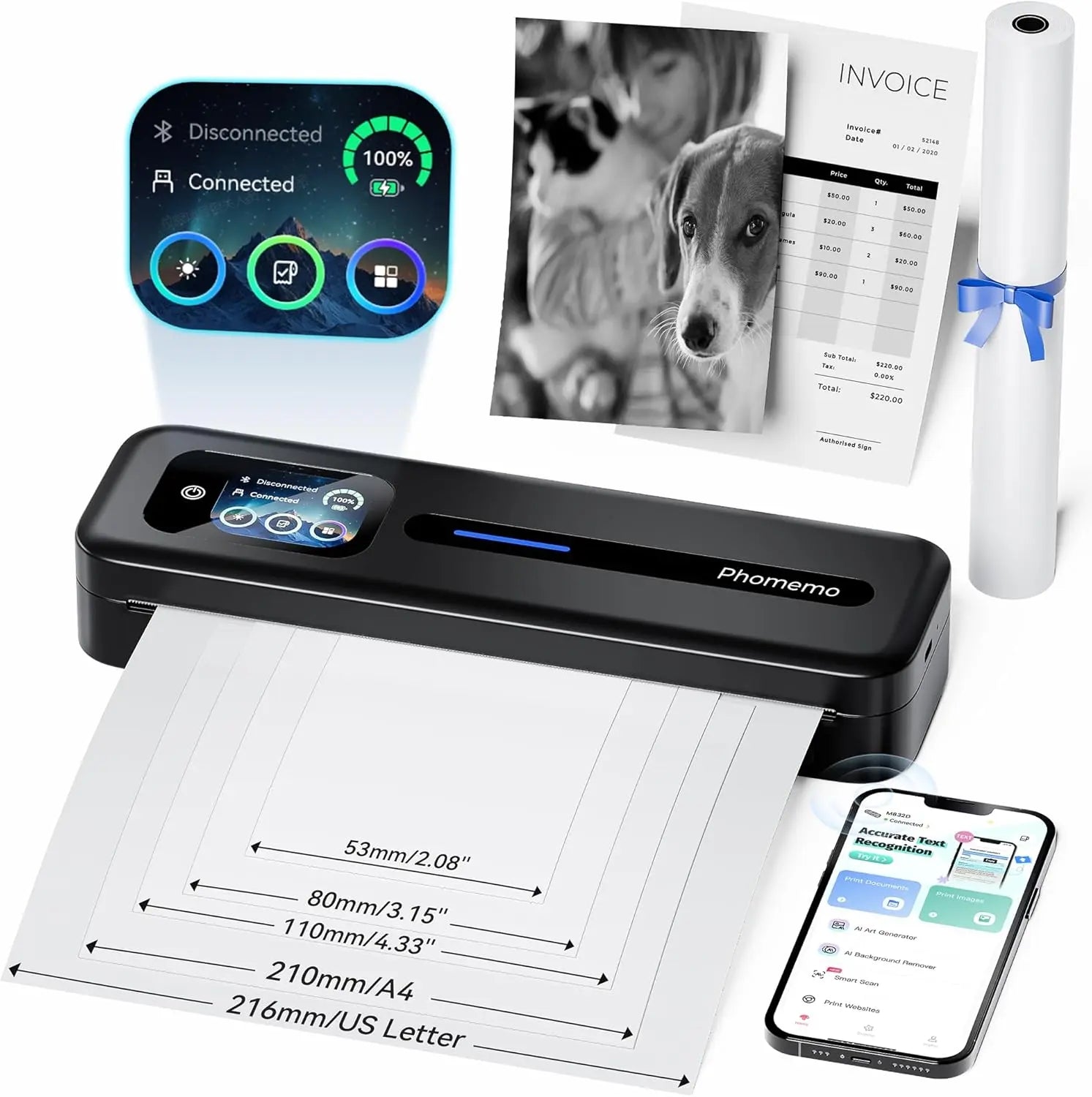 Stampante Termica Portatile Phomemo M832D Aggiornata con Touchscreen
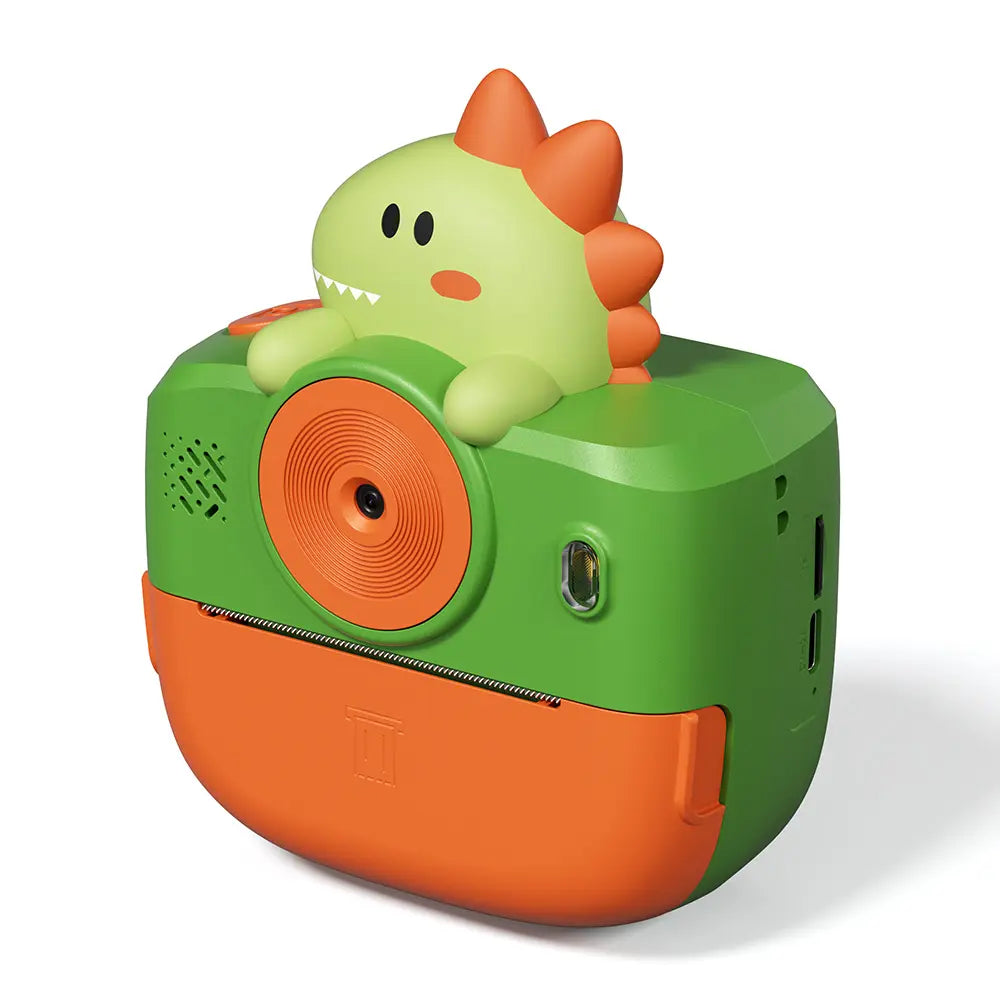 Phomemo Fotocamera Istantanea K22 Fotocamera a Doppio Obiettivo per Bambini
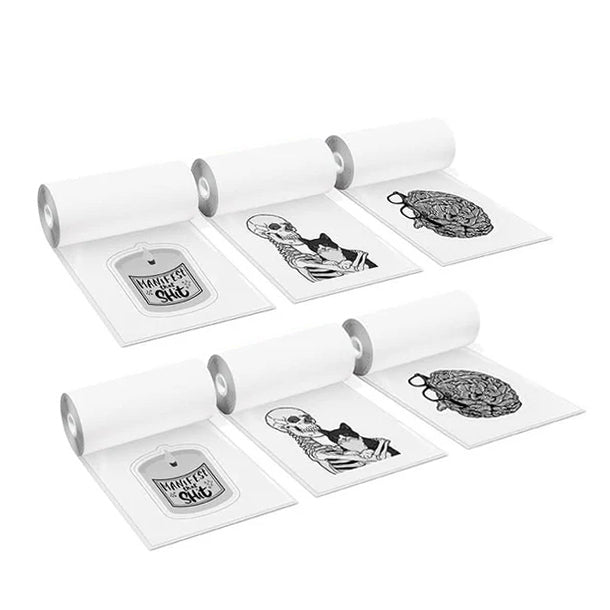 Per K22
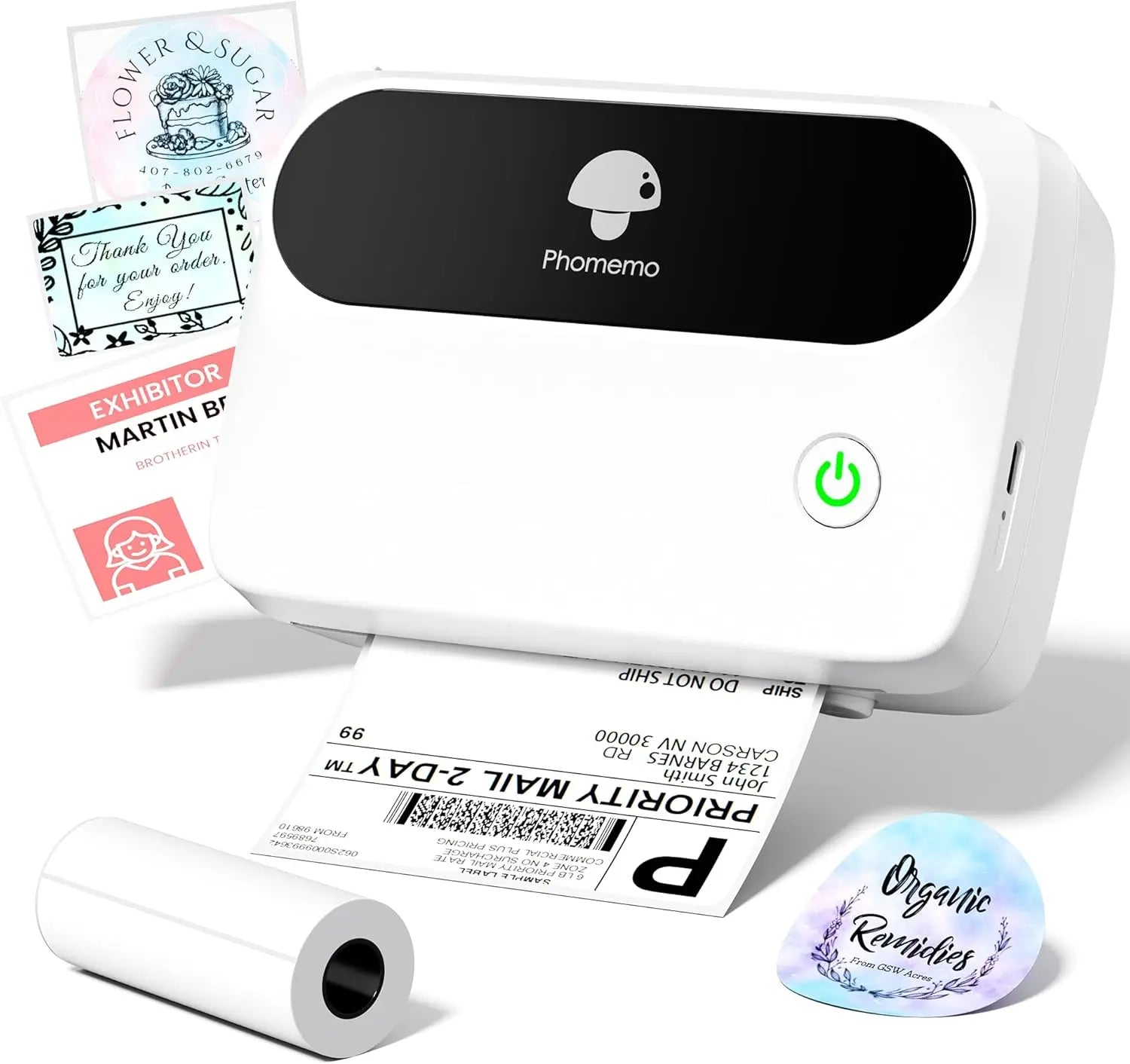 Etichettatrice Termica Phomemo M421 Bluetooth Portatile per Ufficio
 Etichettatrice Termica Portatile Bluetooth Phomemo M250 per Business
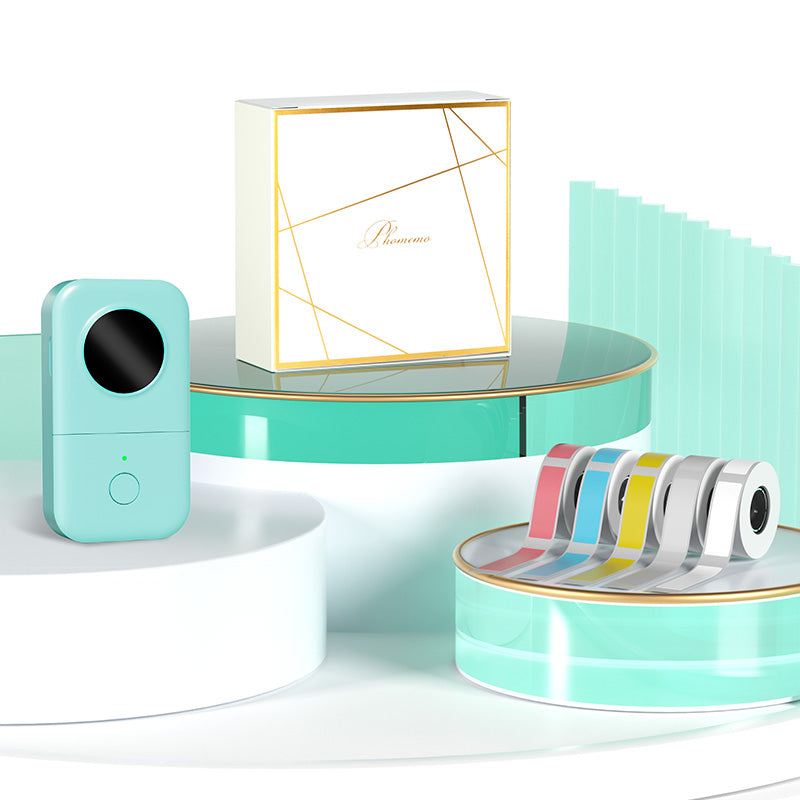 Phomemo D30 Etichettatrice Bluetooth Grigia e 5 rotoli di etichette (Opzione: Borsa portaoggetti)
 Phomemo M02 PRO Mini Stampo Set Regalo
 Phomemo T02 Set Regalo Mini Stampante Senza Inchiostro
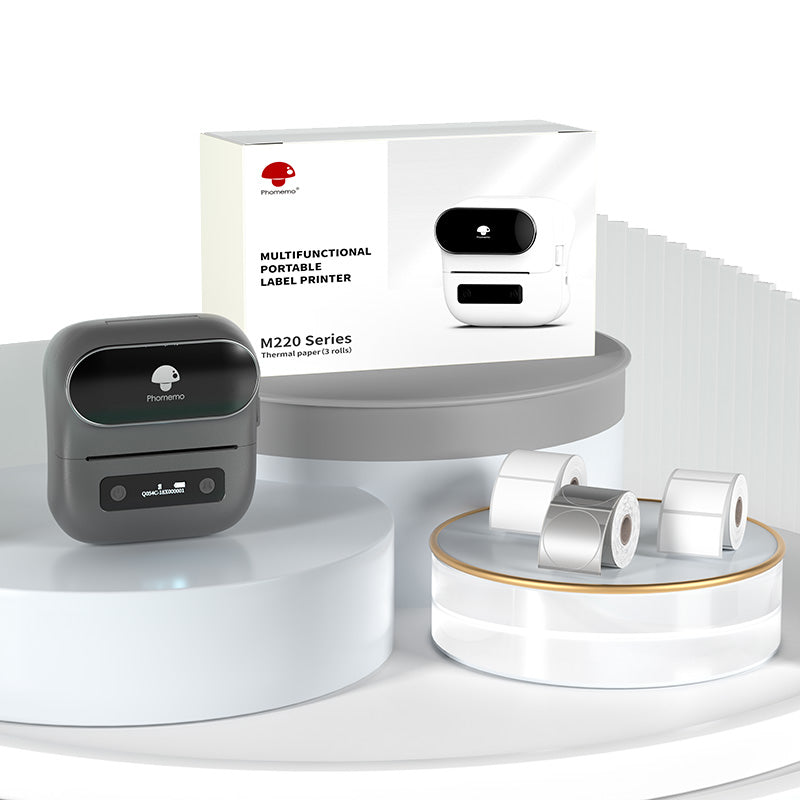 Phomemo M220 Bluetooth Label Printer Set Regalo
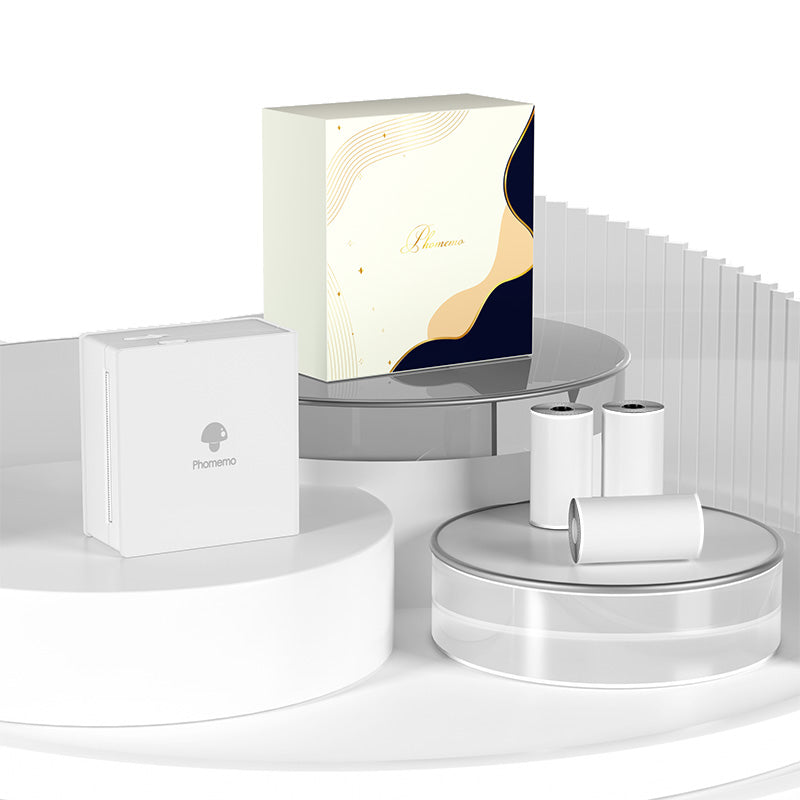 Set Regalo Stampante Mini Phomemo M02
 Accessori
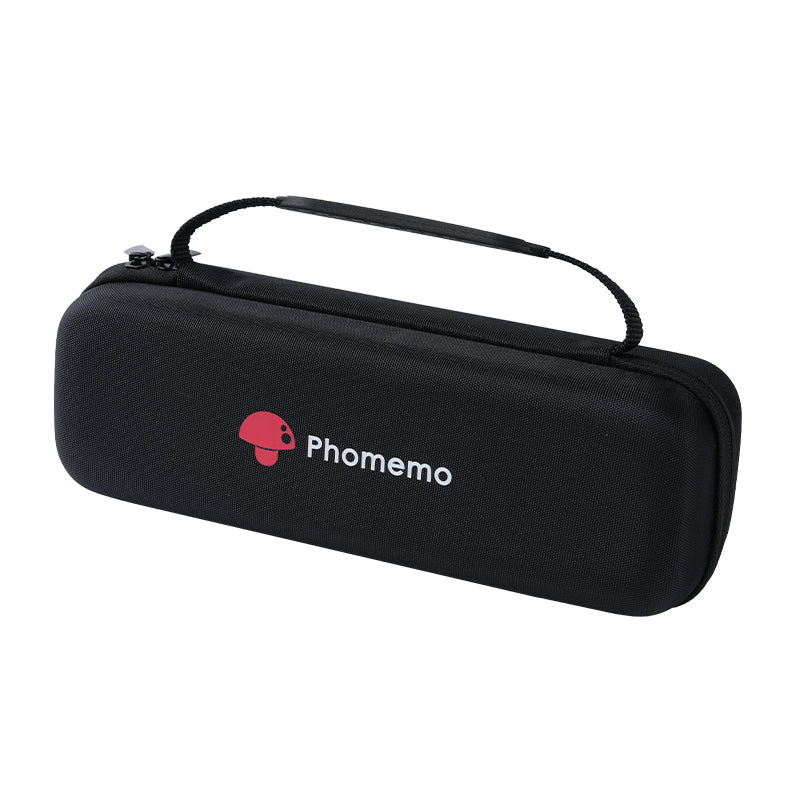 Borsa portaoggetti
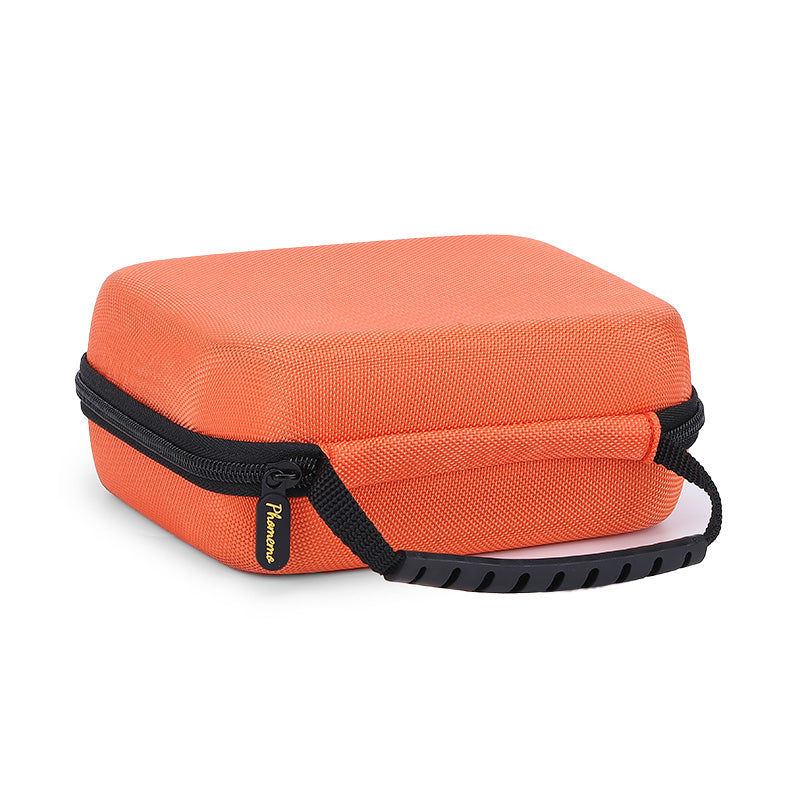 Custodia rigida grande Phomemo per macchina
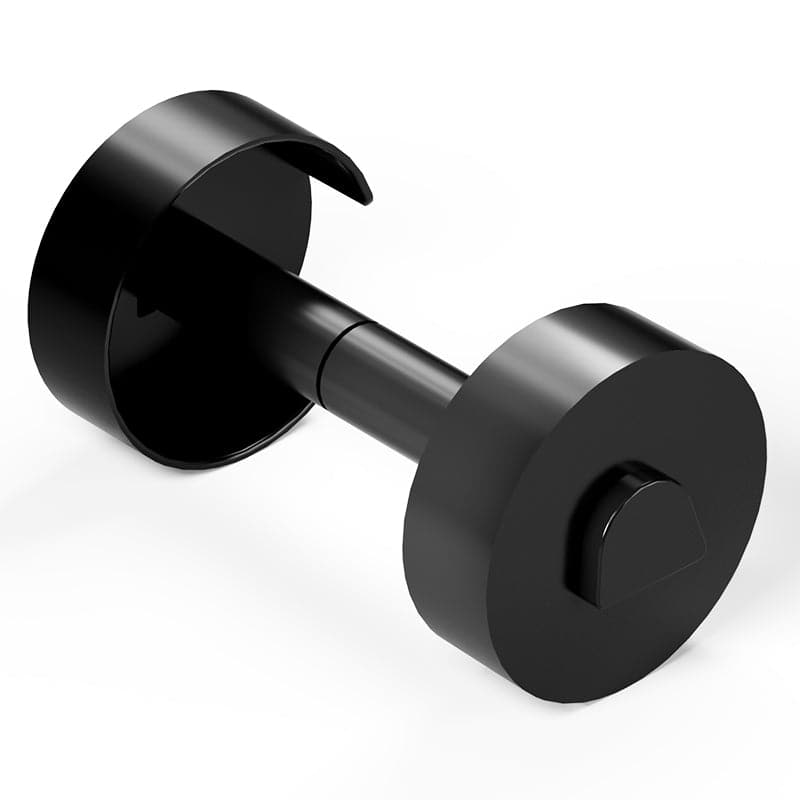 Portarotolo Phomemo per T02/M02/M02S/M02PRO/M03AS/M04AS/M04S
 Portarotolo per etichettatrice Phomemo Business
 Mini Stampante Termica Phomemo T02 Senza Inchiostro
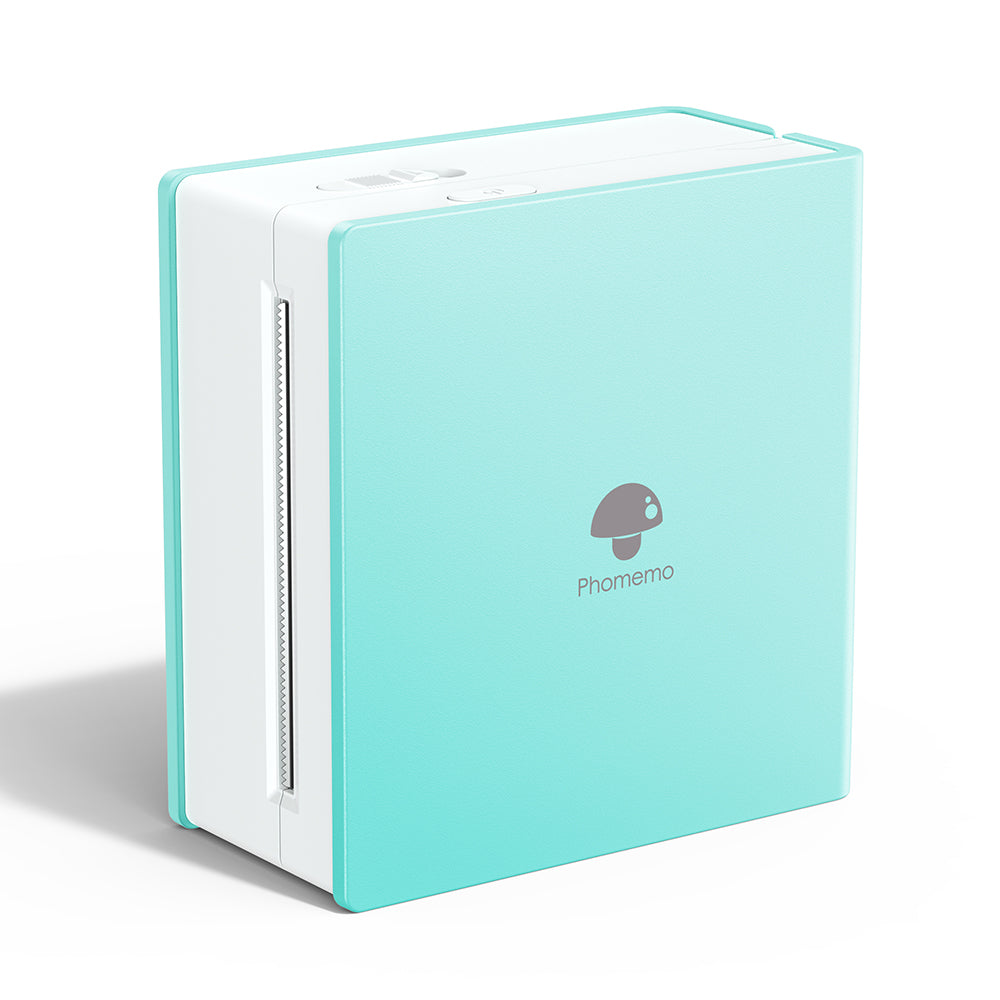 Mini Stampante Termica Phomemo M02 Senza Inchiostro
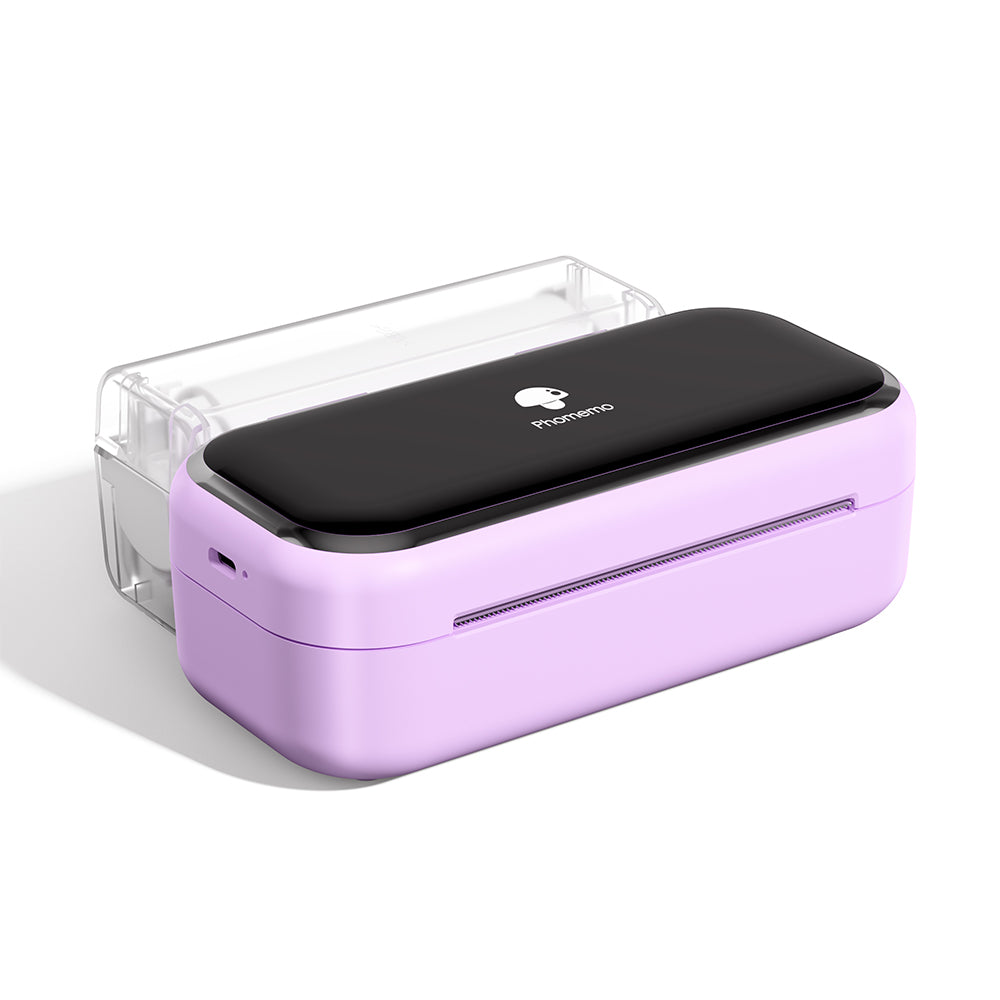 Mini Stampante Bluetooth Phomemo M03
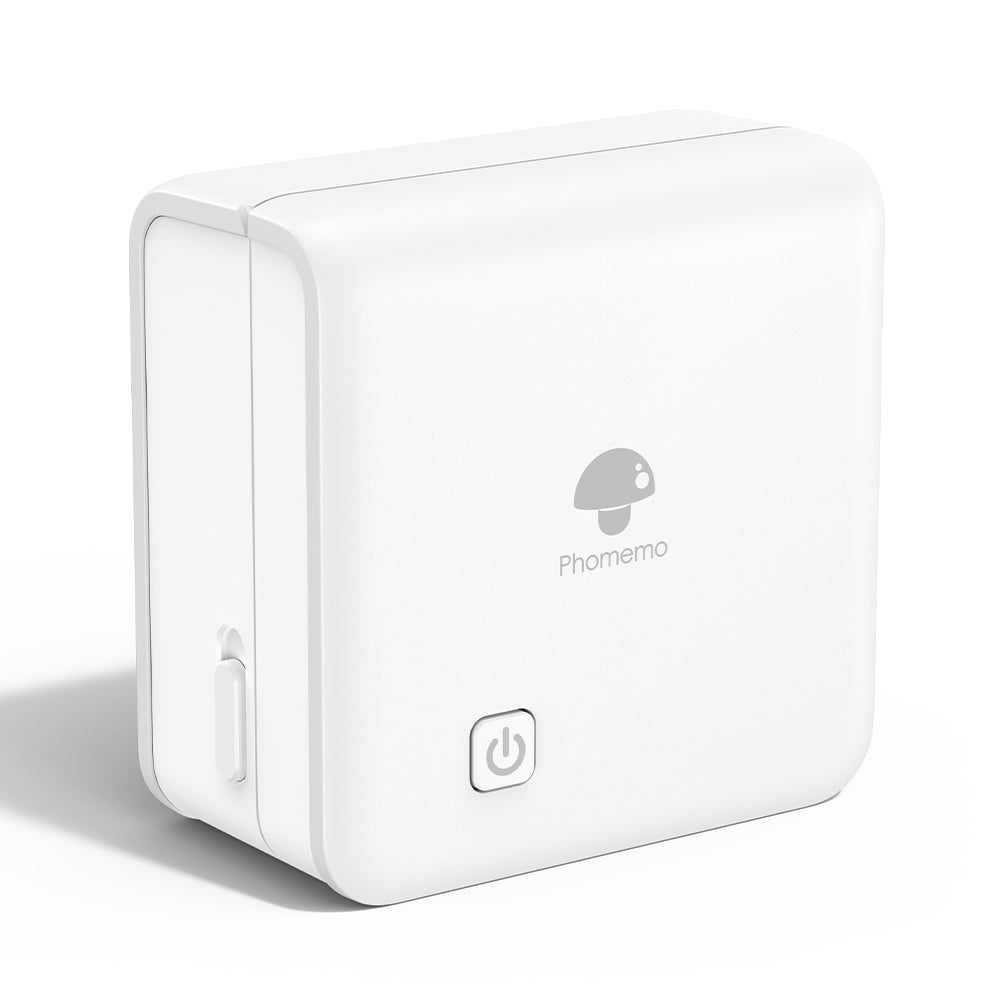 Mini Stampante Bluetooth Phomemo M02 PRO
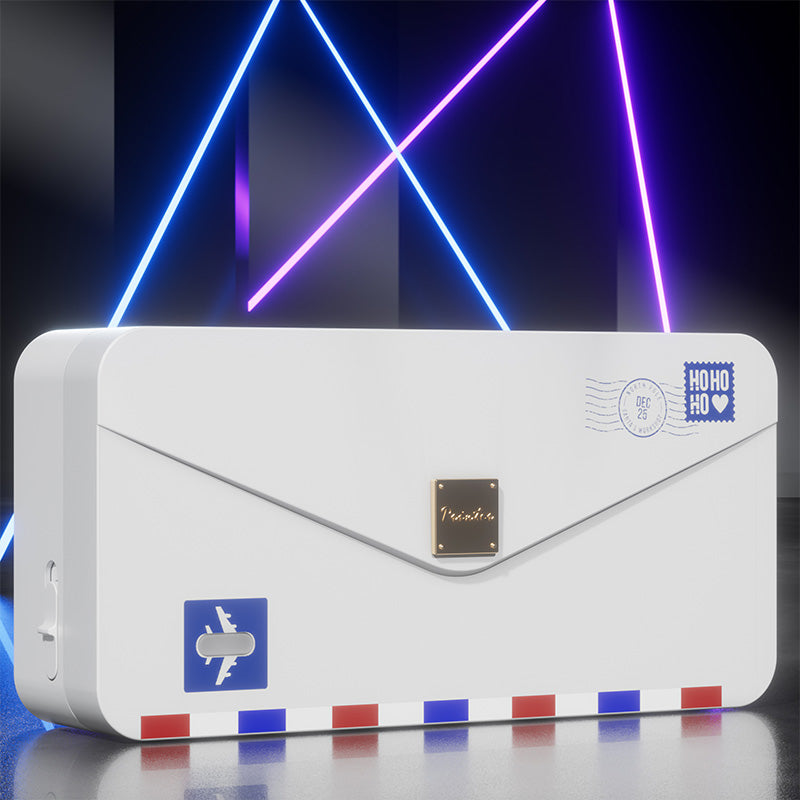 Mini Stampante Termica Phomemo M04AS
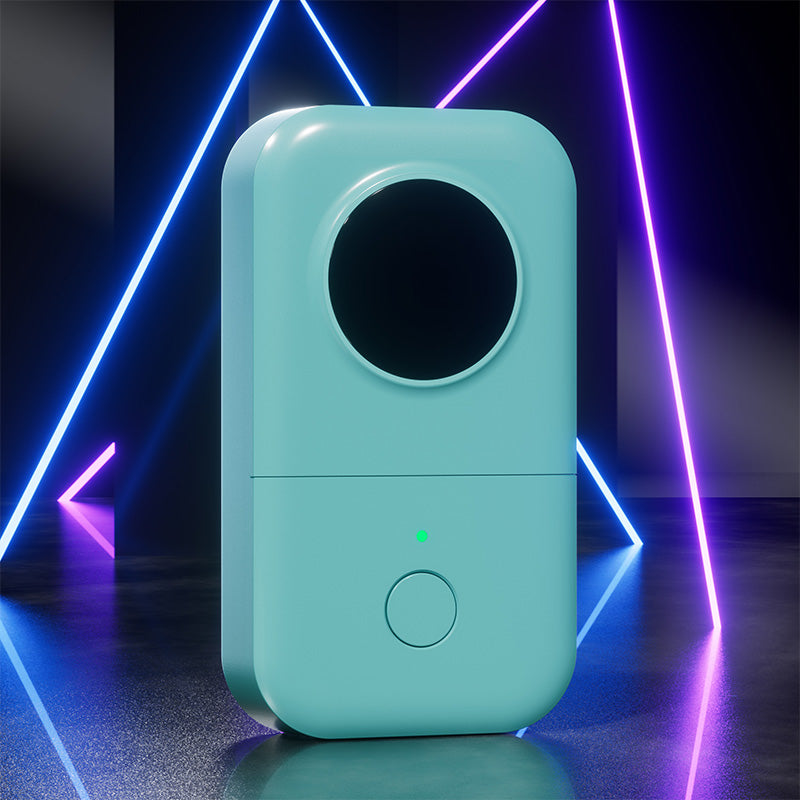 Etichettatrice Portatile Phomemo D30 Bluetooth per Casa
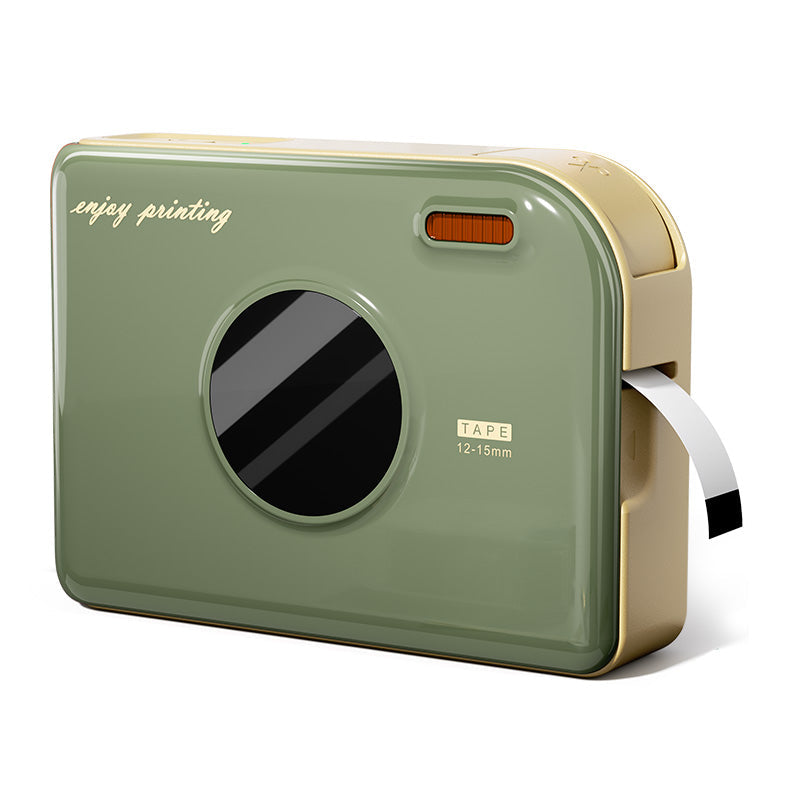 Etichettatrice Portatile Phomemo A30 per Casa
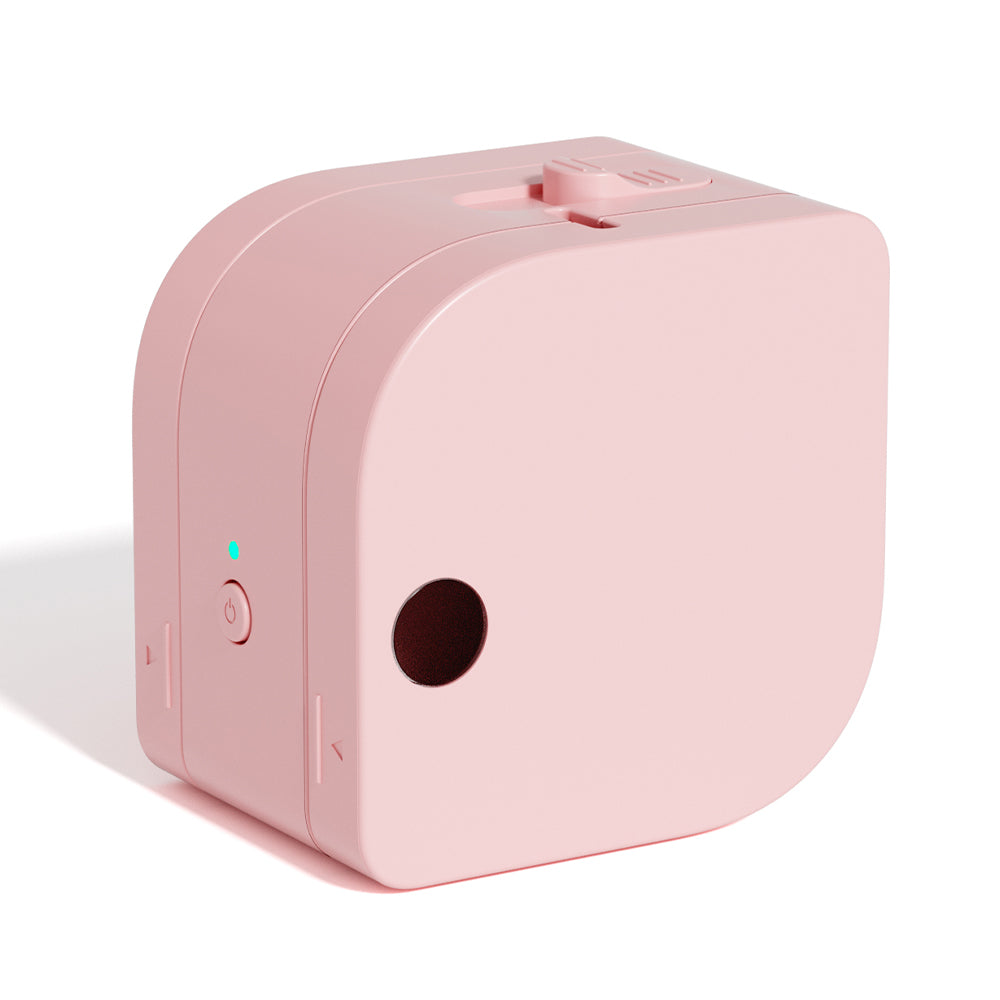 Etichettatrice Portatile Bluetooth Phomemo P12 per Casa
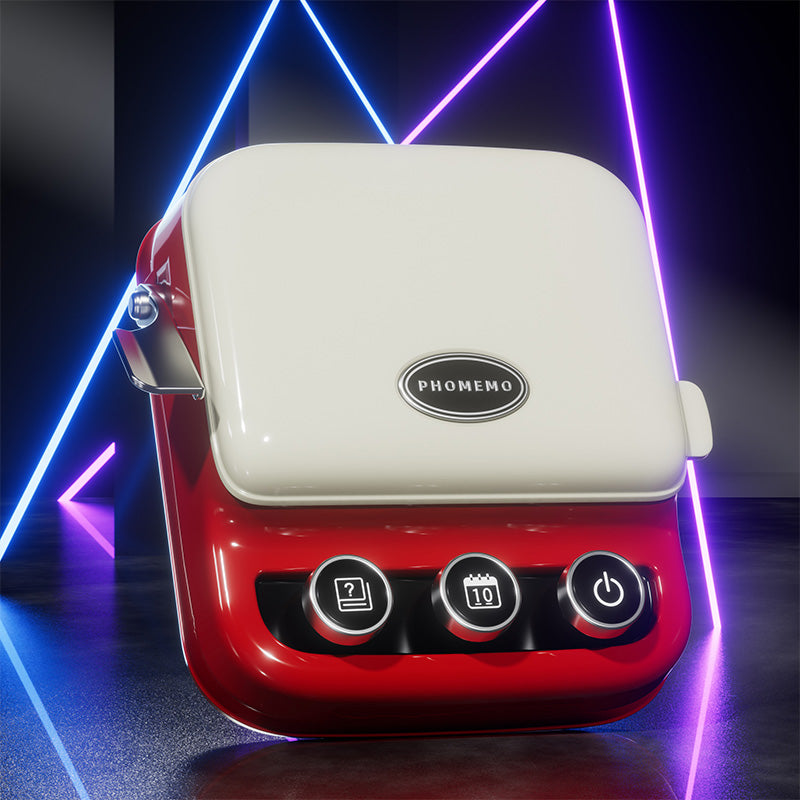 Etichettatrice Phomemo P15 Vintage per la Casa
 Etichettatrice Phomemo D50 Grande per Casa
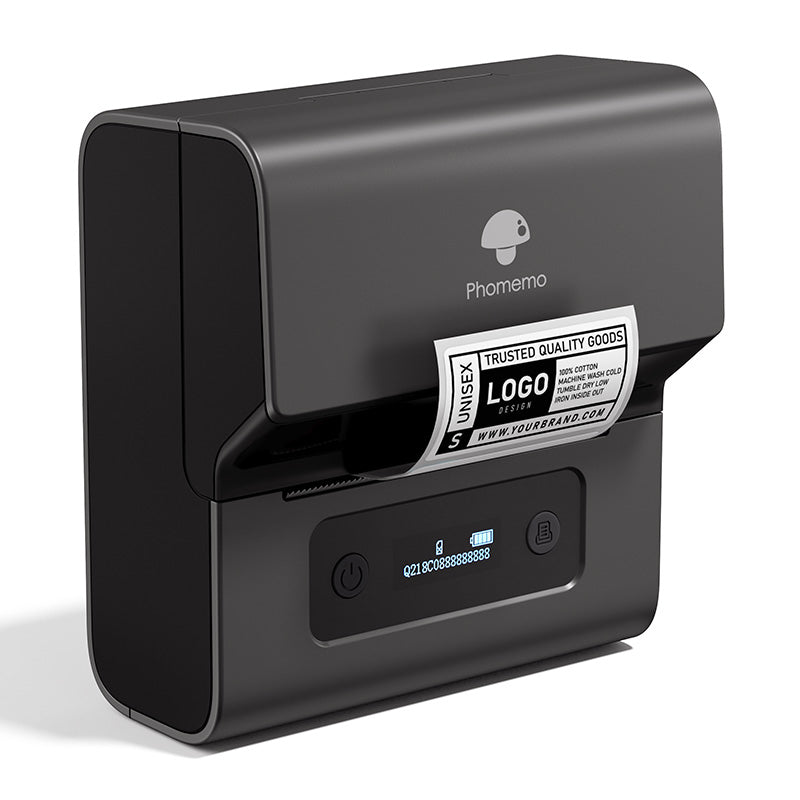 Etichettatrice Termica Portatile Bluetooth Phomemo M221 per Business
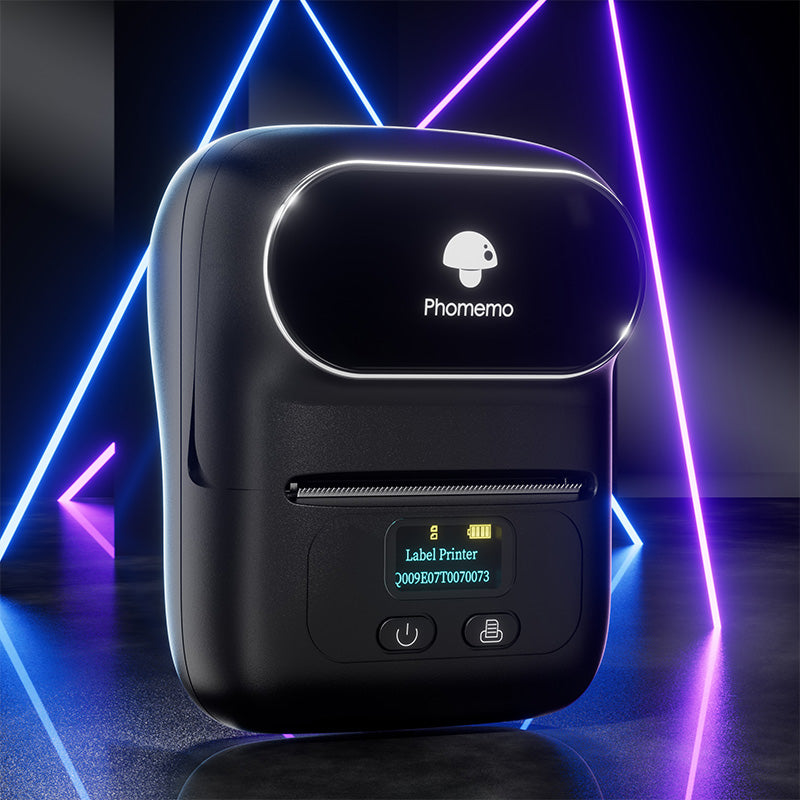 Etichettatrice Termica Portatile Bluetooth Phomemo M110 per Business
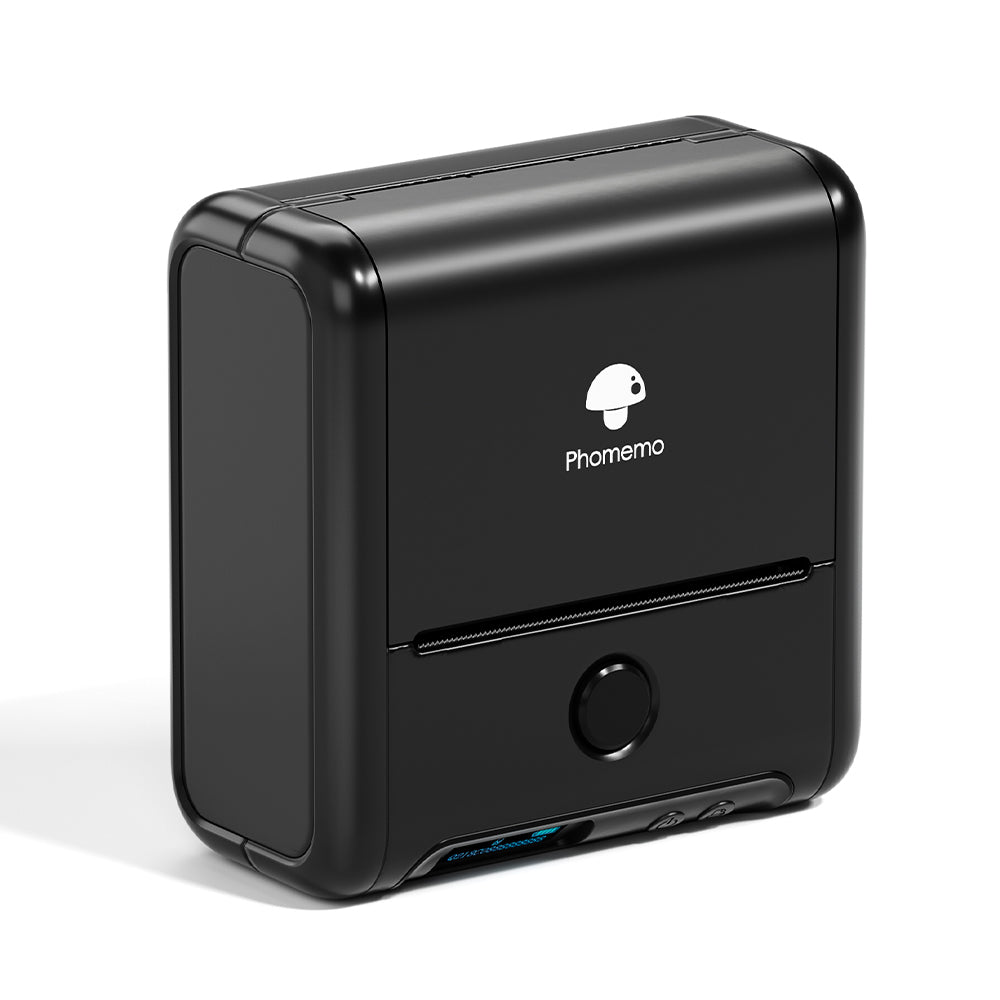 Etichettatrice Termica Portatile Bluetooth Phomemo M200 per Business
 Etichettatrice Termica Portatile Bluetooth Phomemo M120 per Business
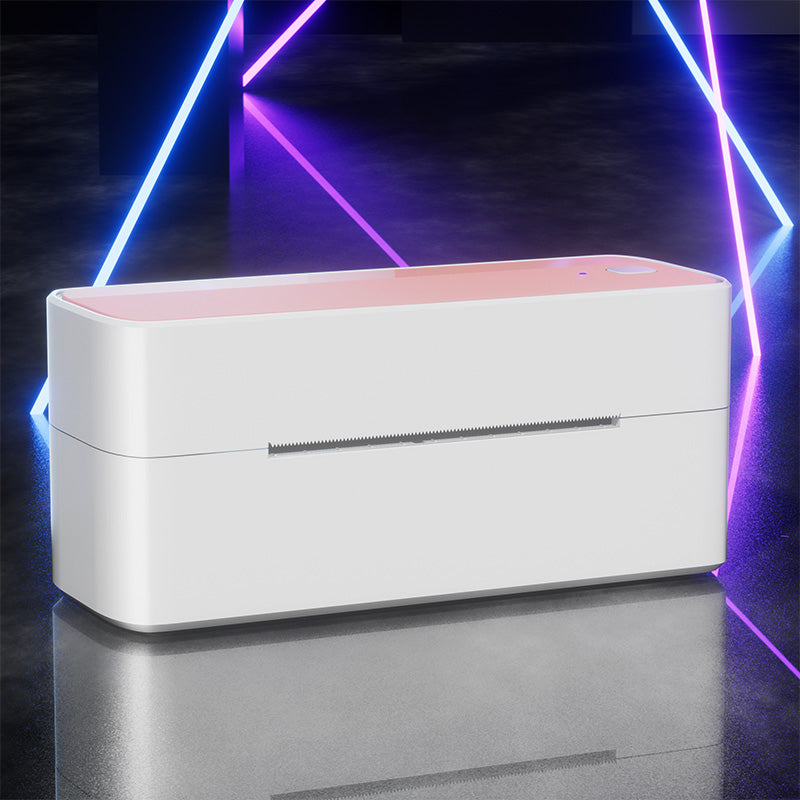 Stampante per etichette di spedizione Bluetooth Phomemo PM241-BT
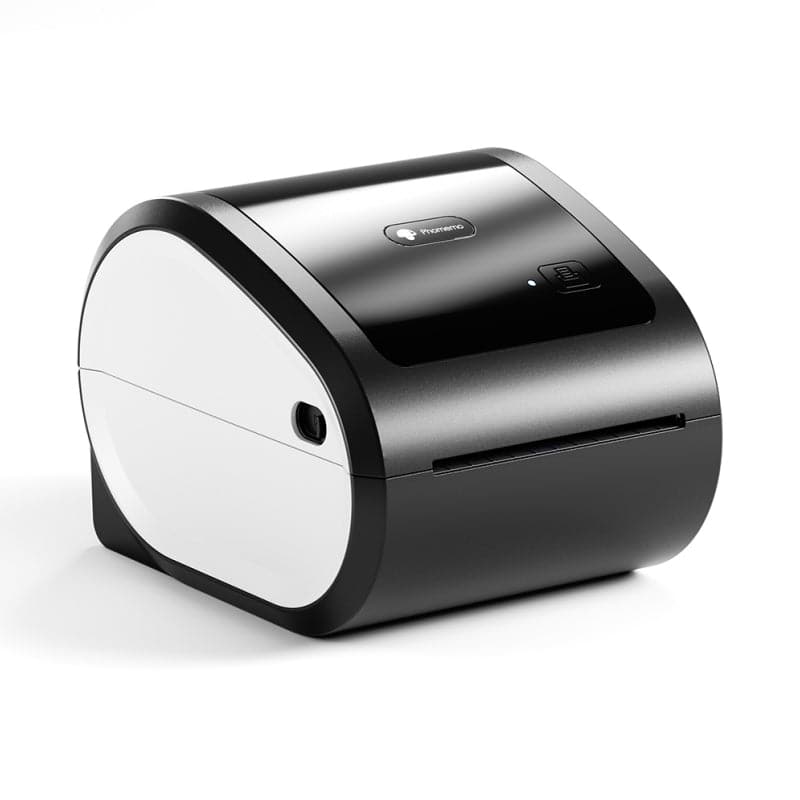 Phomemo D520-BT Stampante per Etichette di Spedizione Bluetooth
![[WIFI] Stampante per etichette Phomemo PM344-WF 300DPI]( //eu.phomemo.com/cdn/shop/files/PM344-WF.jpg?v=1731631085 ) [WIFI] Stampante per etichette Phomemo PM344-WF 300DPI
[WIFI] Stampante per etichette Phomemo PM344-WF 300DPI
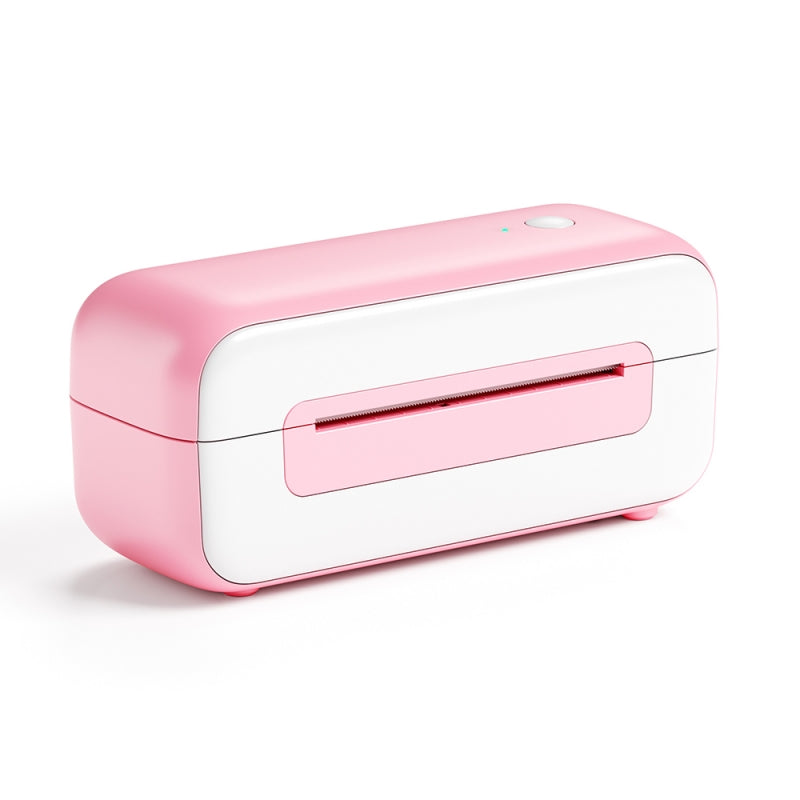 Phomemo PM-246S Stampante per Etichette di Spedizione Termica Diretta USB ad Alta Velocità
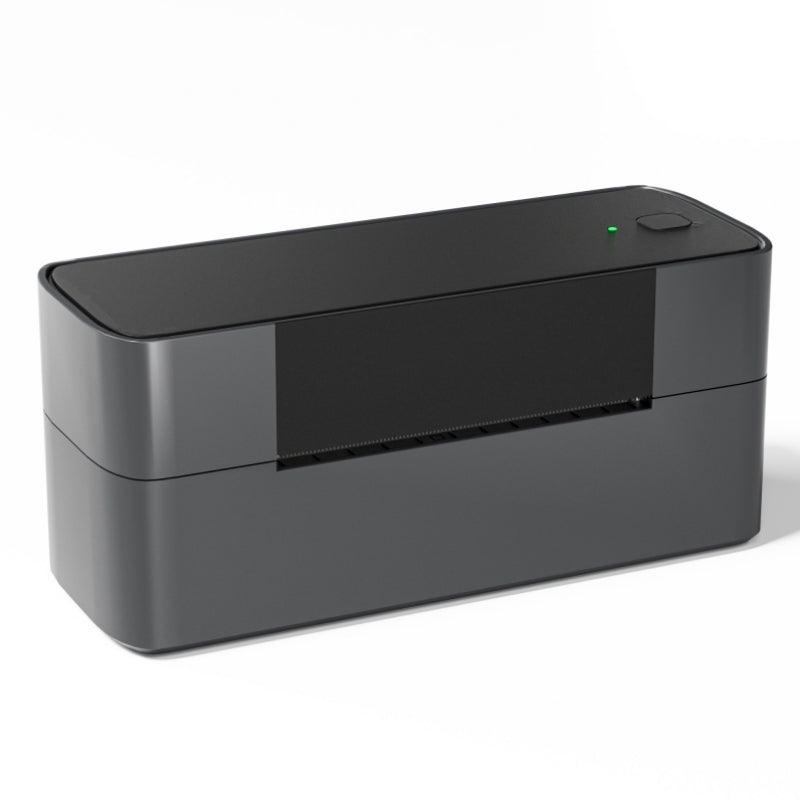 Phomemo PM245-BTZ Stampante per Etichette di Spedizione Bluetooth Direct Connect
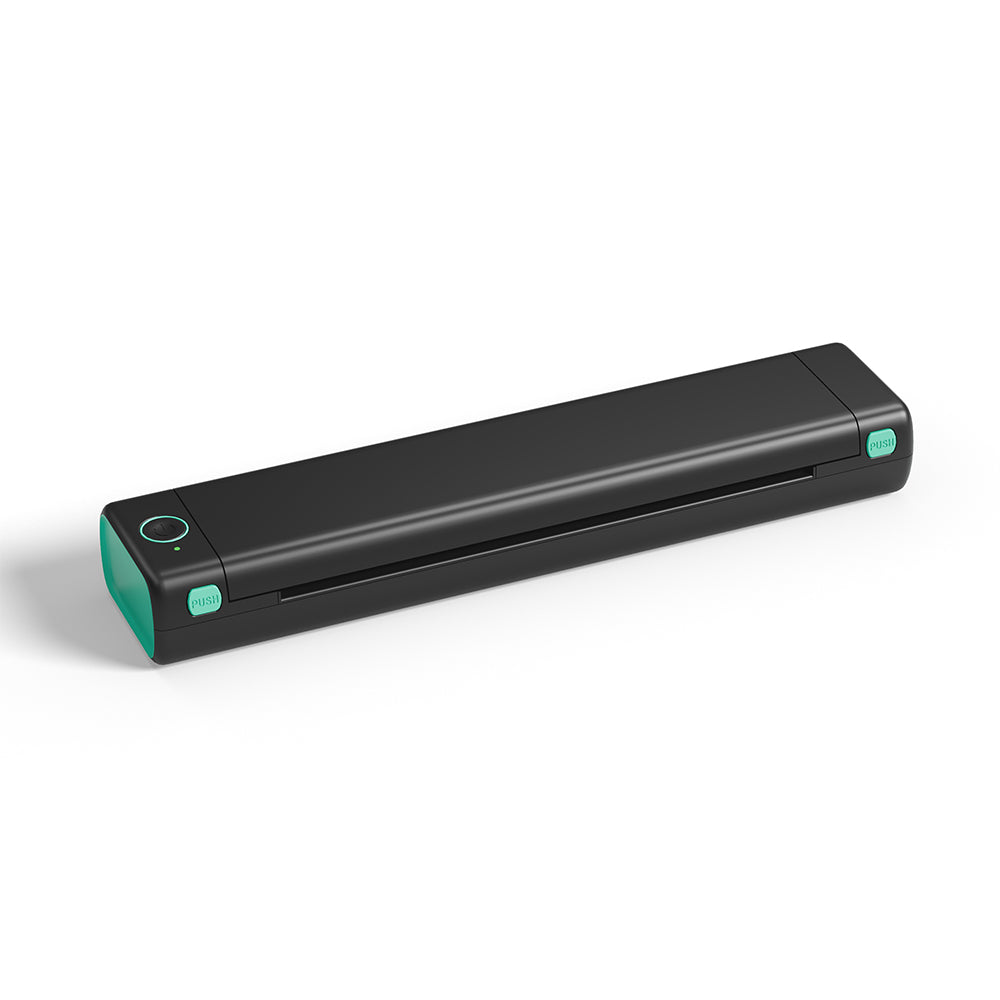 Stampante Portatile Phomemo M08F Formato Lettera e A4
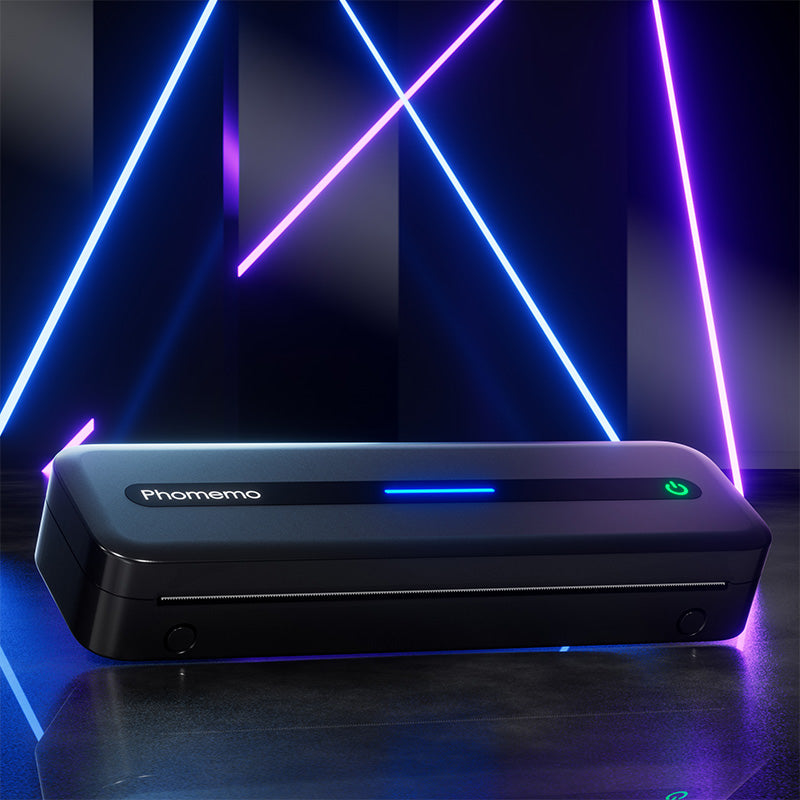 Stampante Termica Portatile Phomemo M832 Aggiornata
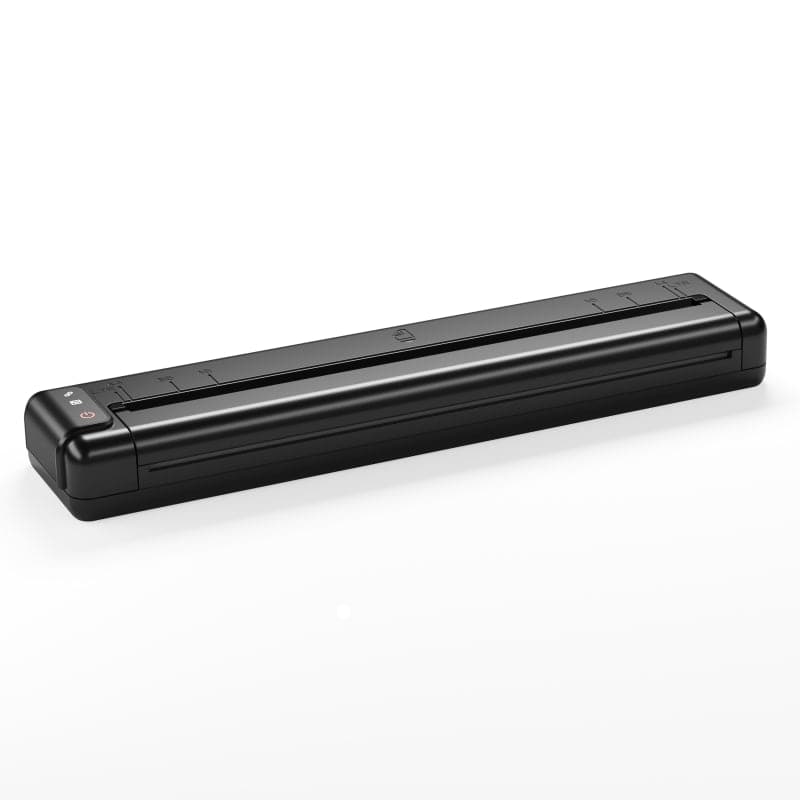 [Ultra-leggera] Stampante Termica Portatile Wireless Phomemo Q302
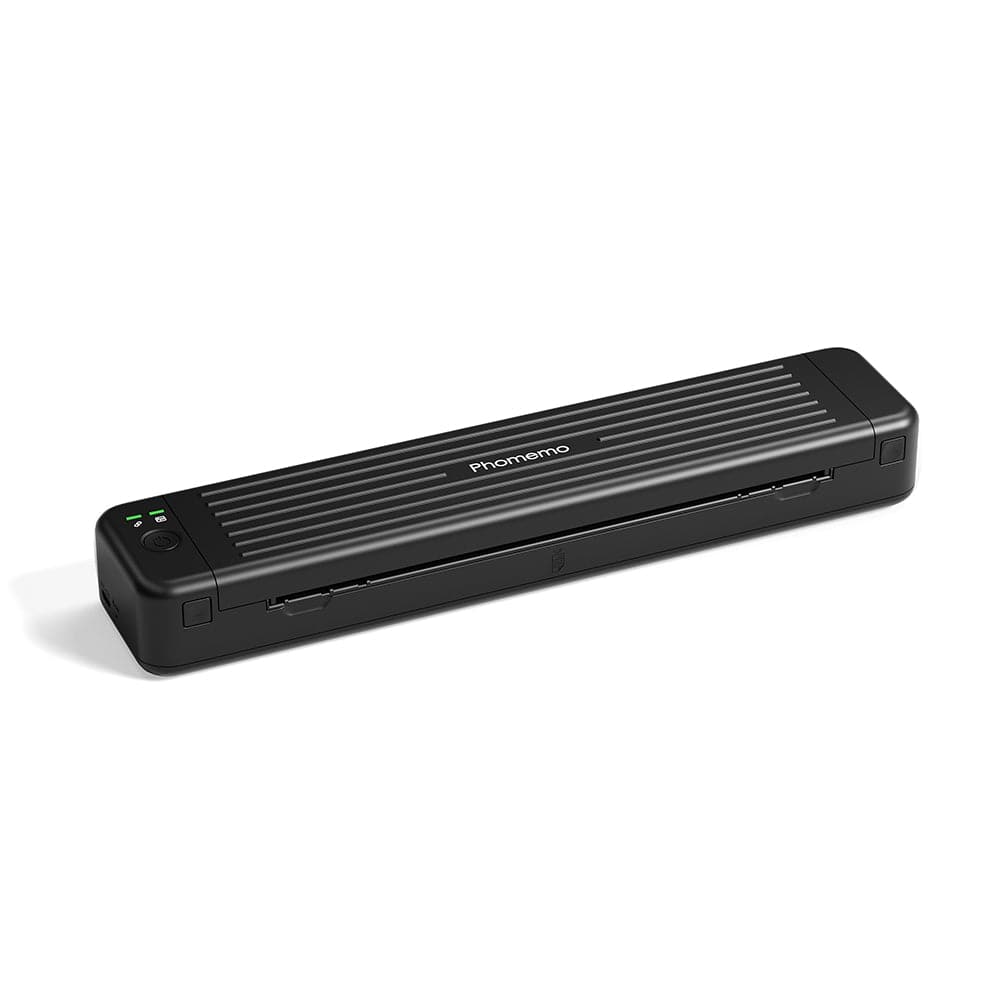 Stampante Termica Portatile Bluetooth Phomemo P831
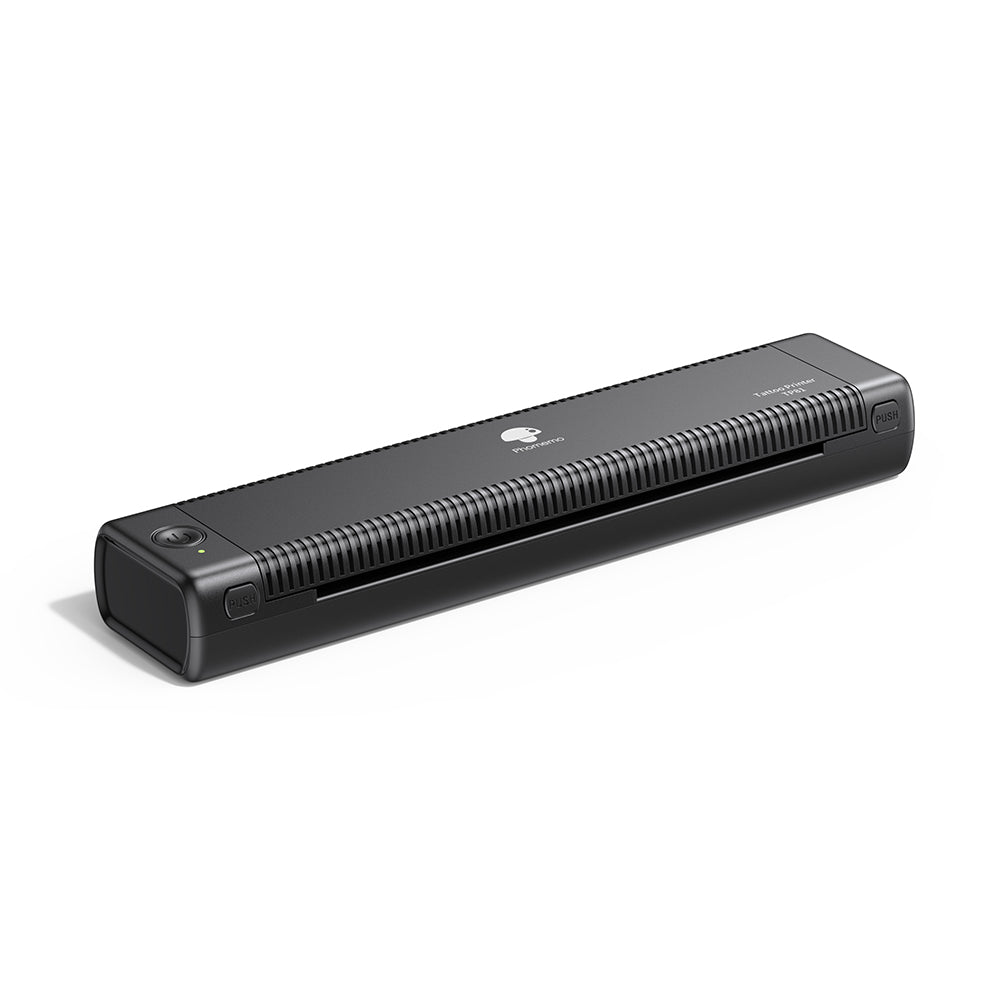 Phomemo TP81 Stampante Wireless per Modelli di Tatuaggio
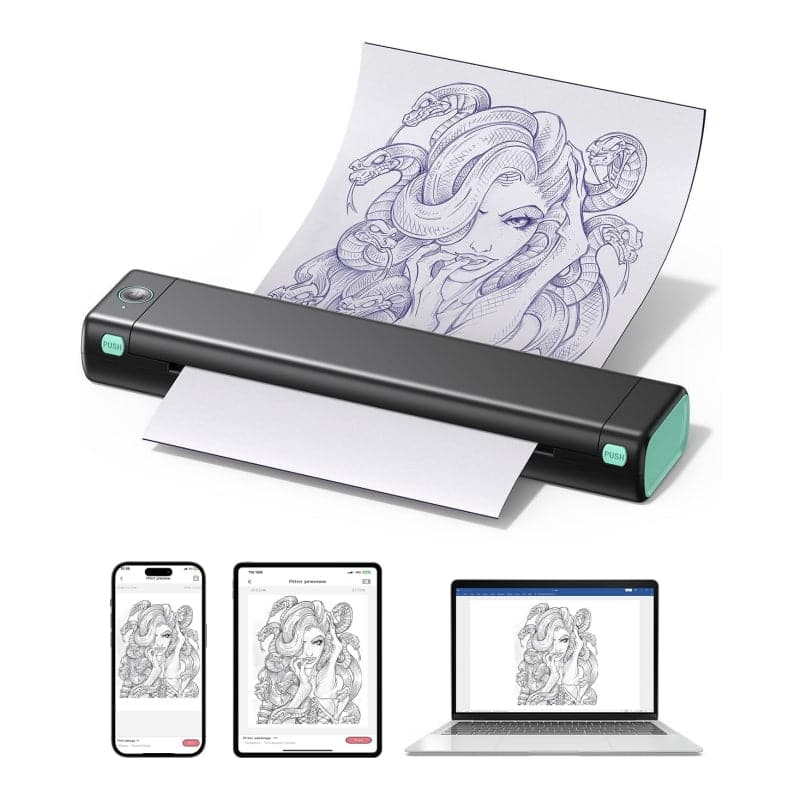 Phomemo M08F Stampante Wireless per Stencil per Tatuaggi
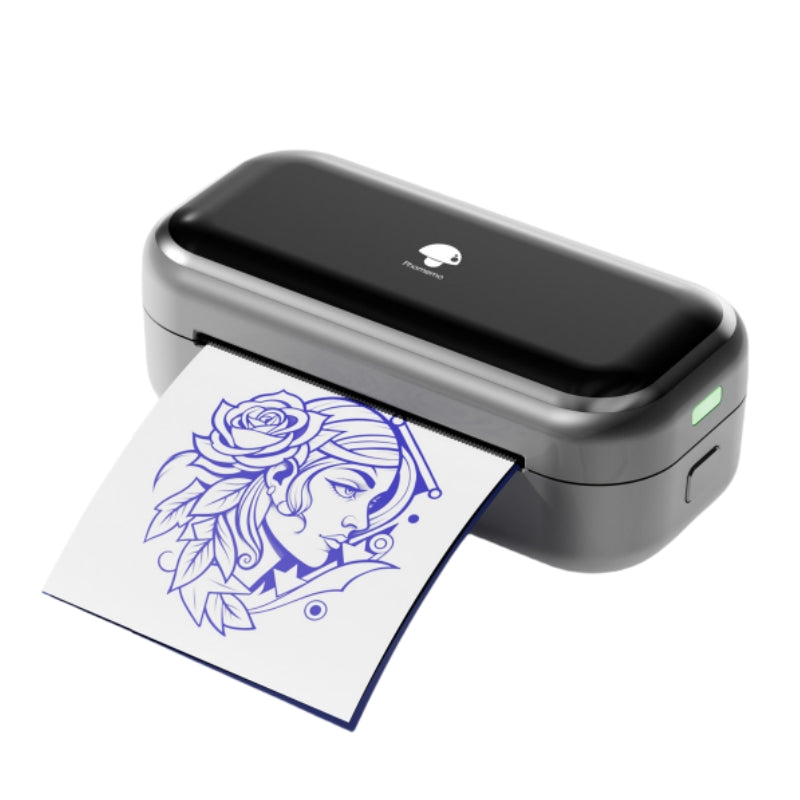 [❗️NOVITÀ❗️] Stampante Mini per Stencil Tattoo Bluetooth Phomemo TP31
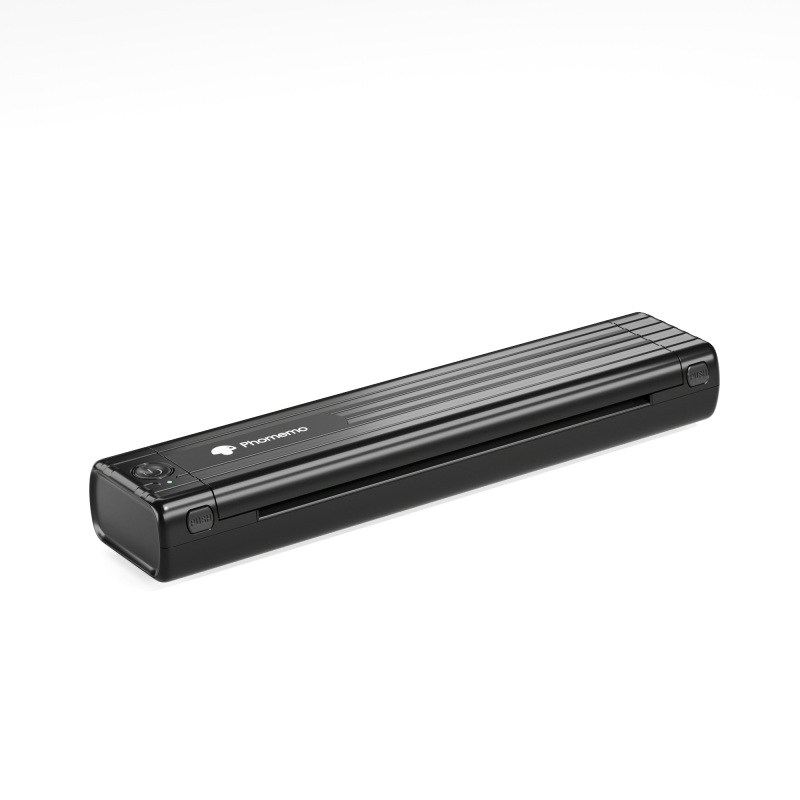 Phomemo TP83 Stampante Wireless per Tattoo
 Per T02/M02X
 Per M02
 Per M02S
 Per M02 Pro
 Per M03
 Per M03AS
 Per M04S
 Per M04AS
 Per D30/D35/Q30/Q30S
 Per P12/P12 PRO
 Per D50
 Per P3200
 Per M960/M950
 Per P15
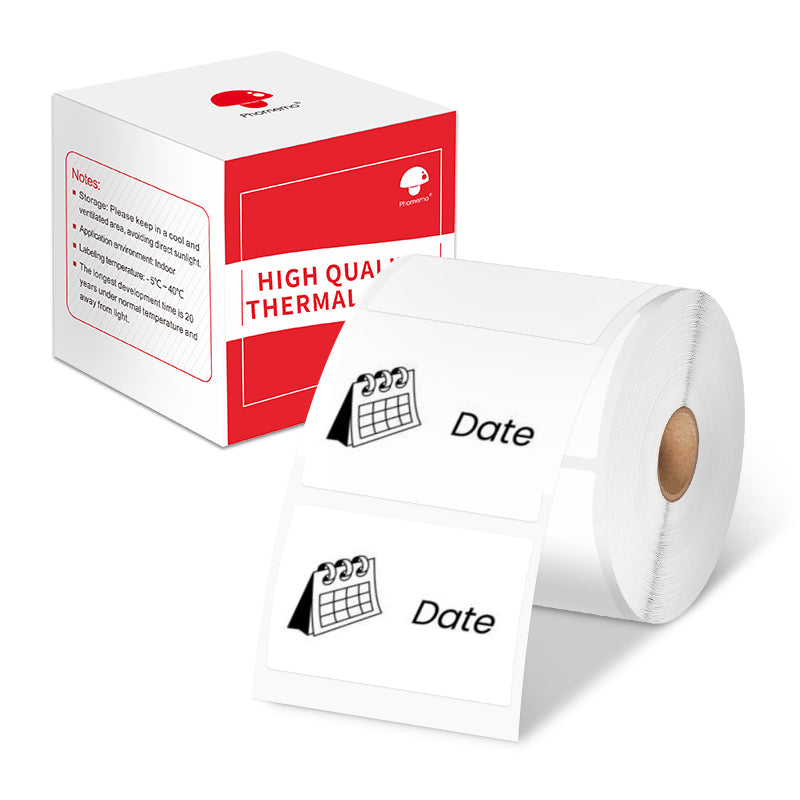 Per M110/M120
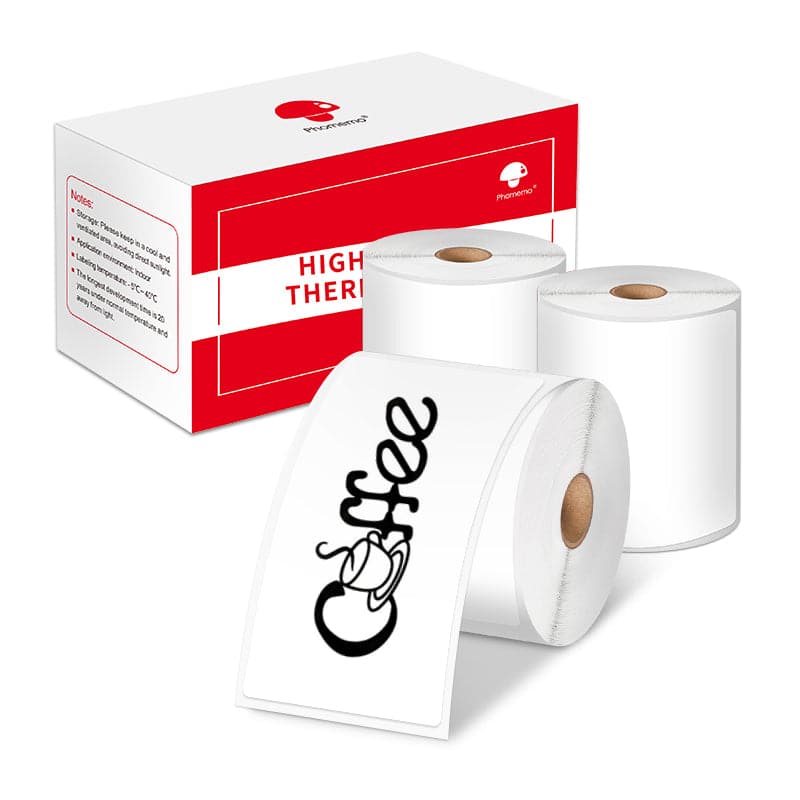 Per M200/M220/M221
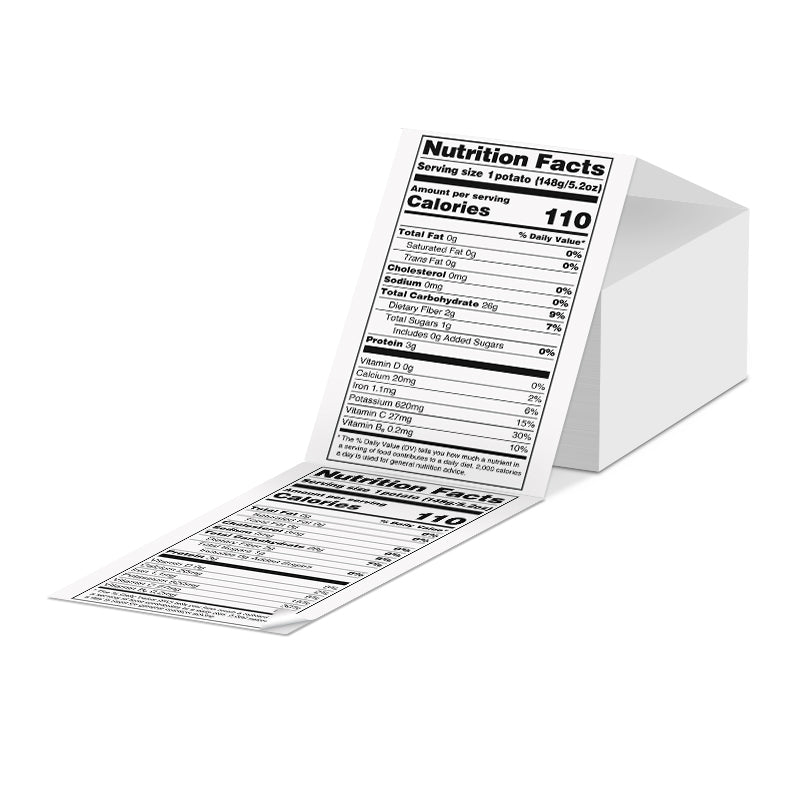 Etichette termiche Phomemo 4"x6" a ventaglio per stampante di etichette di spedizione
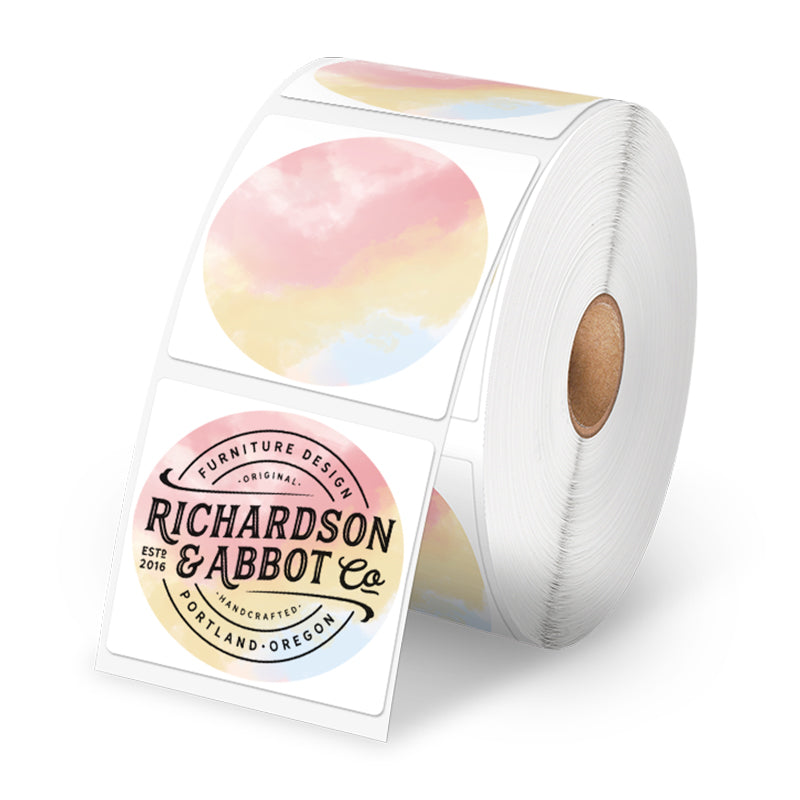 Etichette Termiche Phomemo – Varie Misure e Tipi per Stampante di Etichette di Spedizione
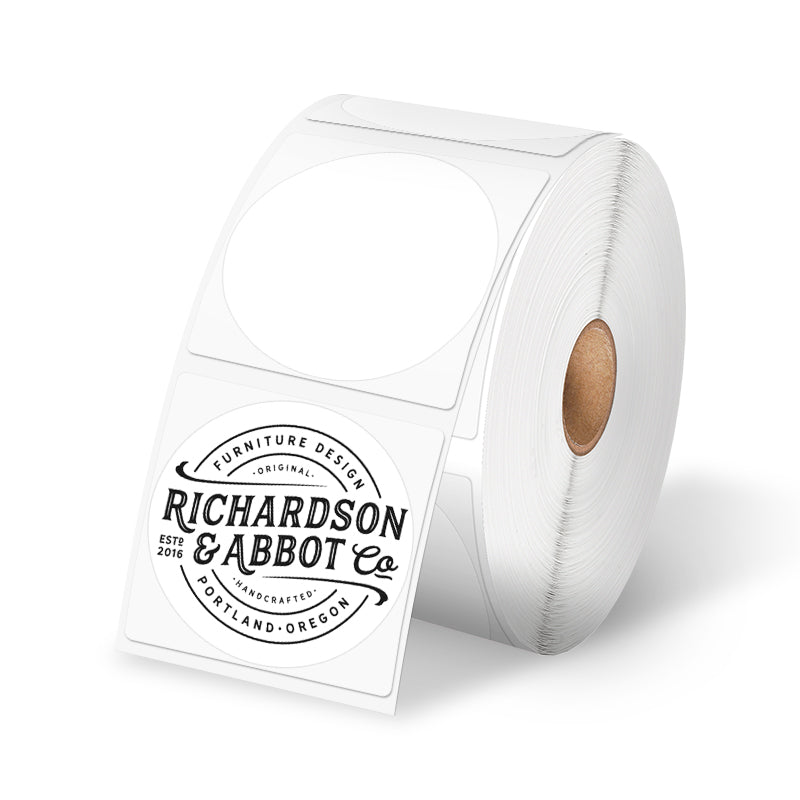 Etichetta Rotonda Termica Multi-uso Phomemo da 2" per Stampante di Etichette di Spedizione
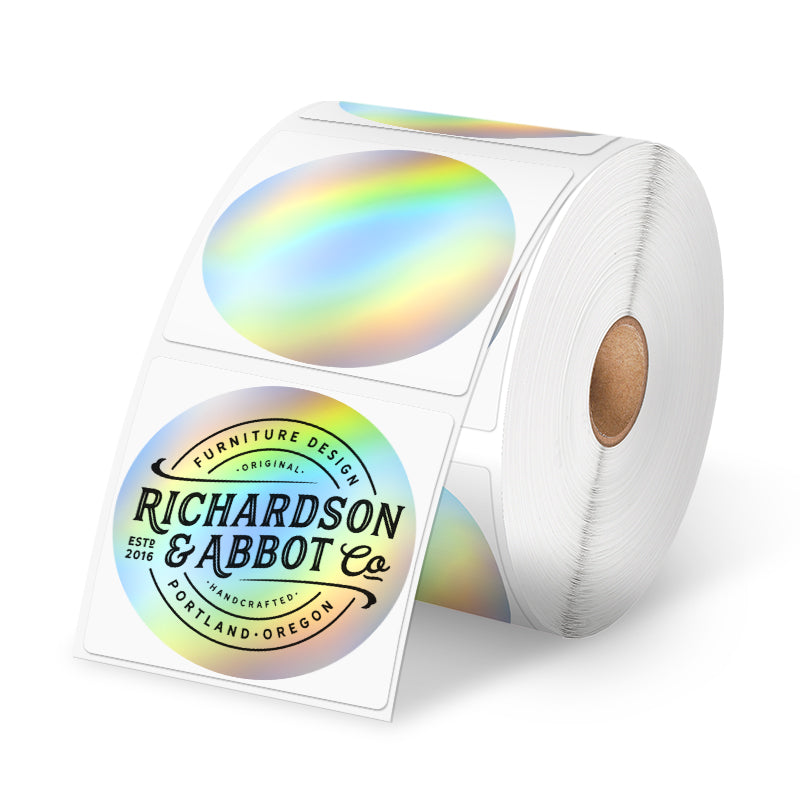 Adesivo termico olografico Phomemo da 2" Argento per stampante per etichette di spedizione
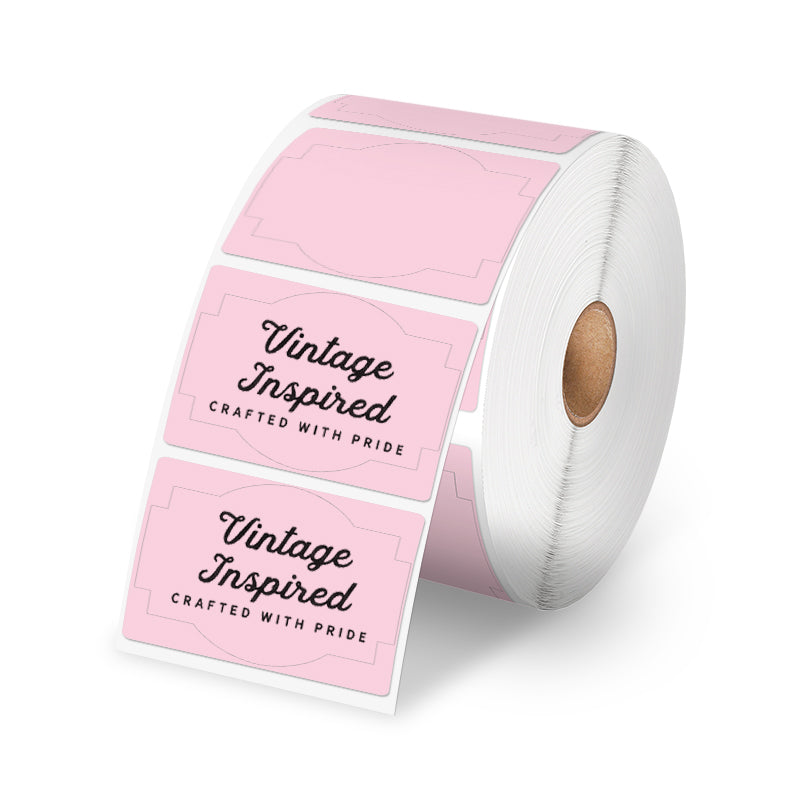 Adesivi per etichette di spedizione Phomemo da 7,6 x 5,1 cm per stampante di etichette di spedizione
 Etichette termiche Phomemo 4"x6" a ventaglio per stampante di etichette di spedizione
 Per M08F/Q302
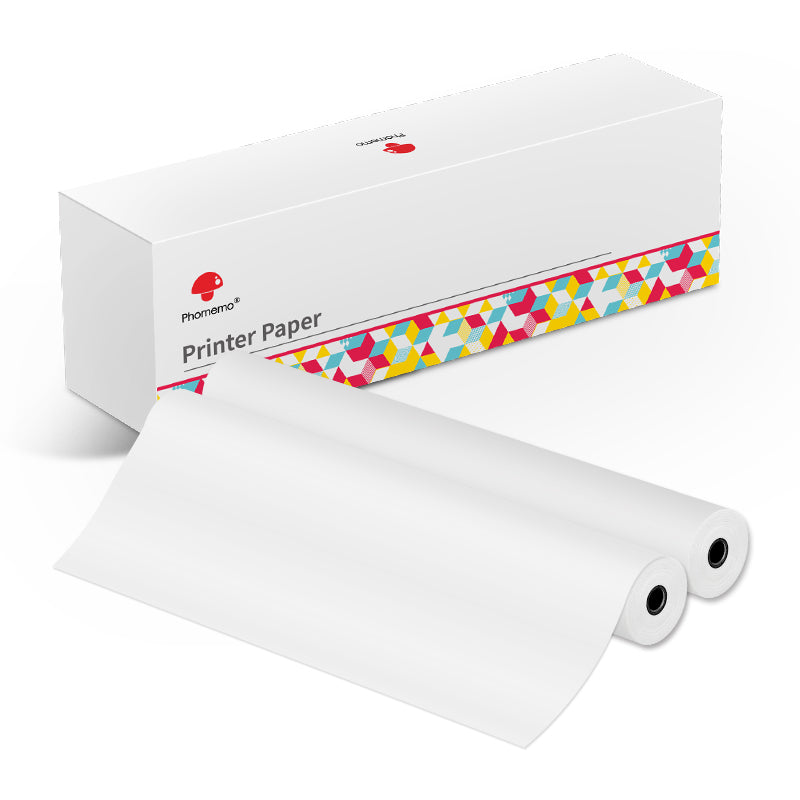 Per M832
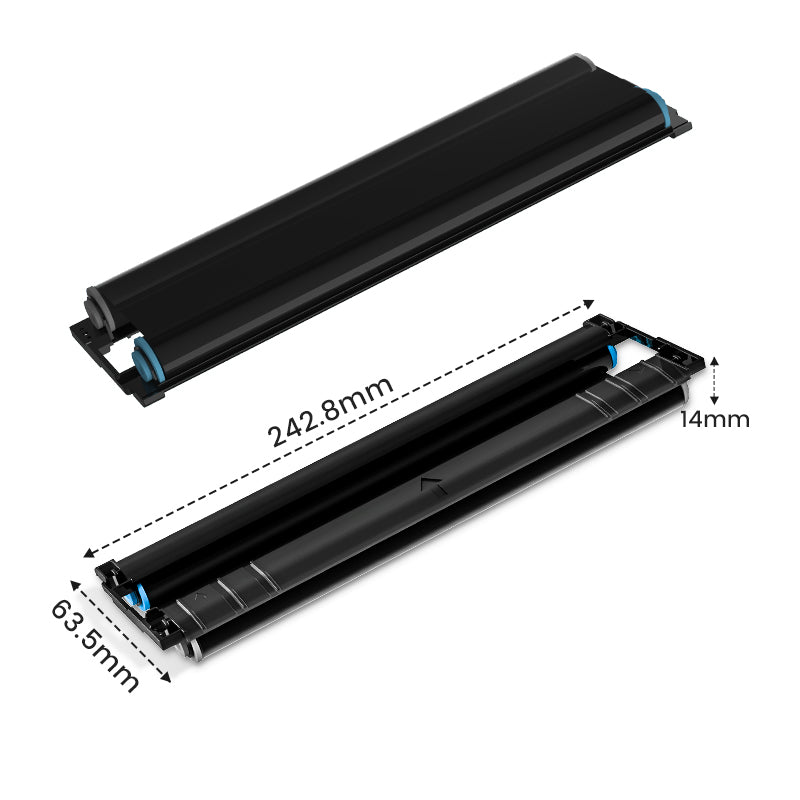 Per P831
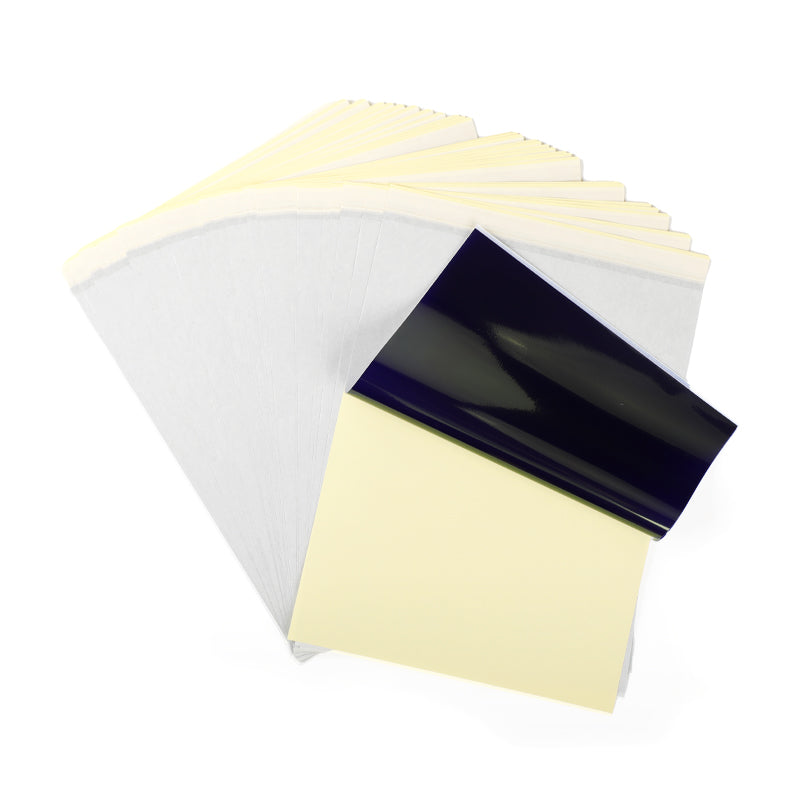 Per TP81/TP83/M08F Tattoo
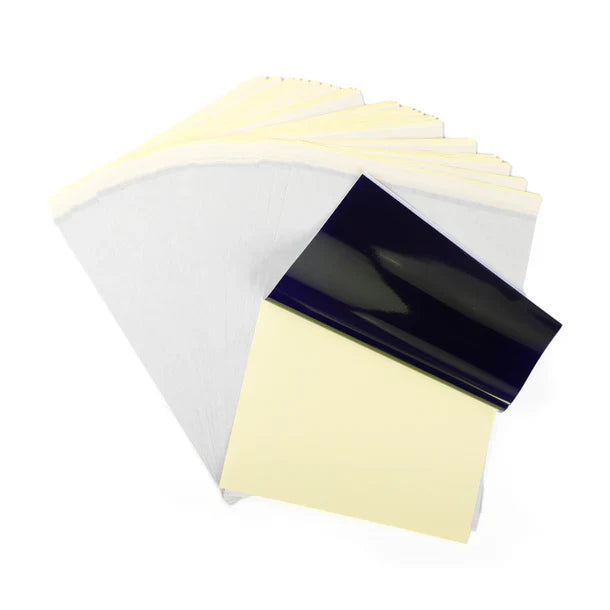 Per TP31 Tattoo
 Per P02


Phomemo
Phomemo M08F Stampante Wireless per Stencil per Tatuaggi
€128,69
/
- Compatto e Leggero: Pesa solo 0,9 kg, spessore 3,8 cm, dimensioni 310x68x41 mm.
-
Potenza e Capacità: Batteria al litio, 1200 mAh.
-
Tatuaggio Specializzato: Tecnologia termica avanzata, può stampare motivi e linee ad alta definizione e precisi.
-
Efficienza di Stampa: Capacità della batteria di 1200 mAh, fino a 140 pagine di carta per stencil per tatuaggi in continuo dopo la ricarica.
-
Alta Compatibilità: Compatibile con una vasta gamma di dispositivi come telefoni IOS e Android, tablet, laptop e computer desktop.
- Alta Definizione: 203 dpi per immagini a colori profondi, risultati di stampa fluidi e elaborazione rapida.
- Stampa Senza Inchiostro: Non necessita di inchiostro e toner, più ecologico ed efficiente.
Saperne di più


New Model vs Traditional

Capable of various devices

Portable in multiple situations


Phomemo M08F Tattoo Printer is Suitable for

Please be noted that:
Phomemo M08F Tattoo Stencil Printer is not suitable for:
1. complex lines; 2. color patterns; 3. large-area dark patterns;
Only applicable to:
1. simple lines; 2. black, or monochrome patterns; 3. clear line patterns
How to Use M08F Tattoo Printer

Step 1
Remove the transparent sheet, and tear out the yellow page.

Step 2
Download the app and connect to M08F-A4 via Bluetooth for phones, or via USB cable for Computer.

Step 3
1. Press and hold for 2 seconds to power on.
2. Place the white page face up and the ribbon page faces down and flush against the printer.

Step 4
Cut out the pattern and paint the arms with stencil ointment for a better transfer. Alcohol can wipe away tattoo transfer marks.