Phomemo M220 Bluetooth Portable Thermal Business Label Maker
Phomemo M220 Bluetooth Portable Thermal Business Label Maker
Jetzt kaufen, später in 3 zinsfreien Raten bezahlen.
Bequem bezahlen


30-tägige Preisgarantie
Produktdetails
Technische Daten
Versand & Rückgabe
-
Compact and portable: weighing just 328g and measuring 125x119x62.8mm, it can easily fit into your clothes pocket.
-
Battery and capacity: using a lithium battery, the battery capacity is 2200 mAh, and the battery life can reach 2.3h.
-
PRINTING EFFICIENCY: with a battery capacity of 2200 mAh, it can continuously print 1200 sheets of 70x80mm label paper at a speed of up to 16mm/s.
-
High compatibility: supports all kinds of labels with a width of 20-75mm, supports IOS and Android cell phones and tablets to connect wirelessly through Pinter Master, and can also be connected to a computer using a data cable.
-
High Definition: print 203dpi, dark color imaging, smooth printing effect, and fast processing.
-
Inkless Printing: using thermal printing technology, no ink is required and installation is completed in 3 seconds, making business label makers more convenient and environmentally friendly.
- Wide range of application scenarios: ideal for stores, supermarkets, small businesses, offices, clothing boutiques, jewelry stores, and home organizations. It is ideal for Valentine's Day, Halloween, Thanksgiving, Christmas, and holiday gift-giving.
Versanddauer: Bestellungen werden innerhalb von 1–3 Werktagen bearbeitet. Die Standardlieferung dauert je nach Standort in der Regel 6–15 Werktage.
Rücksendungen: Wir akzeptieren Rücksendungen innerhalb von 30 Tagen nach Lieferung, sofern das Produkt unbenutzt ist und sich in der Originalverpackung befindet.
Hier finden Sie unsere detaillierten Versandbedingungen.
Hier finden Sie unsere detaillierten Richtlinien zu Rücksendungen und Umtausch.


Einrichtungsanleitungen & Tutorials

Schritt-für-Schritt-Anleitungen und Videos zur Fehlerbehebung.

Vollständige Anleitung lesen
Hier finden Sie FAQs, Einrichtungsanleitungen und Treiber-Downloads.
Great label printer! We are using it for all our herbs and tinctures, quick and easy to print. Great support too!
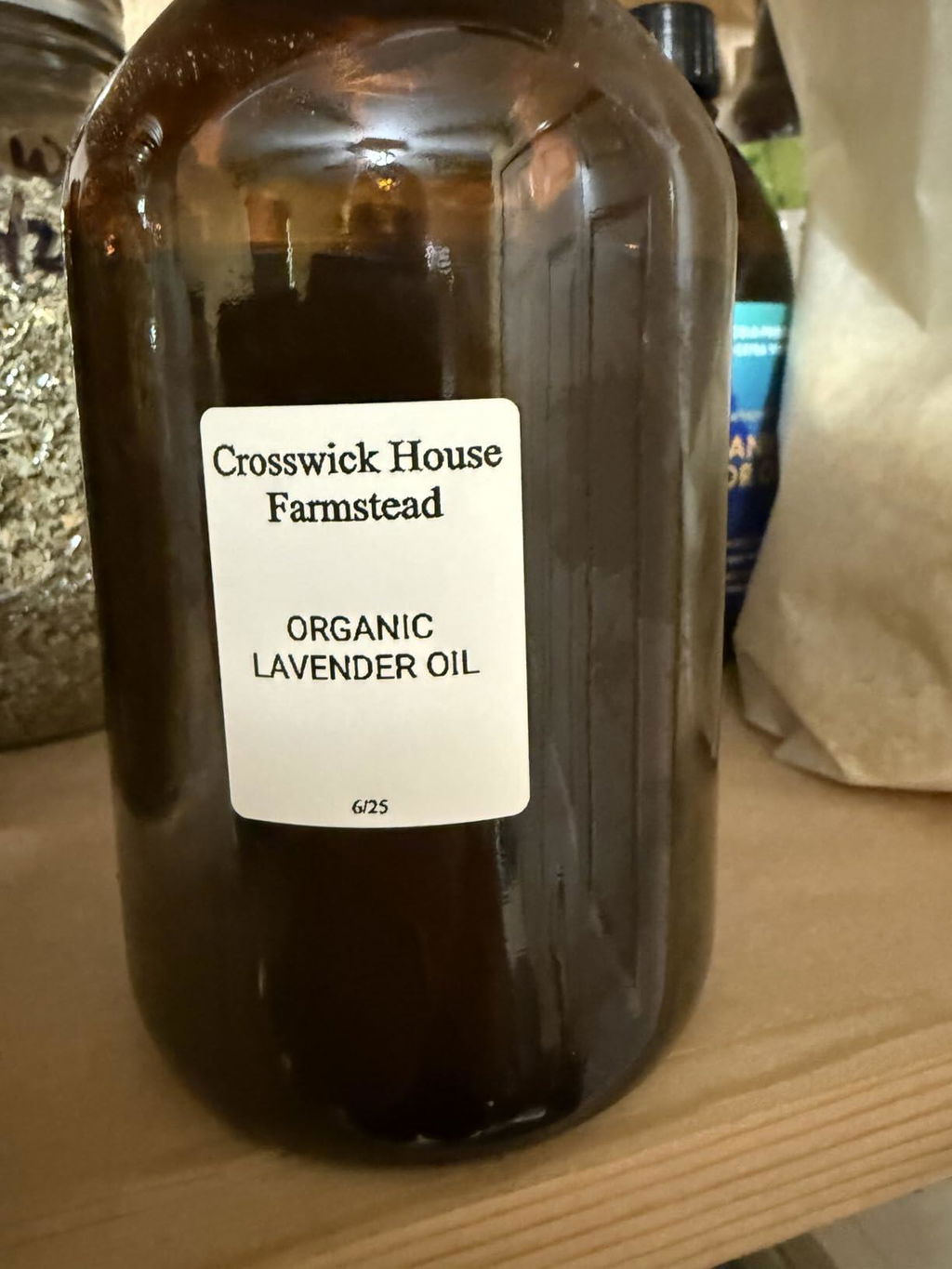
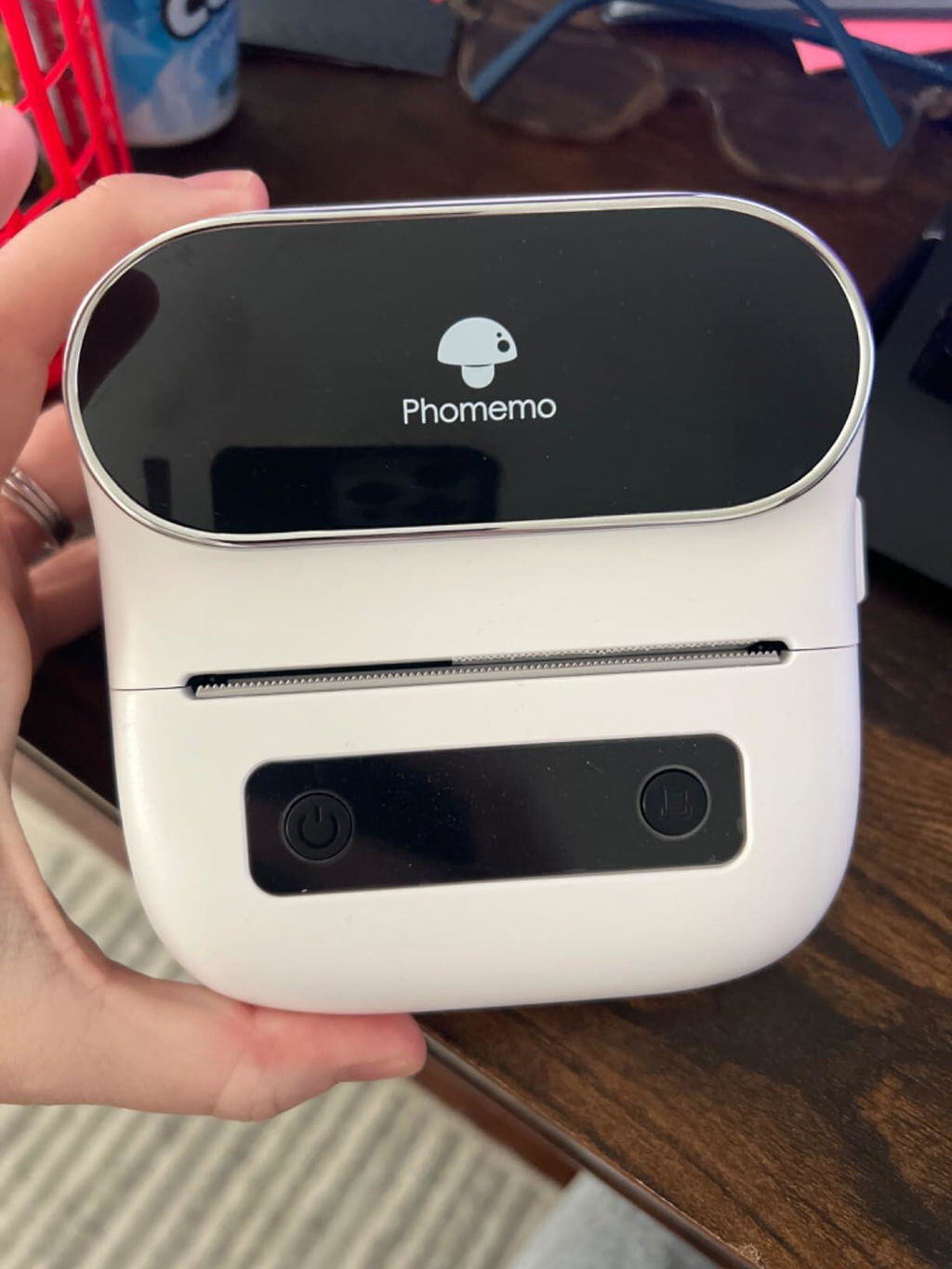
works great. No issues using with my phone or my computer. Only disappointed in color. The purple is not as purple as pictures of item. As you can see from my picture. It is more of a pale gray-purple. But other then that love it. Has made mailing member packets so much easier then hand addressing them.
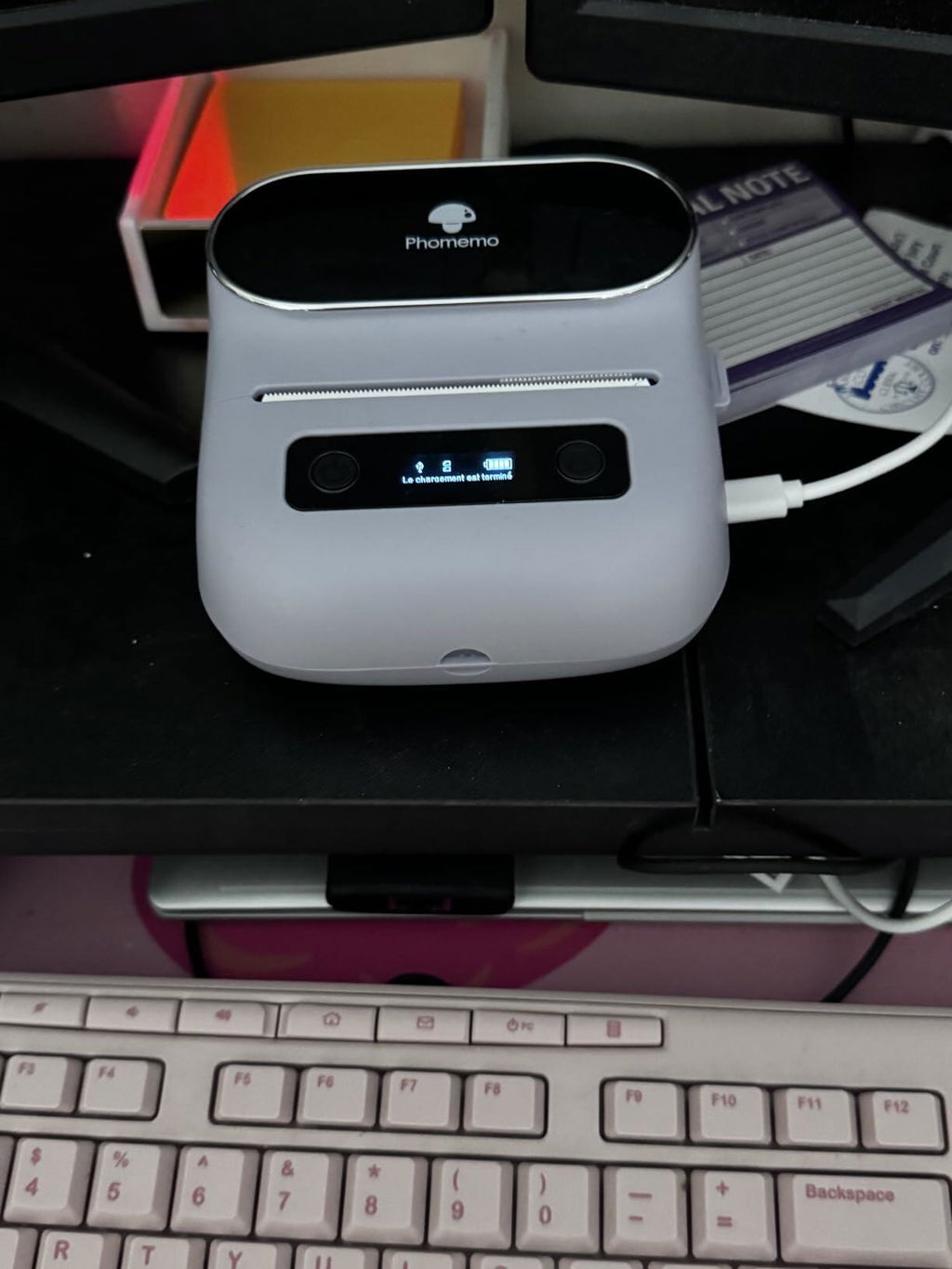
I love this label maker. It took some time to get the right paper sizes for the templates I wanted, but I got it. I also learned that a sticker is not wasted when you put it in correctly.
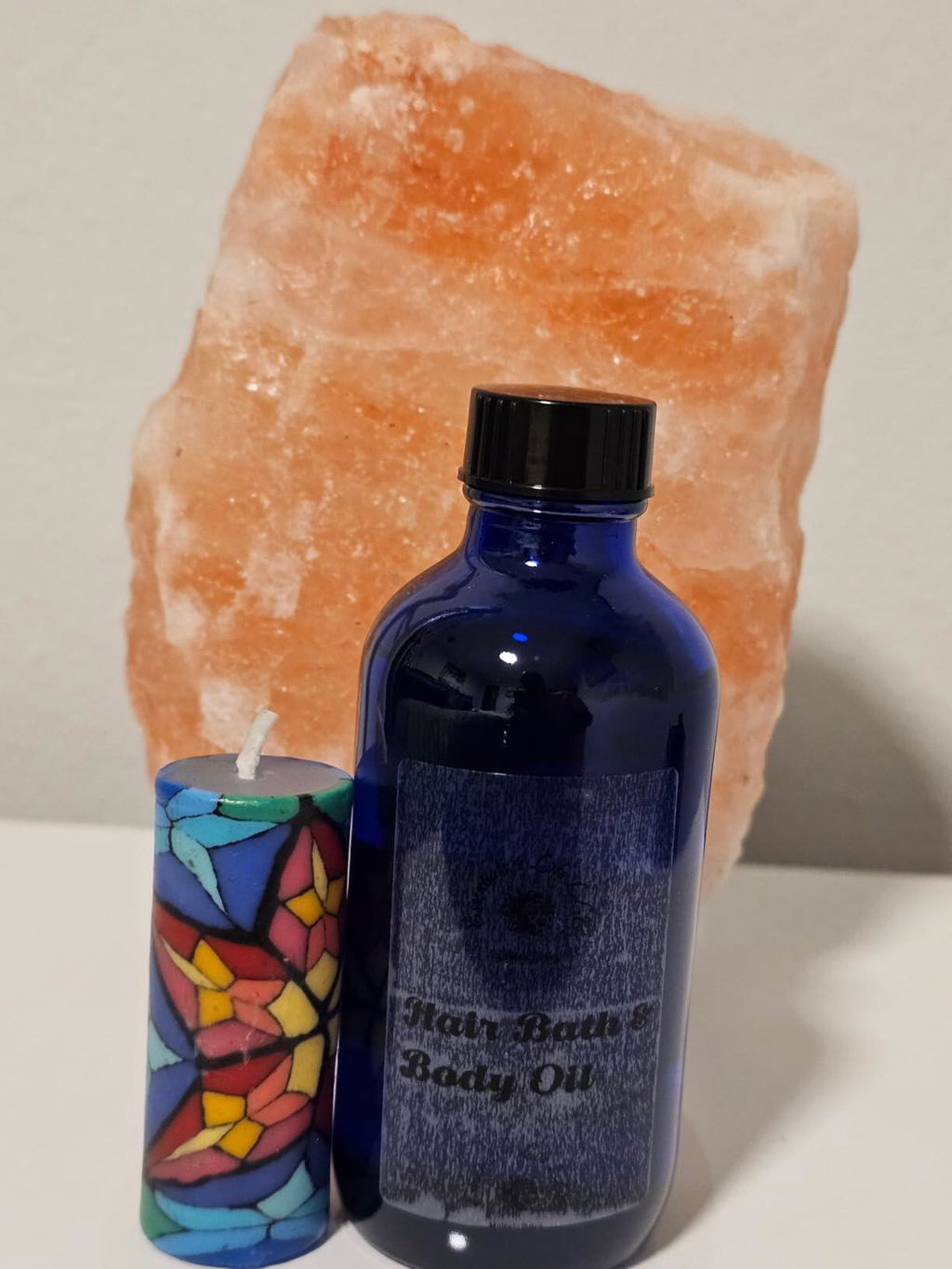
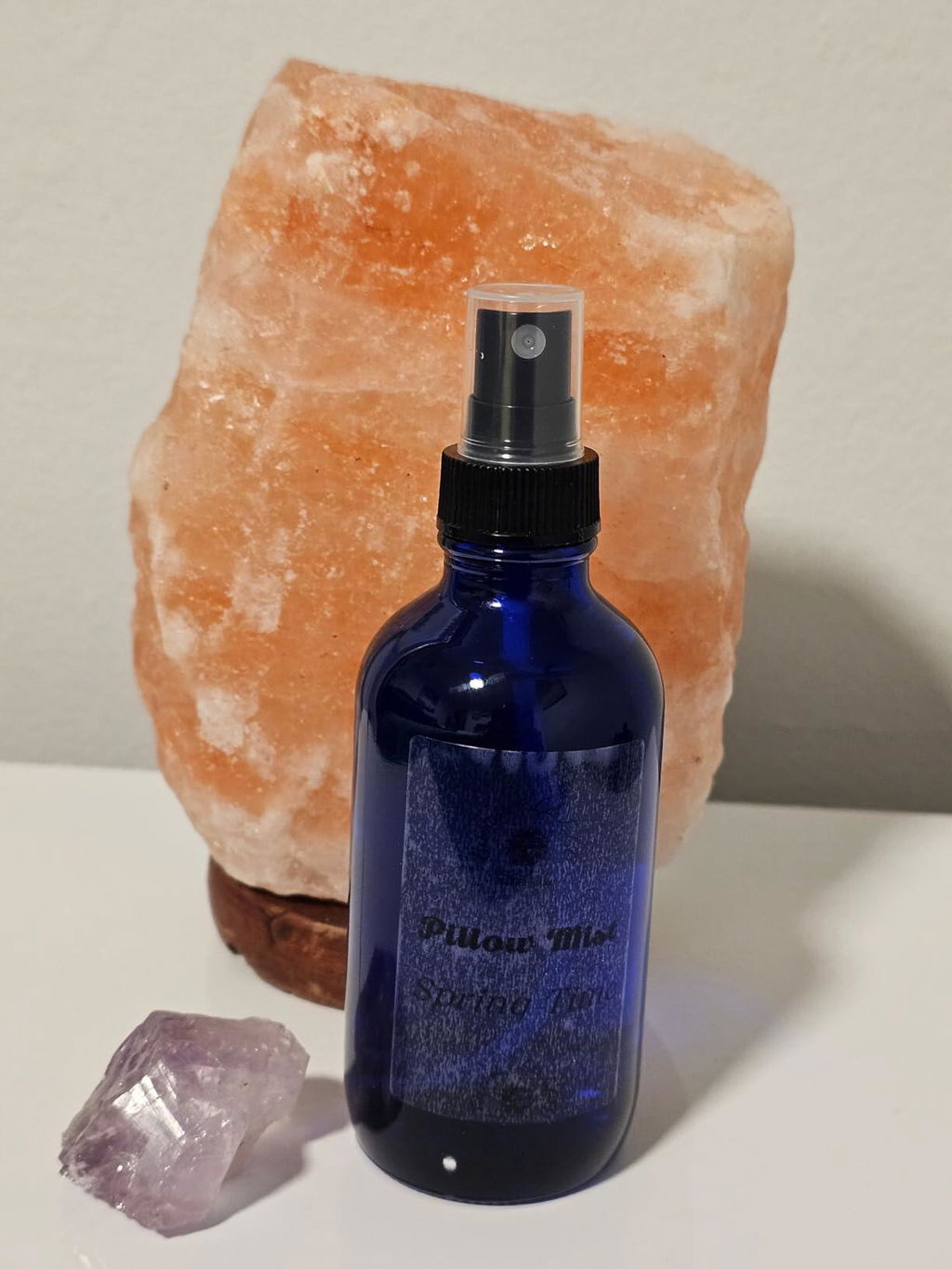
So far, the printer works flawlessly. The instructions are easy to follow, and with the right settings, the print quality is exactly as expected. It prints on colored, white, and transparent thermal labels with a deep, intense black rather than a faded gray when properly configured. Very happy with my purchase!
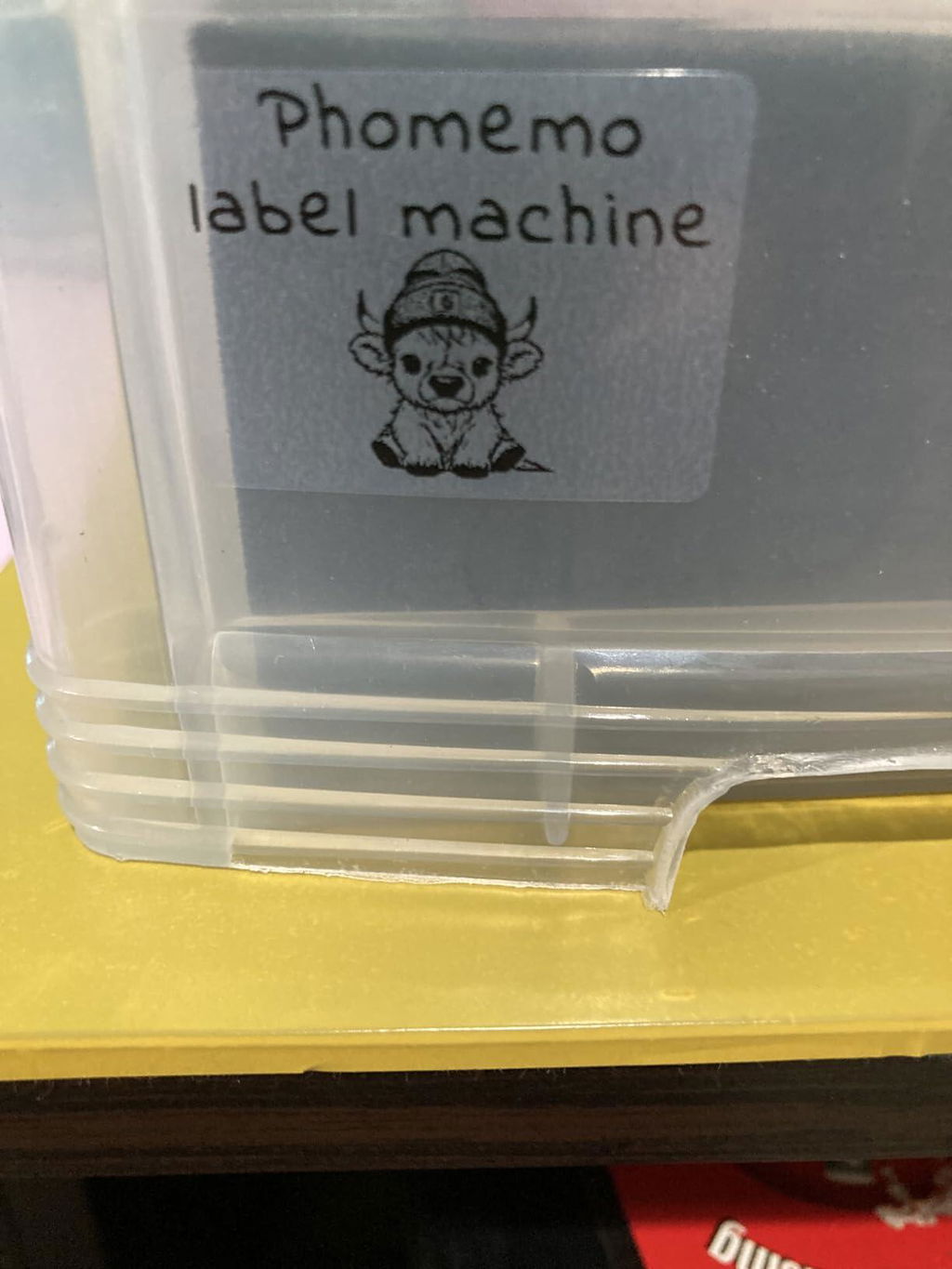
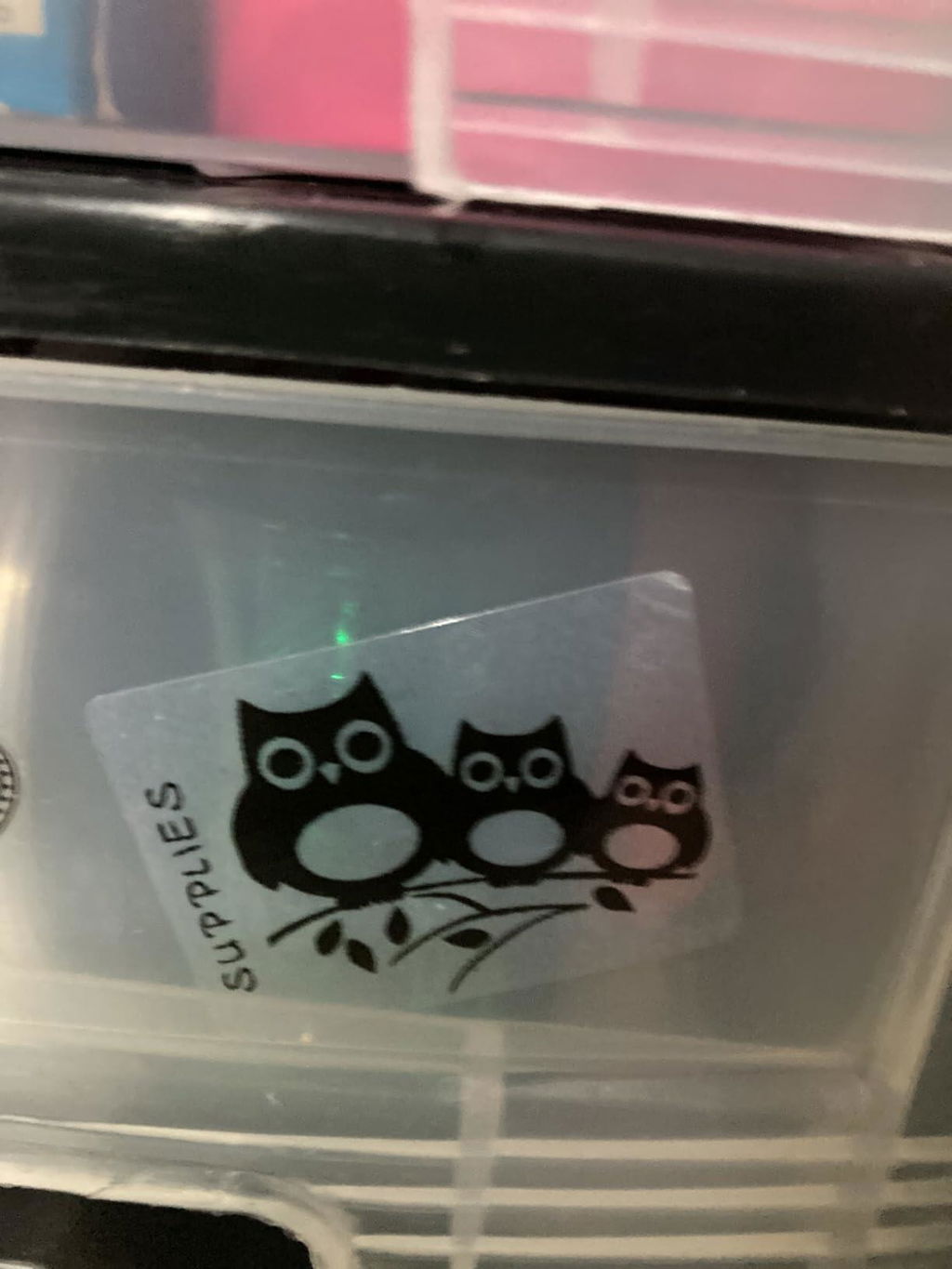
We got this to print oil change stickers and it works amazing for that. The portability, ease of setup, and great price makes this a great deal.
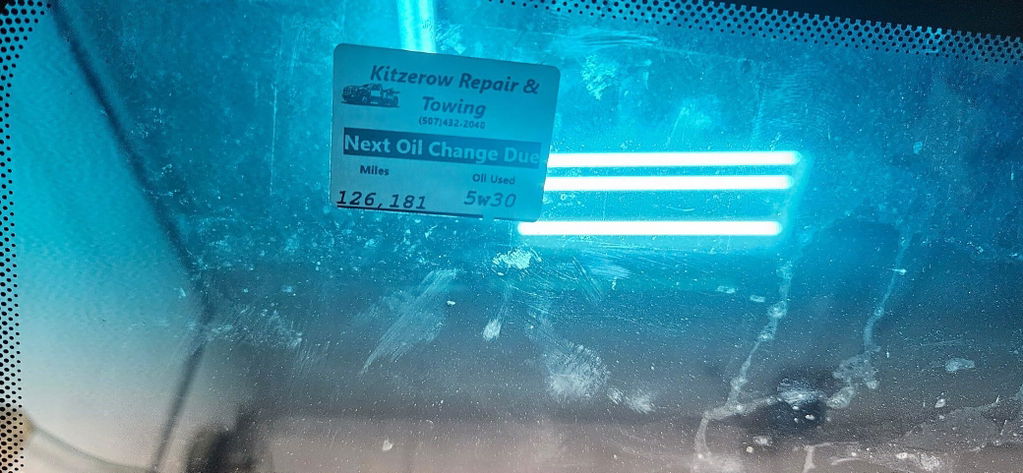
I LOVE this little label maker! It’s small and compact. The app that pairs with it is easy to navigate and figure out. I haven’t had one issue with it. I have to refrain from labeling everything in my house! Charge holds quite a long time. Used a lot and haven’t had to charge yet.
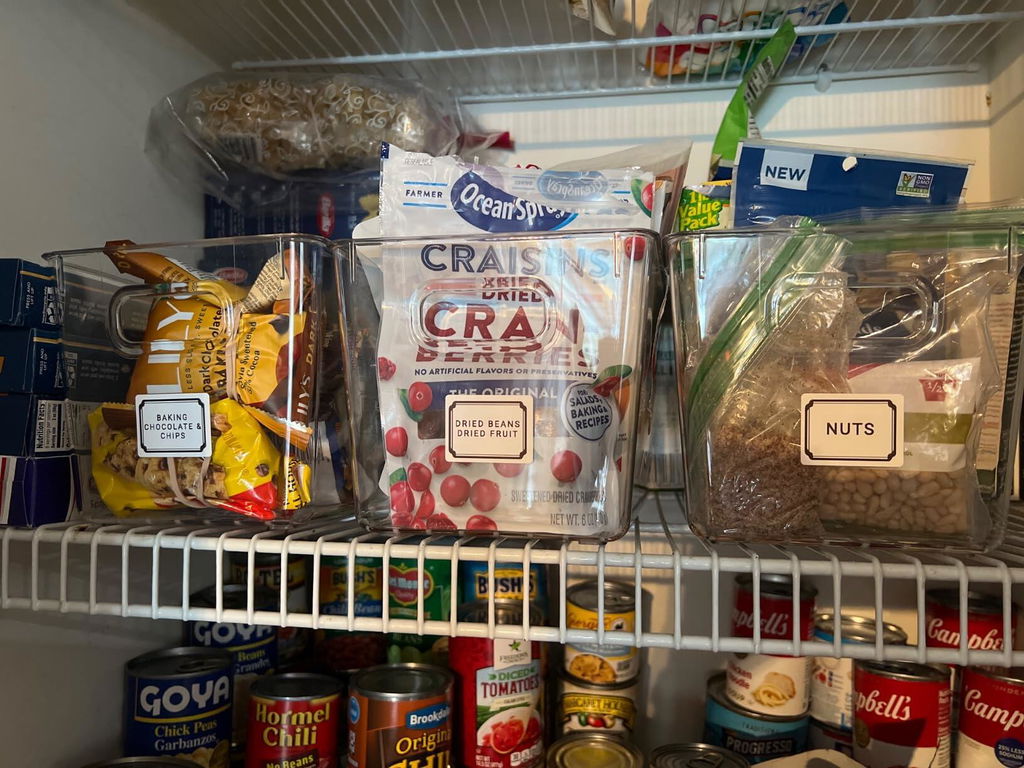
Such a great tool! Ease of use, print speed is quick, it is a blessing! Get it! Comes with very easy instructions step by step as long as you have any smartphone prior to download app and connecting the label maker with bluetooth.
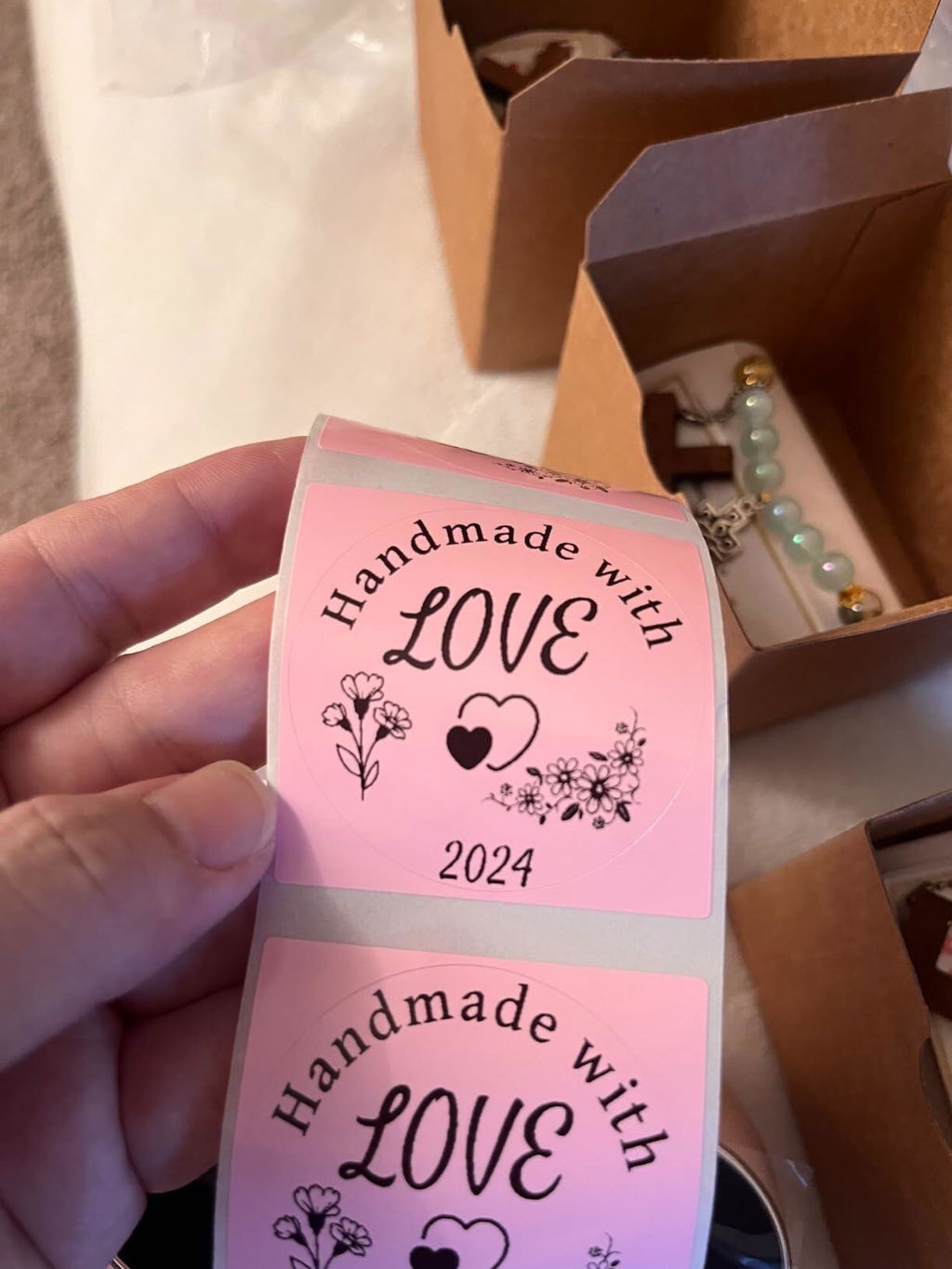
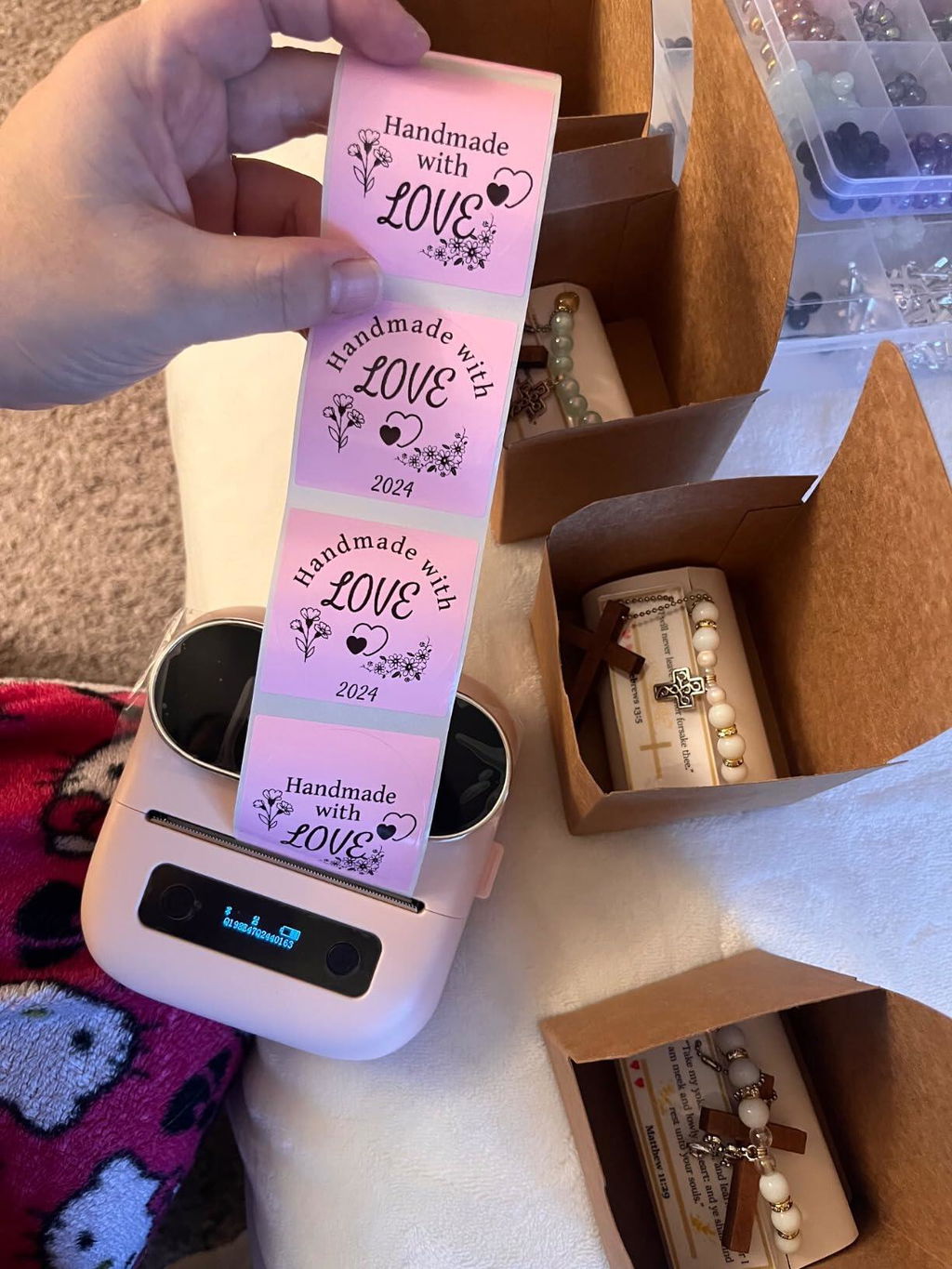
I'm so happy with the purchase of this small personal label maker. It's easy to set up and once you get the hang of creating your label on the app, it's great!! Besides labels for my business, I also created christmas labels for the gifts! 🎄🧑🎄
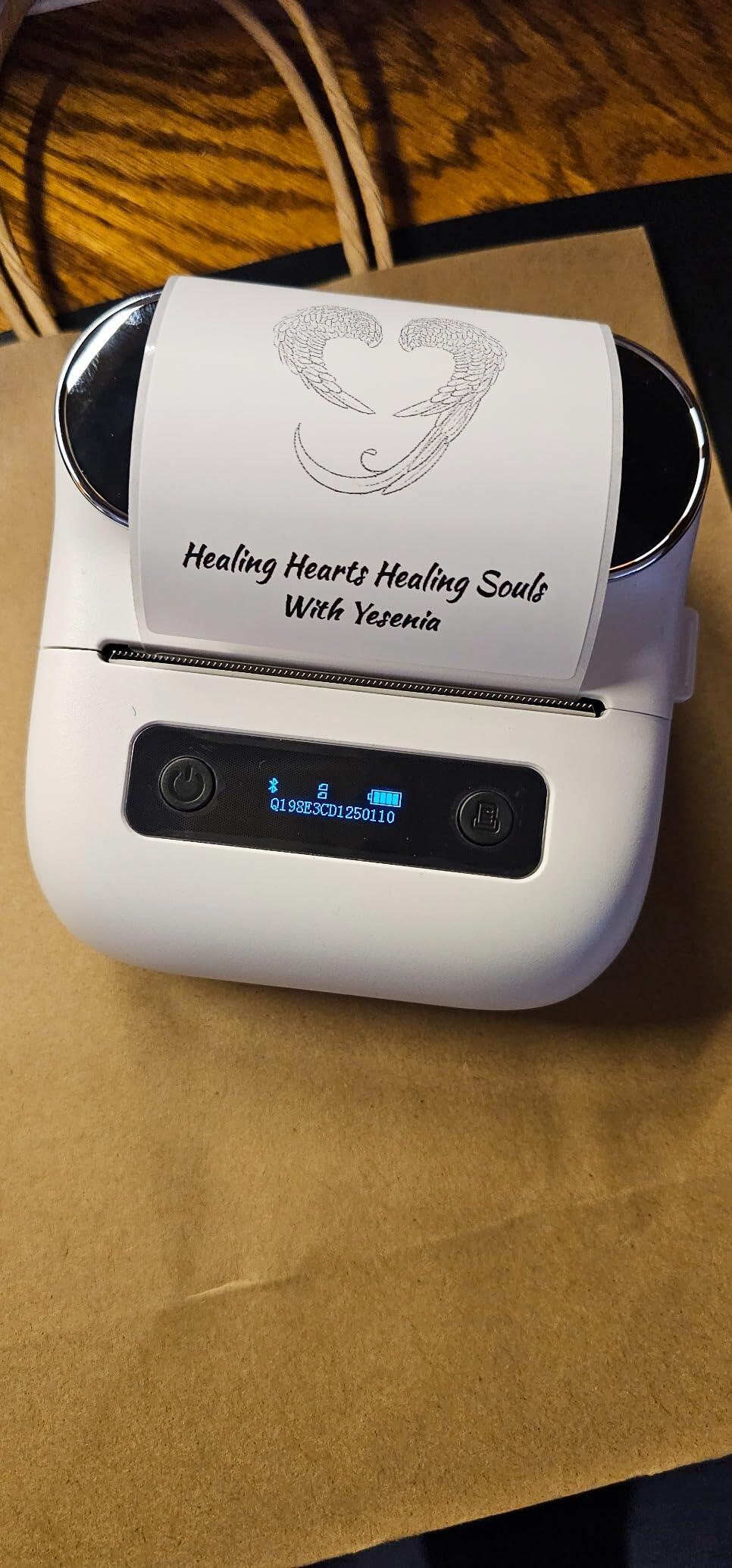
I don’t usually write reviews, but after reading all the negative reviews and purchasing this product ready for a challenge, there was no challenge! The product is easy to use right out of the box! Scan the QR code, download and open the app, start to create your labels and print.
I purchased the set with the bag and the three different size labels. I was more interested in the app when looking for a label maker. The app does not come with preloaded templates. You have to create your own. Once you have an idea it’s a very easy process. You can edit and print PDF files, access your photos to print on labels, includes barcodes, QR codes, OCR, icons, borders, lines, different fonts, tables, Excel, voice recognition, shapes, and scan functionality.
The printer does turn off and you have to select “reconnect” before you print, if there is an extended time during print cycles. It’s one extra simple button. The labels print super fast and are ready to use. The printer seems very durable and quiet.
The only two issues I have run into are printing super small font, it tends to blur a bit, and when changing label tape to a different one it does waste one or two labels, which is to be expected. I’ve attached a photo from the app for anyone in need of a simple template.
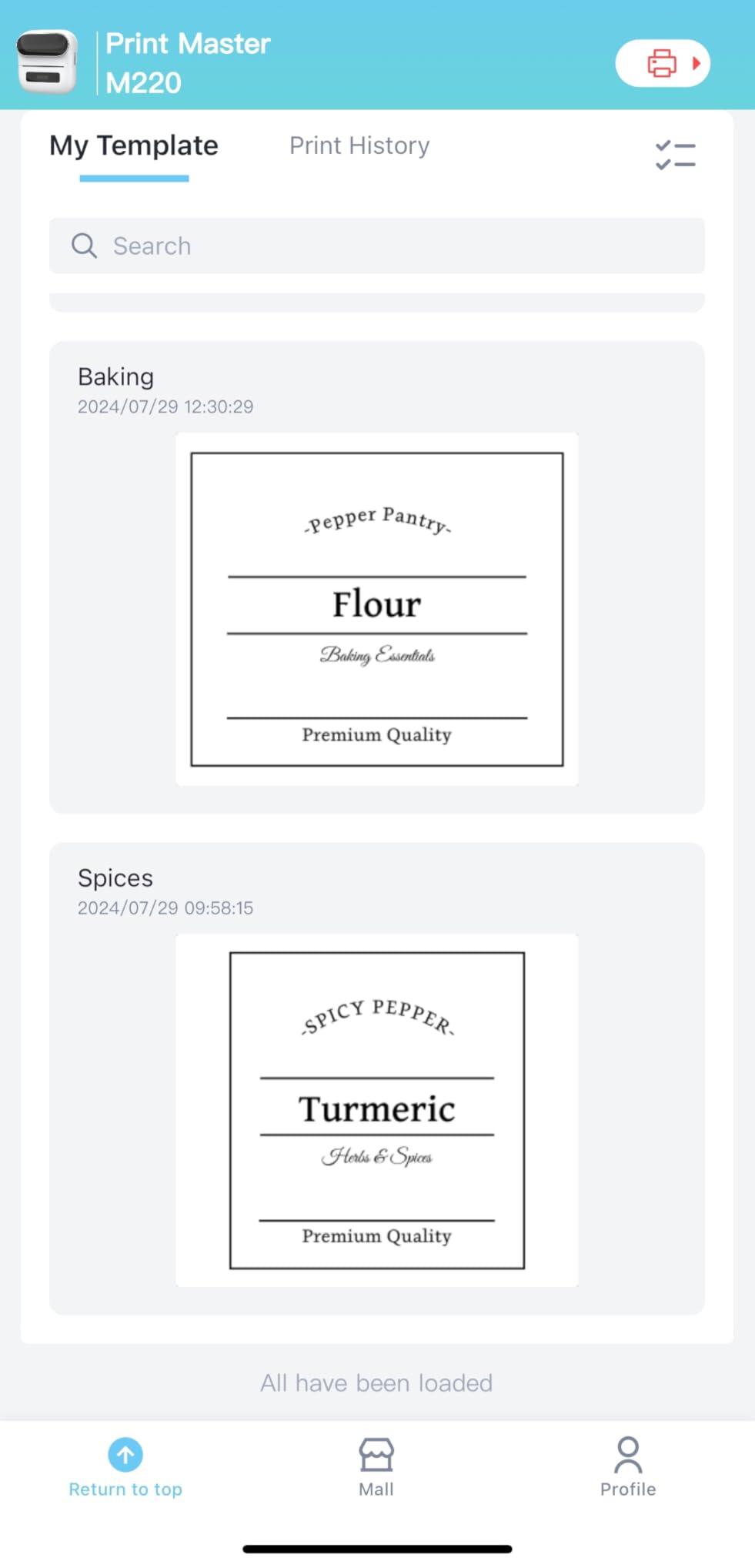
This is a great little printer, perfect for label making for storage containers and also perfect for a small business for business labels. Easy to use and set up, simple app to use with your phone and print on the go as you need or in bulk. Multiple sizes printer labels available.
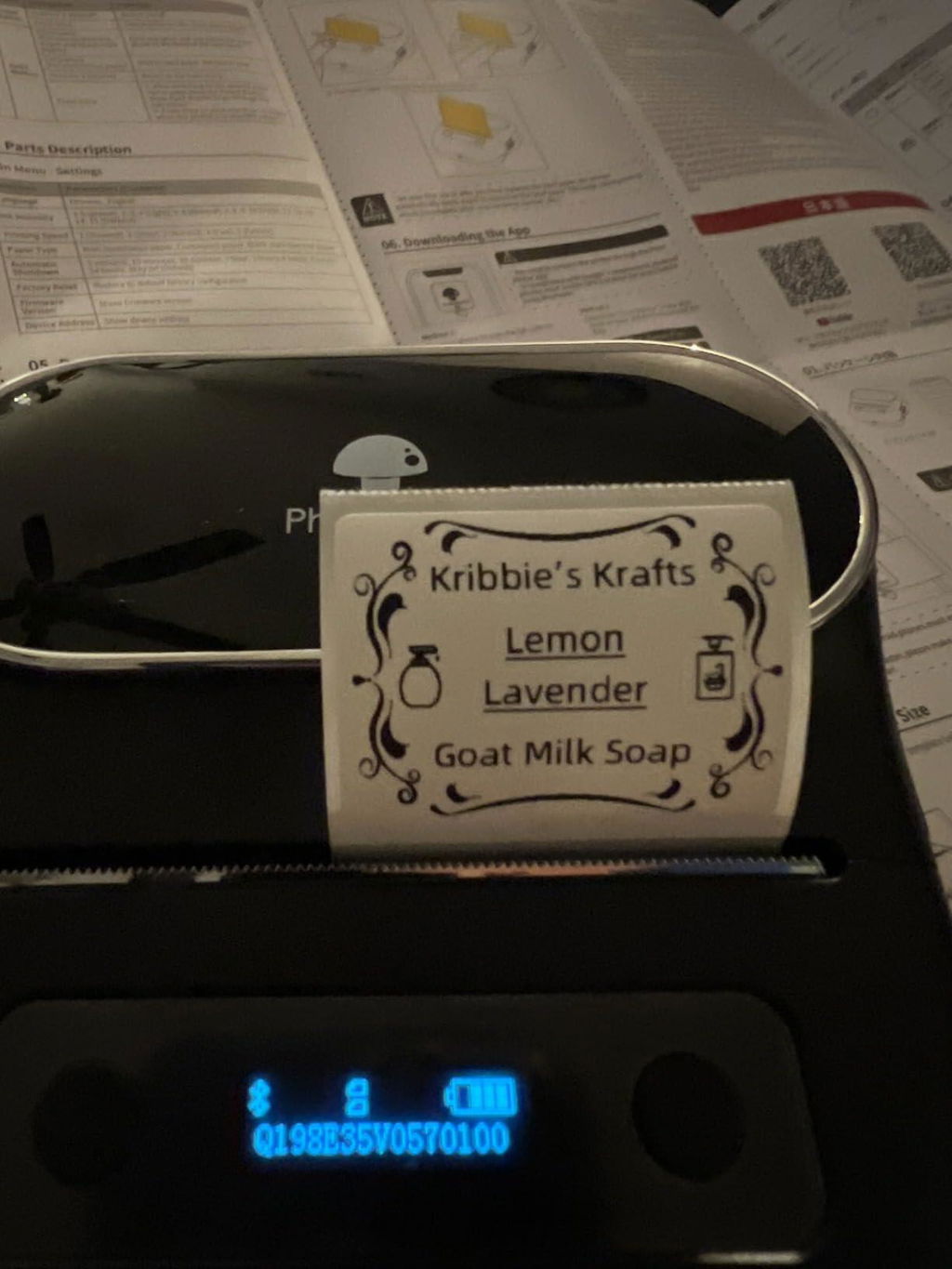
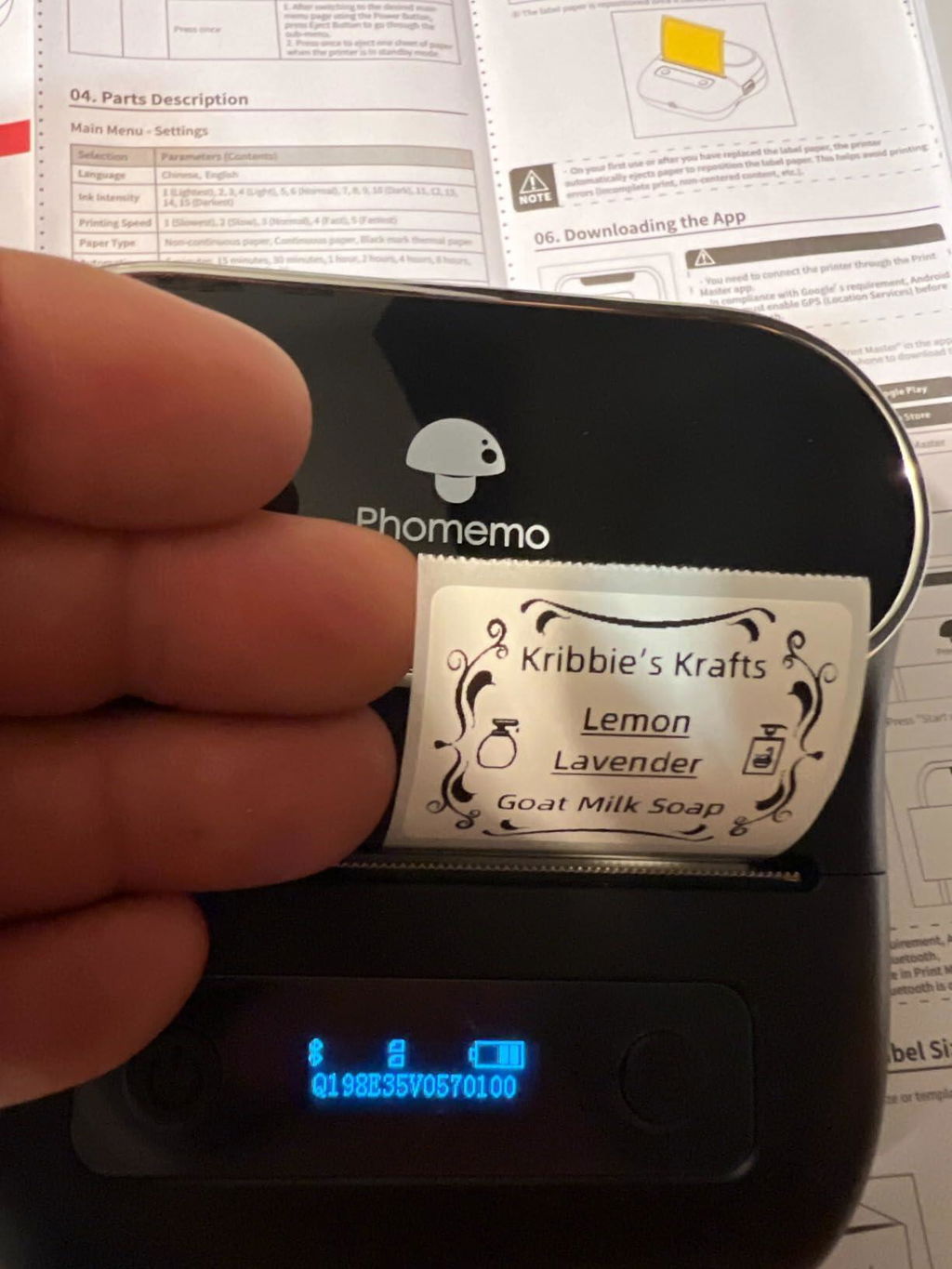
I was able to get this set up in 5 minutes and created a few designs, printed some of their generic sticker designs, and also printed a few pictures of my cats. I am really happy with the quality and ease of use. I love that it comes with multiple sizes. As a teacher, this will come in very handy to make labels next school year.
The app that you use to design on the computer was also fairly easy to install and use. I had no problems with it. I was able to make a design on Canva and upload it to the Labelife app to then print on the label maker.
Just keep in mind that the simpler the design the better. The more detailed the design, the harder it is to make sure the printer is able to actually get all the details on the label.
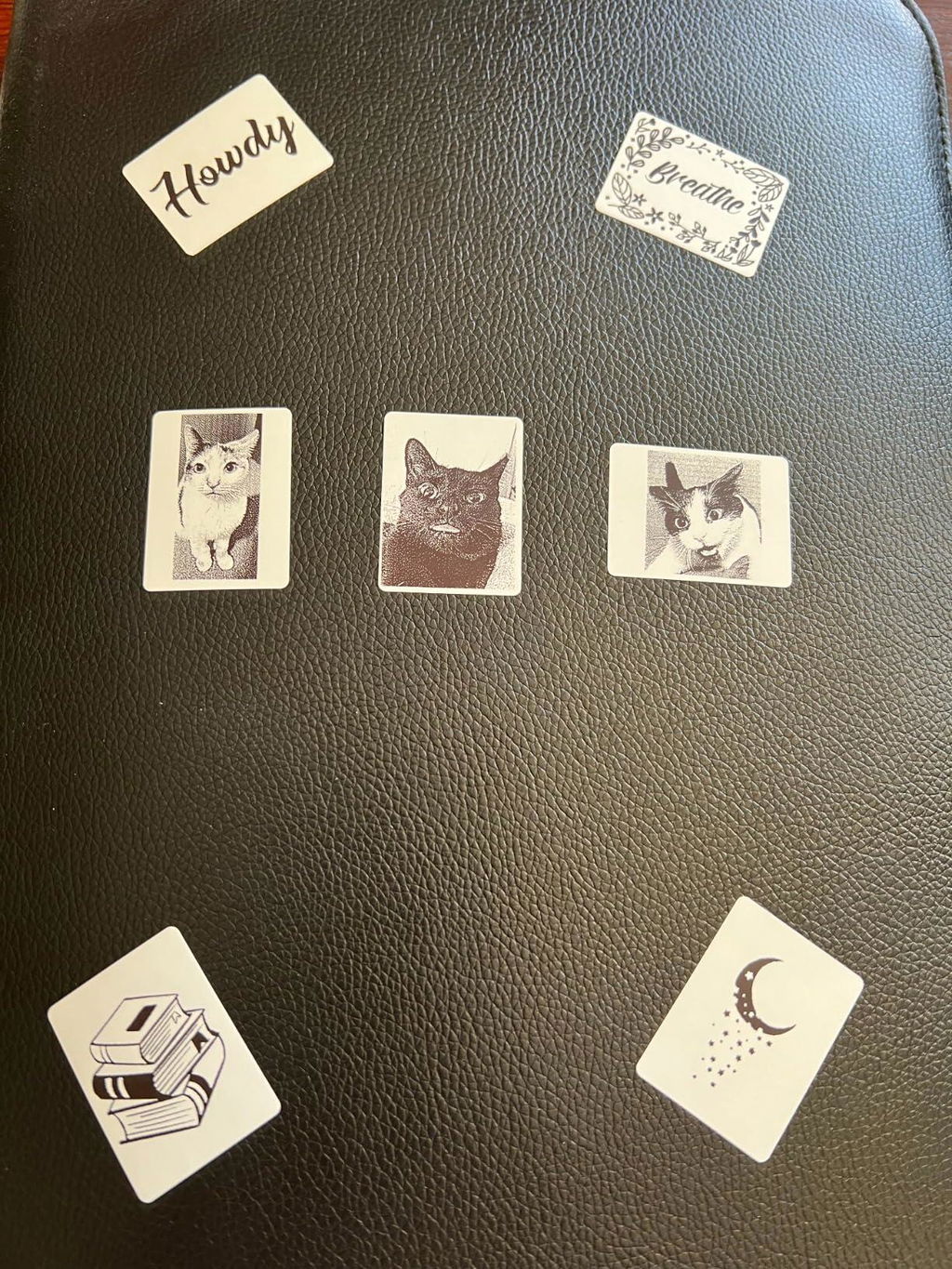
I was so excited about this printer, but I couldn't help to fell disappointed with the performance of the printer.
I tried adjusting the settings to see if it could prong clearly, but I gave up. Either I have a defective product, or this printer is not worth it. It doesn't print well; the details of the icons from their app cannot be seen clearly.
****Update***
A few days later after my review I was contacted by the company, they were very apologetic and even though I returned the printer they sent me a new one that works wonderful.
I was very impressed by their costumer service. The printer that was sent prints properly the quality is high.
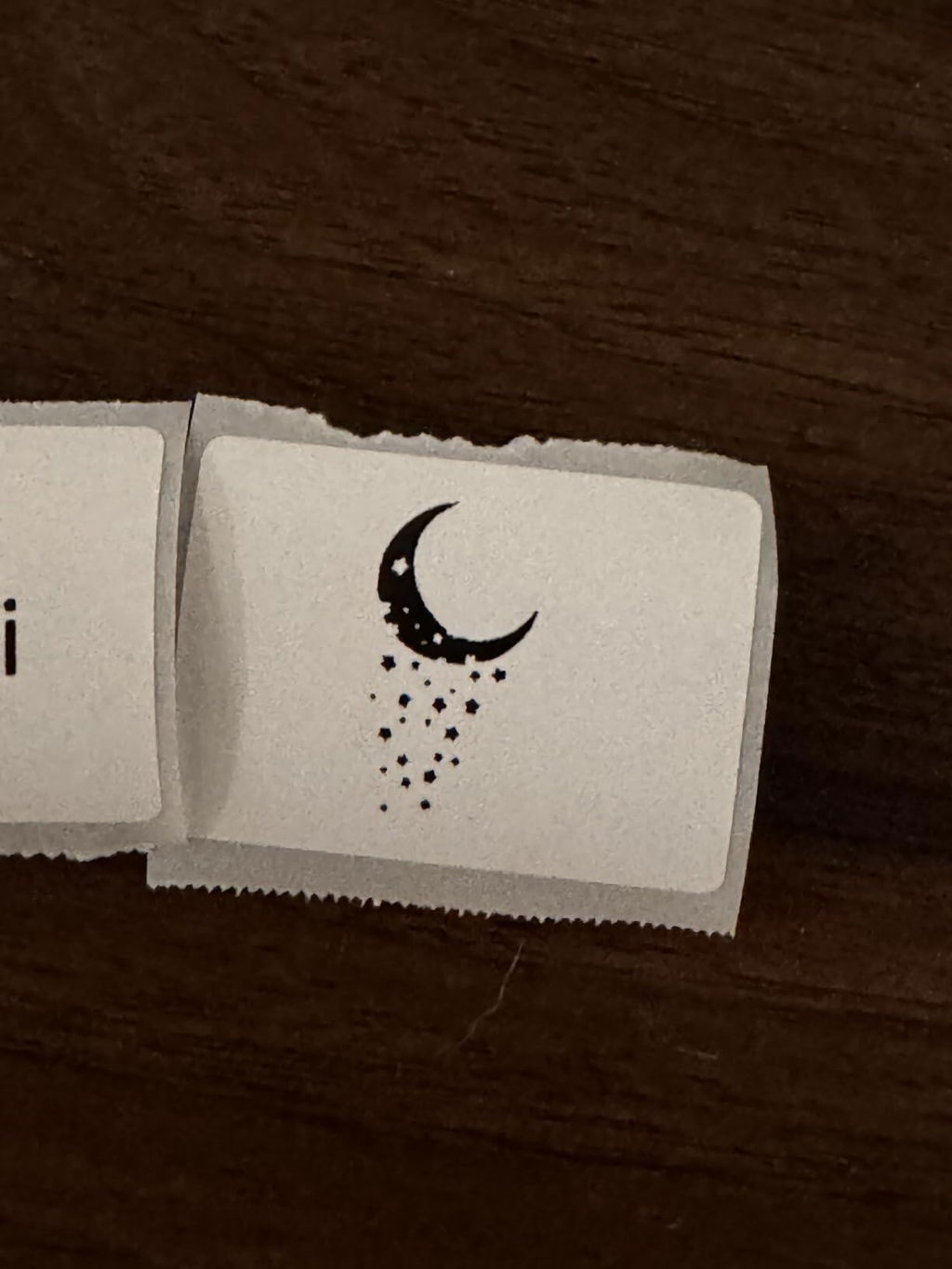
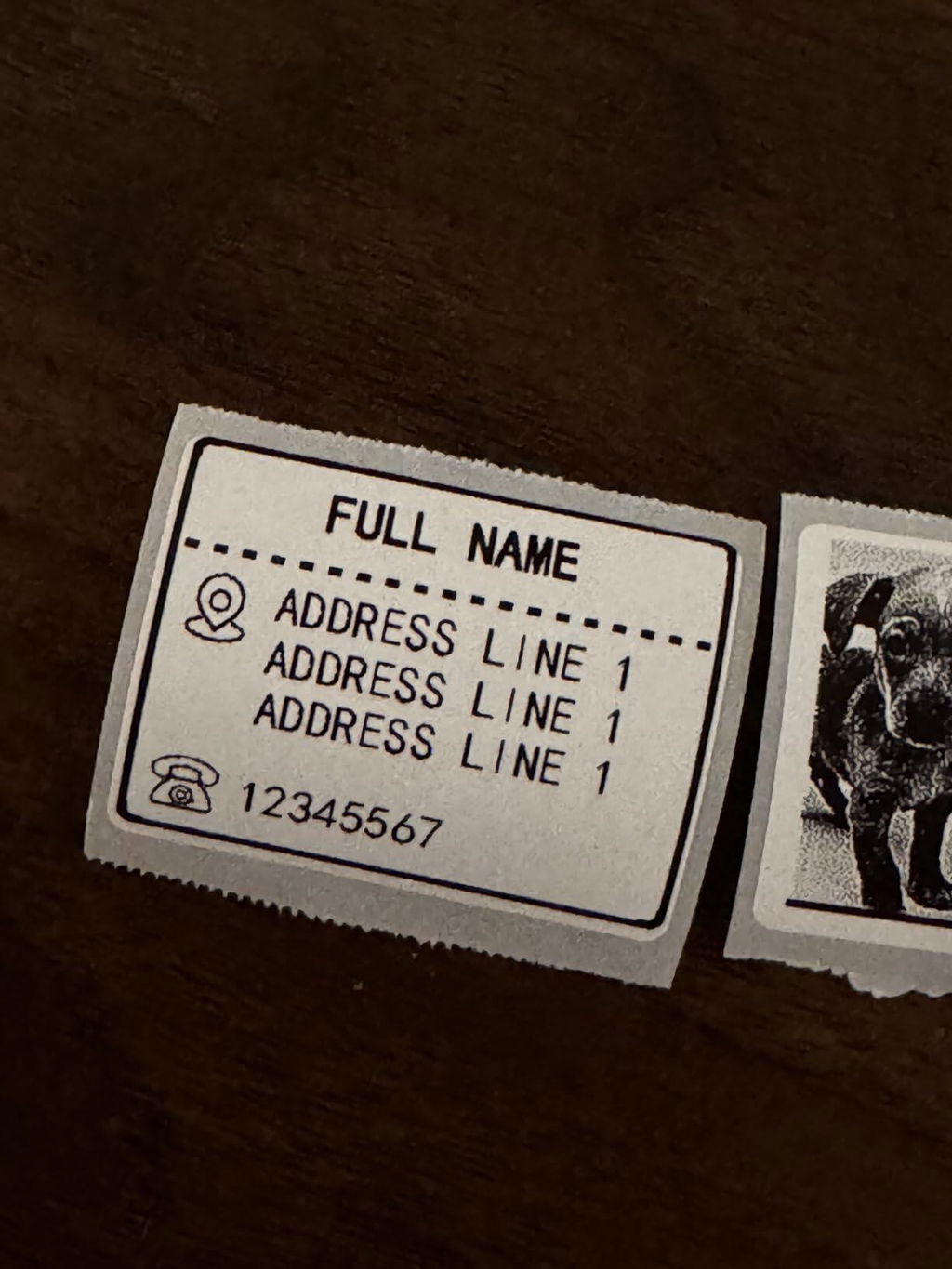
Ich habe mir diesen Bluetooth Etikettendrucker zum Beschriften von Produkten zugelegt.
Der Etikettendrucker kam gut verpackt an, und eine Rolle Etiketten war bereits enthalten, sodass ich sofort loslegen konnte.
Eine Anleitung in verschiedenen Sprachen, einschließlich Deutsch, lag bei. Alles ist jedoch sehr einfach zu Bedienen und weitgehend selbsterklärend.
Nachdem ich die App Printmaster auf meinem Smartphone runtergeladen hatte, konnte ich den Drucker problemlos über Bluetooth verbinden. Das funktionierte fast von selbst.
Die App bietet viele Druckoptionen: Barcodes, Rahmen, verschiedene Schriftarten, Bilder und vieles mehr. Mir fehlt es an nichts. Das Verschieben von Texten und die Anpassung der Größen sind intuitiv und einfach.
Ein kleiner Kritikpunkt ist, dass der Drucker gelegentlich ein leeres Etikett auswirft, besonders beim Wechseln der Rolle oder beim Einschalten des Gerätes.
Aufgrund der erstklassigen Druckergebnisse, der einfachen Verbindungsmöglichkeit, der umfangreichen Auswahl an Funktionen und der benutzerfreundlichen Bedienung erhält der Bluetooth-Etikettendrucker von Phomemo von mir volle 5 Sterne und eine klare Kaufempfehlung.
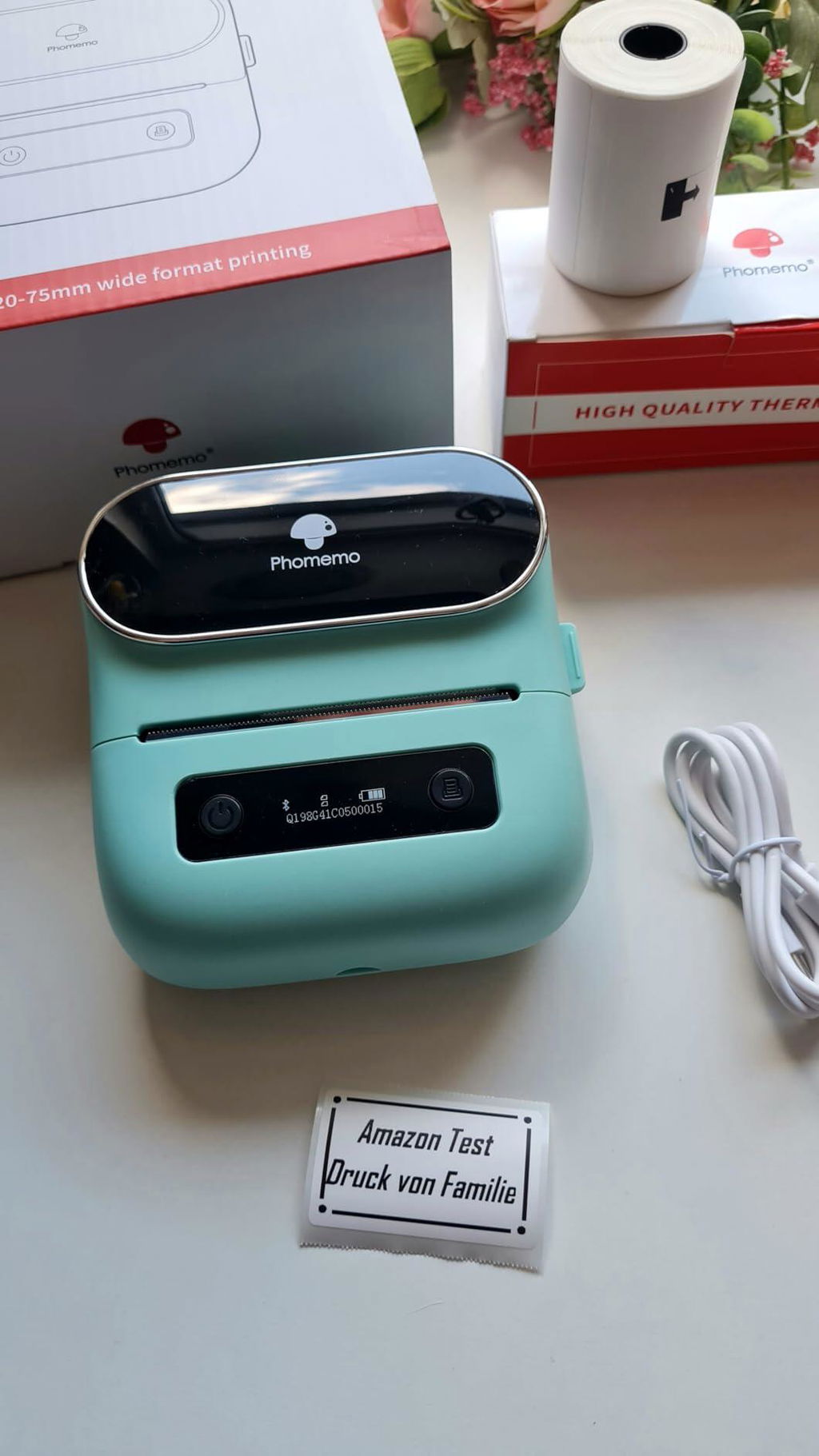
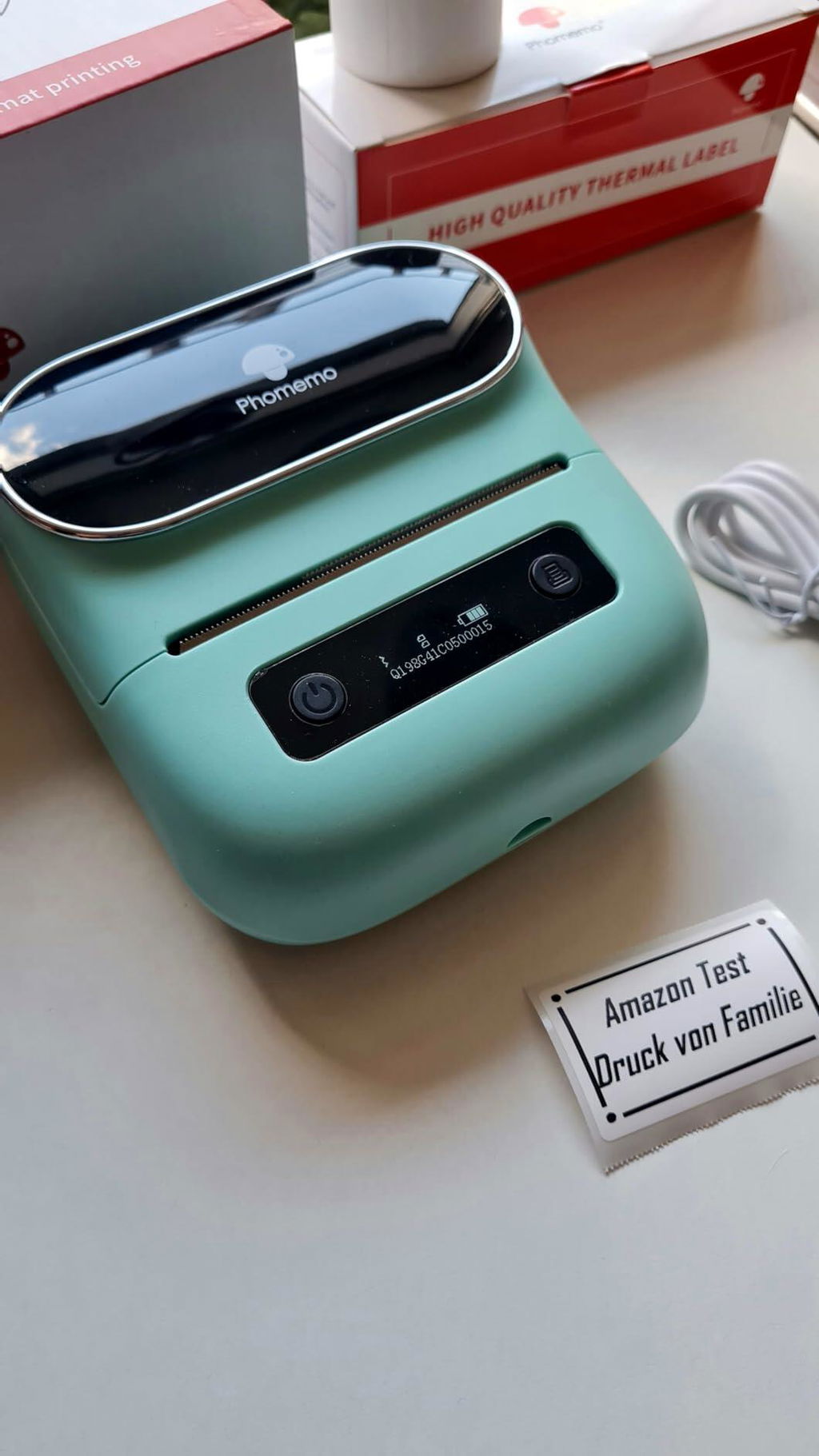
This little printer just arrived today and after a few little hiccups, I am in love. The printing could be a little crisper aka HD but my laundry room and pantry do not need that level of detail. The print quality and choices of borders, font style, label sizes, etc. are good enough for my household organization. Love the reduced price too. Grab one. I did all my label editing on my phone. Fabulous because I can make random labels in my spare time, save and print later. Love it! So easy!
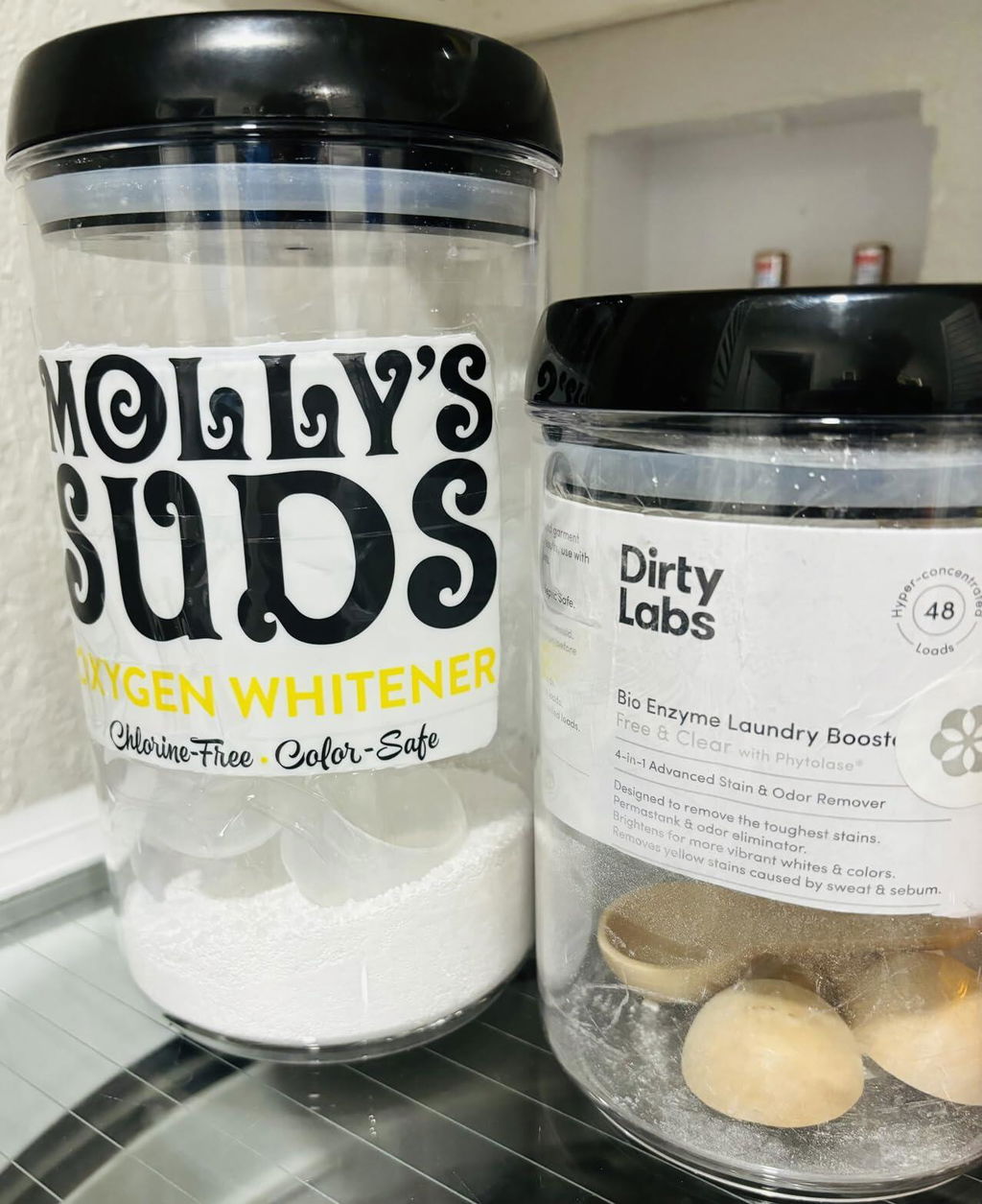
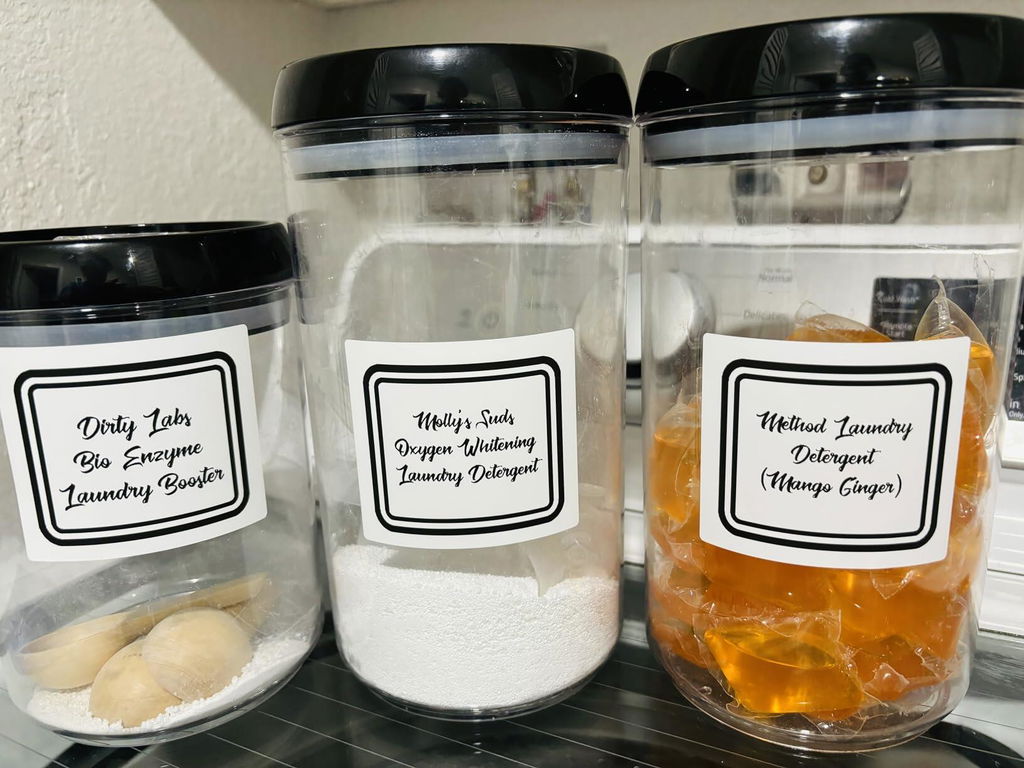
Die App lässt einen das Etikett im Hochformat anlegen, scheitert dann aber am Druck. War sehr enttäuscht.
Nach einem zweiten Anlauf (Neustart von App und Drucker) hat dann alles funktioniert. Zum Glück.
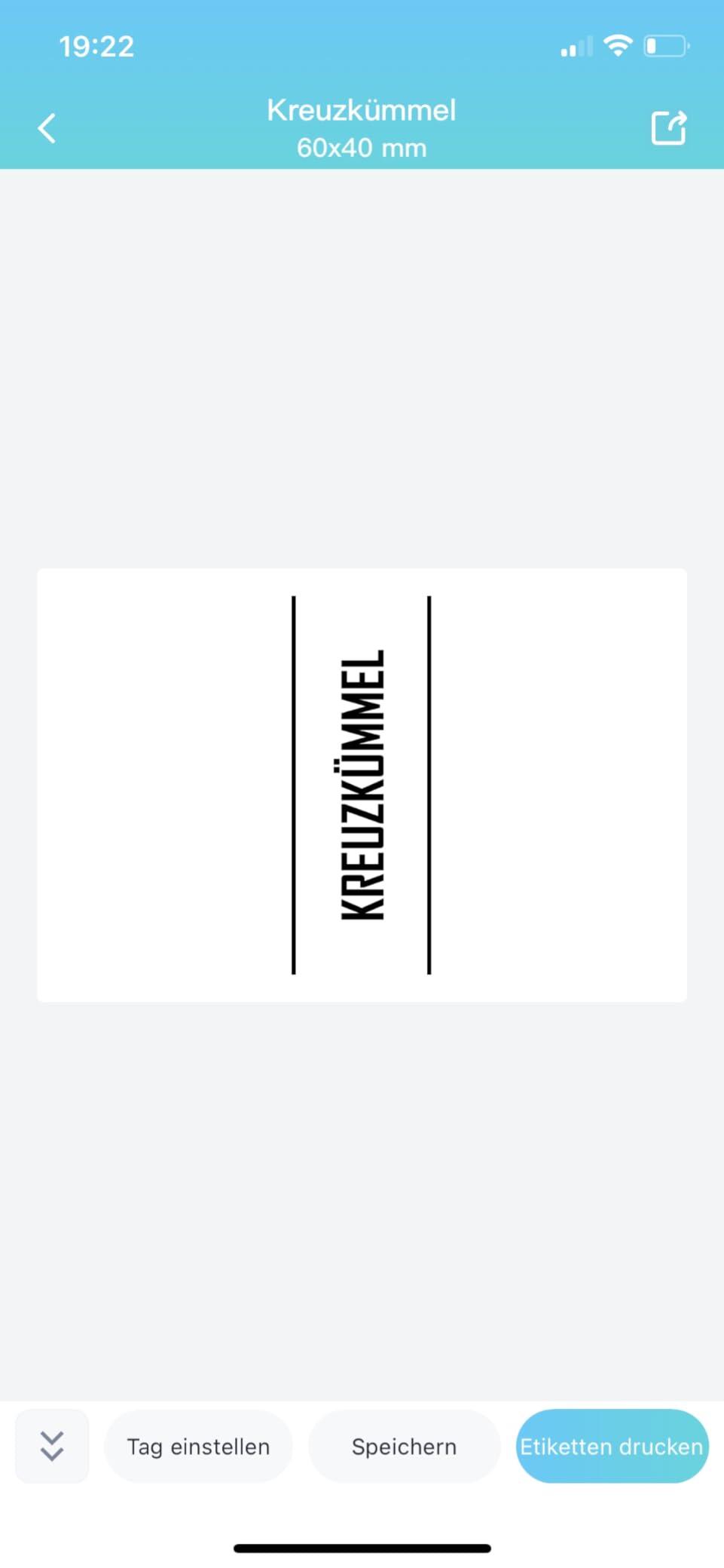
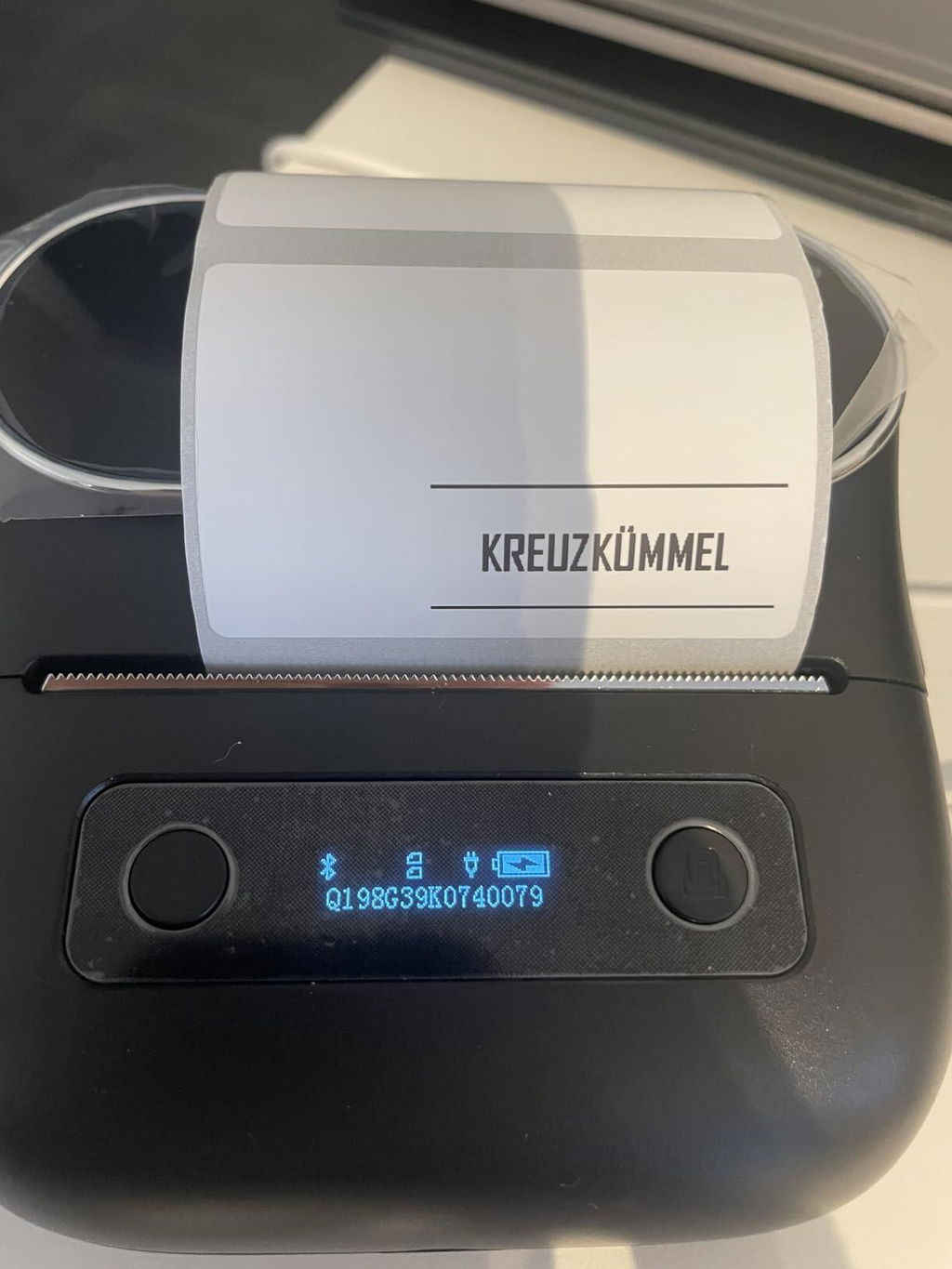
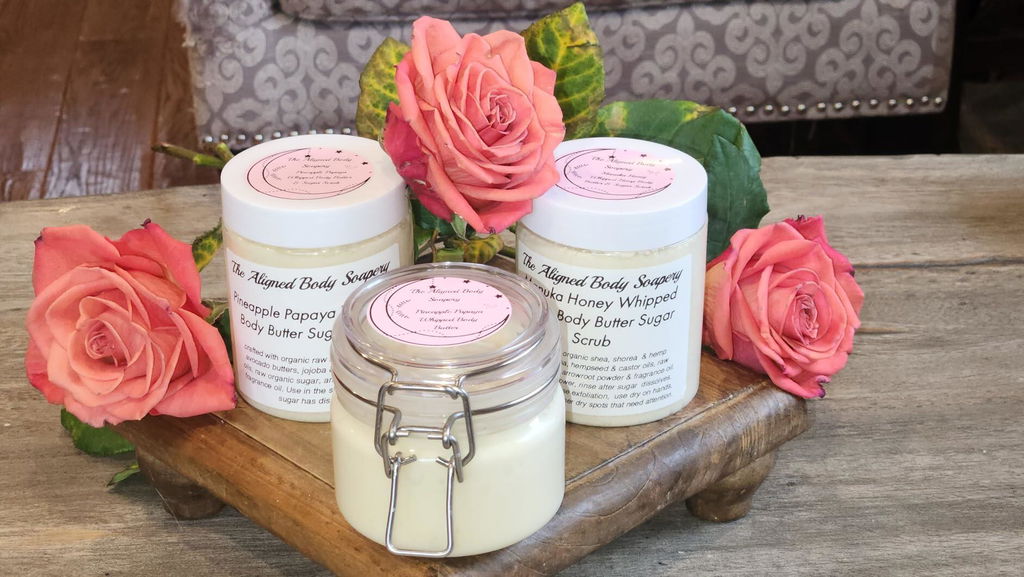
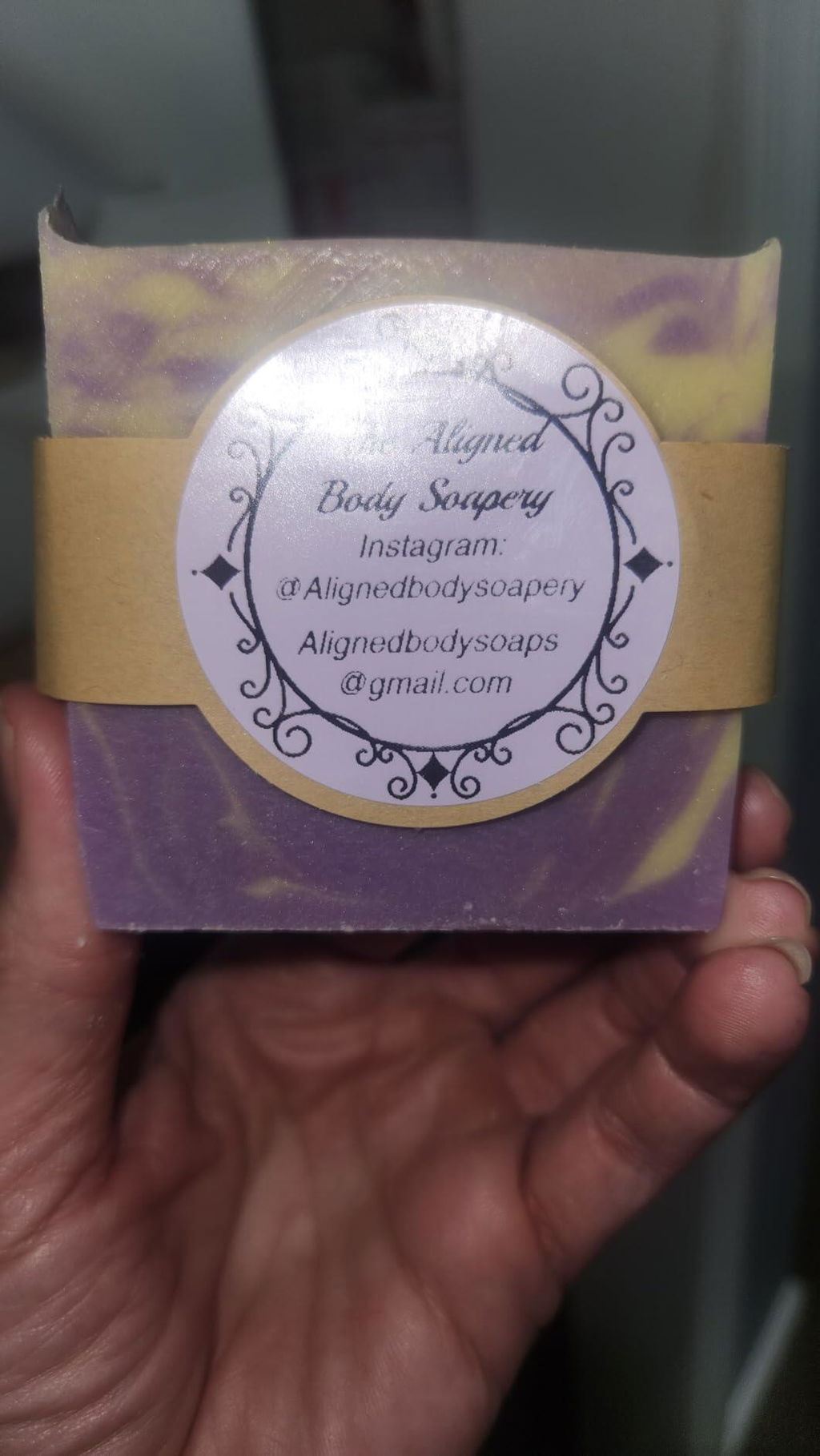
This printer really helped me create a polished look for my soap and body butter business. It's versatile as you have many label size options. I had a problem with the roller becoming loose and was refunded the amount to purchase a new roller. Customer service is very helpful.
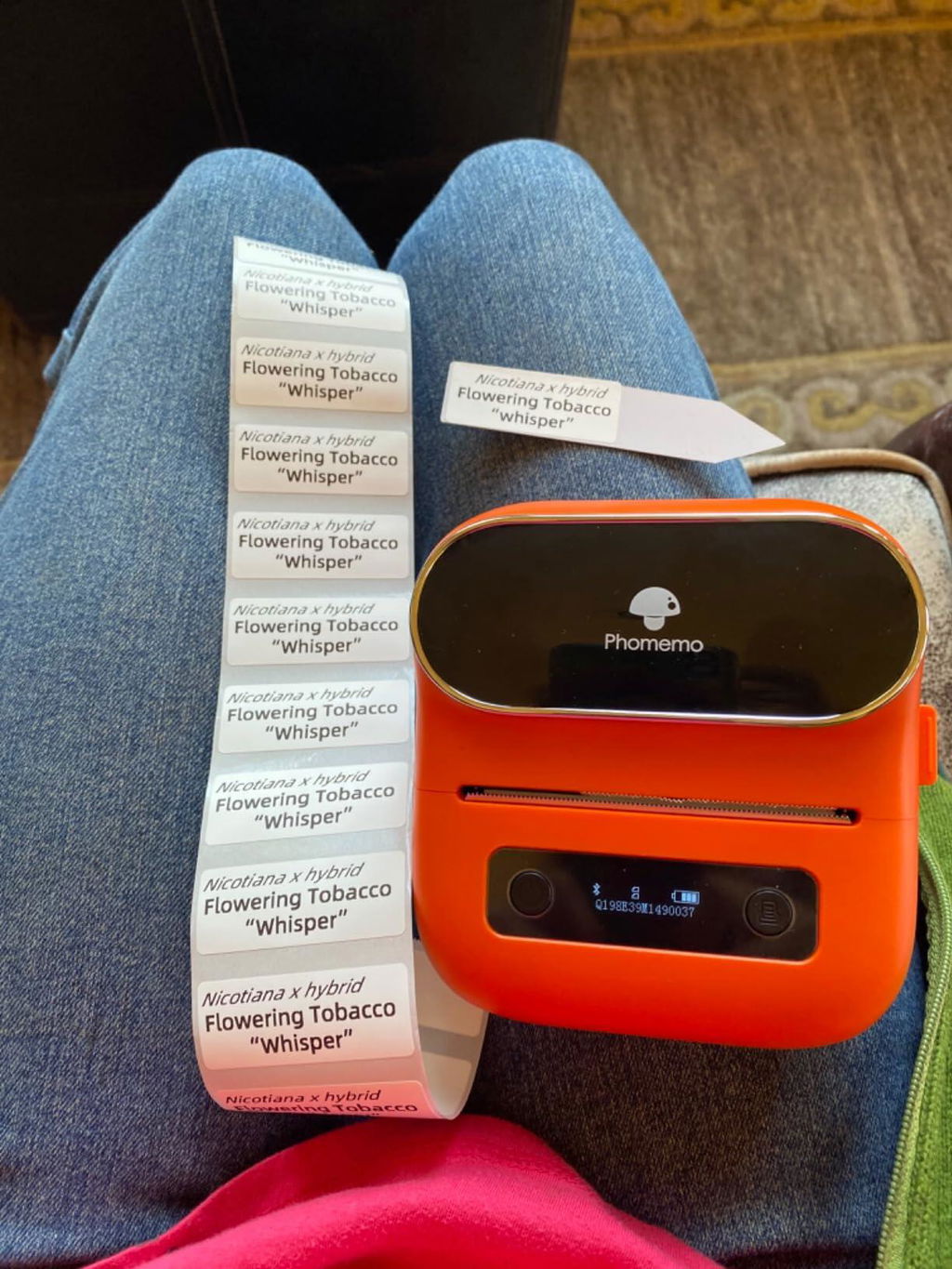
I needed a better way to make plant labels for a small home nursery that I have. I could not get the printer to connect to the apps I had downloaded. I contacted customer service and within an hour I had my answer. I downloaded the wrong apps. PRINT MASTER is the one to use. Not label life or phomemo. It is so easy to use. The labels are waterproof,the only thing I’m waiting to see is if they are UV resistant. Really satisfied with the product and support.
I have used many label makers and this one is the best!! Easy to use and the labels stick so well. The labels look amazing. Love that it came with 3 different size labels
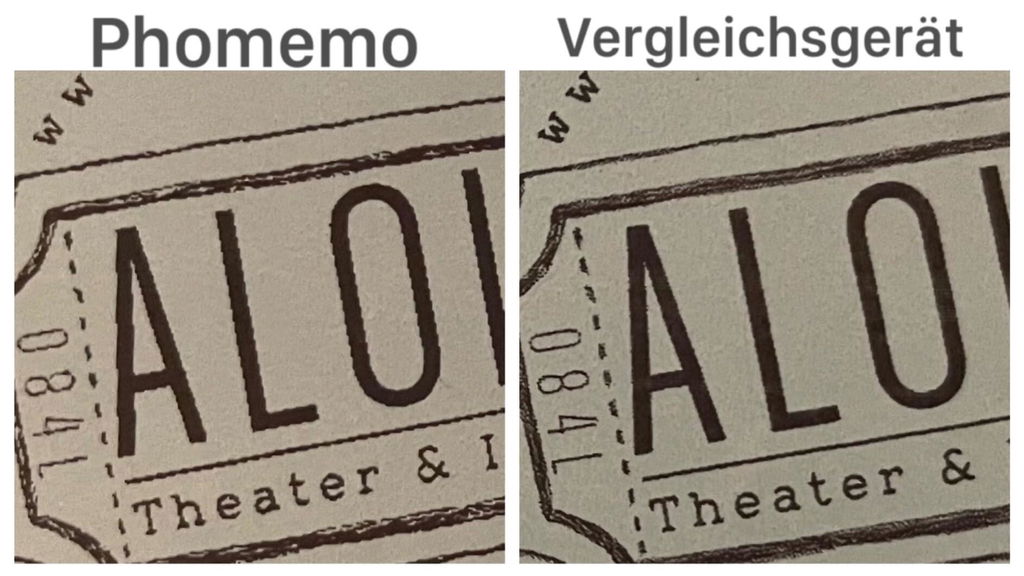
Der Drucker gefällt mir recht gut, aber vom Druckbild gerader Linien, die nicht genau horizontal oder vertikal verlaufen, bin ich enttäuscht: Wie man auf dem Foto erkennen kann, sind die Linien nicht glatt (gedruckt in niedrigster Geschwindigkeit). Zum Vergleich daneben dieselbe Grafik in gleicher Größe auf gleichem Papier, gedruckt mit einem Gerät, dass die Hälfte kostet: Glatte Linien! Schade, denn sonst bin ich total zufrieden.
Außerdem habe ich keine Möglichkeit gefunden, ohne vorherige Festlegung der Papierlänge zu designen. Das schränkt meine Arbeit damit ein.
Ich werde das Billig-Gerät dann wohl für diverse Einsätze behalten, hatte ich doch gehofft, es mit dem Phomemo ersetzen zu können. Naja, vielleicht gibt es ja eine Lösung - warte noch auf Rückmeldung des Herstellers.
Was das anfängliche Auswerfen von Papier und damit dem Verlust des ersten Aufklebers betrifft: Das Papier bei ausgeschalteter Drucker einlegen und erst nach dem Schließen anschalten! Dann wird nichts ausgeworfen, bevor gedruckt wird ;)